Blurtab


What is Blurtab?
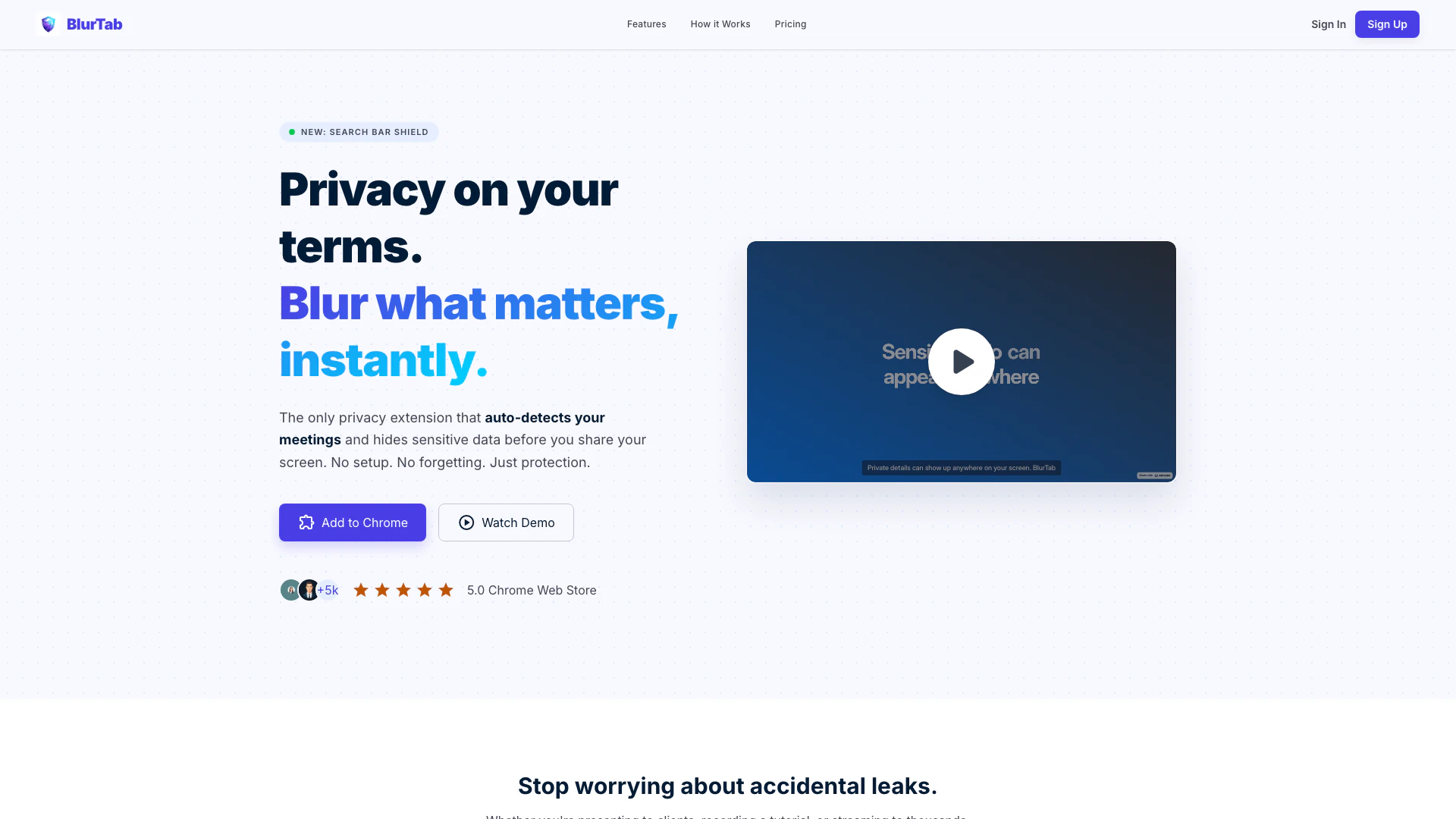
Blurtab is a cutting-edge privacy extension designed to secure sensitive information during online activities. This innovative tool automatically detects meetings on platforms like Zoom, Google Meet, and Microsoft Teams, instantly blurring any sensitive data before it can be shared on screen. With a focus on user-friendly functionality, Blurtab offers seamless protection without the need for complex setups, ensuring that users can share their screens confidently while keeping their personal data private.
How to use Blurtab?
- Install: Add the lightweight Blurtab extension from the Chrome Web Store in seconds, with no account required.
- Select: Toggle the extension on and click any text, image, or element on the page to instantly blur it.
- Share: Start your recording or screen share, and the blurred elements will remain hidden, even as the page updates or scrolls.
What are the main features of Blurtab?
- Auto Meeting Mode: Automatically activates privacy protection when joining Zoom, Google Meet, or Teams calls.
- Smart PII Scanner: Detects and blurs sensitive information such as emails, phone numbers, and credit card details.
- Search History Shield: Automatically blurs search suggestions and history dropdowns to prevent accidental exposure.
- Click to Reveal: Allows users to temporarily unhide blurred items with a single click.
- Zero Logging Policy: Ensures that no data is sent outside the user's device, maintaining privacy.
Who is Blurtab for?
Blurtab is ideal for professionals, educators, content creators, and anyone who frequently shares their screen during virtual meetings or presentations. It is particularly beneficial for those working in environments where sensitive information is regularly displayed, such as customer service representatives, software developers, and educators recording tutorials. By providing an effortless way to maintain privacy, Blurtab caters to users who prioritize data security while engaging in online interactions.
What are the use cases of Blurtab?
- Video Calls: Protect personal information while presenting on platforms like Zoom or Google Meet without exposing private messages or notifications.
- Tutorial Recording: Record instructional videos on platforms like Loom or YouTube, masking sensitive data such as API keys and customer emails in real-time.
- Live Streaming: Stream content on Twitch or OBS, using persistent blur regions to keep sensitive information hidden even when switching tabs.
Blurtab Pros and Cons
Pros
- Auto Meeting Mode: Automatically activates privacy protection when joining video calls on platforms like Zoom, Google Meet, or Teams, ensuring sensitive data is always hidden.
- Smart PII Scanner: Detects and auto-blurs sensitive personal information such as emails, phone numbers, and credit card details in real-time, enhancing user privacy.
- Easy to Use: Requires no complex setup; users can blur elements instantly with a simple click, making it accessible for everyone.
Cons
No cons data detected for this tool
Blurtab Pricing
Yearly Subscription
Flexible yearly billing for continuous access to BlurTab features.
Lifetime Access
Pay once for lifetime access to all features of BlurTab.
For the latest pricing, please visit this link: https://www.blurtab.com/pricing
Prices are subject to change. Please visit the official website for the most up-to-date pricing information.