Bityclips




What is Bityclips?
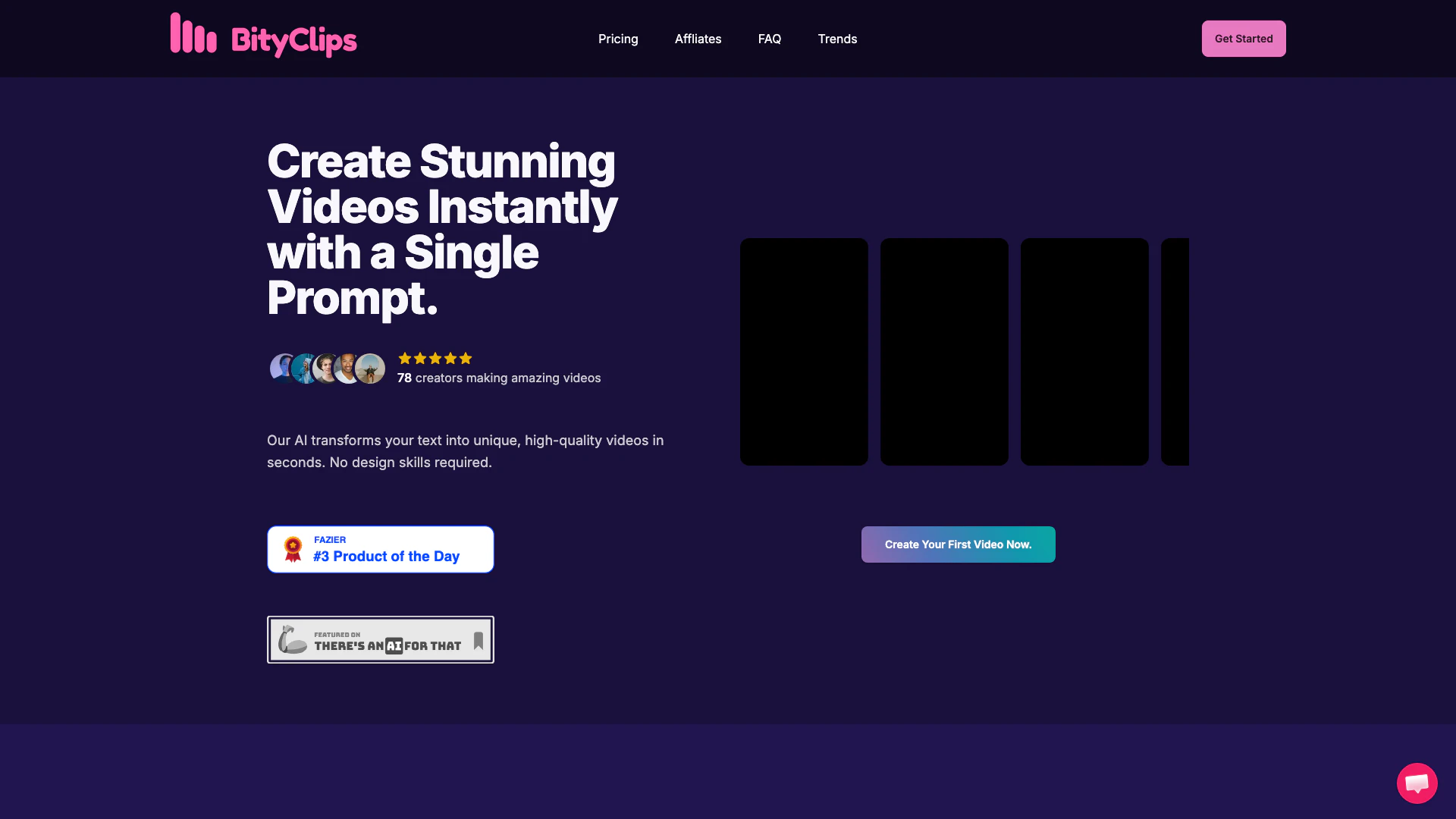
Bityclips is an innovative AI-powered tool designed to create stunning short videos instantly with just a single prompt. It transforms user-provided text into unique, high-quality videos in seconds, making video creation accessible to everyone, regardless of design skills. With its advanced generative AI capabilities, Bityclips allows users to customize their videos and bring their creative visions to life effortlessly.
How to use Bityclips?
- Sign up for a Bityclips account or log in if you already have one.
- Input the text content you want to transform into a video in the designated area.
- Customize your video by selecting preferred options such as narration voice and video length.
- Click the 'Create Video' button and let the AI generate your unique video.
- Once the video is ready, you can download it and upload it to your desired platform.
What are the main features of Bityclips?
- Instant video creation from text prompts.
- Customizable video options, including narration voice.
- Generative AI technology that ensures unique videos for each prompt.
- Ability to create multiple videos per month depending on the subscription plan.
- User-friendly interface that requires no design skills.
Who is Bityclips for?
Bityclips is designed for a wide range of users including content creators, marketers, social media managers, and anyone looking to produce engaging short videos quickly. It's particularly beneficial for those who may lack video editing skills but want to create professional-looking videos for platforms like YouTube Shorts, Instagram, and TikTok.
What are the use cases of Bityclips?
- Content creators can use Bityclips to generate promotional videos for their channels.
- Marketers can create engaging advertisements that capture attention on social media.
- Educators can develop informative videos to enhance learning experiences.
Product Images





Bityclips Pros and Cons
Pros
- Instant Video Creation: Bityclips allows users to create unique, high-quality videos instantly by simply inputting text, making video production fast and efficient.
- No Design Skills Required: The platform is designed for users without design skills, enabling anyone to generate professional-looking videos effortlessly.
- Flexible Pricing Plans: Bityclips offers various pricing plans, catering to different needs from casual users to agencies, ensuring accessibility for all.
Cons
No cons data detected for this tool
Bityclips Pricing
Starter
Perfect for trying out AI video generation. 30 videos per month, One-click video shorts, AI script generation.
Pro
Best for content creators & marketers. 100 videos per month, One-click video shorts, AI script generation, Choose narration voice, Priority support.
Enterprise
For agencies & high-volume creators. 300 videos per month, One-click video shorts, AI script generation, Choose narration voice, Priority support, Custom branding options.
For the latest pricing, please visit this link: https://www.bityclips.com/#pricing
Prices are subject to change. Please visit the official website for the most up-to-date pricing information.
Analytics of Bityclips
Bityclips Website Traffic Analysis
Visits Over Time
Top Keywords
| Keyword | Volume | CPC | Estimated Value |
|---|---|---|---|
| bityclips | 50 | $0.00 | $40.00 |