Bankstatemently




No tool information available
Bankstatemently Pros and Cons
Pros
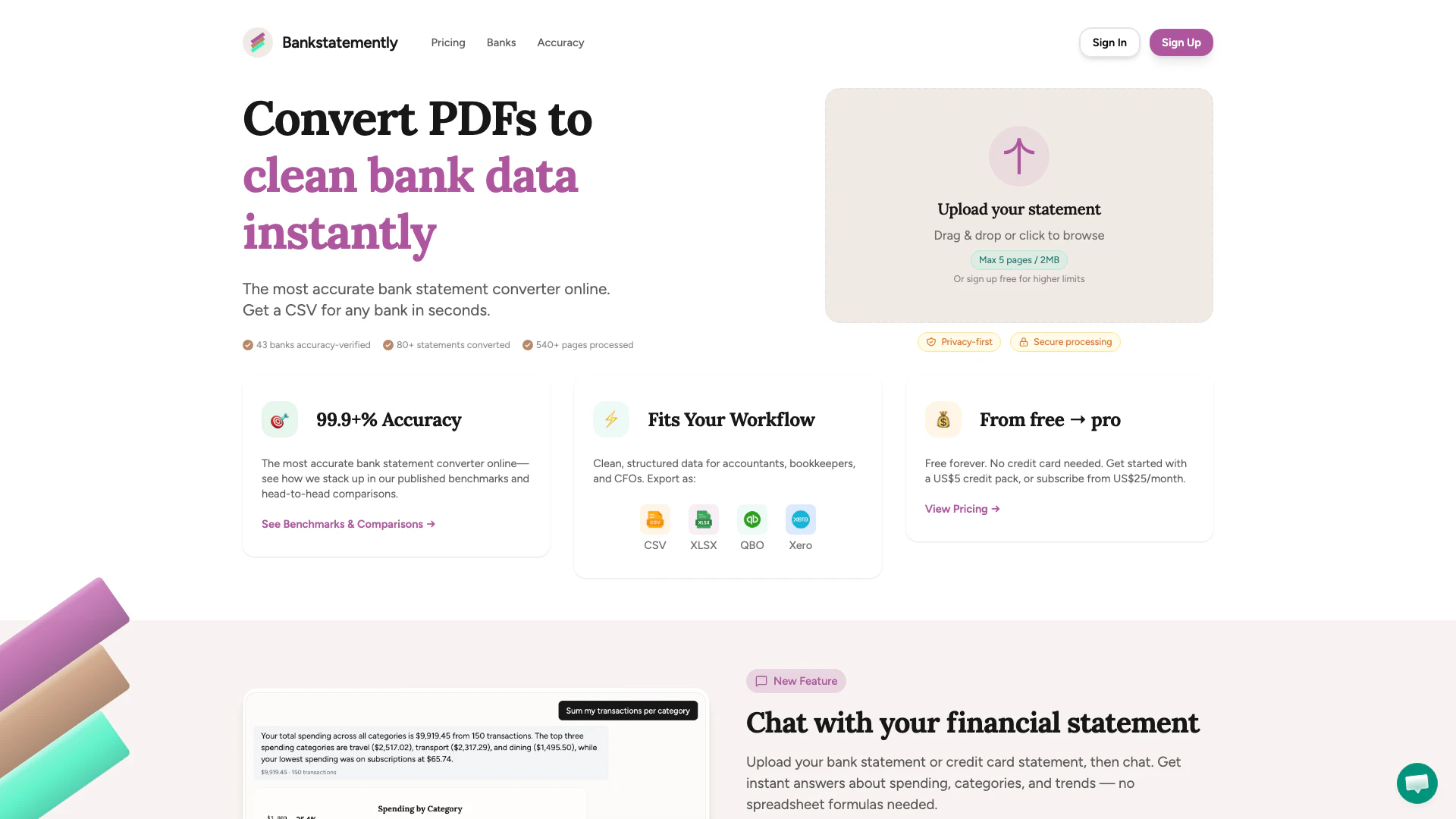
- High Conversion Accuracy: Bankstatemently boasts a 99.9% accuracy rate in converting bank and credit card statements, ensuring reliable data extraction.
- Multiple Output Formats: The tool supports various output formats including CSV, Excel, QuickBooks, and Xero, catering to diverse user needs.
- User-Friendly Interface: With a simple drag-and-drop feature, users can easily upload their statements, making the conversion process quick and straightforward.
Cons
No cons data detected for this tool
Bankstatemently Pricing
Free
Try out Bankstatemently with limited page processing. Up to 10 pages per upload, up to 5MB per file. Perfect for trying out the service. Basic support.
Beginner
Best for solo accountants or small firms just starting out. Up to 20 pages per upload, up to 20MB per file. Perfect for solo accountants and small firms starting out. Basic support.
Pro
Designed for busy practices or bookkeepers with multiple clients. Up to 20 pages per upload, up to 50MB per file. Multiple client management, busy practices & bookkeepers, priority support.
Credit Pack
One-time purchase for 50 pages. Try before subscribing, or top up when you need more. Valid for 30 days.
For the latest pricing, please visit this link: https://bankstatemently.com/pricing
Prices are subject to change. Please visit the official website for the most up-to-date pricing information.