Atlasbrowser




What is Atlas Browser?
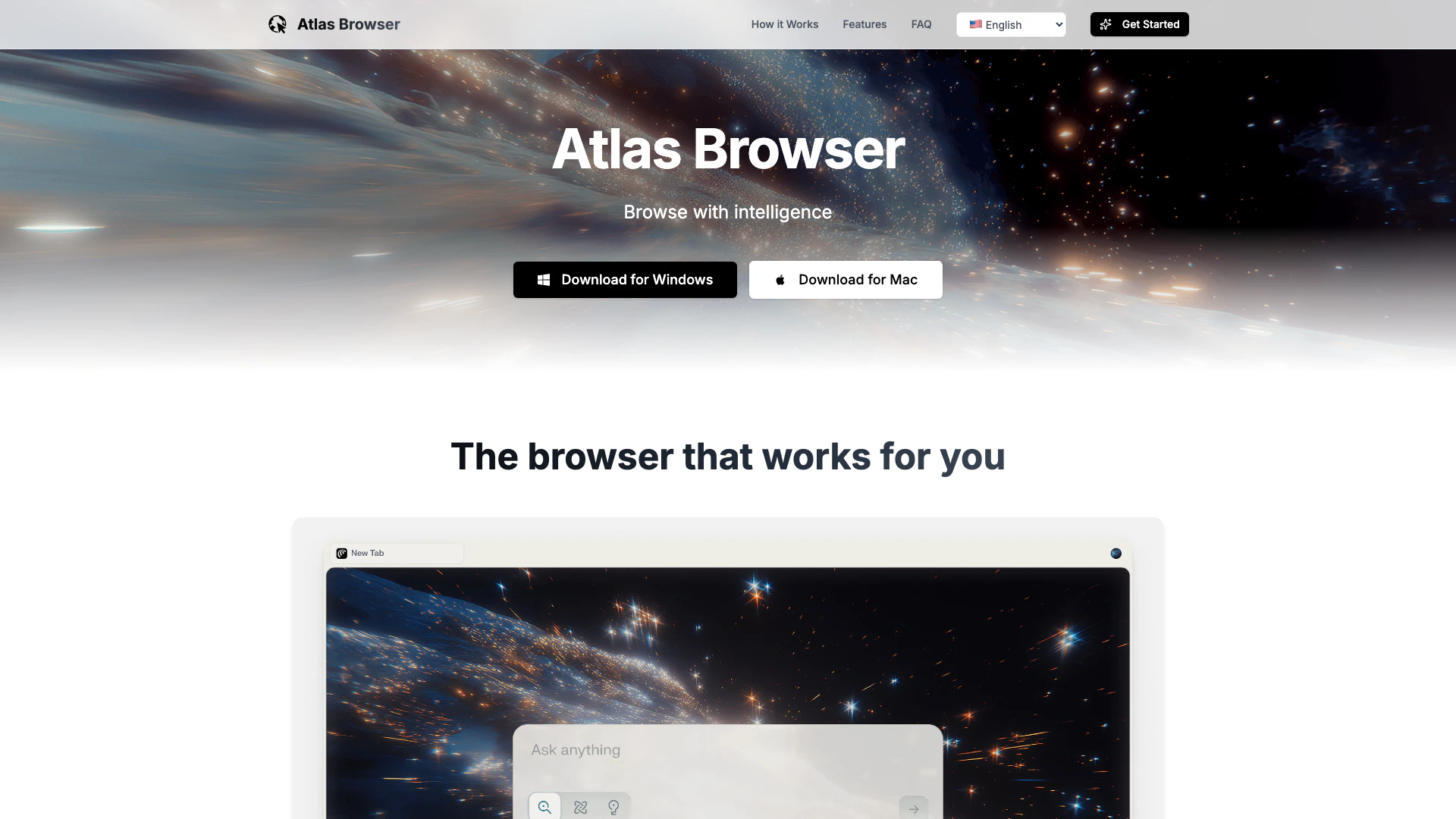
Atlas Browser is a fast, lightweight, and private-by-default AI browser powered by Perplexity Comet technology. It is designed to enhance the browsing experience by integrating advanced AI capabilities that help users manage information more efficiently. Atlas Browser focuses on providing intelligent insights, organization, and automation to streamline everyday tasks, making it an ideal tool for professionals and casual users alike.
How to use Atlas Browser?
- Download and install Atlas Browser from the official website for your operating system (Windows or macOS).
- Launch the browser and set up your preferences, including privacy settings and account options.
- Start browsing the web, utilizing AI features by asking questions or giving commands directly in the search bar to enhance your experience.
What are the main features of Atlas Browser?
- AI-Powered Insights: Compare how different sources cover the same story, providing a comprehensive understanding without switching tabs.
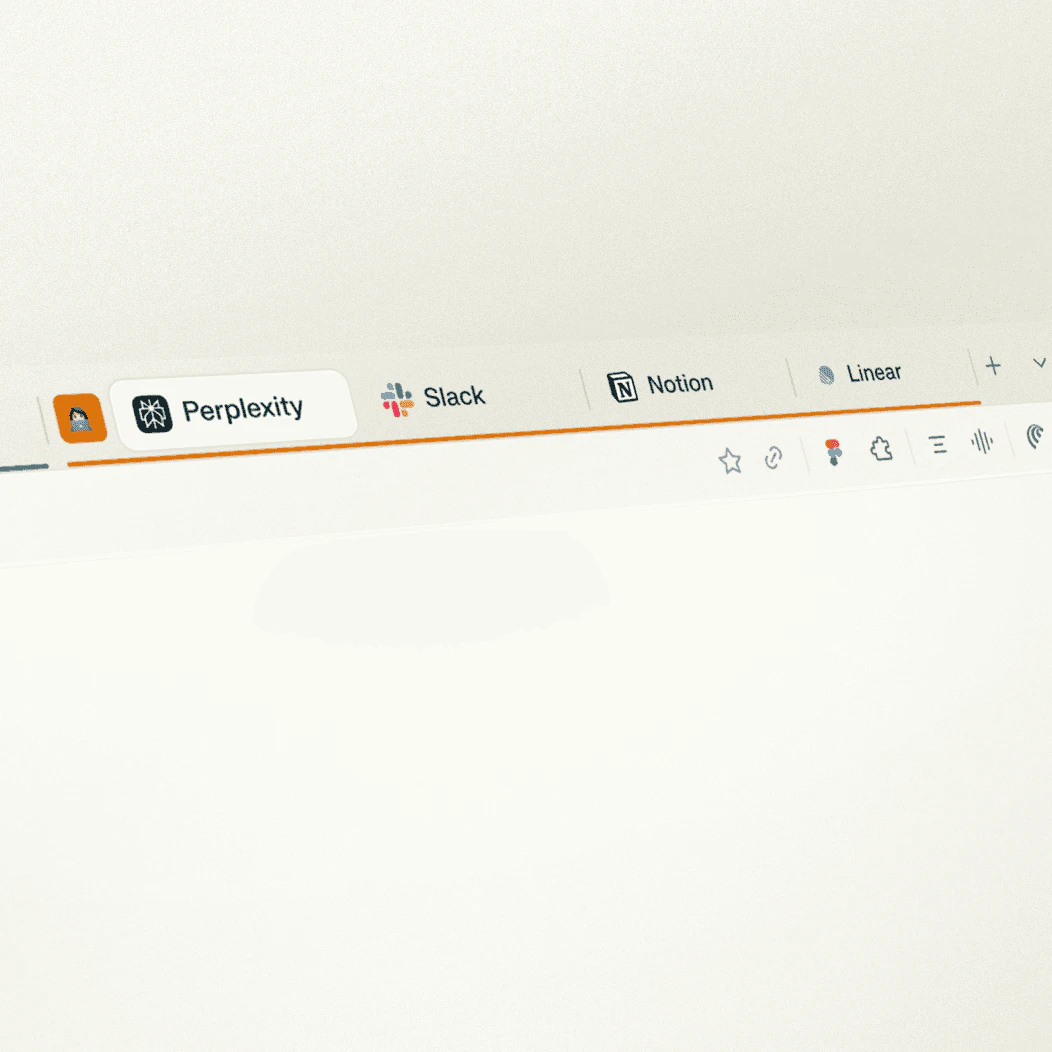
- Intelligent Organization: Automatically categorize tabs and group related content to minimize distractions.
- Solution Building: Create basic websites or find the best tools tailored to your needs with AI assistance.
- Efficient Communication: Draft professional emails in seconds by describing your needs to the AI.
- Advanced Planning: Generate detailed study plans or project timelines by uploading relevant documents.
Who is Atlas Browser for?
Atlas Browser is designed for a wide range of users, including professionals like research analysts, product managers, and software engineers who require efficient tools for managing information and tasks. Its AI capabilities make it suitable for anyone looking to enhance their browsing experience, whether for work, study, or personal use. The browser is especially beneficial for those who value privacy and seek a clutter-free environment while browsing.
What are the use cases of Atlas Browser?
- Research Tasks: Use Atlas Browser to quickly summarize articles and compare multiple sources for thorough research.
- Email Management: Automate email replies and schedule meetings without leaving the browser, enhancing productivity.
- Project Planning: Upload documents to receive tailored study plans or project timelines, making it easier to manage academic or work-related projects.
Product Images




Atlasbrowser Pros and Cons
Pros
- Fast and Lightweight: Atlas Browser is designed to be fast and lightweight, ensuring quick browsing experiences without unnecessary lag.
- AI-Powered Features: Utilizes advanced AI capabilities to analyze content, organize tabs, and assist in various tasks, enhancing productivity.
- Privacy by Default: Atlas Browser prioritizes user privacy, offering a browsing experience that is private by default.
Cons
No cons data detected for this tool
Analytics of Atlasbrowser
Atlasbrowser Website Traffic Analysis
Visits Over Time
Traffic Sources
Nov 2025 - Jan 2026 Worldwide Desktop Only
- Search: 75.61%
- Referrals: 13.29%
- Direct: 8.13%
- Social: 2.22%
- Paid Referrals: 0.64%
- Mail: 0.06%
Top Keywords
| Keyword | Volume | CPC | Estimated Value |
|---|---|---|---|
| где скачать браузер атлас | 0 | $0.00 | $190.00 |
| atlas browser | 78.59K | $0.70 | $440.00 |
| atlas navegador | 3.52K | $0.53 | $170.00 |
| atlas浏览器 | 1.09K | $0.00 | $1090.00 |
| браузер atlas | 500 | $0.16 | $250.00 |
Atlasbrowser Reviews
Atlas Browser has completely changed how I research. The AI assistant saves me hours every week by instantly summarizing articles and comparing sources.
The automation features are incredible. I can manage my emails, schedule meetings, and handle routine tasks without leaving my browser. It's like having a personal assistant.
As a developer, I appreciate the clean design and powerful features. The context-aware assistance is remarkably accurate and helpful for documentation research.
For more reviews, visit this link: https://atlasbrowser.net/en#reviews