Greenrobot


What is Greenrobot?
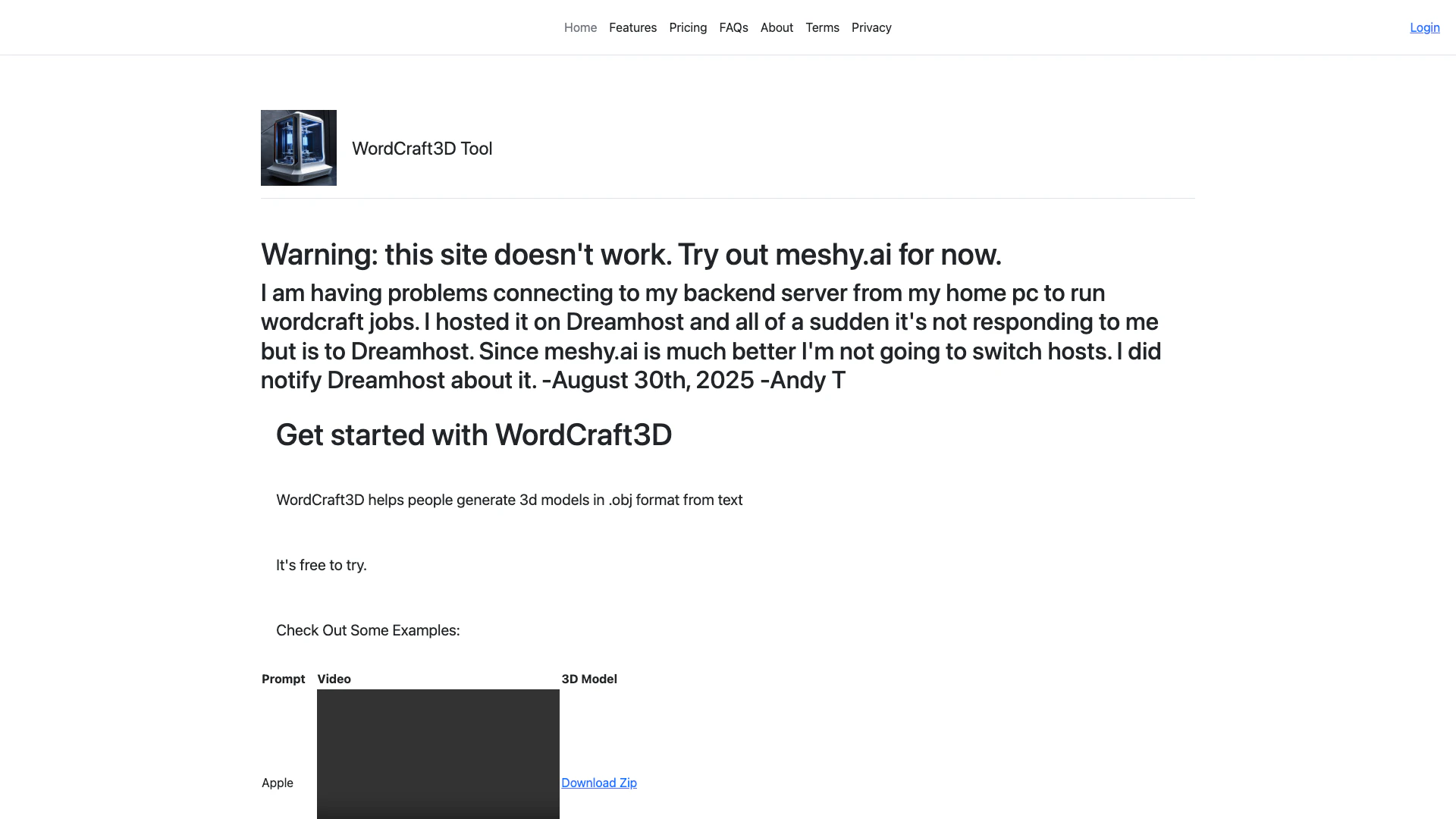
Greenrobot is a powerful tool designed to assist users in generating 3D models in .obj format directly from text inputs. This innovative platform, known as WordCraft3D, enables users to create complex 3D shapes and designs simply by describing them with words. It is ideal for artists, designers, and anyone interested in 3D modeling without the need for extensive technical knowledge. The tool is free to try, making it accessible for those looking to explore the world of 3D modeling.
How to use Greenrobot?
- Visit the Greenrobot website at https://app.wordcraft3d.greenrobot.com/.
- Create an account or log in if you already have one.
- Navigate to the WordCraft3D tool section.
- Enter your text prompt describing the 3D model you want to create.
- Click on the 'Generate' button to create your model.
- Download the generated .obj file to your device for use in your projects.
What are the main features of Greenrobot?
- Generate 3D models from text prompts in .obj format.
- User-friendly interface for easy navigation and model creation.
- Free trial available for users to explore the tool's capabilities.
- Supports various prompts, allowing for a wide range of 3D designs.
Who is Greenrobot for?
Greenrobot is tailored for a diverse audience, including 3D artists, game developers, educators, and hobbyists who wish to create 3D models without advanced technical skills. It is especially beneficial for those who want to quickly prototype ideas or generate unique 3D assets for their projects.
What are the use cases of Greenrobot?
- Creating 3D assets for video games and simulations.
- Designing educational tools and resources in 3D for teaching purposes.
- Rapid prototyping of product designs for visual presentations.
- Generating custom models for 3D printing projects.
Product Images
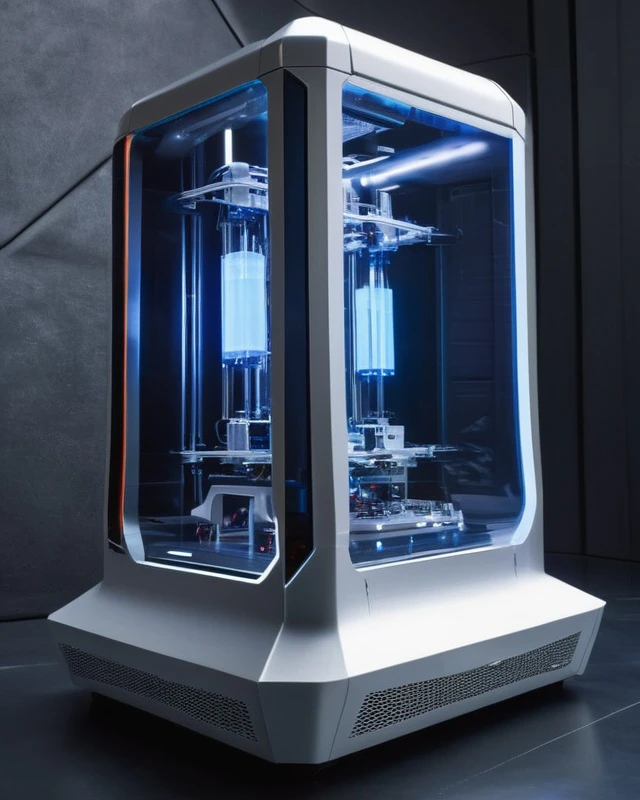
Greenrobot Pros and Cons
Pros
- 3D Model Generation: Greenrobot enables users to generate 3D models in .obj format directly from text prompts, making it accessible for creative projects.
- Free Trial Available: The tool offers a free trial, allowing users to explore its features without any initial investment.
- User-Friendly Interface: Designed for ease of use, Greenrobot's interface allows users to quickly input prompts and receive 3D models.
Cons
No cons data detected for this tool
Greenrobot Pricing
Free Plan
It's free to try.
For the latest pricing, please visit this link: https://app.wordcraft3d.greenrobot.com/pricing.php
Prices are subject to change. Please visit the official website for the most up-to-date pricing information.
Greenrobot Reviews
I am having problems connecting to my backend server from my home pc to run wordcraft jobs. I hosted it on Dreamhost and all of a sudden it's not responding to me but is to Dreamhost. Since meshy.ai is much better I'm not going to switch hosts. I did notify Dreamhost about it. -August 30th, 2025 -Andy T
For more reviews, visit this link: https://app.wordcraft3d.greenrobot.com/#reviews