
Aidvid


What is Aidvid?
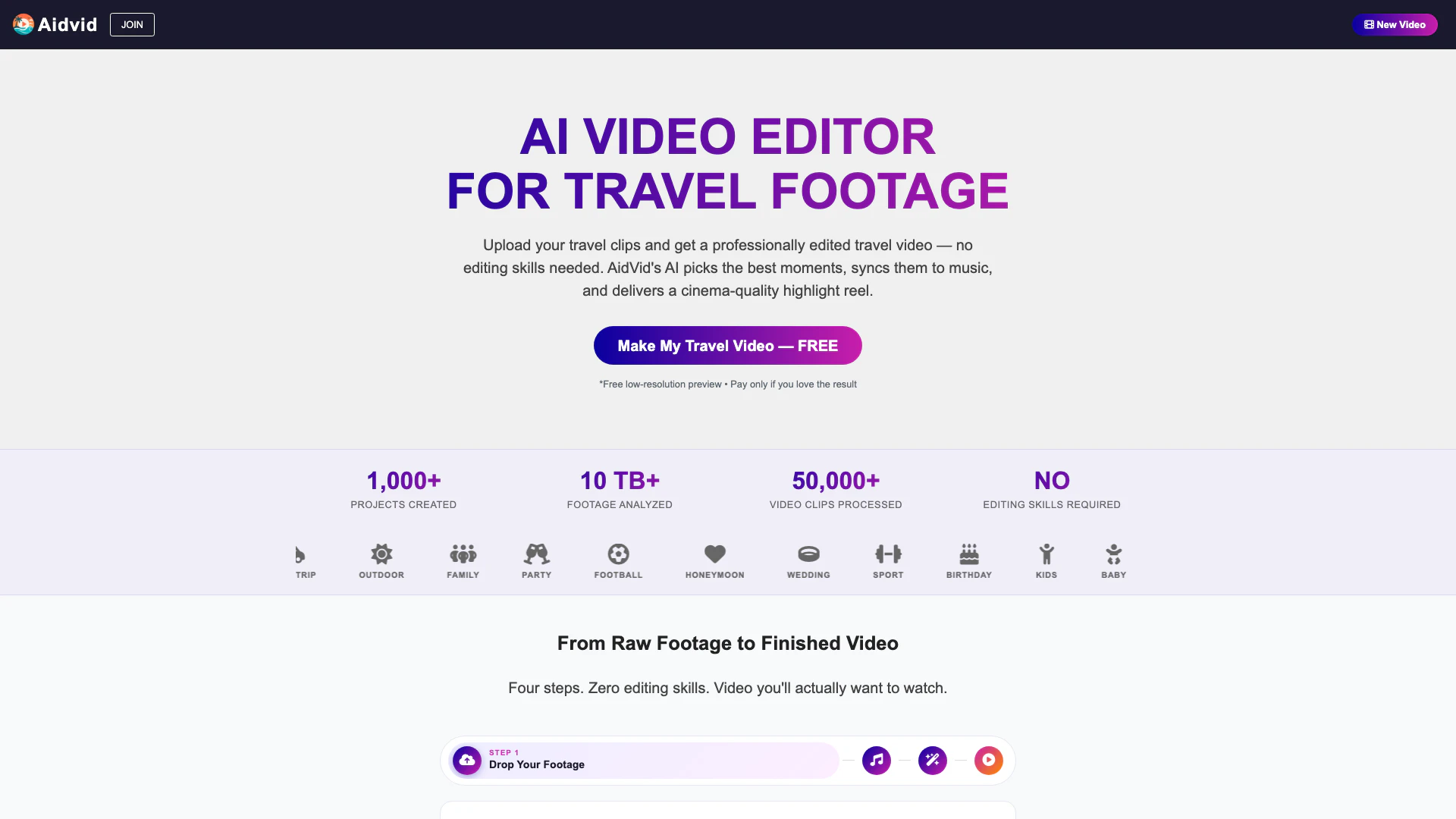
Aidvid is an innovative AI-driven video editing tool designed specifically for travelers and adventure enthusiasts. It allows users to upload their raw travel footage and transforms it into a professionally edited video in just minutes. By leveraging advanced artificial intelligence, Aidvid selects the most visually striking moments, synchronizes them with chosen music, and applies seamless transitions, all without requiring any editing skills from the user. This makes it an ideal solution for anyone looking to create captivating travel videos quickly and efficiently.
How to use Aidvid?
- Drop Your Footage: Begin by uploading your travel footage directly to the Aidvid platform. You can upload any format including MP4, MOV, AVI, and MKV, and from any device such as GoPro, drones, smartphones, or DSLRs.
- Pick the Vibe: Choose the music that fits the mood of your video. You can either upload your own music file or select from a variety of moods generated by Aidvid’s AI. Adjust the duration based on your preferences for social media or family sharing.
- Coffee Time: While you relax, Aidvid’s AI will analyze your footage, select the best moments, and edit them automatically. You don’t need any editing skills or software installations, as everything is done in your browser.
- Preview Free: Once the editing is complete, you can preview your video for free. If you’re satisfied with the results, you can make a one-time payment to download the full HD version without any watermarks.
What are the main features of Aidvid?
- AI-Powered Editing: Aidvid’s AI analyzes your footage, selecting the best clips and syncing them to the music’s beat and mood.
- No Installation Required: Fully online tool that works directly in your browser.
- Supports Multiple Formats: Upload any video format, including 4K, without any limitations on file size or type.
- Custom Music Options: Choose your own music, upload tracks, or let Aidvid generate a custom soundtrack based on your selected mood.
- Smart Automations: Features like auto-rotation, color correction, and location title generation enhance your footage automatically.
- Free Preview: Test the service with a low-resolution preview before making a payment for the full HD video.
Who is Aidvid for?
Aidvid is perfect for a diverse range of users, including travel enthusiasts, vloggers, families, and anyone who captures moments on video. It caters to individuals who may not have the time or skills to edit videos manually but still want to share their adventures in a visually appealing format. Whether you’re a casual traveler wanting to document your experiences or a professional content creator looking for a quick editing solution, Aidvid offers a user-friendly platform that simplifies the video creation process.
What are the use cases of Aidvid?
- Travel Highlights: Create stunning highlight reels from your travel adventures, showcasing the best moments effortlessly.
- Social Media Sharing: Generate videos optimized for platforms like Instagram and Facebook, perfect for sharing your experiences with friends and family.
- Family Memories: Compile family vacations or events into polished videos that can be easily shared in group chats or on family platforms.
Aidvid Pros and Cons
Pros
- Smart AI Selection: AidVid's AI automatically selects the best moments from your footage, ensuring a professional-quality video without manual editing.
- No Installation Required: The platform is fully online, requiring no installation, making it accessible from any device with a browser.
- Time-Saving Automation: AidVid saves significant time by automating the editing process, allowing users to receive a polished video in minutes.
- Free Trial Available: Users can preview the service for free, only paying if they are satisfied with the final video.
- Automatic Corrections: The AI can automatically correct common video issues such as orientation, color, and exposure, enhancing the overall quality of the footage.
Cons
- GPS Dependency for Titles: Users may need to ensure their footage contains GPS data for automatic location titles to function.
- Possible Format Limitations: The service may have limitations on supported video formats or specific devices that can affect compatibility.
- Basic Editing Knowledge Required: Users may require a basic understanding of video editing concepts to effectively utilize the platform's features.
Aidvid Pricing
Free Plan
Free low-resolution preview of your travel video. Pay only if you love the result.
Full HD Video
Full HD version of your travel video after a low-resolution preview. One-time payment required.
For the latest pricing, please visit this link: https://www.aidvid.com/
Prices are subject to change. Please visit the official website for the most up-to-date pricing information.