
Ai Studio



What is Ai Studio?
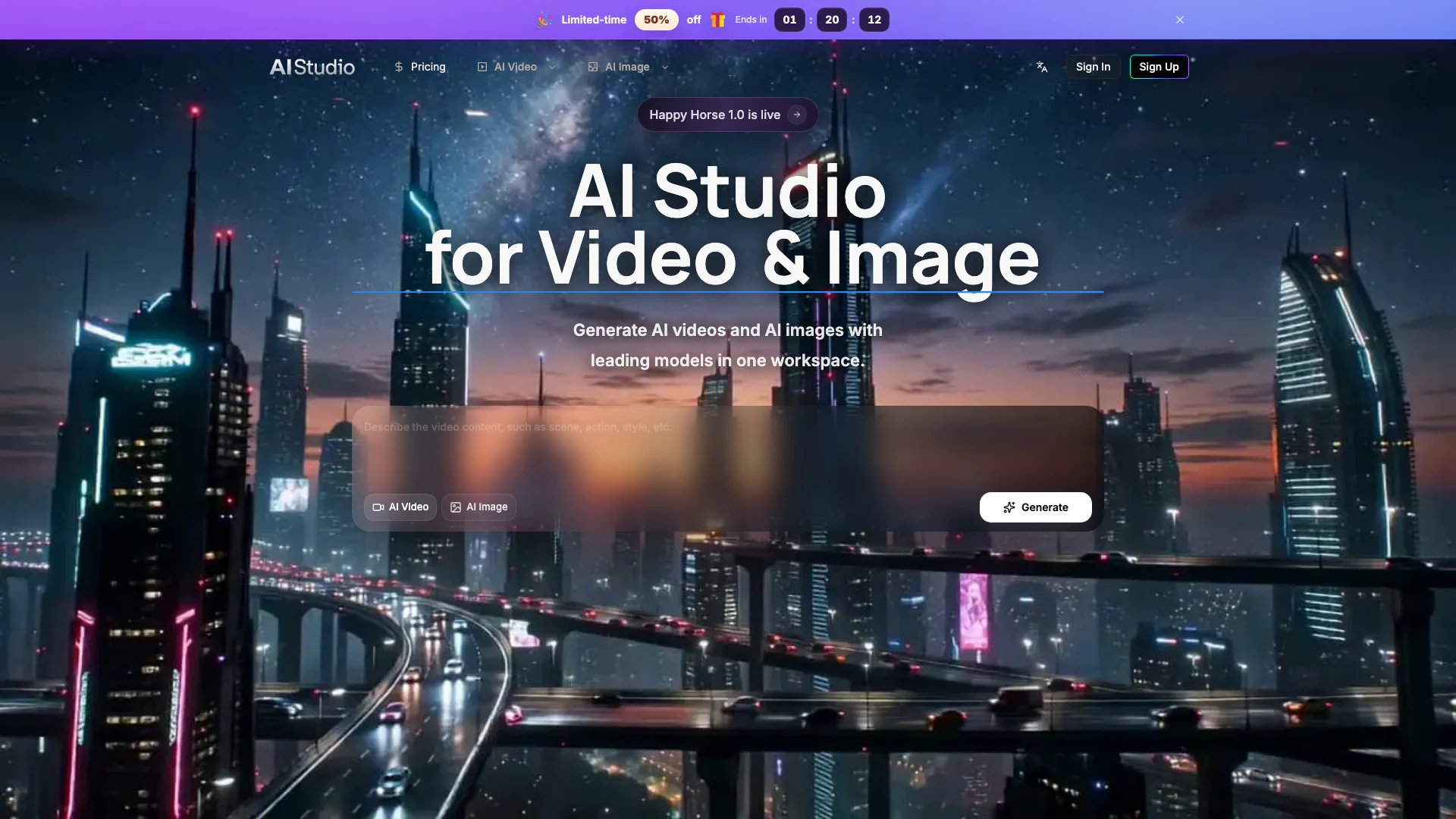
Ai Studio is an innovative AI tool designed to create cinematic-quality videos and images in a single workspace. It combines advanced capabilities for generating, editing, comparing, and exporting AI-generated content, making it an essential platform for creators looking to streamline their production processes. With tools for both image-to-video and text-to-video transformations, Ai Studio empowers users to turn their creative ideas into visually stunning media quickly and efficiently.
How to use Ai Studio?
- Sign up for an account on the Ai Studio website.
- Choose the type of project you want to create, such as video or image generation.
- Input your creative prompts or upload images that you want to transform.
- Utilize the various editing tools to refine your media, including options for prompt testing and style adjustments.
- Review your generated content and make any necessary edits before exporting your final product.
What are the main features of Ai Studio?
- Image to Video AI: Quickly transform static images into animated videos for social media and campaigns.
- Text to Video AI: Generate polished videos from simple text prompts, facilitating rapid concept testing.
- Image Editing: Change styles and enhance visual quality without leaving the workflow.
- Asset History: Keep track of your projects and easily access previous creations.
- Shared Credits: Organize usage history and downloads for streamlined collaboration.
Who is Ai Studio for?
Ai Studio is ideal for creative professionals, marketers, and content creators who need to produce high-quality visual media efficiently. This tool is particularly beneficial for those involved in video production, digital marketing, e-commerce, and branding, as it simplifies the creative process by integrating multiple functionalities into one platform.
What are the use cases of Ai Studio?
- Social Media Marketing: Create engaging video content from images or text prompts to boost brand visibility.
- E-commerce: Generate product videos and images that showcase products in an appealing way to attract customers.
- Content Creation: Develop visual storytelling elements for blogs, websites, or presentations, enhancing audience engagement.
Ai Studio Pros and Cons
Pros
- Cinematic Quality Output: Ai Studio allows users to create high-quality AI videos and images, making it suitable for professional and commercial use.
- Integrated Workflow: The platform combines various tools for video and image generation, editing, and testing in one workspace, enhancing productivity.
- Fast Transformation: Users can quickly transform images and text into videos, allowing for rapid prototyping and content creation.
Cons
No cons data detected for this tool
Ai Studio Pricing
Starter
400 base credits + 5 reward credits / day. Includes up to 550 credits/month, up to 150 claimable reward credits totally, up to 137 videos, up to 550 images, history saved for 180 days, and 3 concurrent tasks.
Standard
800 base credits + 200 bonus credits + 8 reward credits / day. Includes up to 1240 credits/month, up to 240 claimable reward credits totally, up to 310 videos, up to 1240 images, history saved for 180 days, and 5 concurrent tasks.
Premium
2000 base credits + 1200 bonus credits + 20 reward credits / day. Includes up to 3800 credits/month, up to 600 claimable reward credits totally, up to 950 videos, up to 3800 images, history saved for 180 days, and unlimited concurrency.
For the latest pricing, please visit this link: https://ai-studio.video/pricing
Prices are subject to change. Please visit the official website for the most up-to-date pricing information.