

Ai Image Enlarger
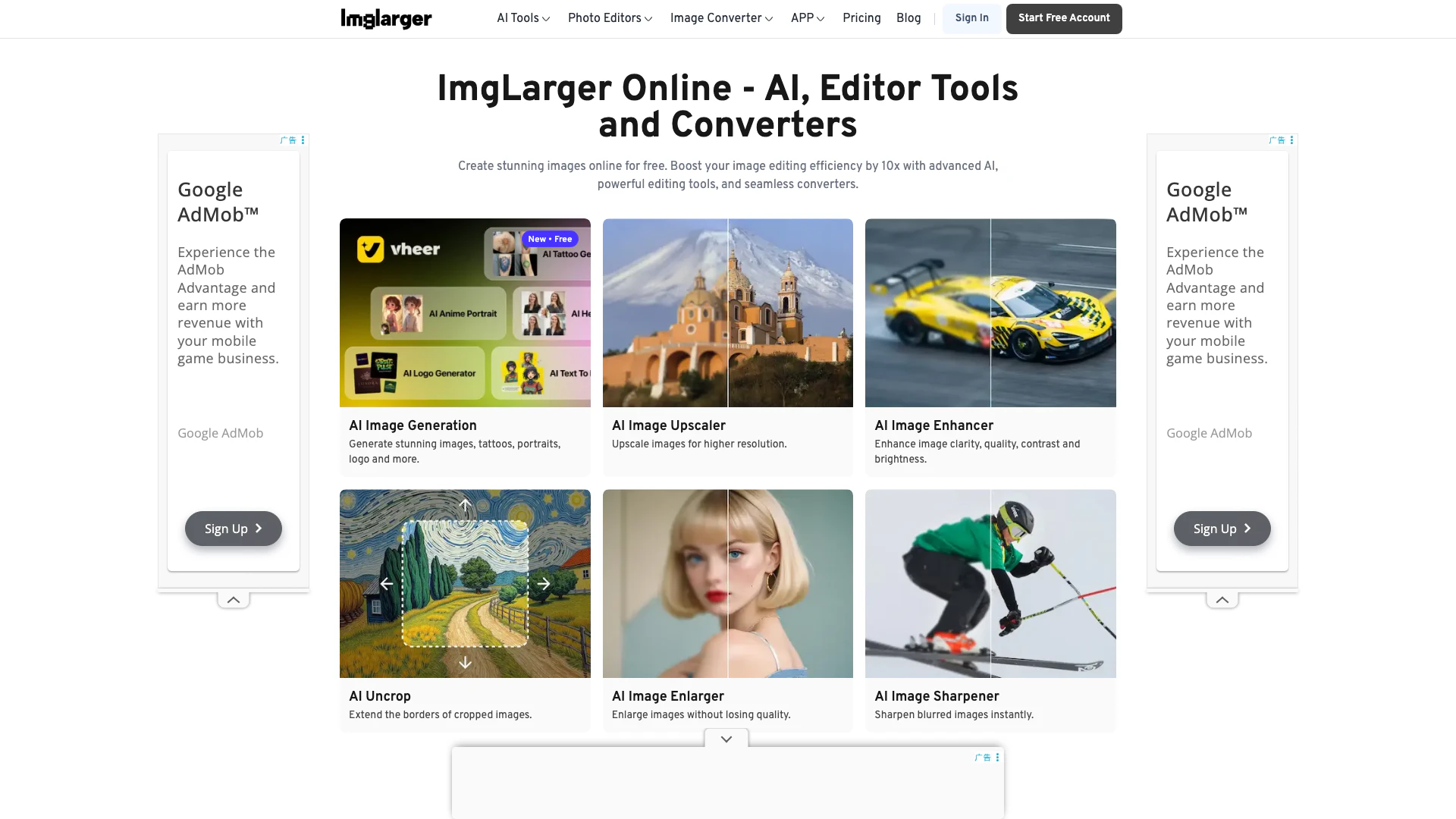




What is AI Image Enlarger[1]?
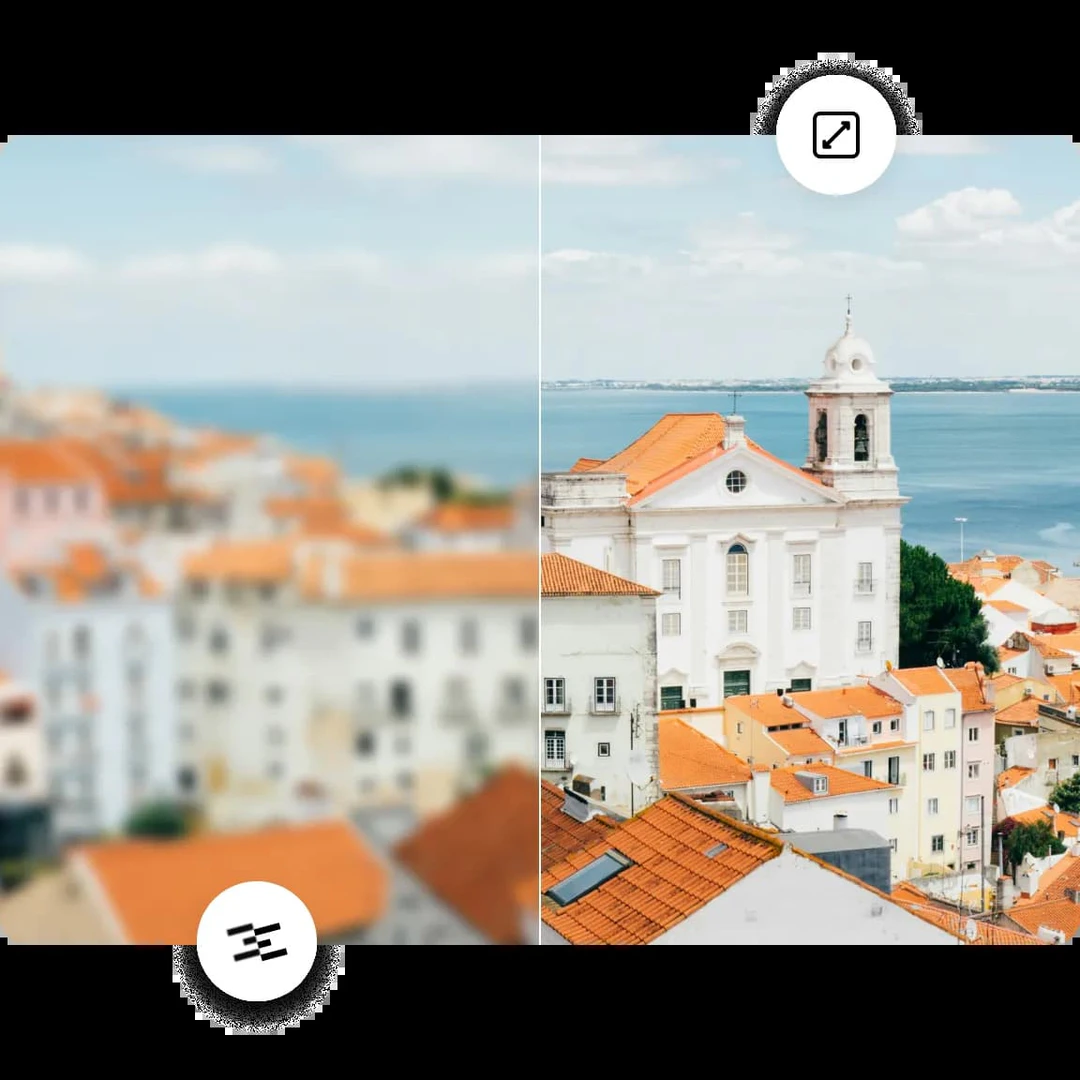
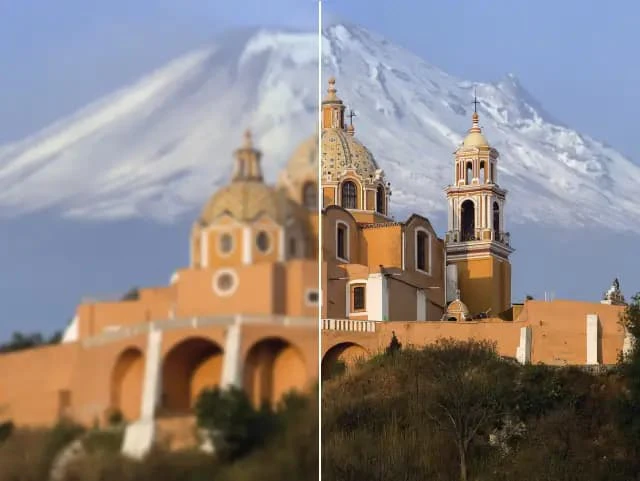
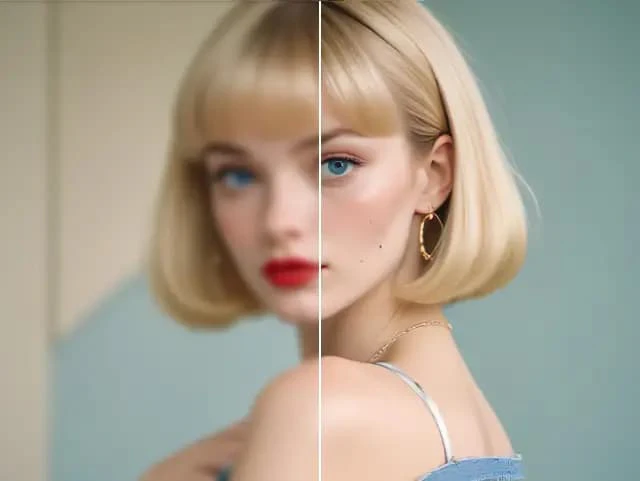
AI Image Enlarger is an advanced online tool that utilizes artificial intelligence to enhance and upscale images without compromising their quality. It allows users to enlarge images by up to 800% while maintaining sharpness and clarity. The platform also provides a variety of editing tools and image converters, making it a comprehensive solution for photo enhancement, restoration, and conversion needs.
How to use AI Image Enlarger?
- Visit the AI Image Enlarger website at https://imglarger.com/. 2. Choose the desired function, such as 'Enlarge Image' or 'Enhance Image'. 3. Upload your image by clicking on the upload button. 4. Select the scaling option (e.g., 2x, 4x, or 8x) based on your needs. 5. Click the 'Start' button to process the image. 6. Download the enhanced image once processing is complete.
What are the main features of AI Image Enlarger?
- Image Upscaling[2]: Enlarge images up to 8x without losing quality.
- Image Enhancement[3]: Improve color, contrast, and brightness instantly.
- Noise Reduction[4]: Remove noise from images for clearer visuals.
- Photo Restoration[5]: Restore old photos and enhance their quality.
- Batch Processing[6]: Enhance multiple images simultaneously.
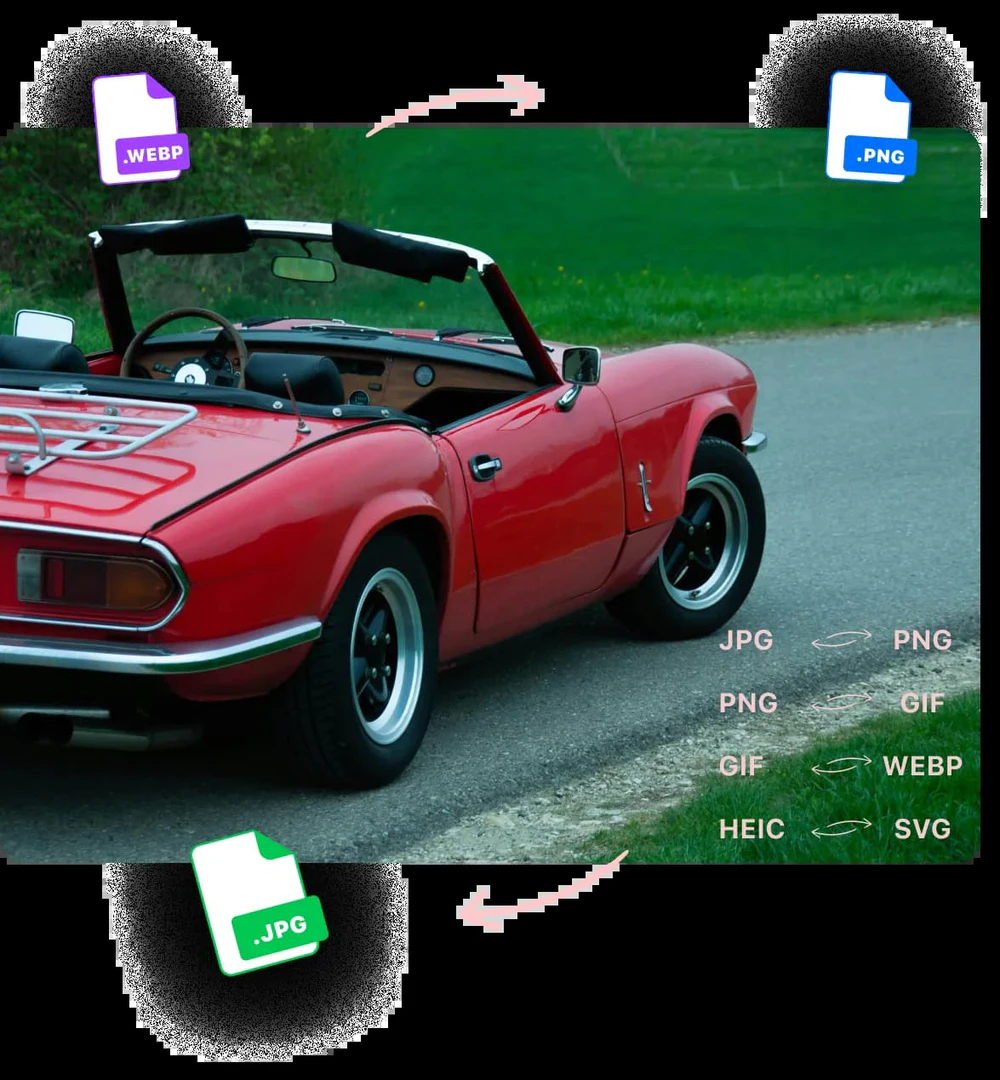
- Image Conversion: Convert images between various formats like JPG, PNG, and WEBP.
- AI Tools: Includes AI features such as background removal and object erasing.
Who is AI Image Enlarger for?
AI Image Enlarger is designed for a wide range of users, including photographers, graphic designers, and content creators who need to enhance image quality for various purposes. It's suitable for individuals looking to upscale personal photos, professionals in need of high-quality images for projects, and anyone who wants to restore old images or convert between different formats. Its user-friendly interface makes it accessible for both beginners and experienced users.
What are the use cases of AI Image Enlarger?
- Restoring Old Photographs: Users can enhance and restore the quality of vintage photos.
- Preparing Images for Printing: Photographers can upscale images to meet print resolution requirements.
- Creating High-Resolution Digital Art: Graphic designers can enhance images for digital art projects, ensuring high quality.
- Improving Web Content: Bloggers and marketers can enhance images for better engagement on websites and social media.
- Anime and Cartoon Image Upscaling: Users can specifically enhance anime images for better clarity and detail.
Product Images
Ai Image Enlarger Pros and Cons
Pros
- High-Quality Image Upscaling: AI Image Enlarger allows users to upscale images up to 8x without losing quality, ensuring sharp and clear results.
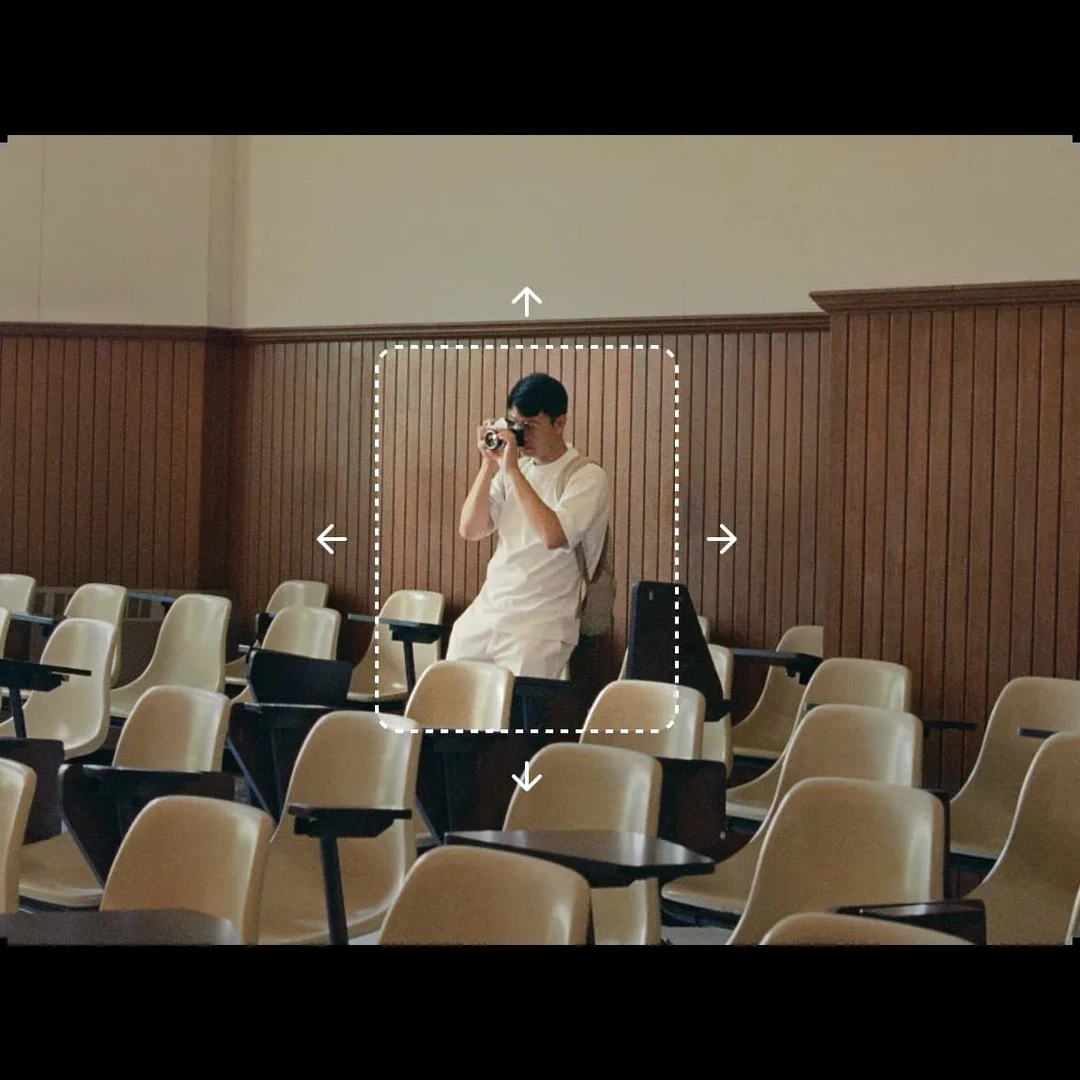
- Versatile Editing Tools: The tool offers a range of editing features, including cropping, rotating, and adjusting brightness and contrast, making it a comprehensive image editor.
- Batch Processing Capability: Users can enhance multiple images simultaneously, saving time and improving workflow efficiency.
Cons
No cons data detected for this tool
Ai Image Enlarger Pricing
Free
Forever free with 100 credits/mo, upload image up to 800px, single processing, all AI features, all free editors and converters.
Starter
Limited credits for starters with 500 credits/mo, upload image up to 3000px, single processing, batch processing up to 8 images, all AI features, all free editors and converters, no ads, credits roll up.
Premium
Most popular plan with 2000 credits/mo, upload image up to 3000px, single processing, batch processing up to 8 images, all AI features, all free editors and converters, no ads, credits roll up.
Business
Everything you need with 6000 credits/mo, upload image up to 3000px, single processing, batch processing up to 8 images, all AI features, all free editors and converters, no ads, credits roll up.
For the latest pricing, please visit this link: https://imglarger.com/pricing
Prices are subject to change. Please visit the official website for the most up-to-date pricing information.
Analytics of Ai Image Enlarger
Ai Image Enlarger Website Traffic Analysis
Visits Over Time
Traffic Sources
Dec 2025 - Feb 2026 Worldwide Desktop Only
- Search: 50.60%
- Direct: 38.41%
- Referrals: 7.88%
- Social: 2.04%
- Paid Referrals: 0.89%
- Mail: 0.13%
Top Keywords
| Keyword | Volume | CPC | Estimated Value |
|---|---|---|---|
| png to webp | 1.02M | $0.53 | $1470.00 |
| avif to jpg | 689.00K | $0.22 | $2640.00 |
| image enlarger | 10.26K | $0.78 | $3880.00 |
| ai image enlarger | 5.66K | $0.58 | $3690.00 |
| imglarger | 3.14K | $0.17 | $7280.00 |
Ai Image Enlarger Reviews
AI Image Enlarger promises that its upscaling technology produces high-quality results that preserve the quality of the source image. AI Image Enlarger improves the quality of images that you enlarge. The quality of output certainly improves when you use the service.
AI Image Enlarger allows you to scale images up to 800% and enhance photos without losing quality, which is especially useful for photographers and graphic designers.
Wonderful AI Image Enlarger online tool. Enlarge your images without losing quality, based on their SRCNN structure and optimized hardware. Super fast.
For more reviews, visit this link: https://imglarger.com/#testimonials





Ai Image Enlarger Social Listening
3 Ways to UPSCALE Ai Images (F...
1. https://dgb.lol/ 2. https:...
Use This Free AI Image Upscale...
https://youtu.be/2OMyeYrSFVA ...
Unlimited Free Ai Image Upscal...
Unlimited Free Ai Image Upscal...
Unlock to view 40 social media results.