

AI Design Assistant





What is AI Design Assistant?
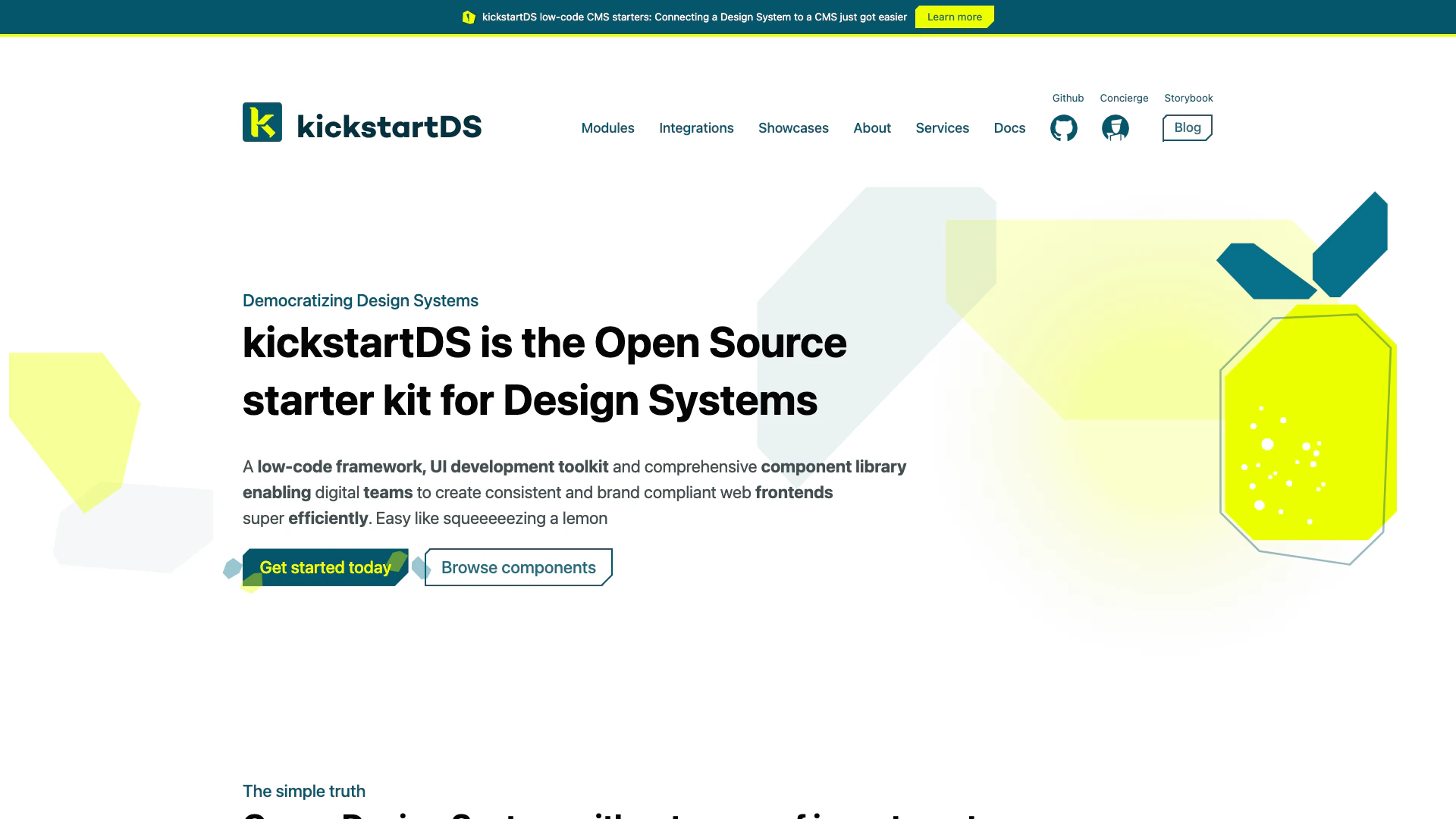
AI Design Assistant, known as kickstartDS, is an open-source, low-code framework designed for creating and managing design systems. It serves as a comprehensive component and pattern library that enables web development teams to build consistent, brand-compliant web frontends efficiently. With kickstartDS, teams can leverage a rich set of UI components, design tokens, and properties, allowing for rapid development without vendor lock-in. This tool democratizes design system creation, making it accessible for teams of all sizes to enhance their digital products while maintaining a cohesive user experience.
How to use AI Design Assistant?
- Get Started: Visit the kickstartDS website and access the documentation to understand the framework and its components.
- Set Up Your Environment: Download the kickstartDS library and set up your development environment according to the provided guides.
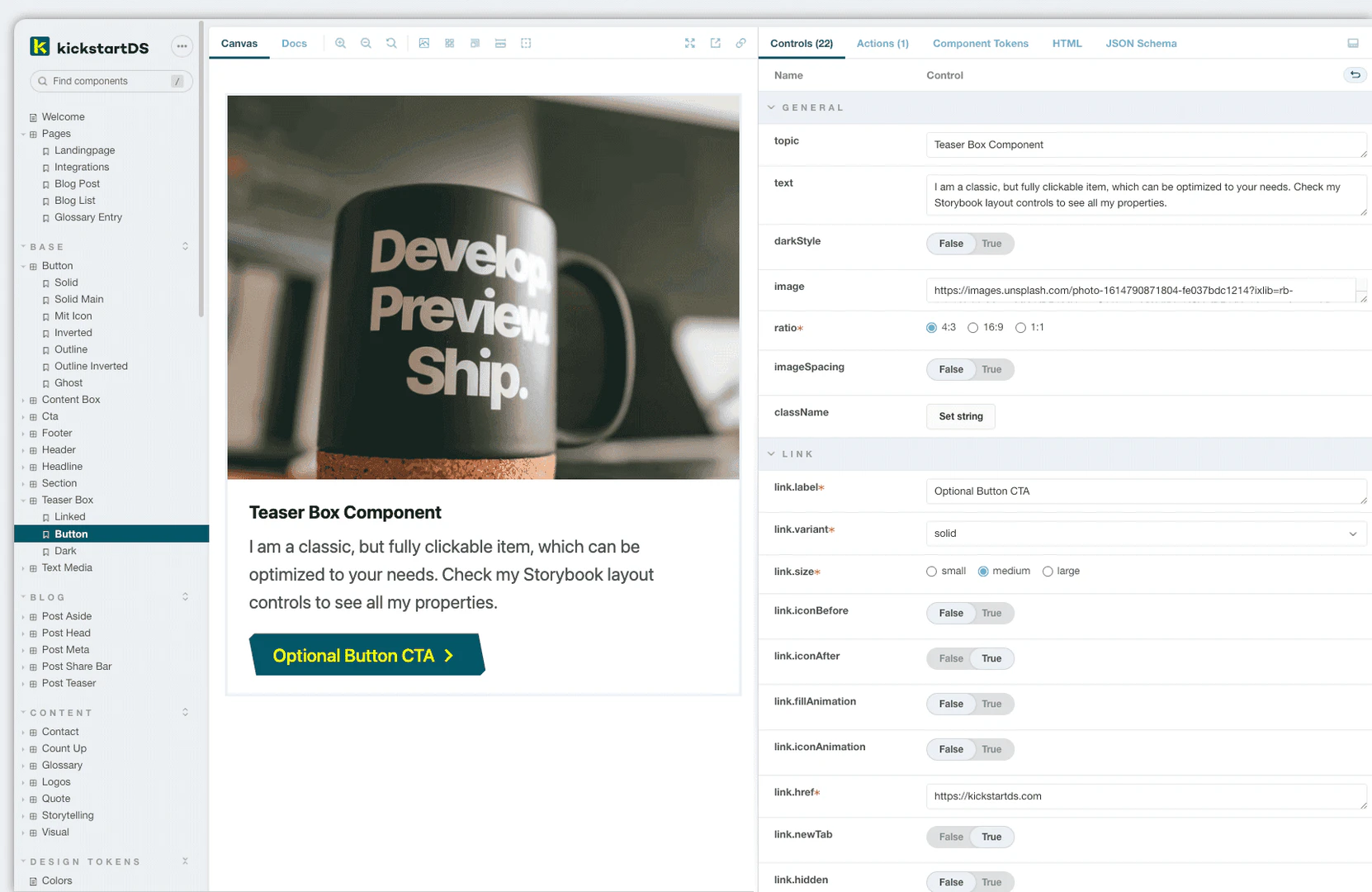
- Explore Components: Use the Storybook interface to browse through the available components and their properties.
- Customize Components: Modify the components as needed using the design tokens and properties provided by kickstartDS.
- Integrate with CMS: Connect your design system with a CMS using the available starters for seamless deployment and management.
What are the main features of AI Design Assistant?
- Comprehensive Component Library: Offers a wide range of reusable UI components.
- Low-Code Framework: Simplifies the development process, allowing for quicker implementation.
- Design Tokens: Provides design tokens for colors, fonts, and sizes to ensure consistency across interfaces.
- Integration Ready: Easily integrates with various CMS and frameworks, enhancing flexibility.
- Accessibility Compliance: Supports WCAG 2.1 standards, ensuring accessibility for all users.
Who is AI Design Assistant for?
AI Design Assistant is designed for web development teams, including developers, designers, and product managers. It is particularly beneficial for organizations looking to streamline their design processes, maintain brand consistency, and improve collaboration between teams. Startups and enterprises alike can leverage kickstartDS to build scalable and efficient web frontends.
What are the use cases of AI Design Assistant?
- Rapid Prototyping: Quickly create prototypes of web applications using pre-built components.
- Brand Consistency: Ensure that all digital products adhere to brand guidelines through a unified design system.
- CMS Integration: Use kickstartDS to enhance content management systems with custom components for better user experiences.
Product Images
AI Design Assistant Pros and Cons
Pros
- Comprehensive Component Library: kickstartDS offers a wide range of components that serve as solid building blocks, allowing teams to adapt and customize them as needed.
- No Vendor Lock-in: Users create their own repository with the code installed, ensuring they are not locked into a vendor solution.
- Quality User Experience: The platform emphasizes a clear and consistent brand image along with intuitive interaction patterns, enhancing overall user experience.
- Accessibility by Default: kickstartDS supports WCAG 2.1 specifications, ensuring that components are accessible to users with disabilities.
- Best in Class Performance: Designed for maximum performance, kickstartDS components are lightweight and built to minimize build tooling concerns.
Cons
No cons data detected for this tool
Analytics of AI Design Assistant
AI Design Assistant Website Traffic Analysis
Visits Over Time
Traffic Sources
Oct 2025 - Dec 2025 Worldwide Desktop Only
- Search: 36.61%
- Referrals: 33.49%
- Direct: 22.23%
- Social: 6.74%
- Paid Referrals: 0.87%
- Mail: 0.05%
Top Keywords
| Keyword | Volume | CPC | Estimated Value |
|---|---|---|---|
| storybook tokens | 290 | $0.00 | $120.00 |
| spacing design token | 280 | $0.00 | $0.00 |
| storybook change css loader to scss | 260 | $0.00 | $0.00 |
| changing stamp color figma | 220 | $0.00 | $0.00 |
| storybook how to setup controls automatically | 140 | $0.00 | $0.00 |
AI Design Assistant Compare
| Tool Name | Introduction | Pricing | Type | Rating | Launch Date | Learn more |
|---|---|---|---|---|---|---|
 | AI Writa - Free AI Copywriting Assistant | Generate Content and Write 10x Faster | Free | 💼Work🎨Creativity | February 20, 2023 | Get deal | |
 | Create impactful videos effortlessly with AI. | Free | 💼Work🎨Creativity | August 15, 2024 | Get deal | |
 | Transform AI text into human-like writing instantly. | Free | 💼Work🎨Creativity | January 7, 2024 | Get deal |
Info current as of post date. Offers and availability may vary by location and are subject to change.
AI Design Assistant Q&A
kickstartDS is a low-code framework, UI development toolkit, and comprehensive component library enabling digital teams to create consistent and brand-compliant web frontends efficiently.
AI Design Assistant Alternatives
Speed up product development from ideation to launch. Align teams, break tool silos, and ship what customers need in one AI-powered visual platform.
- Art & Design
- AI Design Assistant
- AI UX/UI Design
- Ai Whiteboard
Community - Meshy
- Art & Design
- AI Design Generator
- AI Graphic Design Tools
- AI UX/UI Design

A graphic design app that helps you create professional quality social media posts, invitations, digital postcards, graphics, and more. Start with your idea and create something unique for you.
- Art & Design
- AI Design Assistant
- AI Graphic Design Tools
- AI UX/UI Design