Adutorai





What is Adutorai?
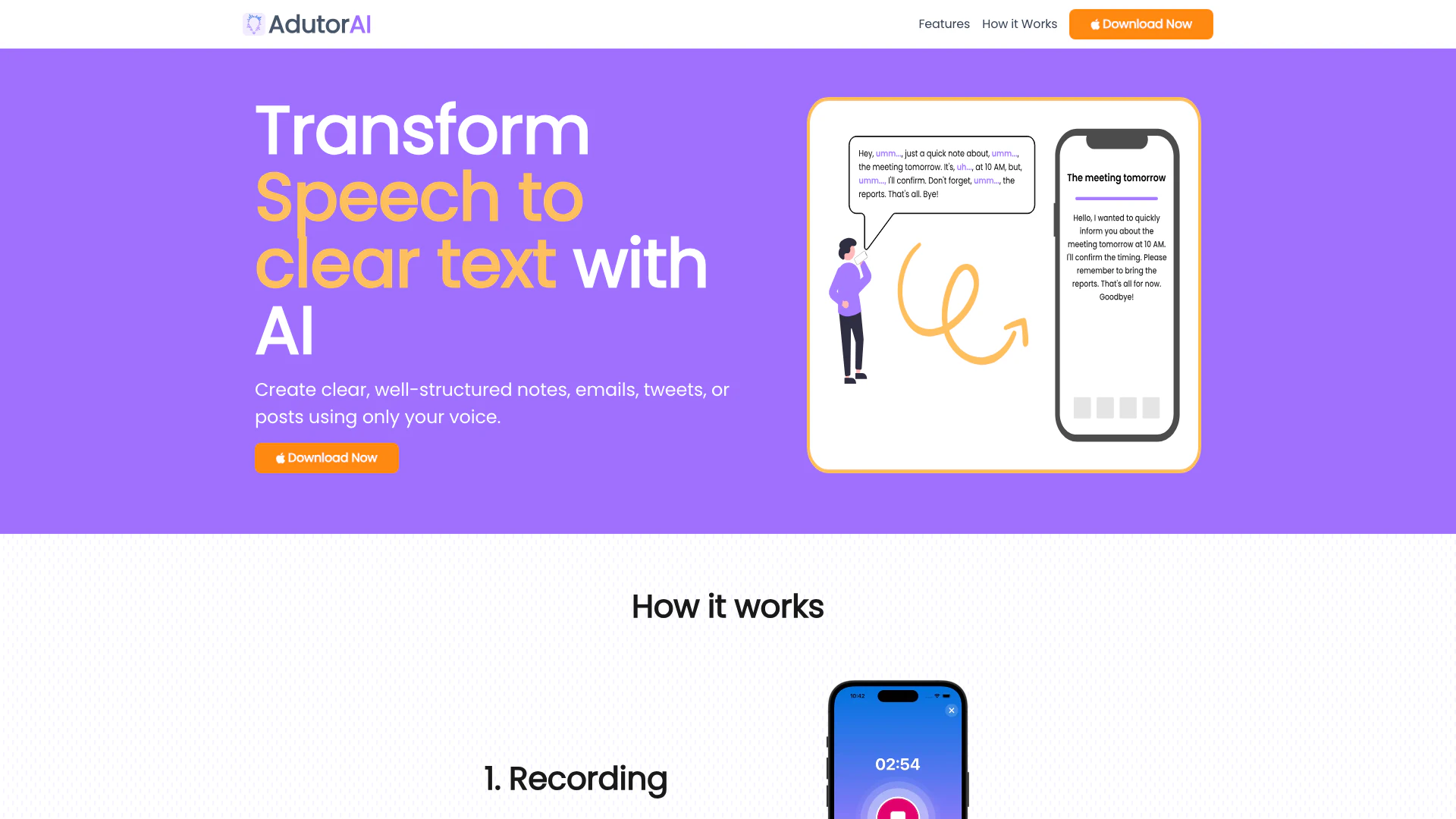
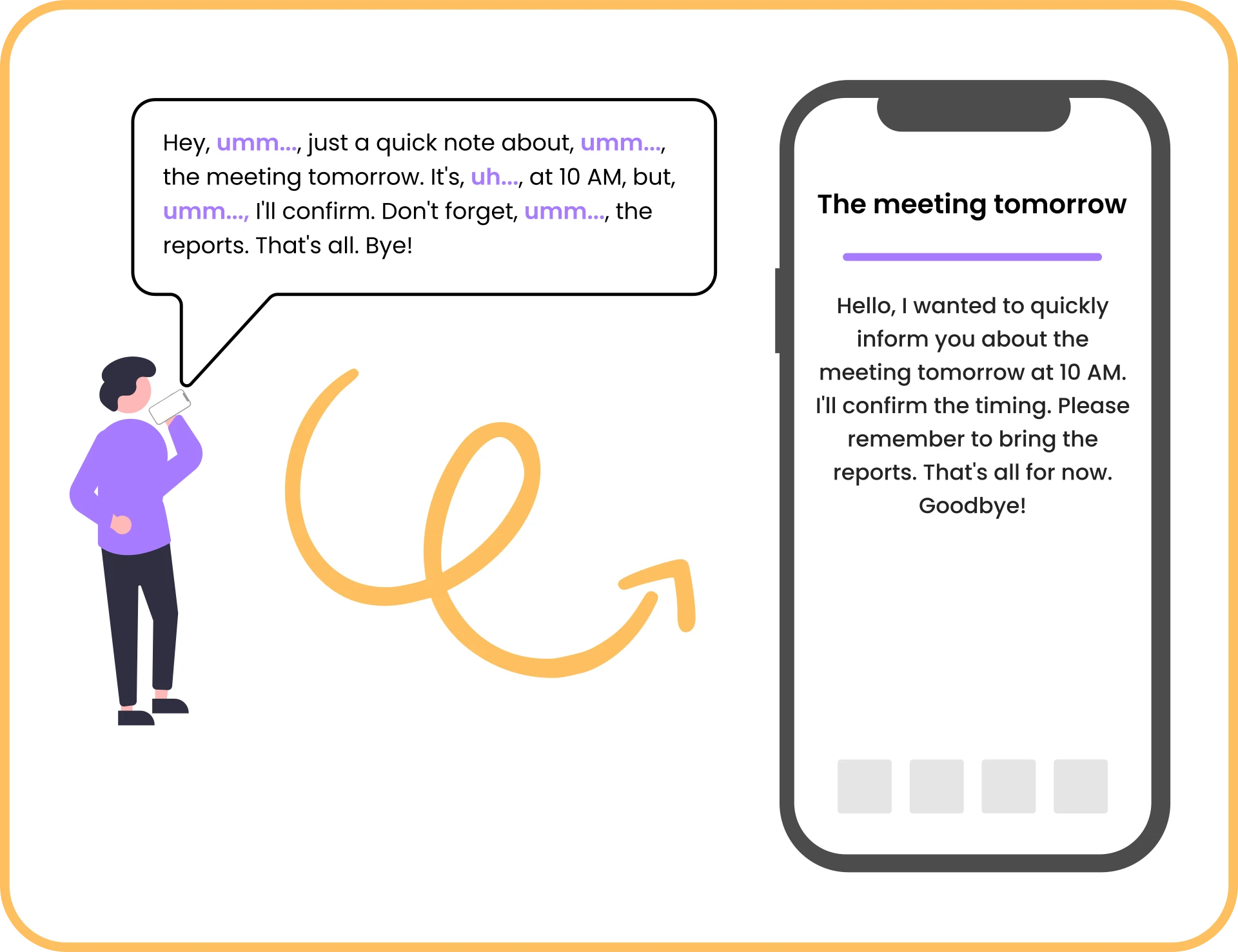
Adutorai is an innovative AI-powered tool designed to transform spoken language into clear, well-structured text. It allows users to create notes, emails, tweets, or posts solely through voice recordings. This cutting-edge technology not only ensures accurate transcription but also offers a variety of features for editing, summarizing, and translating text. By leveraging advanced algorithms, Adutorai continuously improves its transcription capabilities, making it an invaluable tool for anyone looking to streamline their note-taking and communication processes.
How to use Adutorai?
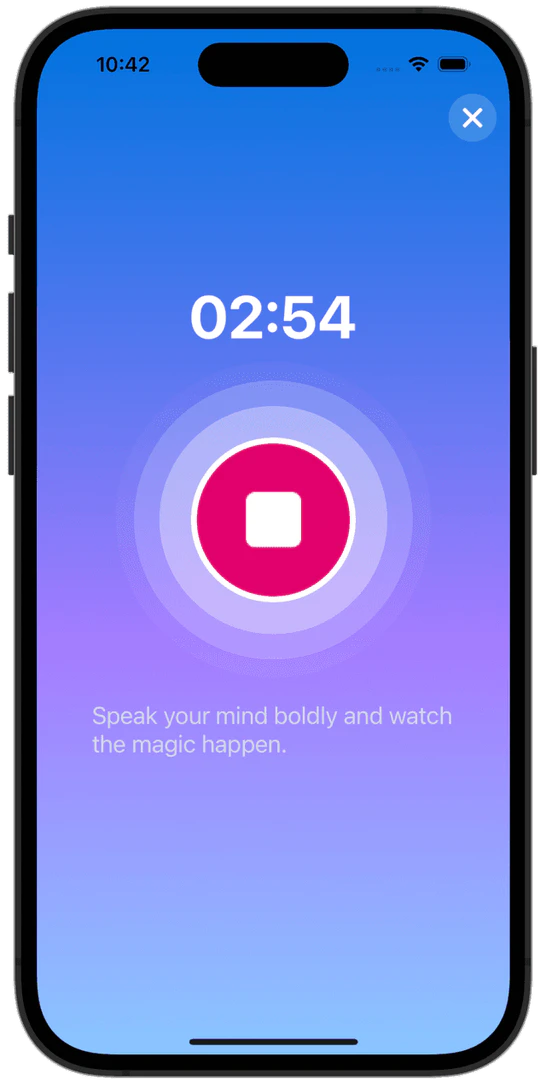
- Recording: Begin by recording your thoughts, study materials, or any audio content up to 3 minutes long.
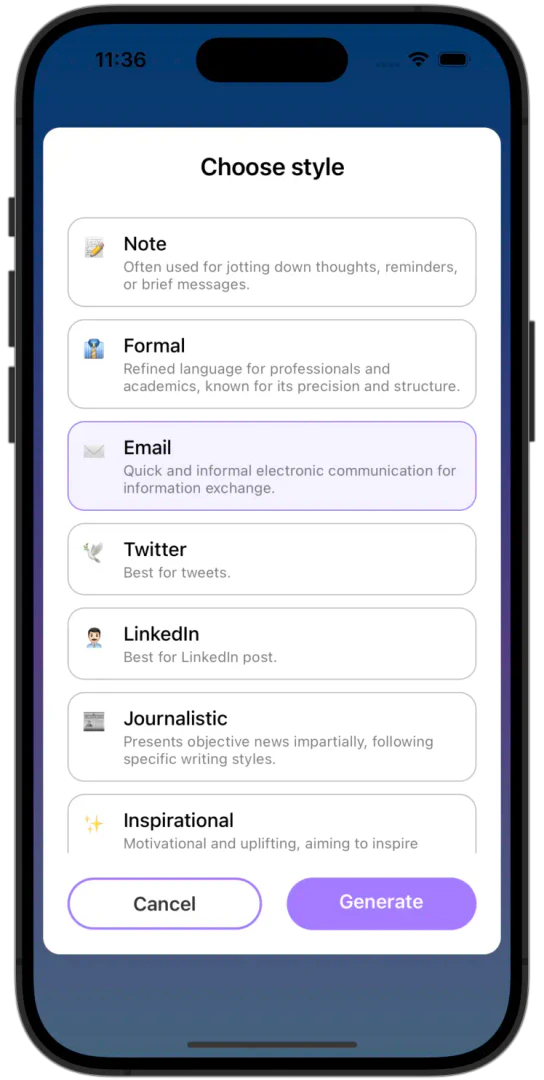
- Choose Style: After recording, select your preferred style to customize how your text will appear.
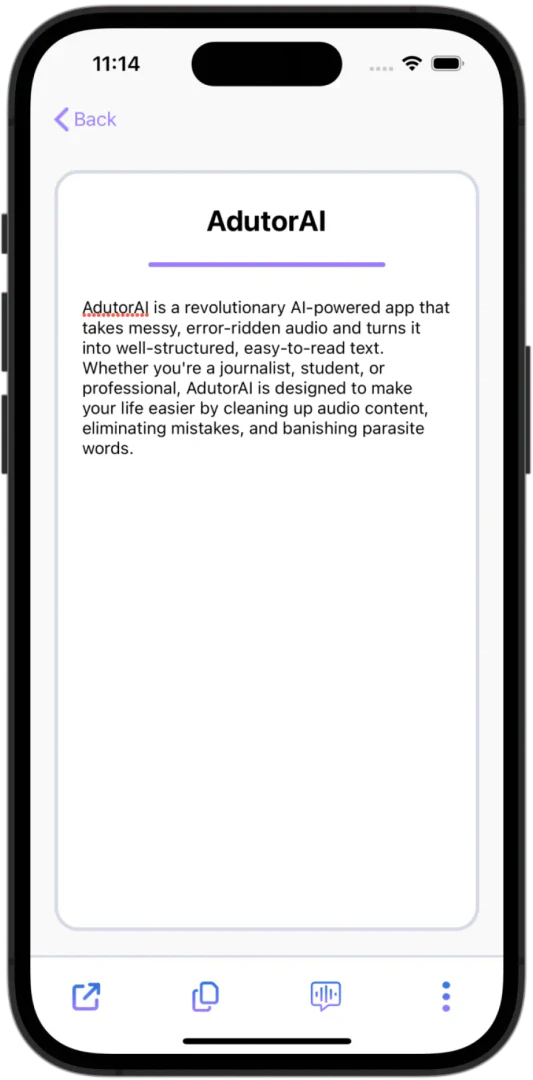
- Review Result: Review the generated text for clarity and accuracy, and regenerate if necessary.
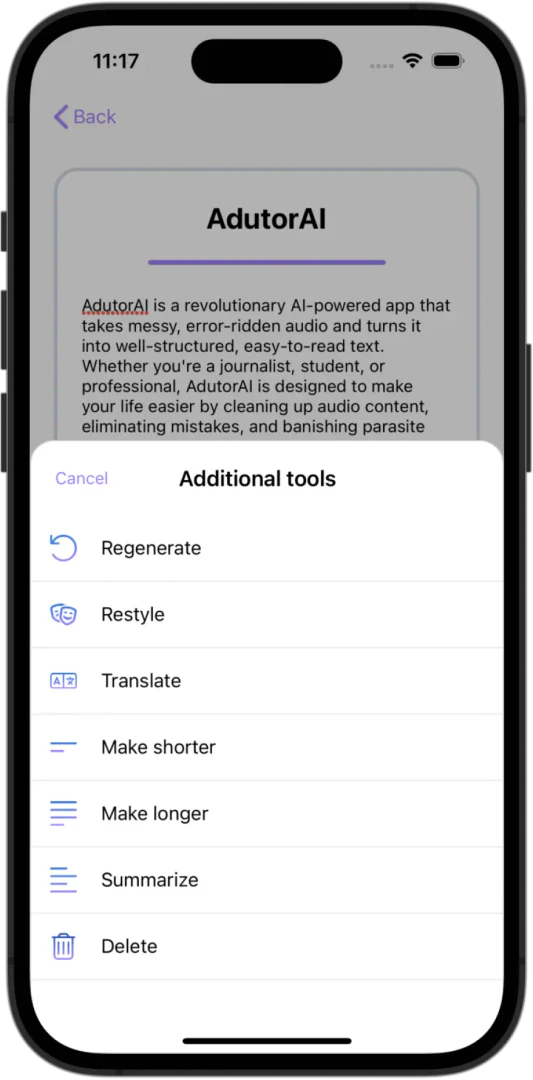
- Use Power of AI: Utilize various AI tools for summarizing, transcribing, organizing, and formatting your text.
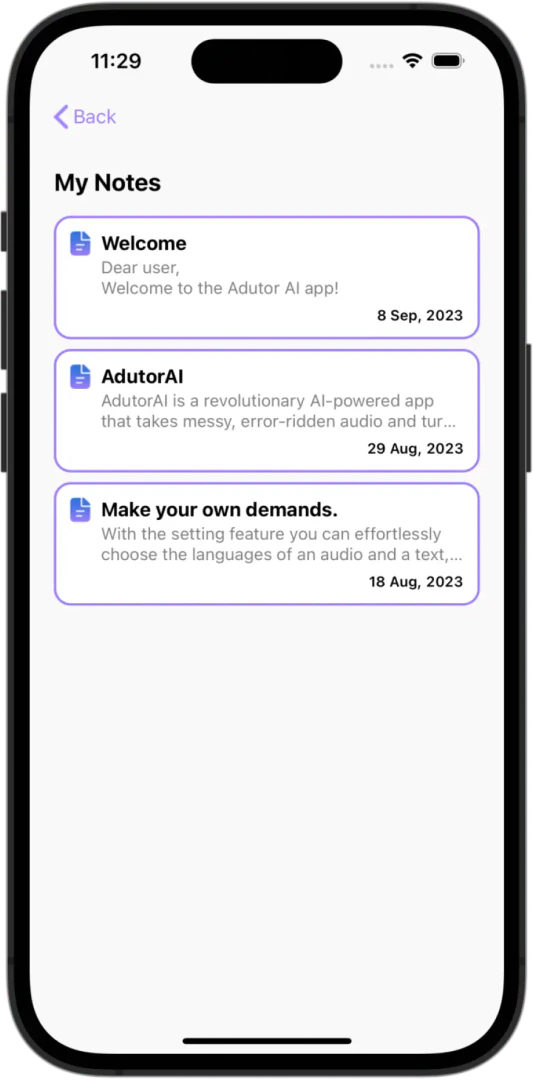
- Save to Notebook: Save your results, edit them as needed, and add titles and notes for easy access.
What are the main features of Adutorai?
- Audio to Clear Text: Converts spoken words into clear, error-free text.
- Audio up to 3 min: Processes audio clips of up to 3 minutes, perfect for short recordings.
- Save Notes: Easily save transcriptions as notes for future reference.
- Edit Note: Refine and edit your notes with an intuitive editing feature.
- Make a Note Shorter: Condense notes while retaining core messages.
- Make a Note Longer: Enrich text with AI expansion features.
- Summarize: Generate concise summaries that highlight key points.
- Translate: Break language barriers with accurate translations.
- Restyle: Revamp notes for better visual appeal.
- Regenerate Note: Request alternative outputs if needed.
- Show Original Transcript: Compare generated text with the original audio for accuracy.
- Write in Different Styles: Customize text for various writing styles.
Who is Adutorai for?
Adutorai is designed for a wide range of users including students, professionals, and anyone who needs to convert speech into written text efficiently. It is particularly beneficial for individuals who attend meetings, conduct interviews, or require quick note-taking solutions. Whether you're a content creator looking to streamline your writing process or a student wanting to organize study materials, Adutorai provides the necessary tools to enhance productivity and communication.
What are the use cases of Adutorai?
- Meeting Notes: Record and transcribe meetings to ensure accurate documentation of discussions.
- Study Aids: Capture lecture notes or study materials effortlessly for later review.
- Content Creation: Use voice to generate blog posts, articles, or social media updates quickly.
- Language Learning: Translate and practice foreign language notes through voice recording.
- Creative Writing: Record thoughts and ideas for stories or scripts without the hassle of typing.
Product Images
Adutorai Pros and Cons
Pros
- Transform Speech to Text: AdutorAI converts spoken words into clear and error-free text, making it easy to create notes, emails, and more.
- Customizable Text Styles: Users can choose different styles for their text, allowing for personalization and suitability for various contexts.
- AI-Powered Features: Includes features like summarizing, translating, and restyling notes, enhancing the overall user experience and functionality.
Cons
No cons data detected for this tool