
Wordbrush




What is Wordbrush?
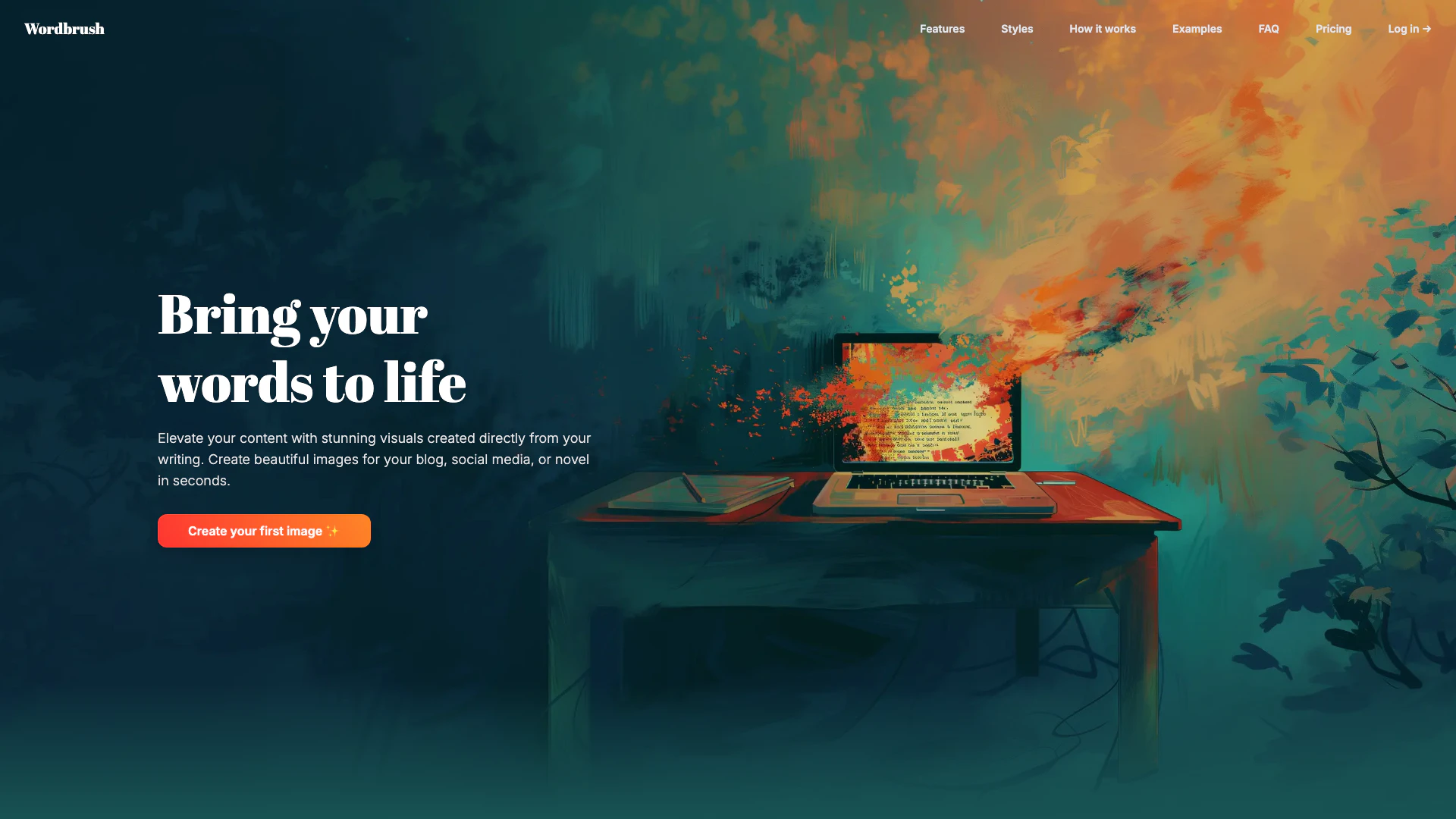
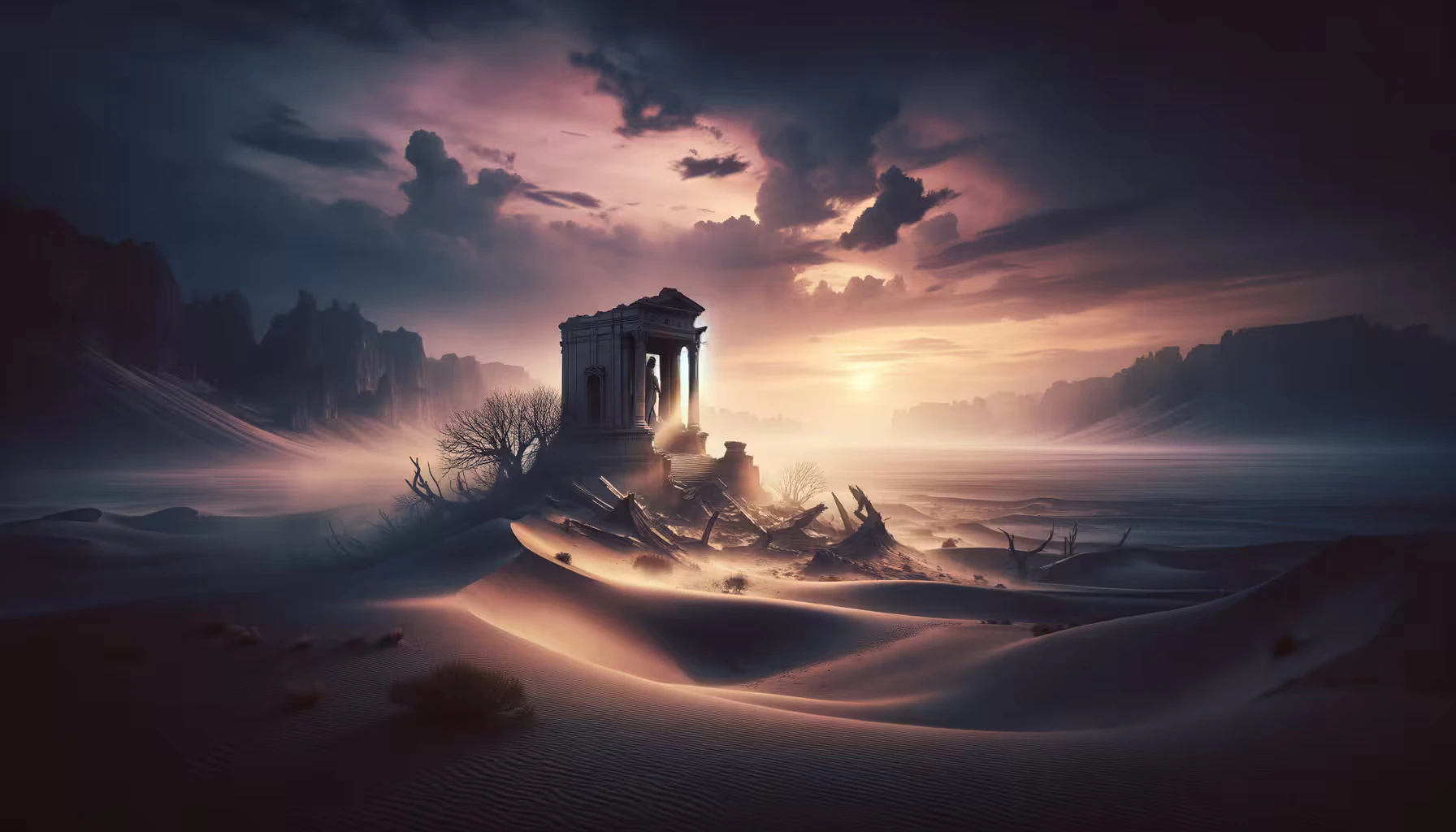
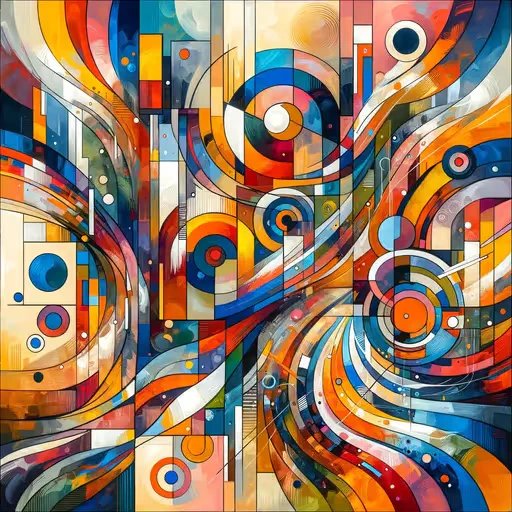
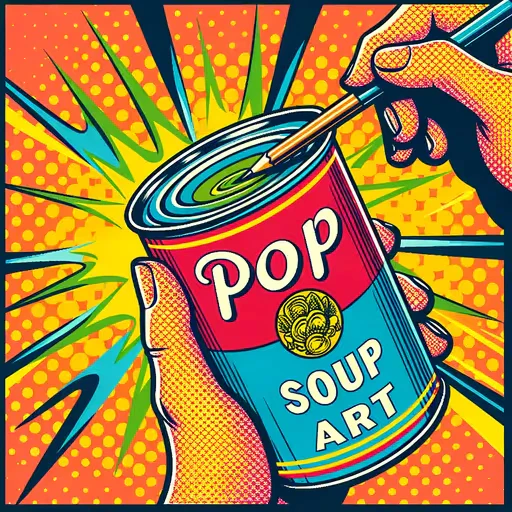
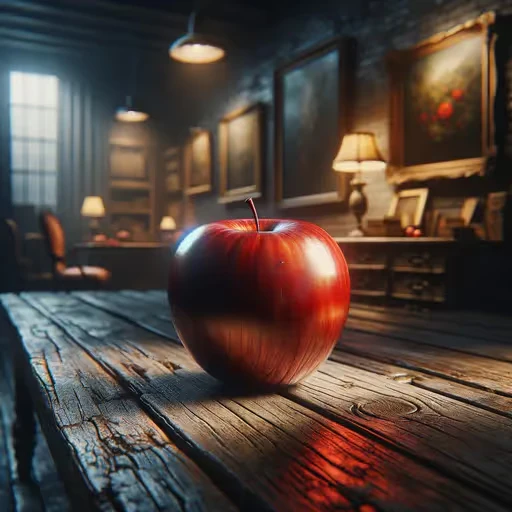
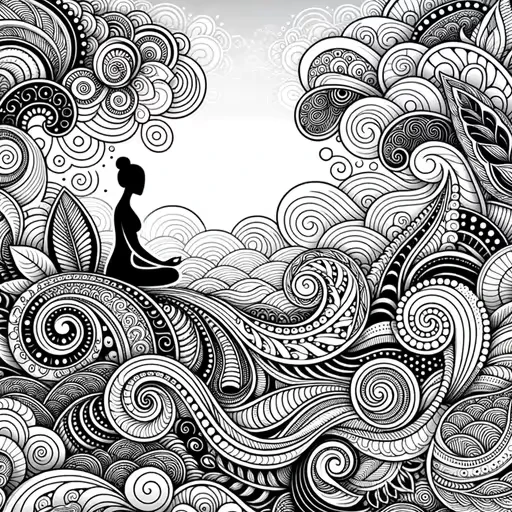
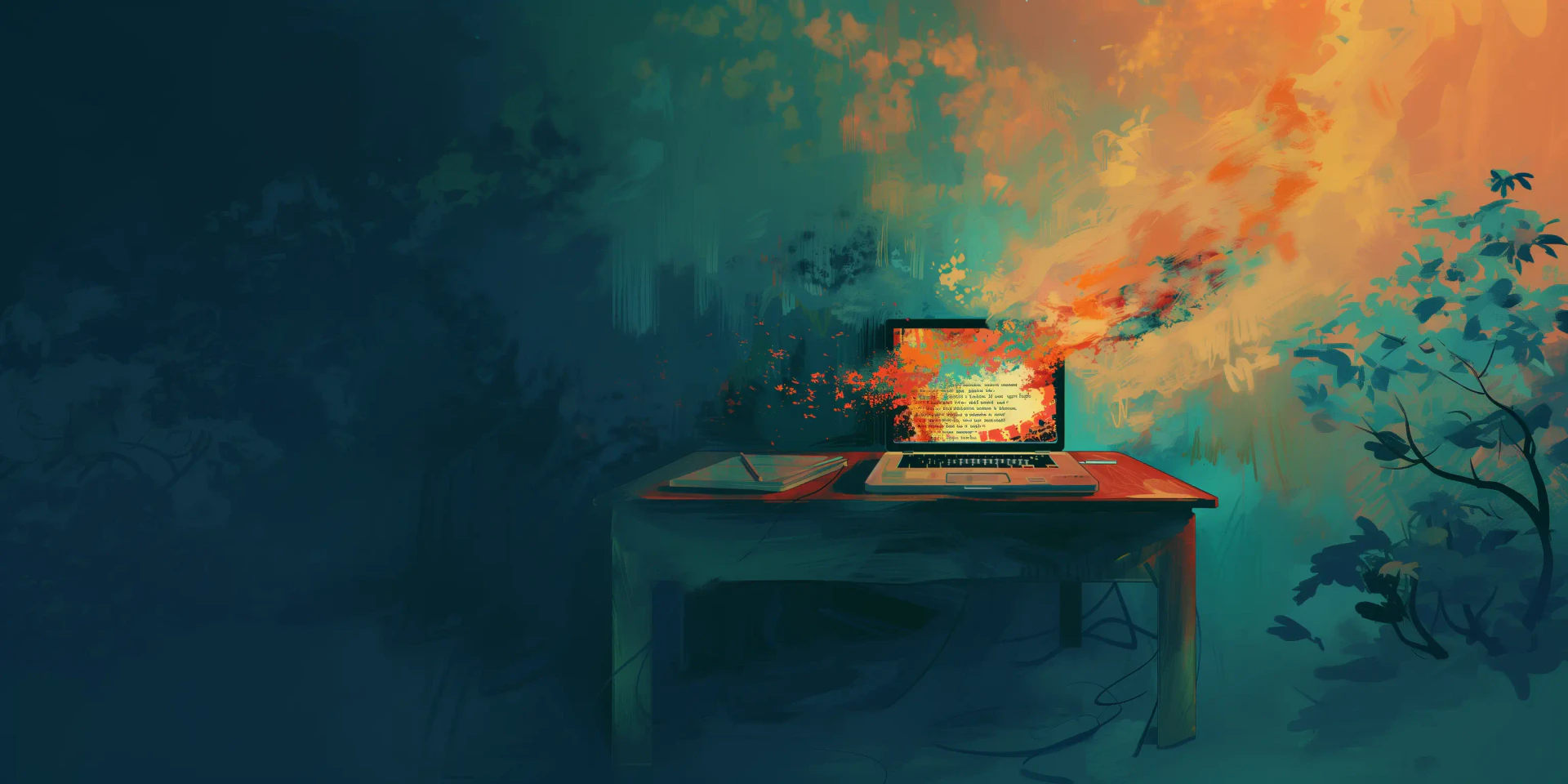
Wordbrush is an innovative AI tool[1] designed to transform your written content into stunning visuals[2] effortlessly. By simply inputting your text, Wordbrush generates high-quality images tailored for blogs, social media, or novels in mere seconds. This tool eliminates the need for complex prompts, allowing users to focus on their writing while Wordbrush handles the visual representation. With a variety of customizable art styles available, Wordbrush empowers creators to elevate their content and make it visually appealing, setting it apart from standard stock photos.
How to use Wordbrush?
Using Wordbrush is a straightforward process that can be broken down into three simple steps: 1. Paste your text: Start by pasting your text into the Wordbrush editor or writing directly within the tool. Specify the intended use and name your project. 2. Pick a style: Choose from a recommended art style or select from various categories. You can also adjust the aspect ratio and detail level according to your preference. 3. Add some details: Enhance your image by adding specific moods or elements you want included or excluded in the visual.
What are the main features of Wordbrush?
Wordbrush boasts several standout features that enhance its functionality: - Custom Illustrations: Generate unique, high-quality images directly from your writing without the need for complicated prompts. - Diverse Art Styles: Choose from over 50 art styles, including Bokeh, Cyberpunk, and Impressionism, or create custom styles to match your brand. - User-Friendly Interface: Designed for ease of use, Wordbrush allows for quick input and style selection, making the creative process seamless. - Customization Options: Users can add details like mood and specific elements to be included or excluded, ensuring the visuals align perfectly with their vision.
Who is Wordbrush for?
Wordbrush is ideal for a diverse range of users, including bloggers, social media managers, novelists, and content creators seeking to enhance their written work with compelling visuals. It's perfect for anyone looking to stand out in a crowded digital space by creating unique images that complement their text, whether for personal projects, professional portfolios, or marketing campaigns.
What are the use cases of Wordbrush?
Wordbrush can be applied in various scenarios, including: 1. Blog Content Creation[3]: Enhance blog posts with original images that visually represent the content, making articles more engaging for readers. 2. Social Media Marketing: Create eye-catching visuals for social media platforms to attract more followers and increase engagement. 3. Novel Illustrations: Authors can generate illustrations for their novels, bringing scenes and characters to life visually, enhancing reader immersion.
Product Images

Wordbrush Pros and Cons
Pros
- Easy Image Generation: Wordbrush allows users to create stunning visuals directly from their writing without needing complicated prompts, making the process straightforward and user-friendly.
- Variety of Art Styles: With over 50 art styles available, users can choose the perfect aesthetic for their content or create custom styles to match their brand.
- Quick Creation Process: The tool enables users to generate images in seconds, streamlining the workflow for bloggers, authors, and social media managers.
Cons
No cons data detected for this tool
Wordbrush Pricing
3 Free Images
Start creating today with 3 free images — no credit card required.
15 Images
Purchase 15 images at $0.47 per image.
35 Images
Purchase 35 images at $0.43 per image.
60 Images
Purchase 60 images at $0.40 per image.
130 Images
Purchase 130 images at $0.38 per image.
280 Images
Purchase 280 images at $0.35 per image.
For the latest pricing, please visit this link: https://wordbrush.art/pricing
Prices are subject to change. Please visit the official website for the most up-to-date pricing information.





