Vrmow




What is Vrmow?
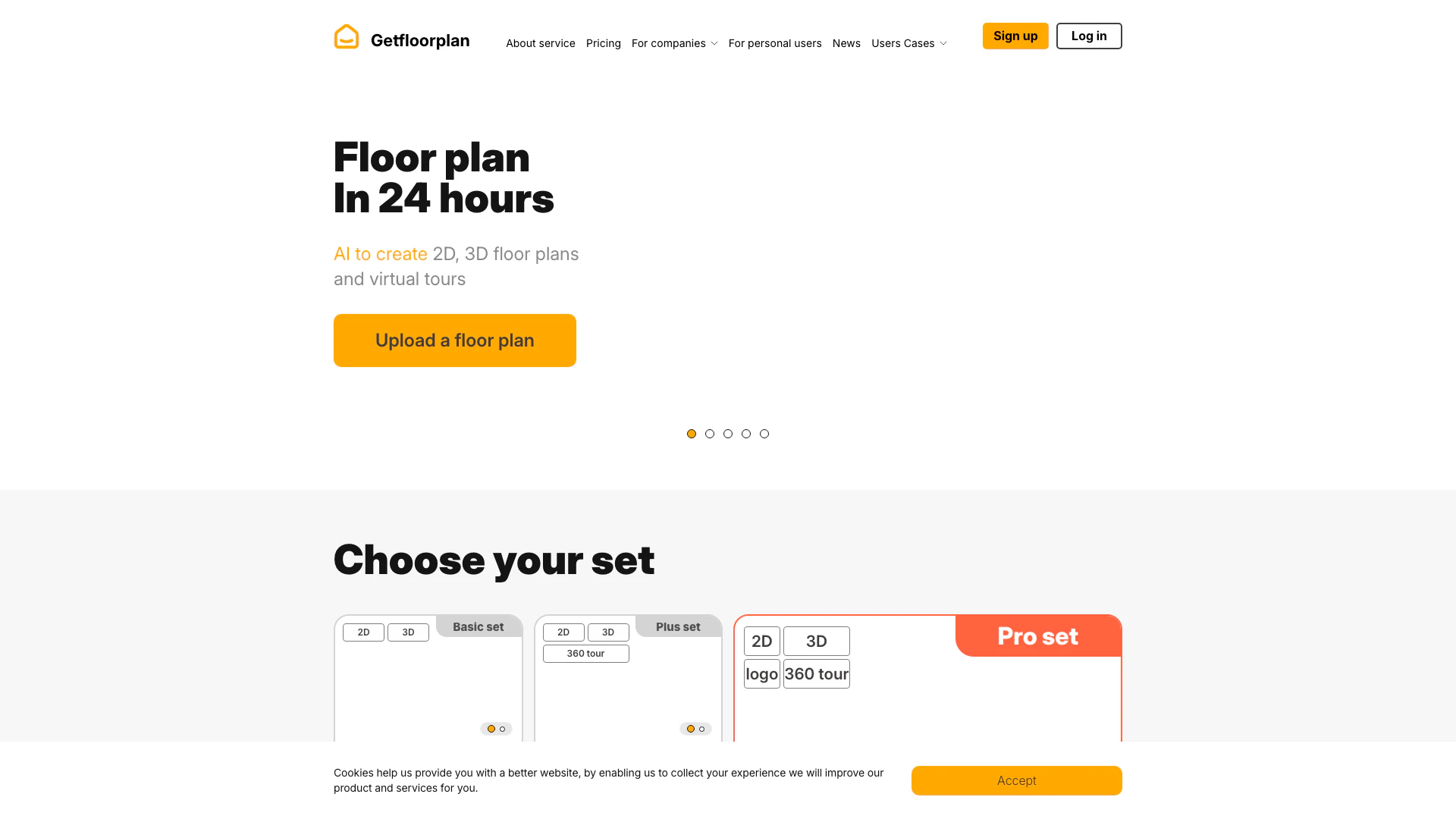
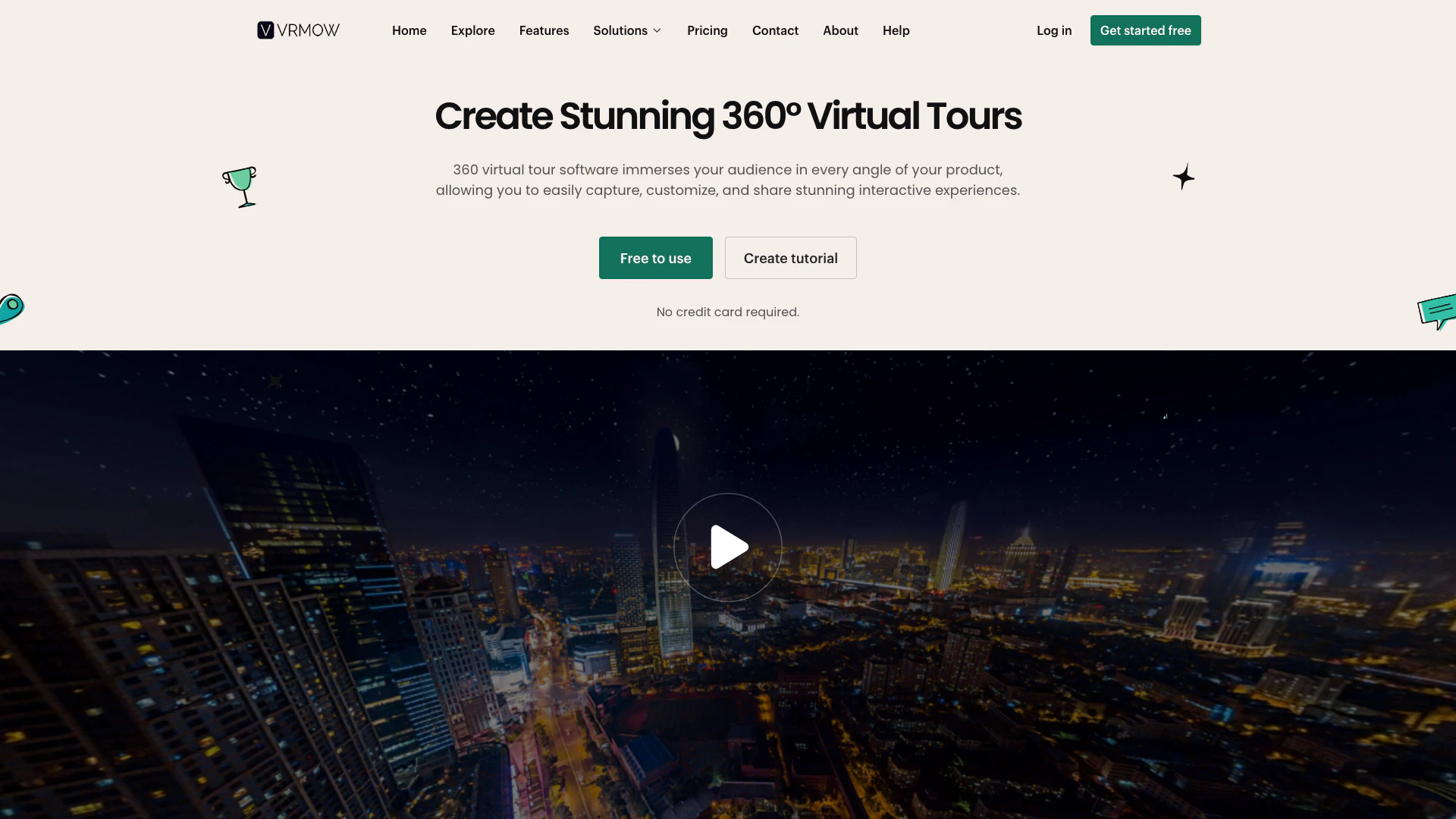
Vrmow is a cutting-edge 360 virtual tour software designed to immerse your audience in every angle of your product. This innovative tool is particularly ideal for industries such as real estate, 3D design, museums, and education, enabling users to create, customize, and share stunning interactive experiences effortlessly. With Vrmow, you can engage your audience more effectively by providing them with an immersive digital exploration of spaces and environments, enhancing visibility and user interaction without requiring technical skills.
How to use Vrmow?
To start using Vrmow, follow these steps: 1. Get hold of a 360° camera: Acquire a 360° camera to capture immersive images. If you need guidance, refer to the shooting tutorial available on the website. 2. Get hold of a tripod: Use a tripod to stabilize your camera at an optimal height for capturing clear images of the entire room. 3. Create a Vrmow account: Sign up for a free account on the Vrmow website to begin creating your virtual tour. The platform will guide you through the process, ensuring it's quick and easy.
What are the main features of Vrmow?
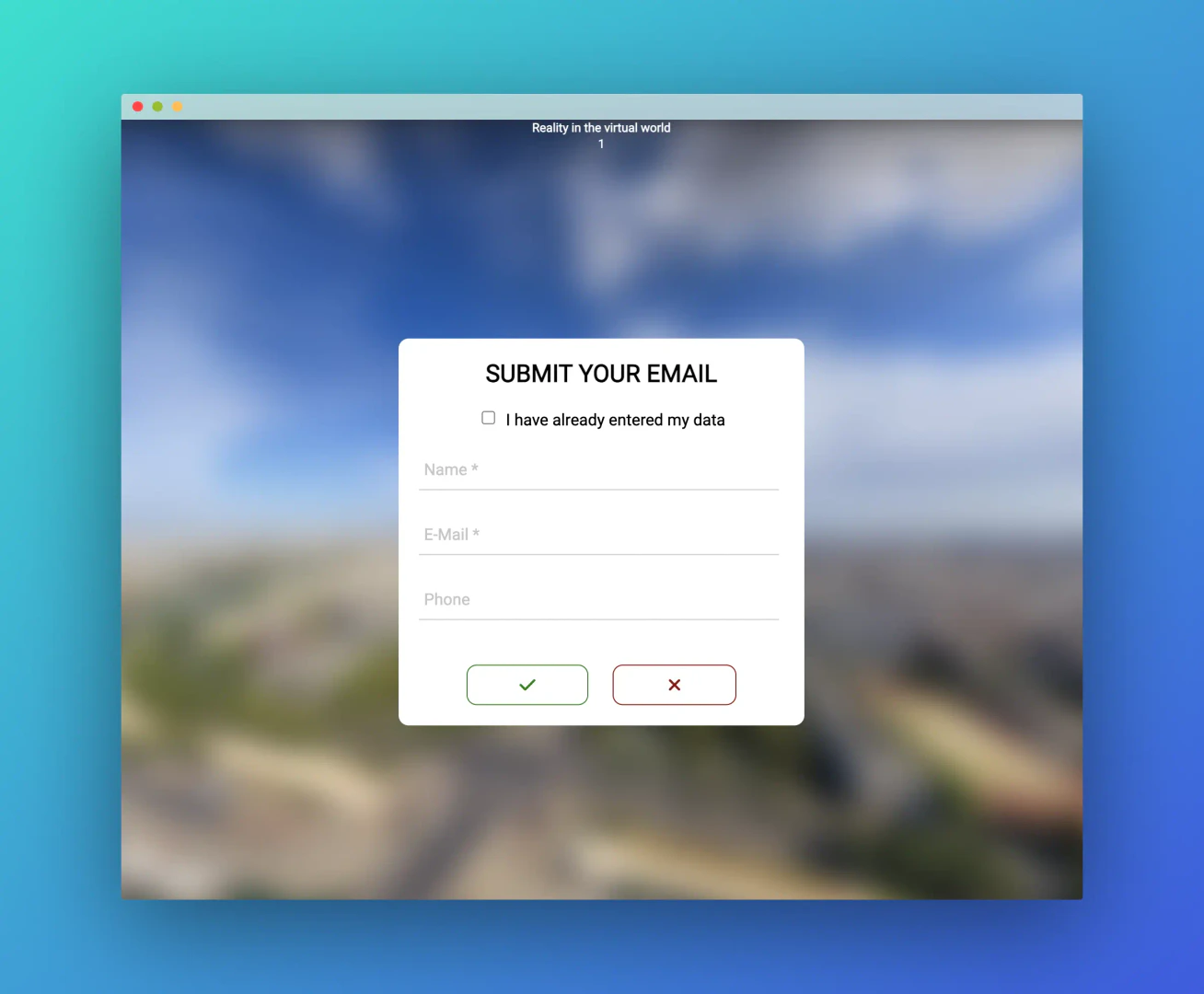
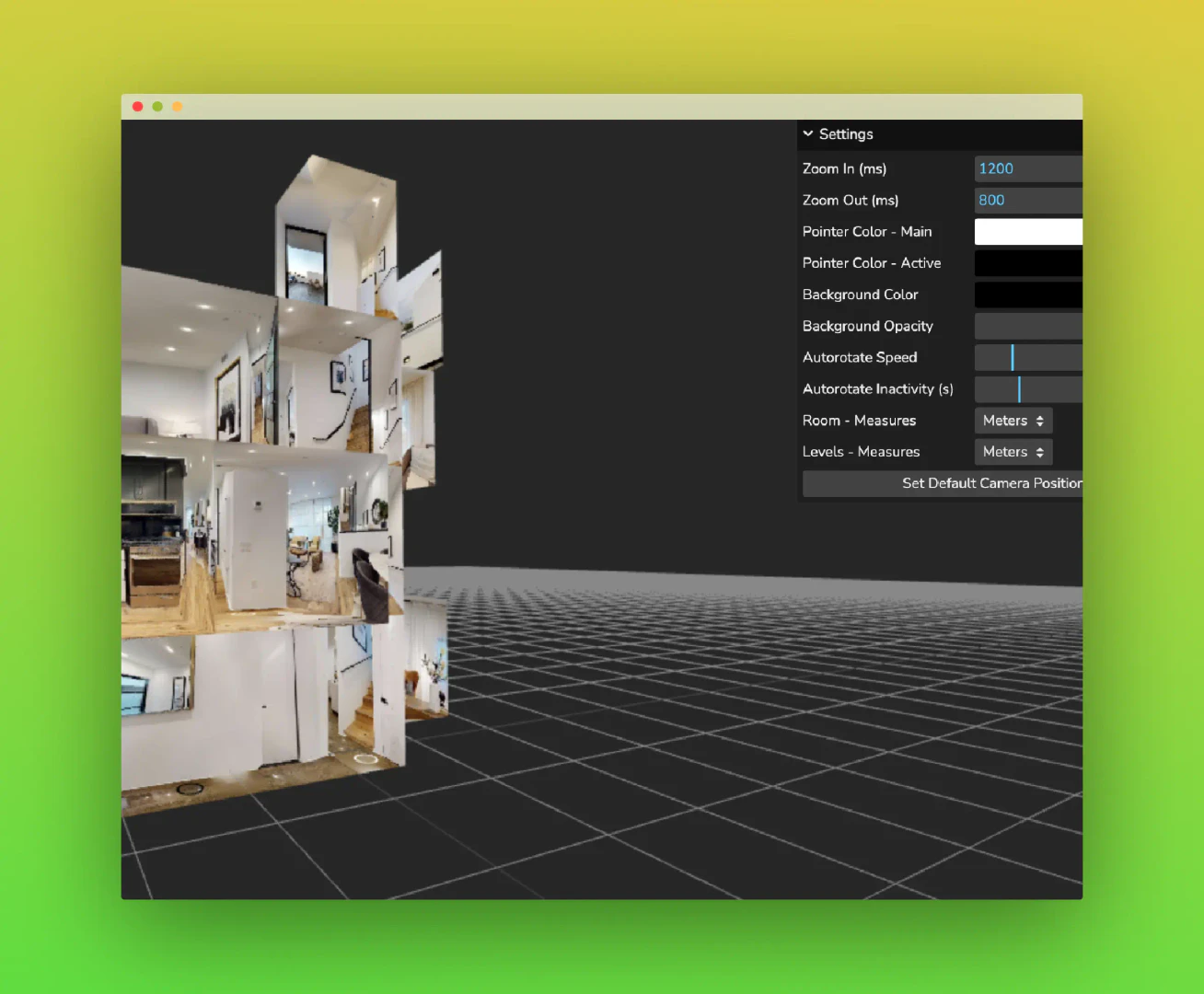
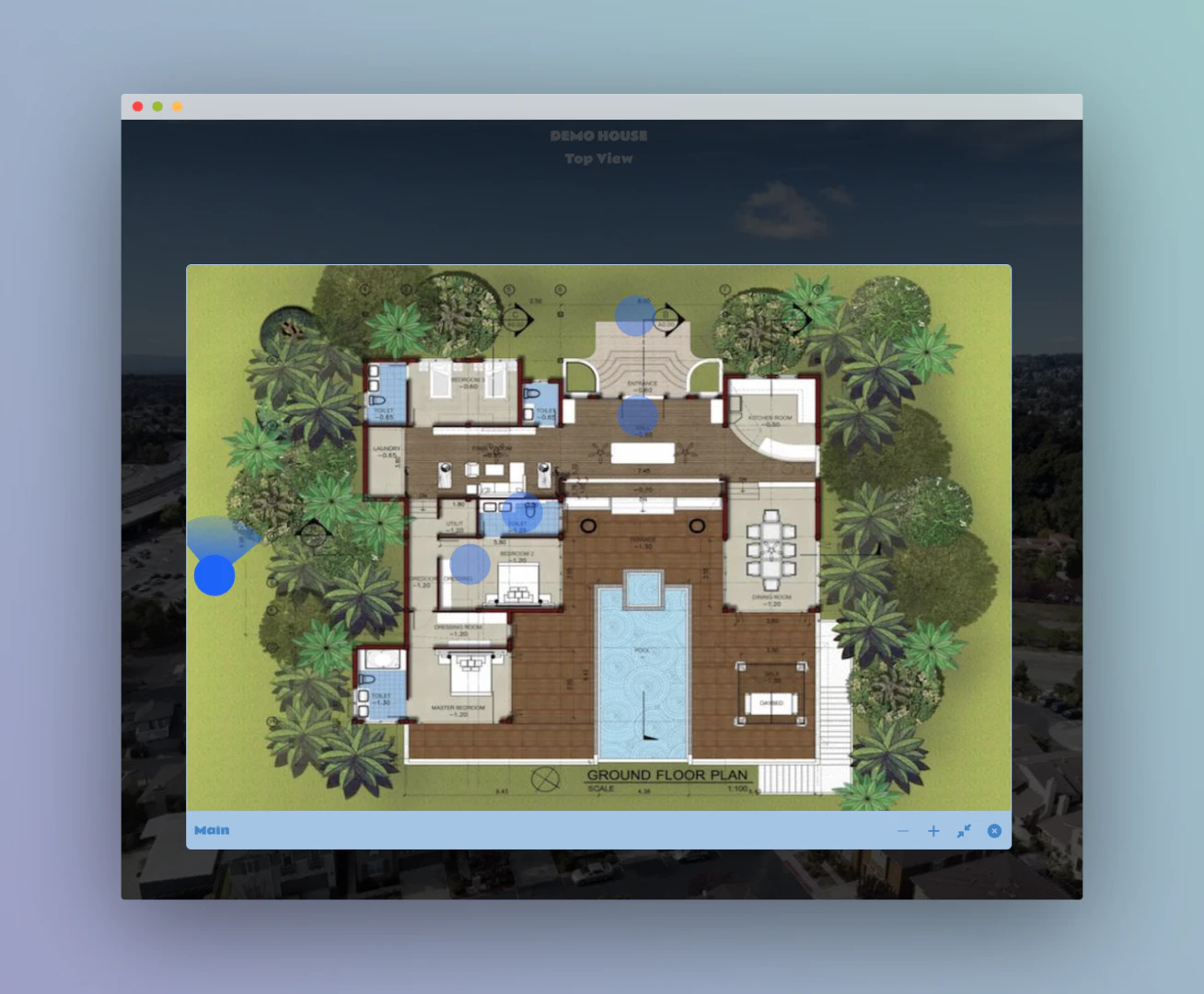
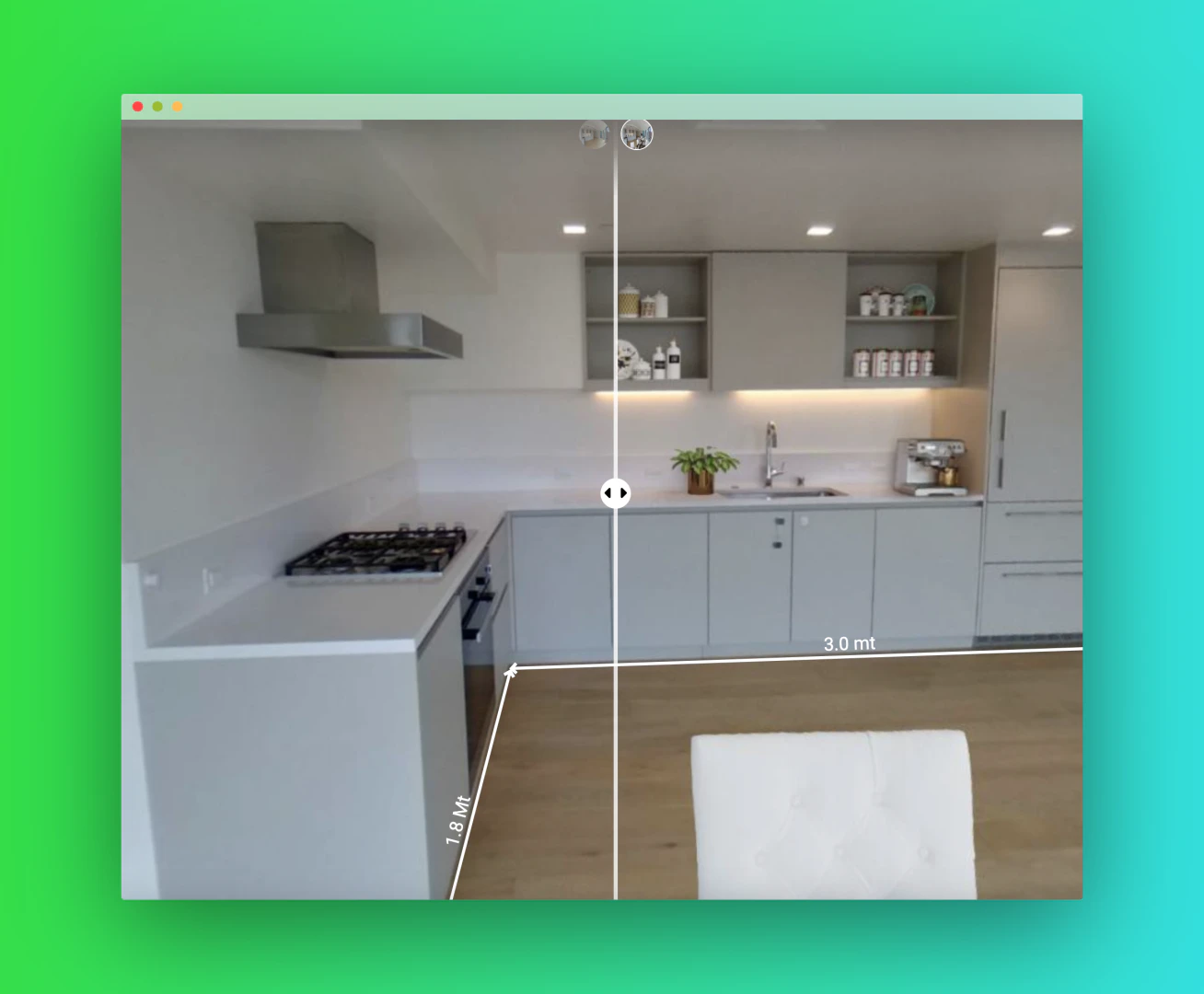
Vrmow offers a variety of powerful features to enhance your virtual tour experience: - 360° Virtual Tours[1]: Create immersive tours that allow viewers to explore spaces from every angle. - 3D Dollhouse View[2]: Provides an intuitive 3D perspective, enhancing the depth and interaction of your tours. - Lead Generation Tools[3]: Integrate contact forms and live chat to capture potential client information directly within the tours. - Built-In Shop[4]: Showcase and sell products directly within your virtual tours, enhancing user engagement. - Google Street View Integration[5]: Publish your virtual tours to Google Street View with a single click, increasing visibility.
Who is Vrmow for?
Vrmow is tailored for a diverse range of users, including: - Real Estate Agents: To showcase properties in an engaging manner. - Photographers: To present their work interactively. - Hotel Owners: To attract guests by showcasing their facilities. - Architects and 3D Designers: To demonstrate their designs in a captivating format. - Educational Institutions: To enhance learning through immersive experiences.
What are the use cases of Vrmow?
Vrmow can be utilized in various scenarios, including: 1. Real Estate Showings: Allow potential buyers to explore properties remotely. 2. Museum Exhibits: Provide virtual tours of exhibitions to reach a wider audience. 3. Educational Tours: Facilitate interactive learning experiences for students. 4. Event Showcases: Display events or venues in an engaging manner for potential clients. 5. Product Demonstrations: Allow customers to visualize products in a virtual space before purchase.
Product Images

Vrmow Pros and Cons
Pros
- Immersive 360° Experience: Vrmow allows users to create immersive 360° virtual tours, enhancing audience engagement by showcasing products from every angle.
- User-Friendly Interface: The software is designed for ease of use, enabling users without technical skills to create and share virtual tours effortlessly.
- Integration with Google Street View: Users can publish their virtual tours directly to Google Street View, increasing visibility and reaching a broader audience.
- Built-In Shopping Feature: Vrmow includes a built-in shop feature, allowing users to showcase and sell products directly within the virtual tour.
Cons
No cons data detected for this tool
Vrmow Pricing
FREE FOR LIFE
100% Free. No Strings Attached. Key features: 1 virtual tours, 1 Rooms, 2 Markers, 2 POls, 2 Gallery Images, 10M Panorama Upload Size, 10M Storage Quota, Custom Branding, Your own Logo, AI Panorama, AI Enhancement, Google Street View Publish, Download Tour, Video Generate, Multiple Rooms View, Live session, Shop, Meeting, Custom Domains.
APPETIZER
Includes Locator Map feature. Key features: Unlimited virtual tours, Unlimited Rooms, Unlimited Markers, Unlimited POls, Unlimited Gallery Images, 100M Panorama Upload Size, 2GB Storage Quota, Custom Branding, Your own Logo, Multiple Rooms View, Download Tour, Video Generate, AI Panorama, AI Enhancement, Google Street View Publish, Live session, Shop, Meeting, Custom Domains.
MAIN COURSE
Includes Locator Map feature. Key features: Unlimited virtual tours, Unlimited Rooms, Unlimited Markers, Unlimited POls, Unlimited Gallery Images, Unlimited Panorama Upload Size, Unlimited Storage Quota, Custom Branding, Your own Logo, AI Panorama, AI Enhancement, Google Street View Publish, Download Tour, Video Generate, Multiple Rooms View, Live session, Shop, Meeting, Custom Domains.
For the latest pricing, please visit this link: https://vrmow.com/pricing/
Prices are subject to change. Please visit the official website for the most up-to-date pricing information.
Analytics of Vrmow
Vrmow Website Traffic Analysis
Visits Over Time
Traffic Sources
Jan 2026 - Jan 2026 Worldwide Desktop Only
- Direct: 100.00%
Top Keywords
| Keyword | Volume | CPC | Estimated Value |
|---|---|---|---|
| dollhouse virtual tour software | 190 | $0.00 | $0.00 |