Vocospeech




What is Voco Speech?
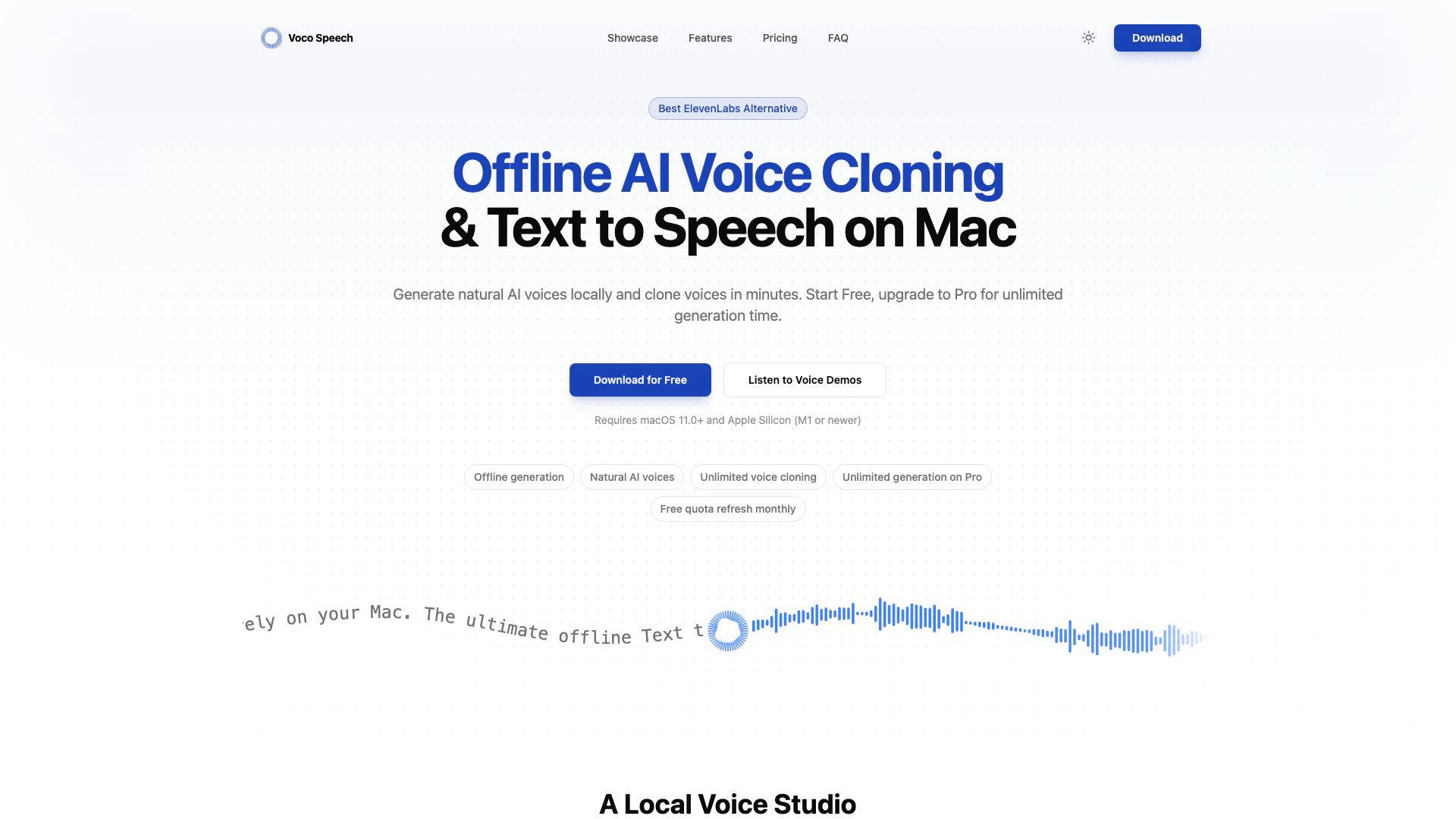
Voco Speech is an offline AI voice generator designed specifically for macOS users, serving as an alternative to ElevenLabs. This innovative tool allows users to create natural-sounding text-to-speech (TTS) outputs and clone voices without the need for internet connectivity. With Voco Speech, you can generate high-quality AI voices locally on your Mac, ensuring privacy and control over your voice data. The tool is particularly appealing for creators seeking a reliable solution for voice generation and cloning, offering a free tier with unlimited voice cloning and a Pro version that provides unlimited generation time.
How to use Voco Speech?
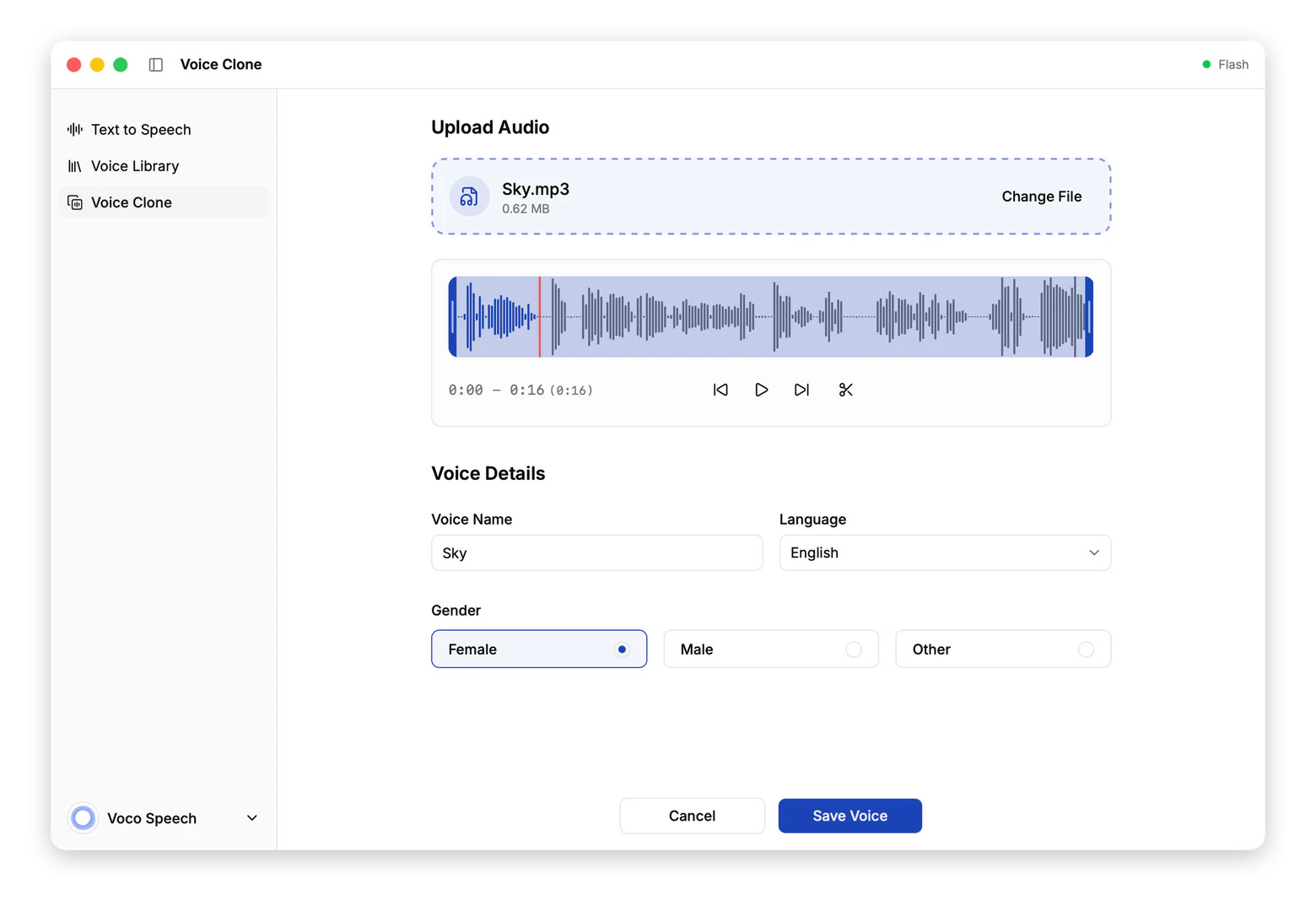
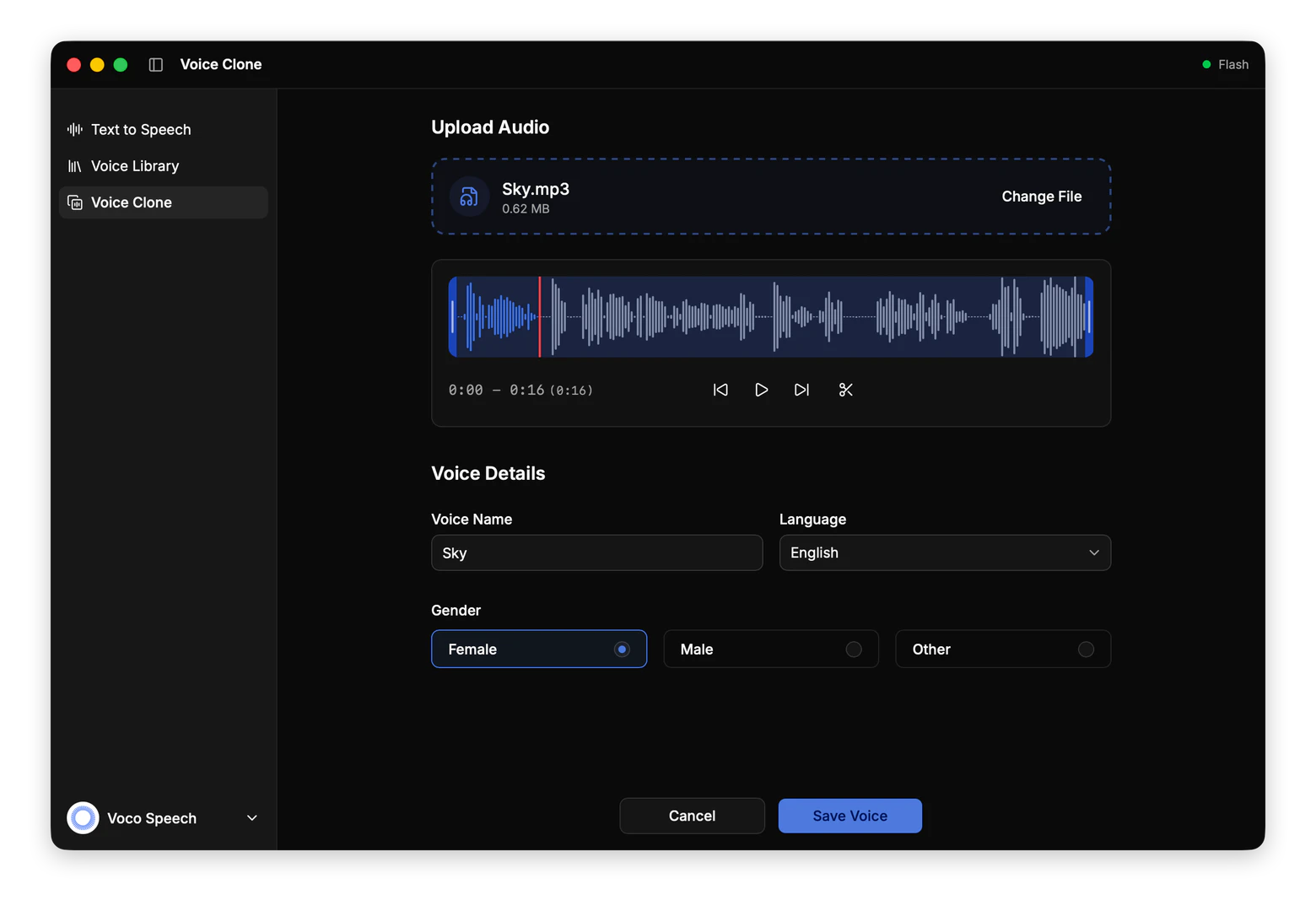
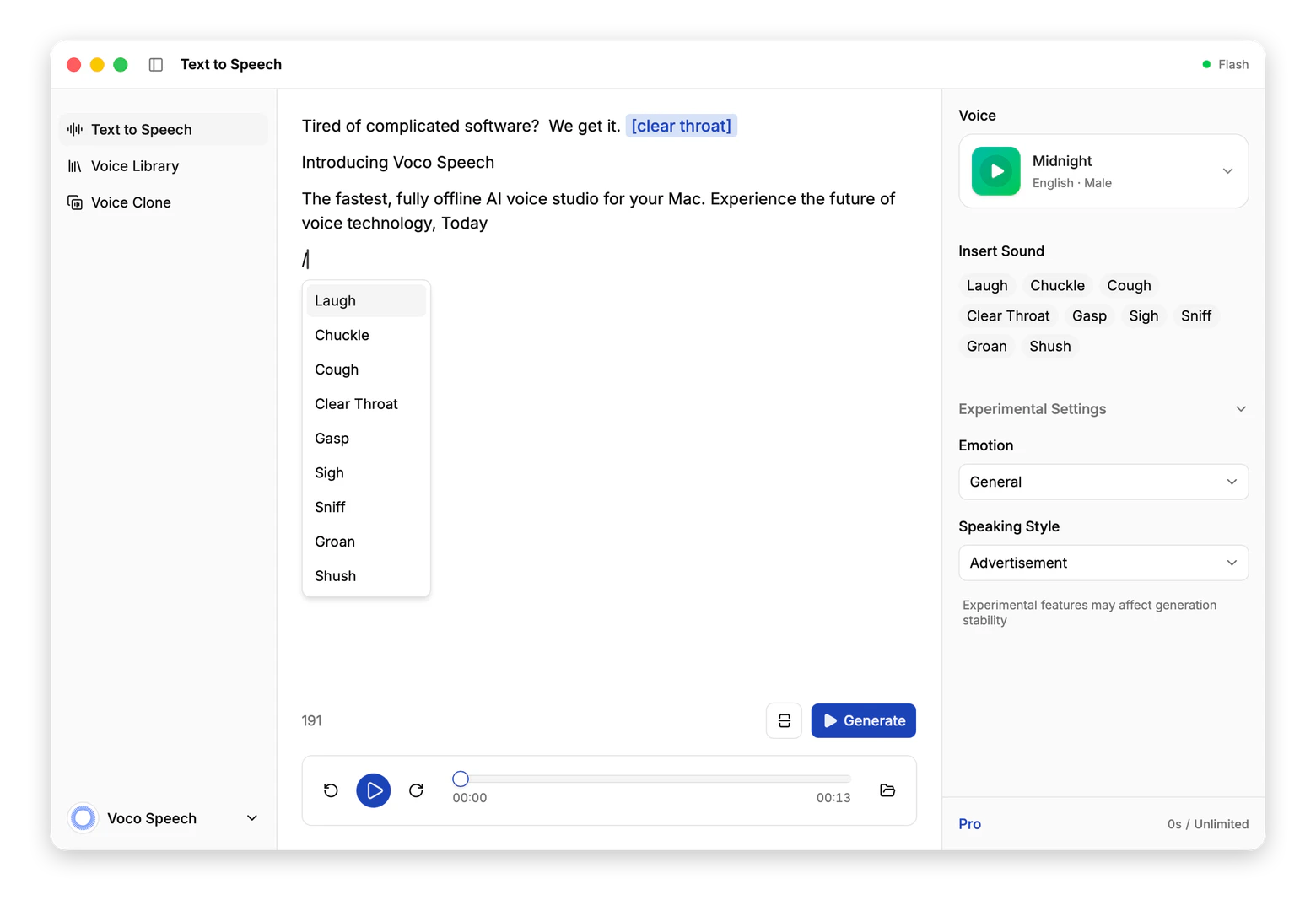
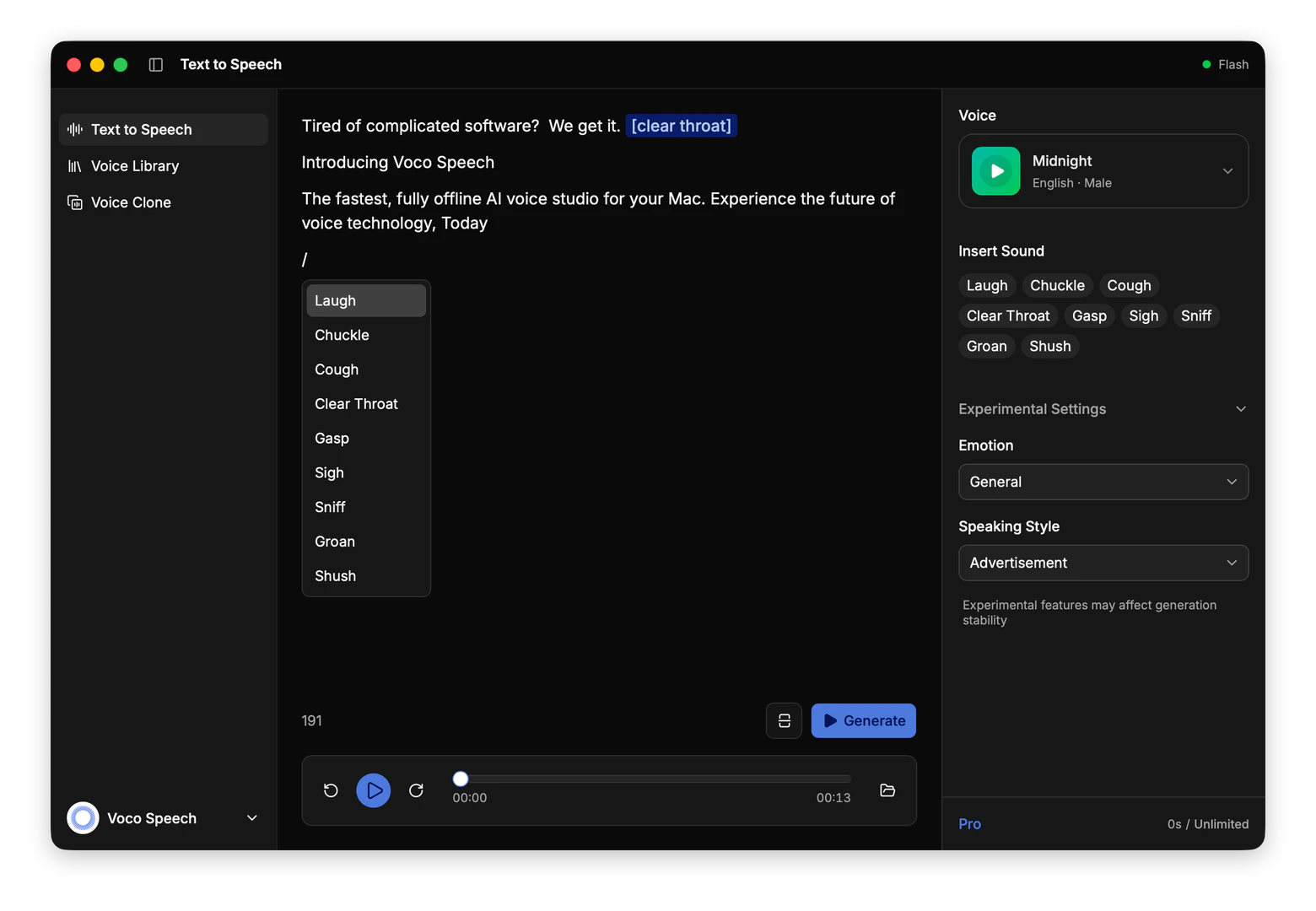
- Download Voco Speech from the official website and install it on your macOS device (requires macOS 11.0+ and Apple Silicon). 2. Open the application and select the voice you wish to use for your text-to-speech generation. 3. Enter your text in the provided input field and customize settings such as emotion and speaking style. 4. Click on the 'Generate' button to create your audio output. 5. For voice cloning, follow the prompts to upload a sample voice and initiate the cloning process. You can save and export your generated audio files directly from the app.
What are the main features of Voco Speech?
- Offline Voice Generation: Generate AI voices locally on your Mac without internet dependency.
- Natural AI Voices: Produce clear and expressive voice outputs suitable for various applications.
- Unlimited Voice Cloning: Clone voices without limits, available for both free and Pro users.
- Customizable Voice Settings: Fine-tune voice output with options for sound tags, emotions, and speaking styles.
- Free and Pro Plans: Start with a free plan offering monthly quotas, with an option to upgrade for unlimited generation.
Who is Voco Speech for?
Voco Speech is ideal for content creators, educators, and professionals who need a reliable and efficient voice generation tool. It caters to individuals and teams producing podcasts, tutorials, videos, and other multimedia content. The tool is particularly beneficial for those who prioritize privacy and wish to avoid cloud-based solutions, as it operates entirely offline. Additionally, Voco Speech is suitable for users who require voice cloning capabilities for unique character voices or brand-specific audio content.
What are the use cases of Voco Speech?
- Podcast Production: Create engaging audio content with natural-sounding voices for podcast episodes.
- Video Narration: Generate voiceovers for instructional or promotional videos, enhancing viewer engagement.
- E-Learning: Develop interactive tutorials and educational materials with personalized voice outputs.
- Voice Acting: Clone voices for character development in games or animations, adding depth to storytelling.
- Product Demos: Produce clear voiceovers for product demonstrations, improving customer understanding.
Product Images
Vocospeech Pros and Cons
Pros
- Offline Voice Generation: Voco Speech allows users to generate AI voices locally on their Mac, ensuring privacy and eliminating the need for internet connectivity.
- Unlimited Voice Cloning: Users can clone voices without any limits, even in the free version, making it accessible for various creative projects.
- Natural AI Voices: The tool produces clear and natural-sounding voice outputs, suitable for videos, podcasts, and tutorials.
Cons
No cons data detected for this tool
Vocospeech Pricing
Free
Free forever. A real free plan for creators who need ongoing access, not a one-time trial.
Pro
Most Popular. $9.90 / year. For creators and teams producing voice content at scale.
For the latest pricing, please visit this link: https://vocospeech.com/#pricing
Prices are subject to change. Please visit the official website for the most up-to-date pricing information.
Vocospeech Reviews
The ultimate offline Text to Speech & voice cloning app. Experience private, state-of-the-art AI voices running entirely on your Mac.
Oh, fantastic. Another meeting that could have been an email. My favorite.
I tried to bake a cake today... let's just say the fire department came! [laugh]
For more reviews, visit this link: https://vocospeech.com/#reviews