Videotopage






What is videotopage?
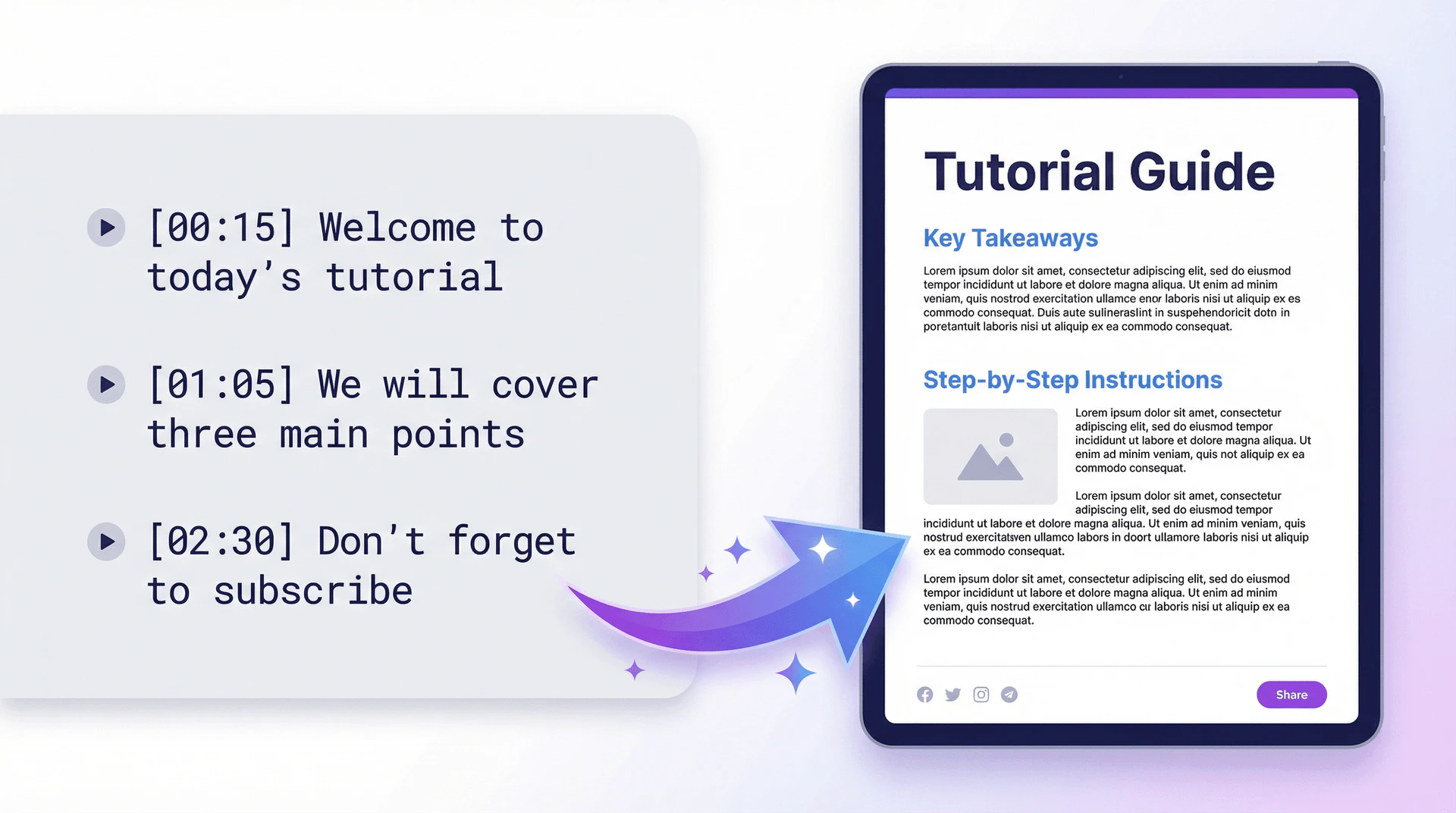
Videotopage is an innovative tool designed to transform any video or audio content into engaging written formats such as blog posts, articles, or social media posts. It streamlines the content creation process by allowing users to record, upload, or input a YouTube link to generate structured, high-impact written content quickly. With its automated features, videotopage helps users save time and effort, making it an essential tool for content creators, marketers, and businesses looking to enhance their online presence.
How to use videotopage?
- Sign Up or Log In: Create an account or log into videotopage to access the features.
- Upload Your Content: Drag and drop your video or audio file, or enter a YouTube link to get started.
- Choose Your Output Format: Select the type of content you want to generate, such as a blog post, social media highlights, or transcripts.
- Generate Content: Let the AI process the video or audio, transcribing and analyzing it to create structured content.
- Edit and Customize: Use the rich text editor to refine the generated content to fit your style and needs.
- Publish or Schedule: Directly publish your content to platforms like WordPress or schedule it for later release.
What are the main features of videotopage?
- Multi-Format Content Generation[1]: Convert videos into various formats including blog posts, social media posts, and marketing materials.
- AI Transcription[2]: High-accuracy transcription of audio content, ensuring clarity and readability.
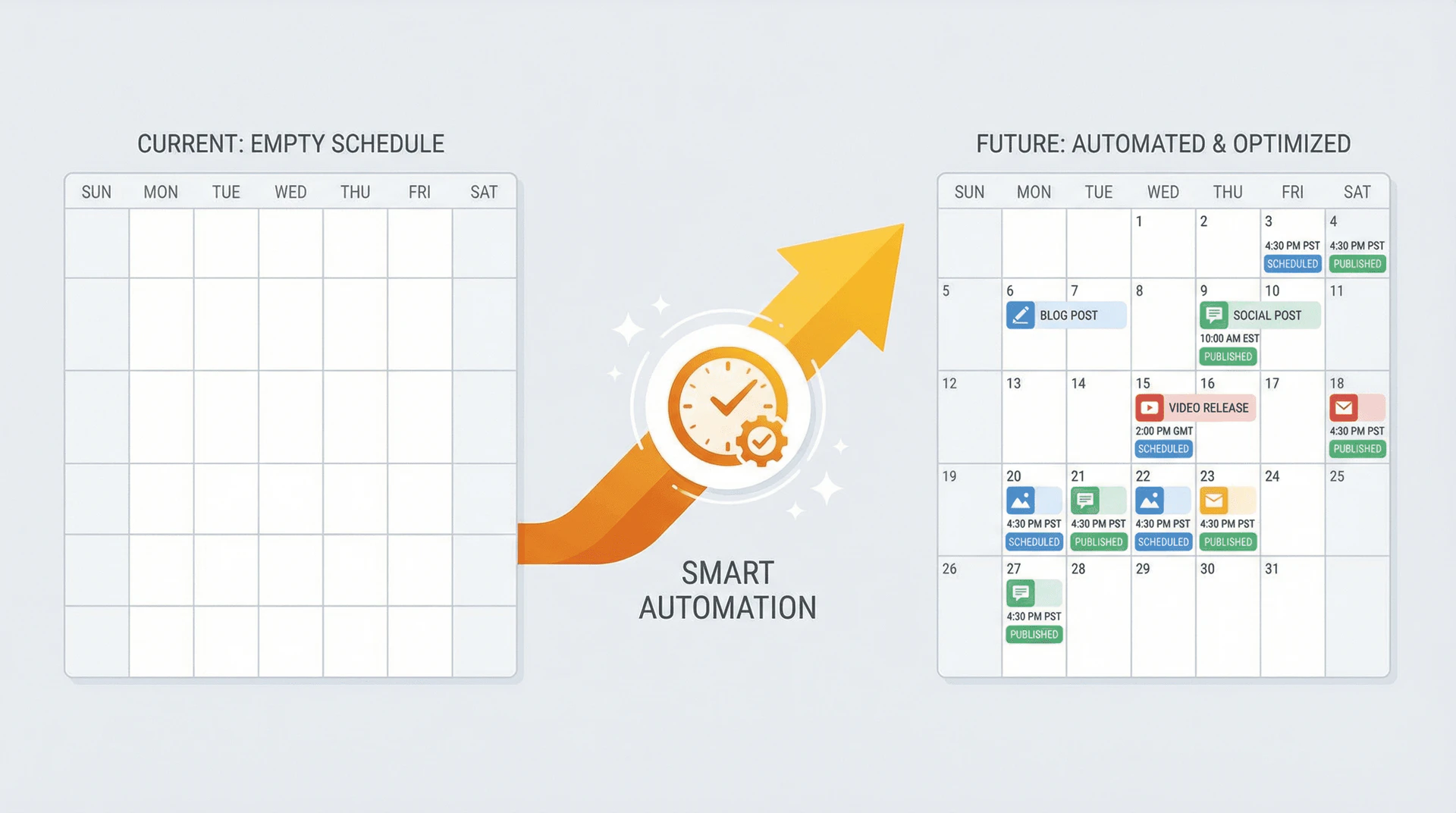
- Content Automation[6]: Automate the entire content workflow from upload to publishing across multiple platforms.
- SEO Optimization[3]: Generate SEO-focused articles to enhance online visibility and traffic.
- Rich Text Editing[4]: Edit generated content with a user-friendly rich text editor for customization.
- Social Media Integration[5]: Automatically create and schedule posts for major social media platforms.
Who is videotopage for?
Videotopage is designed for content creators, marketers, educators, and businesses looking to maximize the value of their video and audio content. It caters to individuals and teams who need to produce written content efficiently, such as bloggers, social media managers, and digital marketers. Additionally, educators can utilize the tool to create course materials and instructional documents from video lectures, making it suitable for both professional and academic settings.
What are the use cases of videotopage?
- Content Marketing: Transform promotional videos into engaging blog posts and social media content to drive traffic and engagement.
- Education: Create structured course materials and tutorials from educational videos for online learning environments.
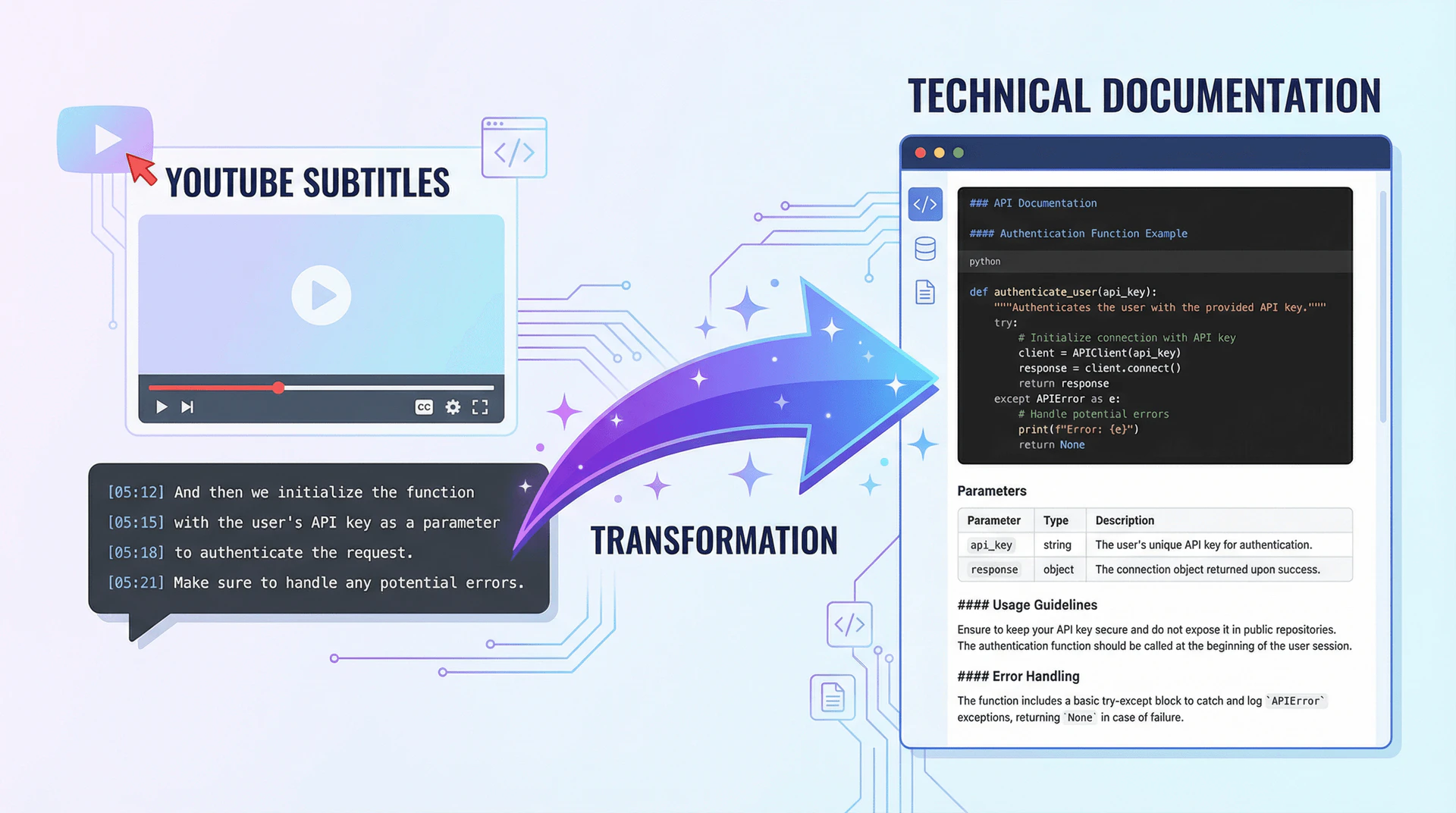
- Business Documentation: Generate SOPs, meeting notes, and documentation from instructional videos for internal use.
Product Images






Videotopage Pros and Cons
Pros
- Automated Content Generation: VideoToPage automates the conversion of videos into various content formats, saving users over 10 hours per video.
- Wide Range of Content Formats: The tool supports multiple content types including blog posts, social media posts, marketing content, and educational materials.
- High Accuracy Transcription: With 98.5% accuracy, the tool effectively transcribes video and audio content, ensuring high-quality output.
Cons
No cons data detected for this tool
Videotopage Pricing
Starter Pack
Content creators & small teams. 1400 credits total. Credits never expire. Use them whenever you want. All features included. No limitations. One-time purchase. No recurring payments.
Creator Pack
Professional creators & agencies. 6000 credits total. Credits never expire. Use them whenever you want. All features included. No limitations. Best value. Most popular choice.
Business Pack
Large teams & enterprises. 22000 credits total. Credits never expire. Use them whenever you want. All features included. No limitations. Enterprise scale. Maximum credits.
For the latest pricing, please visit this link: https://www.videotopage.com/#pricing
Prices are subject to change. Please visit the official website for the most up-to-date pricing information.
Analytics of Videotopage
Videotopage Website Traffic Analysis
Visits Over Time
Traffic Sources
Oct 2025 - Dec 2025 Worldwide Desktop Only
- Direct: 45.37%
- Search: 36.42%
- Referrals: 11.83%
- Social: 3.71%
- Paid Referrals: 1.67%
- Mail: 0.17%
Top Keywords
| Keyword | Volume | CPC | Estimated Value |
|---|---|---|---|
| yendo | 30.78K | $5.32 | $0.00 |
| video to video | 6.11K | $1.08 | $0.00 |
| what can you link cash app to | 320 | $0.00 | $0.00 |
| when i use my google account does flexclip charge me | 200 | $0.00 | $0.00 |
| lex fridman guest indie hacker entrepeneur | 140 | $0.00 | $130.00 |