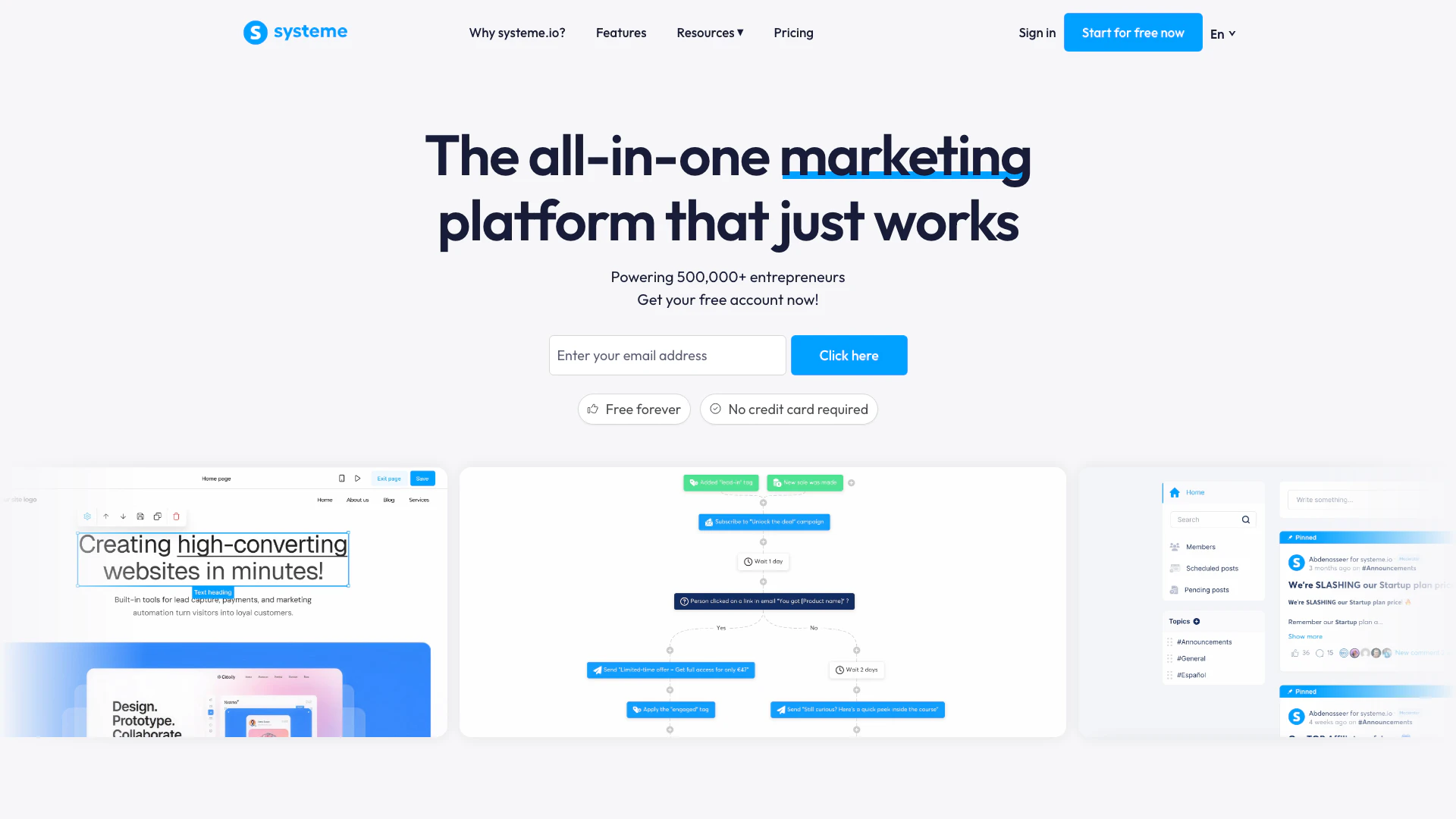
Useblocks
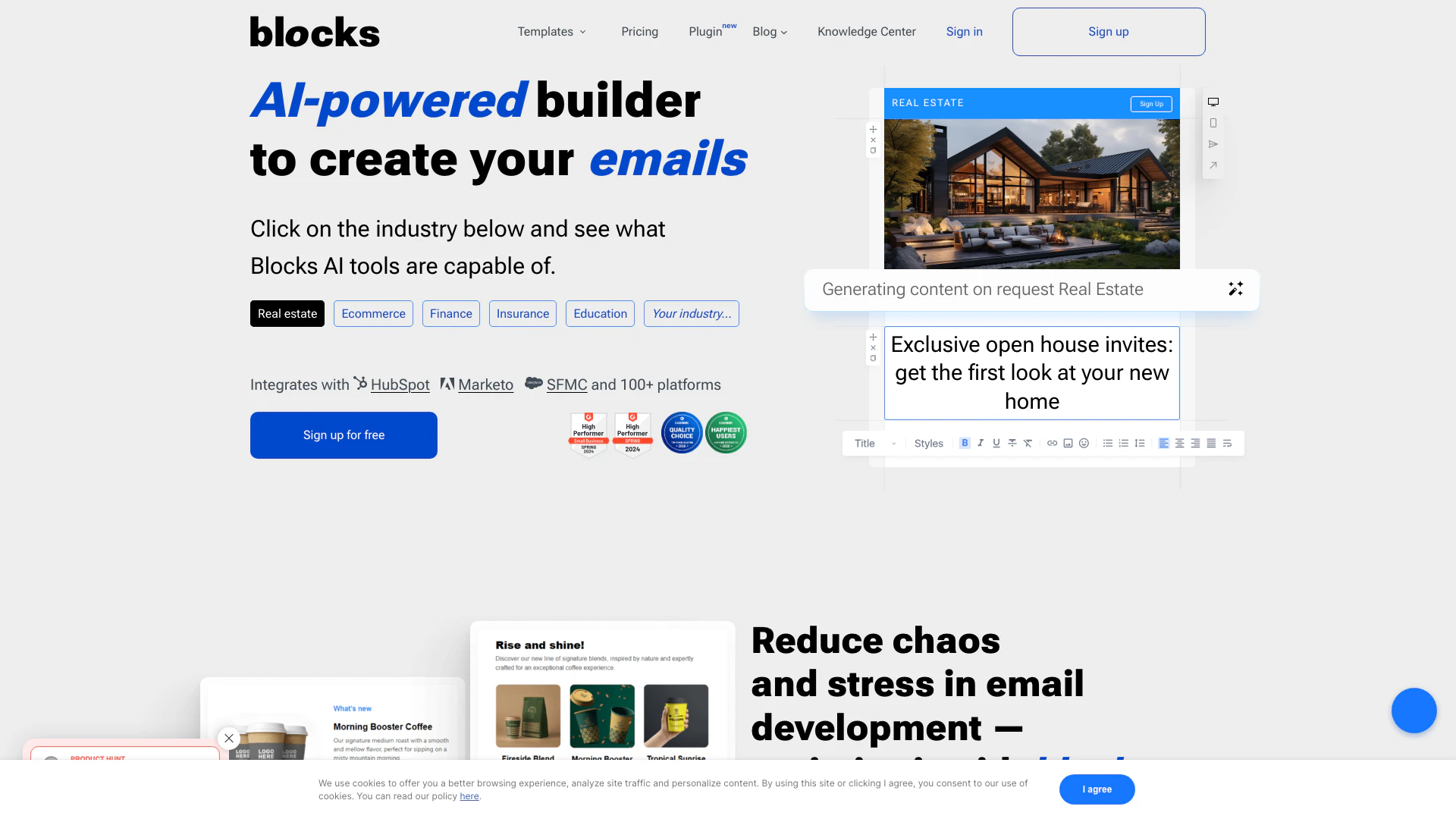




What is Useblocks?
Useblocks is an innovative AI-powered[1] no-code[2] email builder[3] designed to empower users to create visually stunning email templates without any coding skills. This platform simplifies the email design process, allowing anyone to craft professional-looking emails effortlessly. With its user-friendly interface and advanced features, Useblocks unlocks the potential of email marketing for businesses and individuals alike.
How to use Useblocks?
- Sign Up: Create a free account on the Useblocks website to get started.
- Choose a Template: Browse through the extensive library of customizable email templates tailored for various industries and occasions.
- Customize Your Email: Use the intuitive drag-and-drop editor[5] to modify the template to fit your brand's style, adding images, text, and other elements as needed.
- Preview and Test: Utilize the preview feature to see how your email will look on different devices and make adjustments accordingly.
- Export or Send: Once satisfied with your design, download the email template to your email service provider (ESP) or send it directly from Useblocks.
What are the main features of Useblocks?
- No-Code Email Building: Create professional emails without any coding knowledge.
- AI-Powered Design: Utilize AI assistance to enhance your email content and layout.
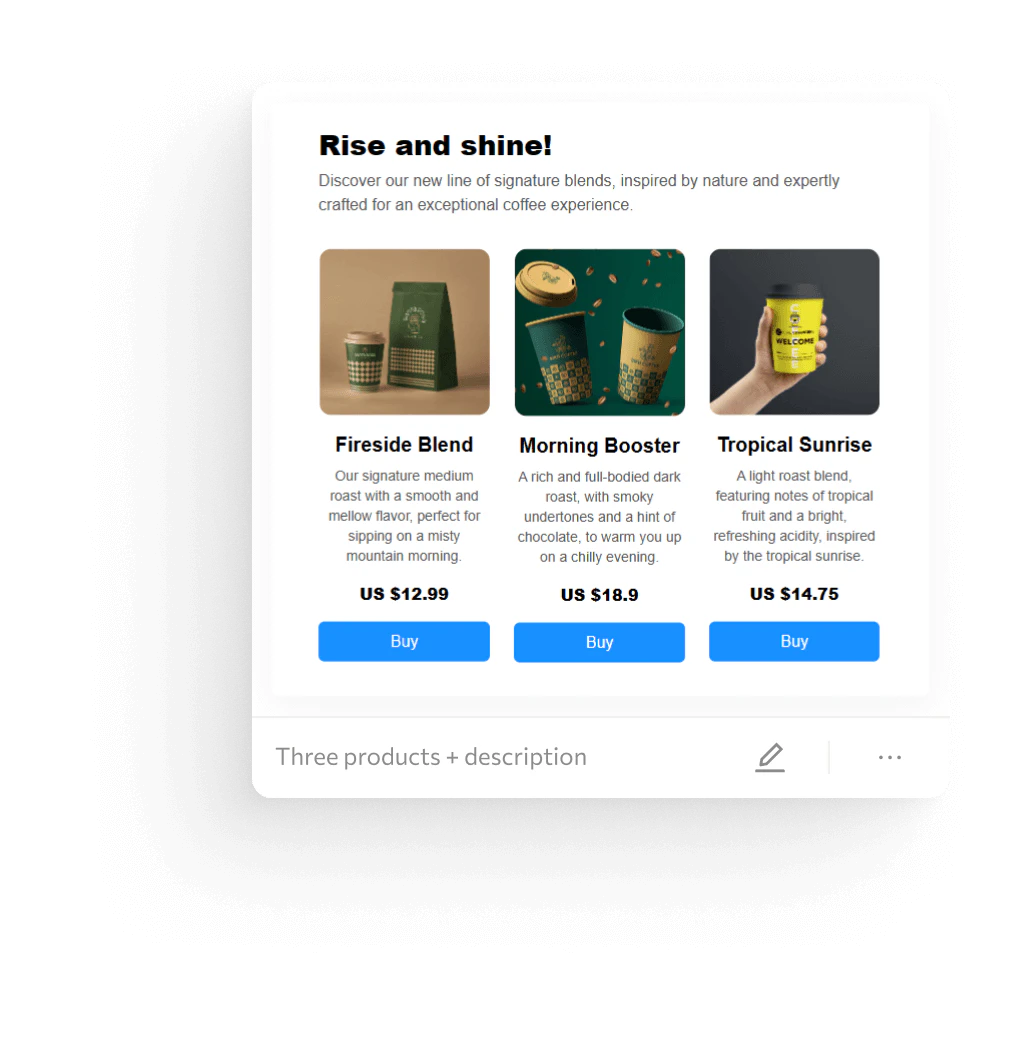
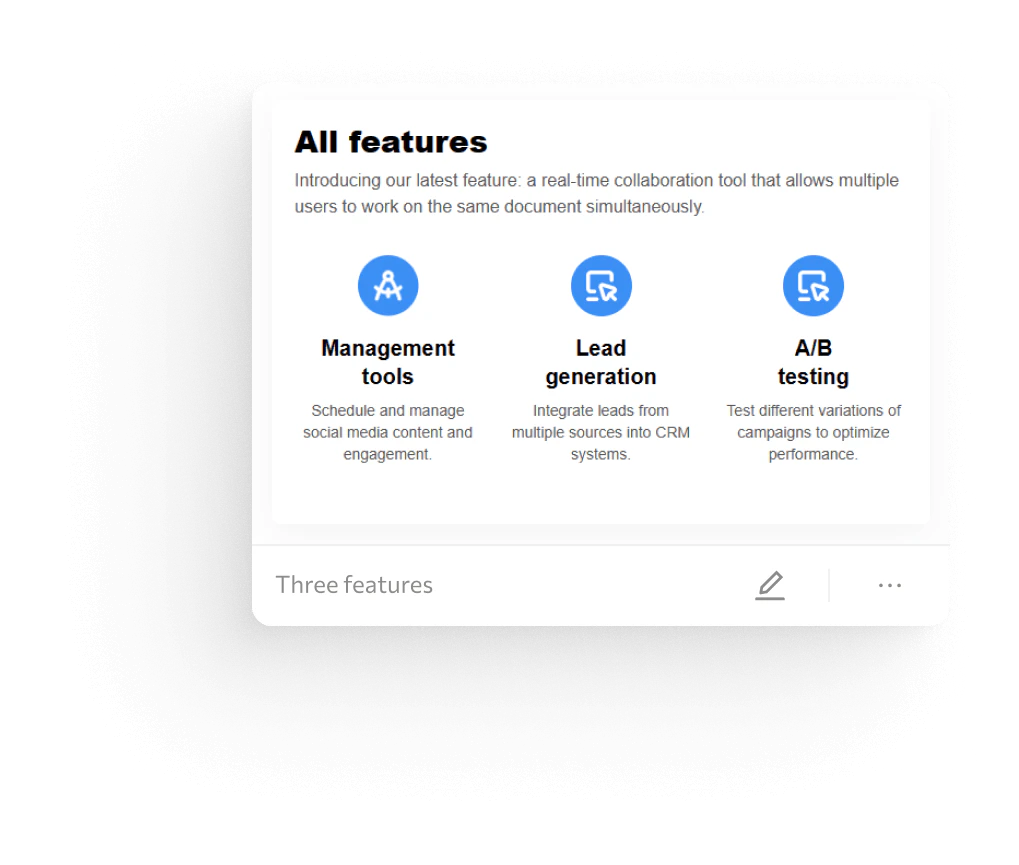
- Customizable Templates[4]: Access over 150 highly customizable templates for various industries and occasions.
- Responsive Design: Ensure your emails look great on all devices with responsive design capabilities.
- Collaboration Tools: Work with team members in real-time to discuss and finalize email projects.
Who is Useblocks for?
Useblocks is designed for anyone looking to create effective email campaigns without the need for technical expertise. This includes small business owners, marketers, e-commerce professionals, and individuals in various industries who want to enhance their email marketing efforts. Whether you are a novice or an experienced marketer, Useblocks provides the tools needed to produce visually appealing emails that engage your audience.
What are the use cases of Useblocks?
- Marketing Campaigns: Design and send promotional emails to attract new customers and boost sales.
- Event Invitations: Create visually appealing invitations for events such as webinars, product launches, or special occasions.
- Newsletters: Develop engaging newsletters to keep subscribers informed about company updates, new products, or industry news.
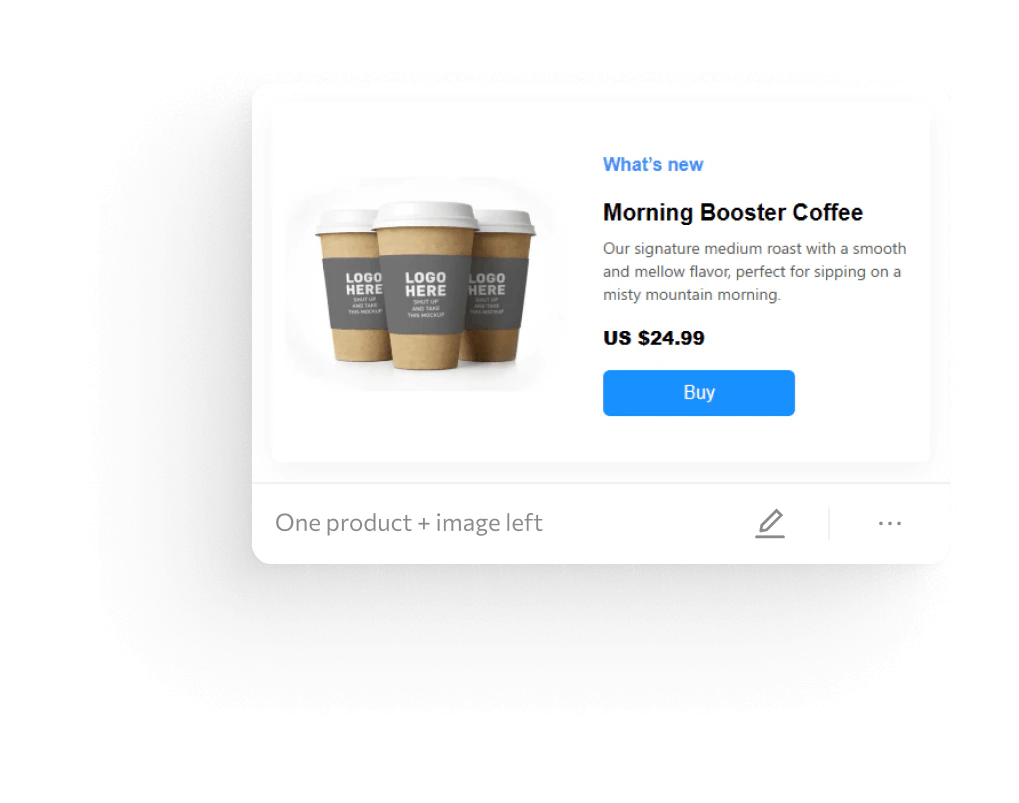
Product Images

Useblocks Pros and Cons
Pros
- No-Code Email Creation: Useblocks allows users to create visually appealing emails without any coding skills, making it accessible for everyone.
- AI-Powered Features: The tool leverages AI technology to enhance email design and content generation, providing smart suggestions and optimizations.
- Wide Template Variety: With over 150 customizable templates available, users can easily find designs suitable for various events and industries.
Cons
No cons data detected for this tool
Useblocks Pricing
Free
1 user, 1 Project, 10 emails & templates, Integrations & export to other platforms, Mobile-friendly responsive emails, AI text assistant & image generator.
Personal
1 user, 1 Project, 30 emails & templates, Integrations & export to other platforms, Mobile-friendly responsive emails, AI text assistant & image generator.
Advanced
3 users, 2 projects, 300 emails & templates, Integrations & export to other platforms, Mobile-friendly responsive emails, AI text assistant & image generator.
Pro
10 users, Unlimited projects, Unlimited emails, Integrations & export to other platforms, Mobile-friendly responsive emails, AI text assistant & image generator.
For the latest pricing, please visit this link: https://useblocks.io/
Prices are subject to change. Please visit the official website for the most up-to-date pricing information.
Analytics of Useblocks
Useblocks Website Traffic Analysis
Visits Over Time
Traffic Sources
Nov 2025 - Jan 2026 Worldwide Desktop Only
- Search: 43.22%
- Direct: 39.57%
- Referrals: 9.56%
- Social: 5.83%
- Paid Referrals: 1.24%
- Mail: 0.14%
Top Keywords
| Keyword | Volume | CPC | Estimated Value |
|---|---|---|---|
| mjml alternatives | 240 | $0.00 | $90.00 |
| eloqua marketing automation certification | 120 | $0.00 | $110.00 |
| useblock | 100 | $0.00 | $60.00 |
| why is my mauilchimp certification so badly displayed | 60 | $0.00 | $50.00 |
| nice welcome email design | 50 | $0.00 | $50.00 |