Unimusic


What is UniMusic?
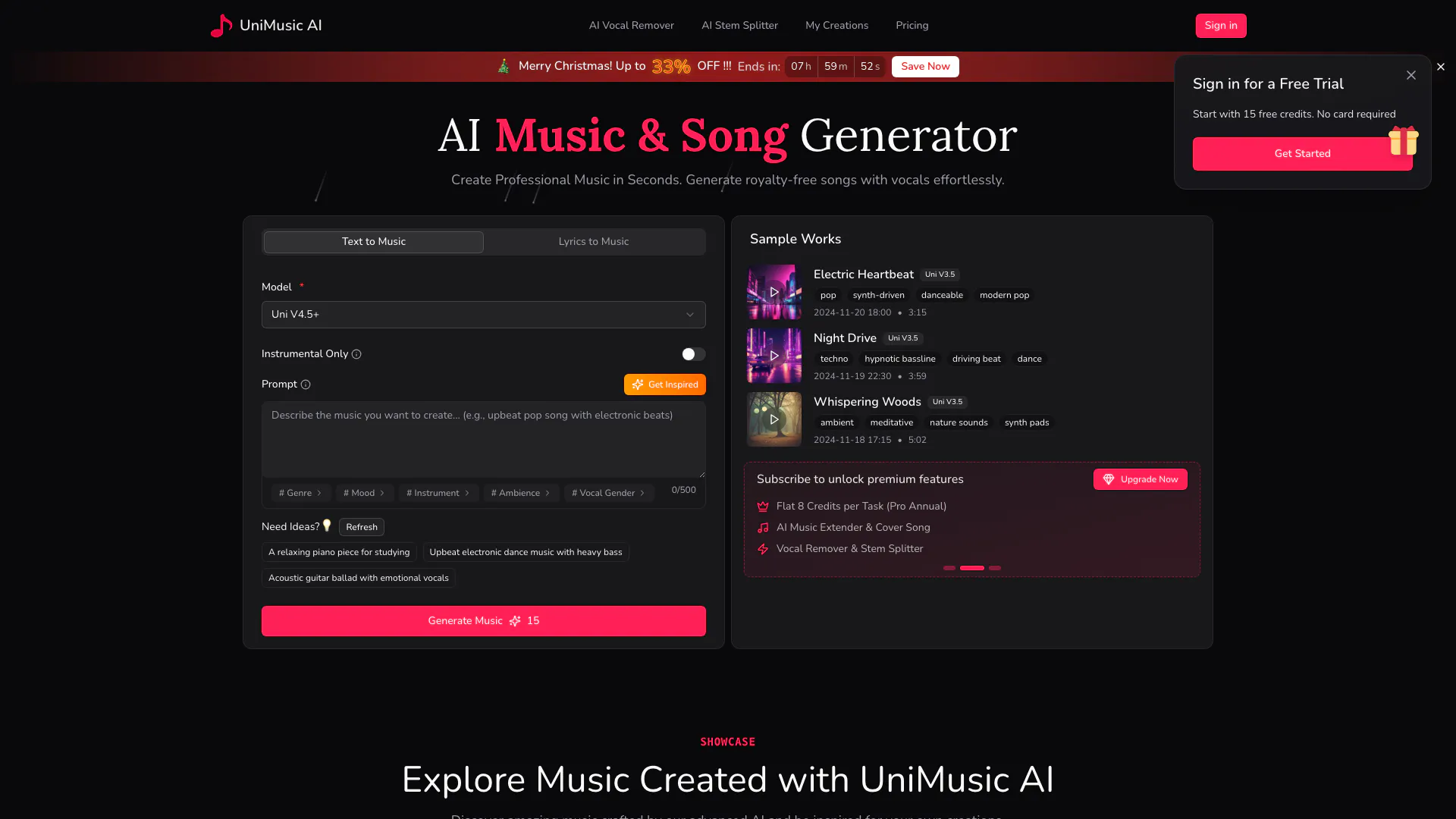
UniMusic is an innovative AI music generator that allows users to create stunning, original music effortlessly. With UniMusic AI, you can generate royalty-free tracks, songs, and vocals without any prior music skills. The platform is designed for everyone, making it easy to turn your ideas into professional-quality music in seconds.
How to use UniMusic?
- Describe Your Idea: Enter keywords, lyrics, or a simple description of the song you want. The AI will understand your style and mood.
- Let AI Compose Your Music: Click generate and watch UniMusic transform your idea into a complete song with melody, rhythm, and vocals.
- Enjoy, Share & Download: Preview your track on the player and download high-quality, royalty-free music for your projects.
What are the main features of UniMusic?
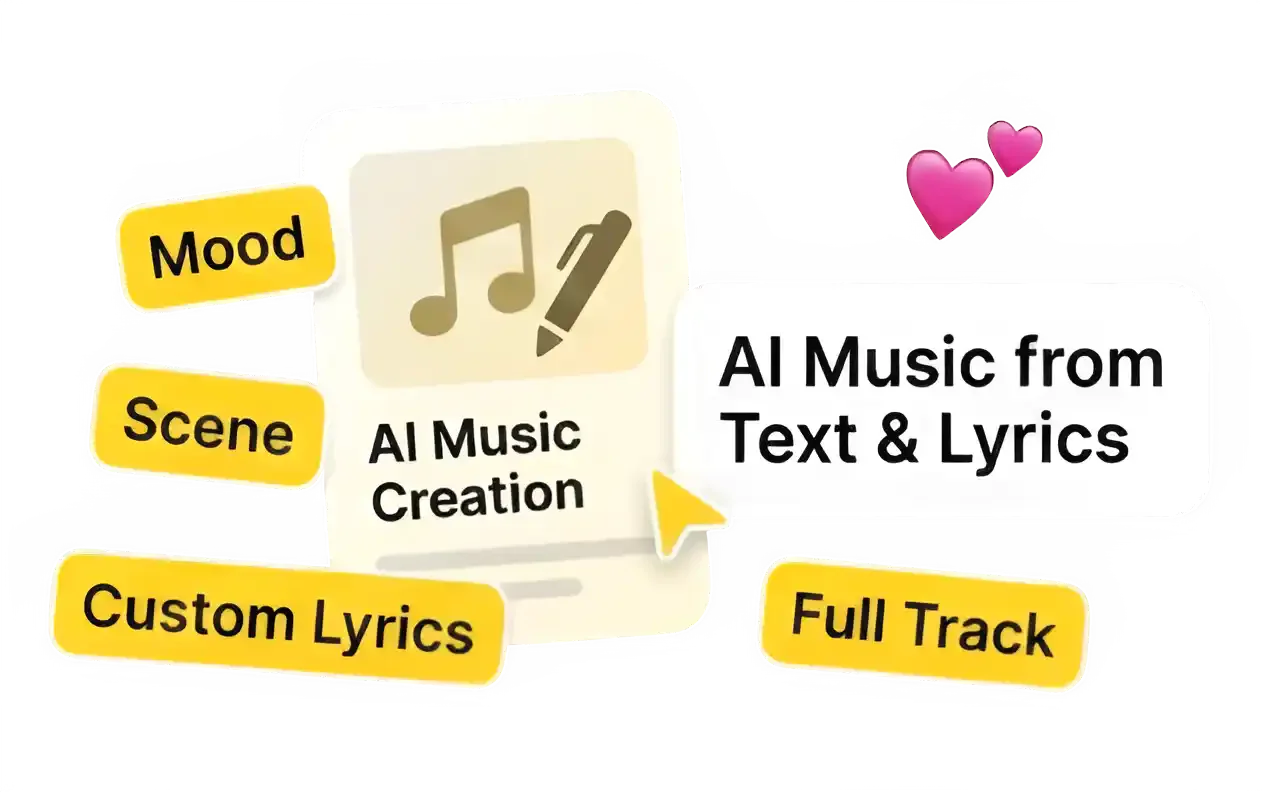
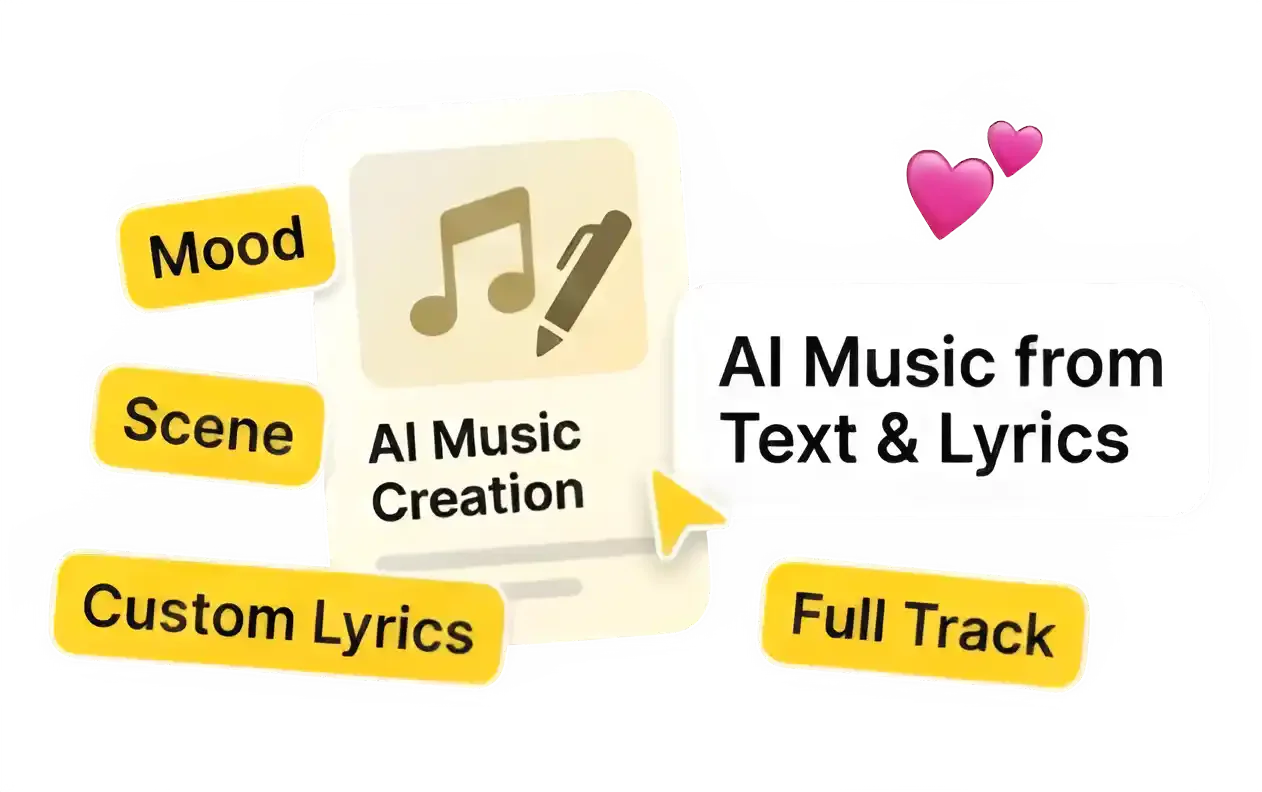
- Create Music from Text & Lyrics: Start with a simple mood or detailed scene to generate a complete track.
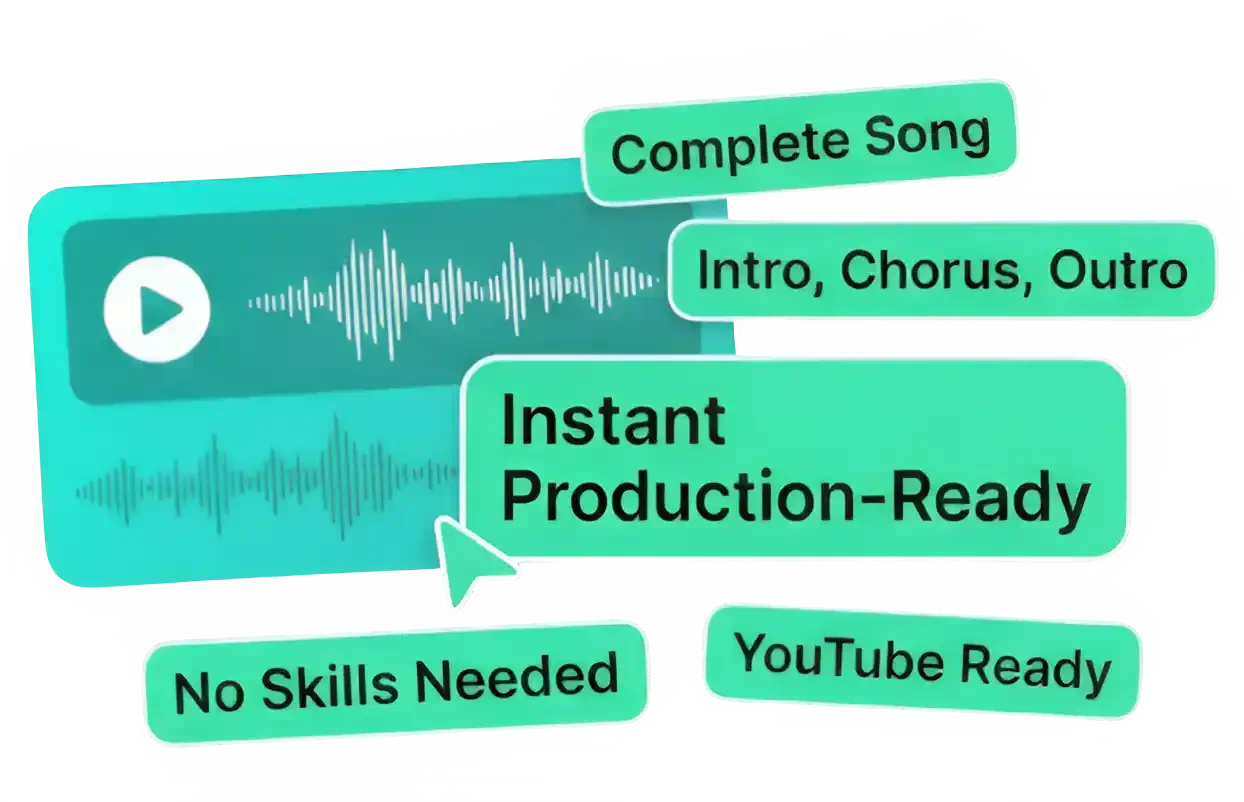
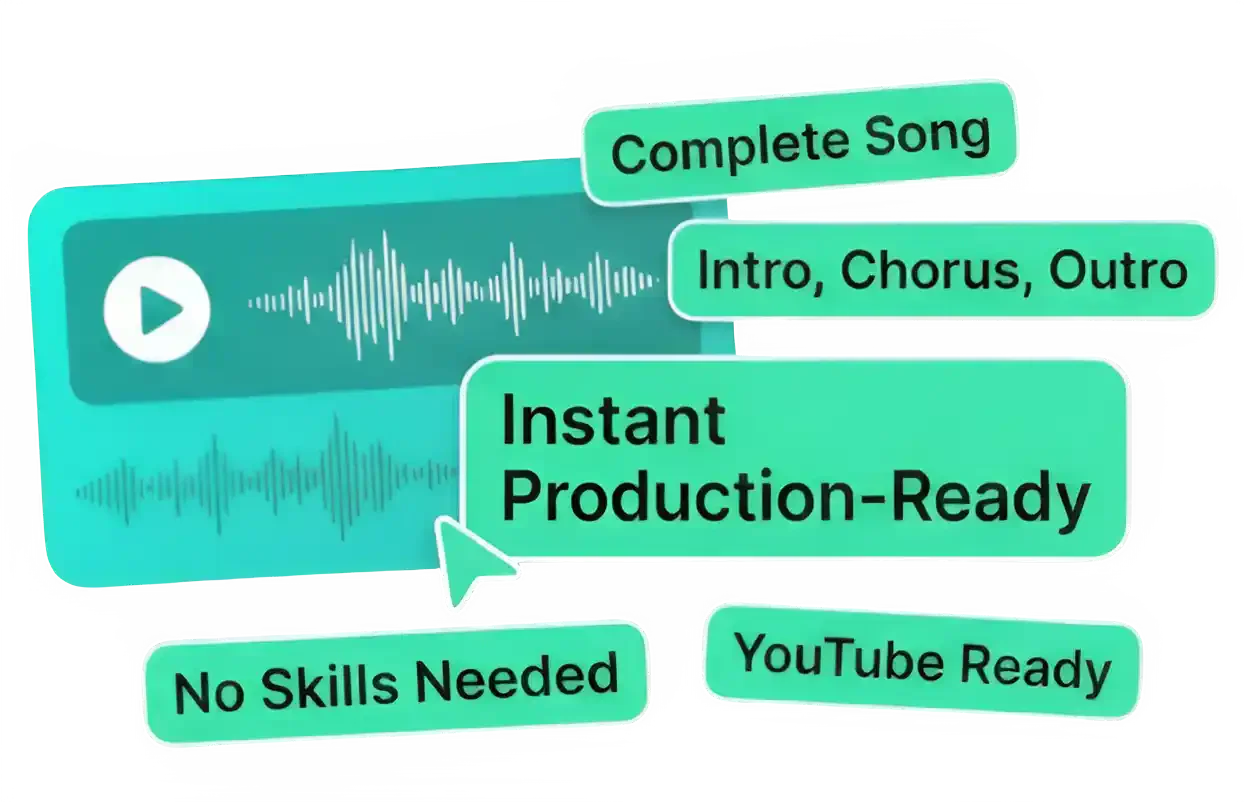
- Instant Production-Ready Tracks: Generate complete songs with verses and choruses, ready for any platform.
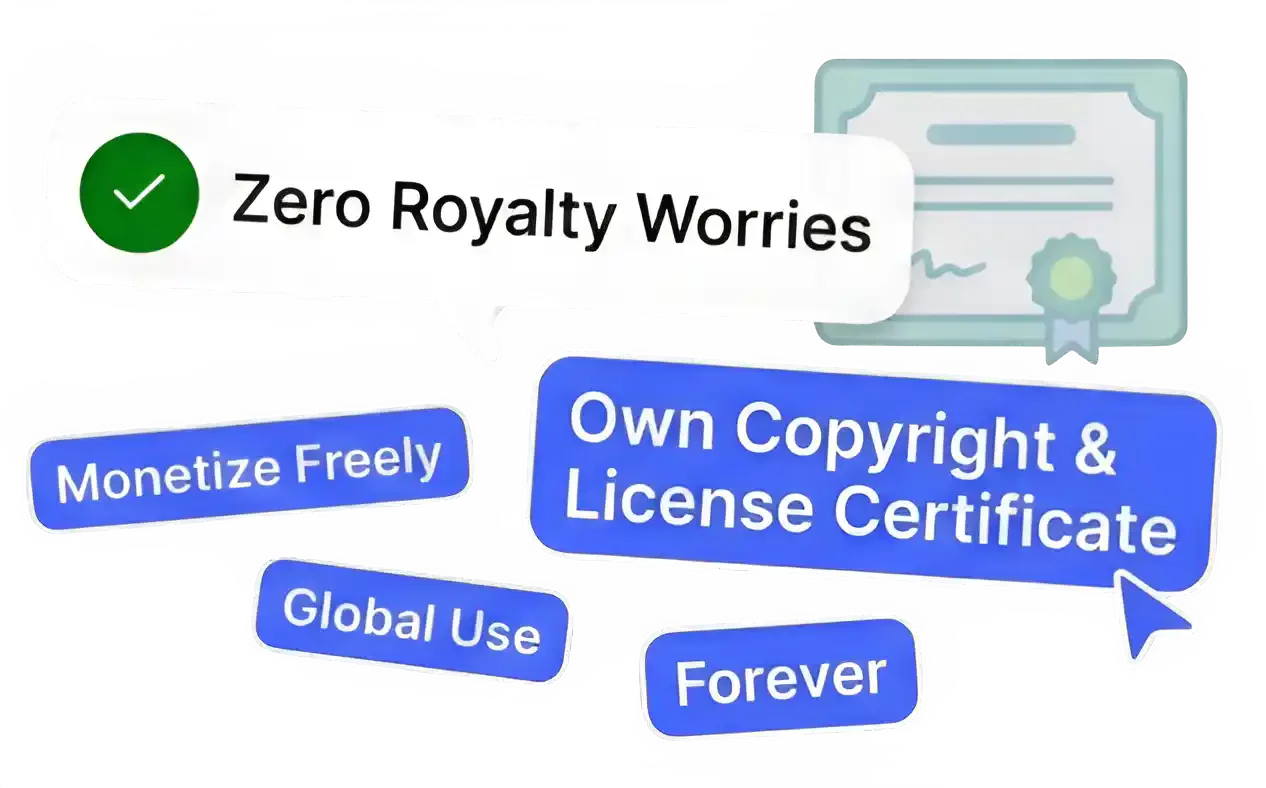
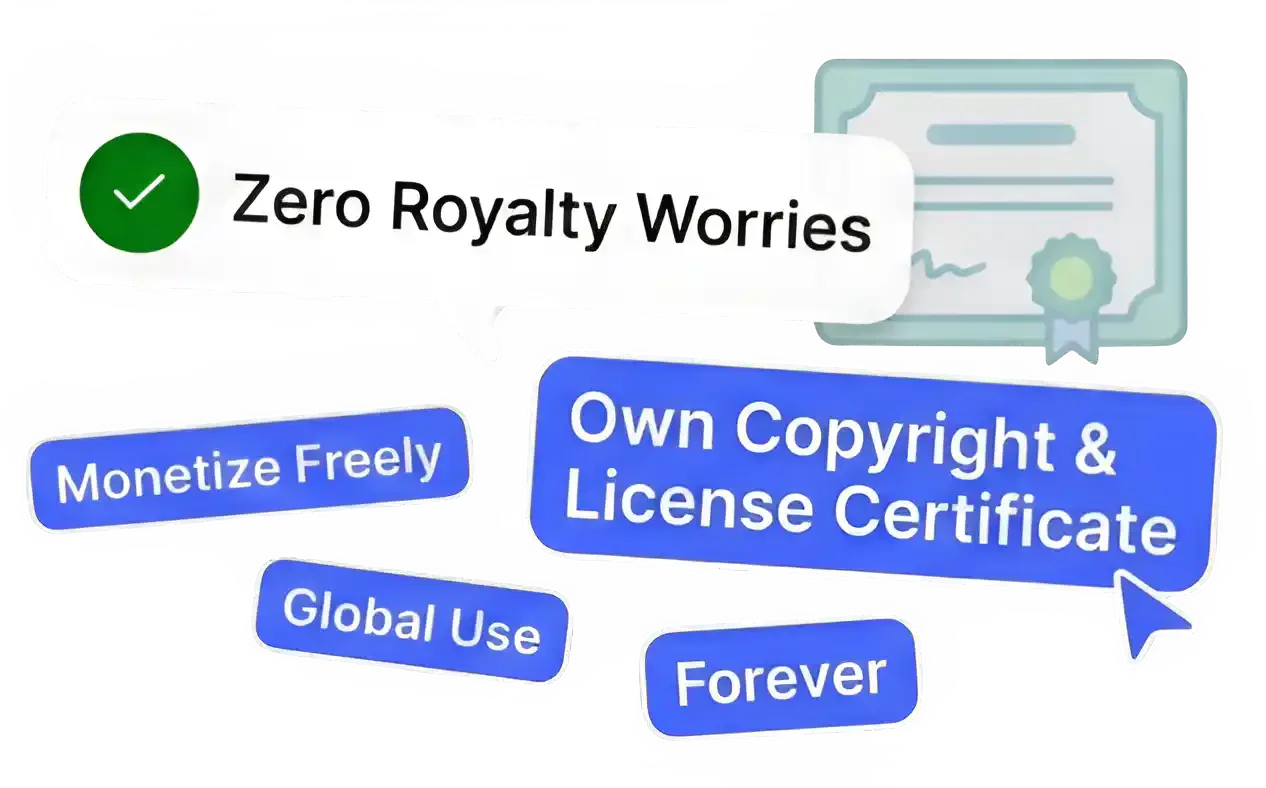
- Full Ownership & Zero Royalties: Own the copyright to all generated music, ensuring you can use it globally without royalties.
Who is UniMusic for?
UniMusic is perfect for content creators, musicians, and anyone looking to generate original music without prior experience. Whether you are a YouTuber, podcaster, or simply someone who loves music, UniMusic provides an accessible platform to create and share your own tracks effortlessly.
What are the use cases of UniMusic?
- Background Music for Videos: Create unique tracks for your YouTube videos or social media posts.
- Podcasts: Generate engaging intro and outro music for your podcast episodes.
- Personal Projects: Use UniMusic to compose music for personal events, such as weddings or parties.
Product Images
Unimusic Pros and Cons
Pros
- Easy to Use: No music skills are required, allowing anyone to create music simply by describing their ideas.
- Royalty-Free Music: Users own the copyright to all generated music, allowing commercial use without any royalties.
- Quick Music Generation: Music can be created in under two minutes, from idea to finished track.
Cons
No cons data detected for this tool
Unimusic Pricing
Free
15 credits (2 songs), Text & Lyrics to Music, 1 concurrent task, 7 days storage, Stunning shareable player page, Latest model access, Commercial license, Download MP3/WAV, Stem Splitter, Vocal Remover, Priority email support
Lite
750 credits/month (150 songs), Latest model access, Commercial license, Text & Lyrics to Music, Lyrics Generator (coming soon), Download MP3, 2 concurrent tasks, 30 days storage, Priority email support, Download WAV, Stem Splitter, Vocal Remover
Pro
3000 credits/month (750 songs), VIP Rate: 8 Credits for 2 Songs, Latest model access, Commercial license, Text & Lyrics to Music, Lyrics Generator (coming soon), Stem Splitter, Vocal Remover, Download MP3/WAV, 10 concurrent tasks, Unlimited storage, Priority email support
For the latest pricing, please visit this link: https://unimusic.ai/pricing
Prices are subject to change. Please visit the official website for the most up-to-date pricing information.