


Twitter-color Created with Sketch. Amazon-color Created with Sketch. Facebook-color Created with Sketch. github [#142] Created with Sketch. meta_fill Pinterest-color Created with Sketch. ProductHunt-color Created with Sketch. Spotify-color Created with Sketch. Threads Logo Streamline Icon: https://streamlinehq.com Yelp-color Created with Sketch. Youtube-color Created with Sketch.
TopAIToolsTopAITools
  • Free Tools
  • Category
  • Leaderboard
  • Deals
  • Submit
EN
TopAIToolsTopAITools
TopAI

TopAITools

TopAITools, The Best Top AI Tools

AI Glossary|English简体中文繁體中文한국어日本語PortuguêsEspañolDeutschFrançaisTiếng Việt|Map

© 2026 TopAITools. All rights reserved.

About

  • Privacy Policy
  • Terms of use

Contact Us

business@topaitoolsreview.com
Home
App Development Collaboration Tools
Uncircle
Last updated: June 12, 2026
Uncircle logo

Uncircle

Get deal
4.0|0 Comments|0 Saved
Introduction:
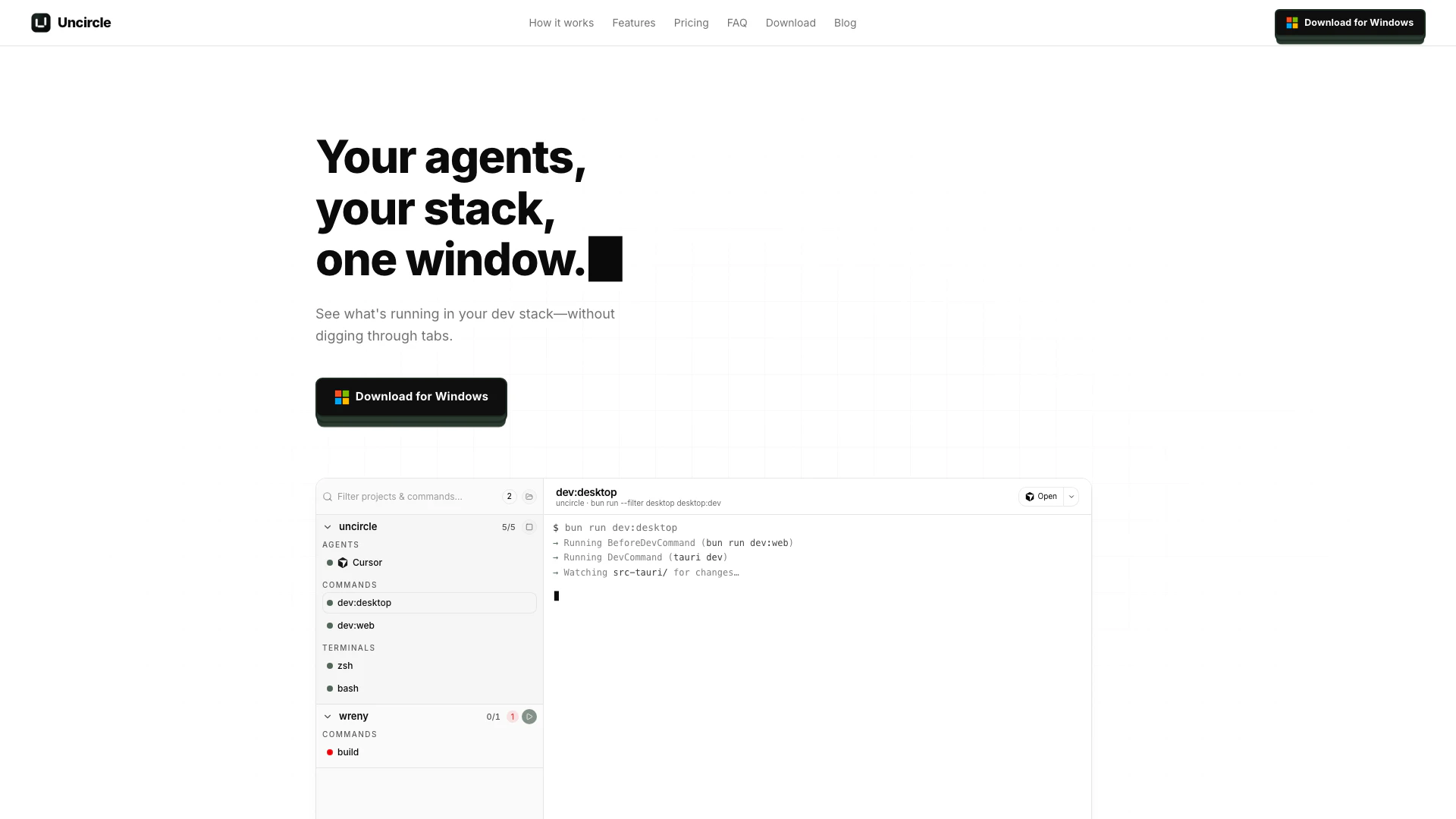
Uncircle is a lightweight Tauri desktop app that keeps projects, terminals, and CLI agents visible in one native window.
Launch Date:
May 27, 2026
Monthly Visits:
--
Inputs:
APICode
Outputs:
APICode
Website
💼Work
App Development Collaboration Tools33Developer Productivity Tools181Developer Utilities Suite
Uncircle website screenshot showing Uncircle is a lightweight Tauri desktop ... interface and features
Use tool
Update this tool
Ait Contacts Extractor For Gmail logo

Ait Contacts Extractor For Gmail

EmailWhiz for Gmail™ - Google Workspace Marketplace

Gmail Gpt logo

Gmail Gpt

GPT for Gmail™ | AI Email Assistant | Gemini - Google Workspace Marketplace

Buzz Mail logo

Buzz Mail

Buzz Mail - Google Workspace Marketplace

Figma logo

Figma

Automate layer renaming in Figma for better organization.

Workgpt logo

Workgpt

WorkGPT: ChatGPT Gemini AI GPT in Sheets Doc Slide - Google Workspace Marketplace

Uncircle Overview

What is Uncircle?

Uncircle is a lightweight Tauri desktop application designed to streamline the management of coding projects, terminals, and CLI agents within a single native window. By consolidating multiple processes into one interface, Uncircle enhances productivity and visibility, allowing developers to monitor their coding environment effortlessly. This tool provides a modern workspace that adapts to the way developers work today, eliminating the inefficiencies of traditional terminal management.


How to use Uncircle?

  1. Download and install Uncircle from the official website.
  2. Launch the application and configure your project's agents, processes, and terminals by adding the necessary CLI commands.
  3. Hit the 'Start' button to run all defined agents and processes simultaneously.
  4. Monitor the status of each process in the sidebar, where you can see real-time updates and statuses.
  5. When finished, click 'Stop' to shut down all processes cleanly, ensuring no orphan processes remain.

What are the main features of Uncircle?

  • Lightweight and native application built with Tauri for optimal performance.
  • One-click startup for multiple agents, processes, and terminals.
  • Automatic restart of processes when they crash to maintain workflow continuity.
  • Visual status indicators for each project, agent, and process in a sidebar.
  • Clickable URLs generated by running services for quick access.
  • Interactive terminals that support full ANSI and color capabilities.
  • Built-in presets for popular coding agents like Claude Code, Codex, and GitHub Copilot.

Who is Uncircle for?

Uncircle is primarily targeted towards software developers, engineers, and teams who utilize multiple coding agents and processes in their workflows. It is ideal for those who work on complex projects that require simultaneous management of various environments, such as web development, backend services, and CLI applications. Whether you're a solo developer or part of a collaborative team, Uncircle enhances your coding efficiency by providing a centralized workspace.


What are the use cases of Uncircle?

  1. Pair-coding with an AI agent while managing a dev server and testing environment simultaneously.
  2. Running multiple coding agents across different repositories without the hassle of switching between terminals.
  3. Quickly spinning up a full local development environment for a web application, including all necessary services like databases and background workers.
  4. Onboarding new team members by sharing project configurations that allow them to start working with minimal setup.

Uncircle Pros and Cons

Pros

  • Lightweight Native Application: Uncircle is built with Tauri, resulting in a small install footprint and lower memory usage compared to traditional Electron apps.
  • One-Click Startup: Users can define their project's agents and processes once, allowing them to start everything with a single click, streamlining the development workflow.
  • Auto-Restart Feature: Uncircle automatically restarts crashed processes, ensuring that users do not lose time coding against non-running agents.

Cons

No cons data detected for this tool

Uncircle Pricing

Free Plan

Contact Us

Up to 3 projects free. Every feature included in Free. Most developers never need to upgrade.

Annual Plan

$19/year

$19/year when you want more than 3 projects or extra devices. Includes all features.

Lifetime Plan

$49

$49 lifetime. Unlimited projects when you upgrade. Includes all features.

For the latest pricing, please visit this link: https://uncircle.app/#pricing

Prices are subject to change. Please visit the official website for the most up-to-date pricing information.


Uncircle Compare

Tool NameIntroductionPricing
Type
RatingLaunch DateLearn more
Lunit logo
Lunit
Lunit develops AI solutions that detect early-stage cancer and optimize cancer treatment for saving lives through technology.
Free
💼Work
August 10, 2015
Get deal
Tutorai logo
Tutorai
Tutor AI - Your personal AI tutor to learn anything
Free
🙋‍♂️Personal💼Work
September 23, 2007
Get deal
Uniskai By Profisea Labs logo
Uniskai By Prof...
AI-Based Cloud Cost Reduction Platform | Profisea Labs
Free
💼Work
May 1, 2020
Get deal

Info current as of post date. Offers and availability may vary by location and are subject to change.

Uncircle Q&A

Uncircle is not a terminal replacement; it is a workspace designed to manage your agents, terminals, and dev servers in one visible window.

Uncircle Launch embeds

Use website badges to drive support from your community for your TopAITools Review. They're easy to embed on your homepage or footer.

FEATURED ONTopaitoolsreview.com

Uncircle Alternatives

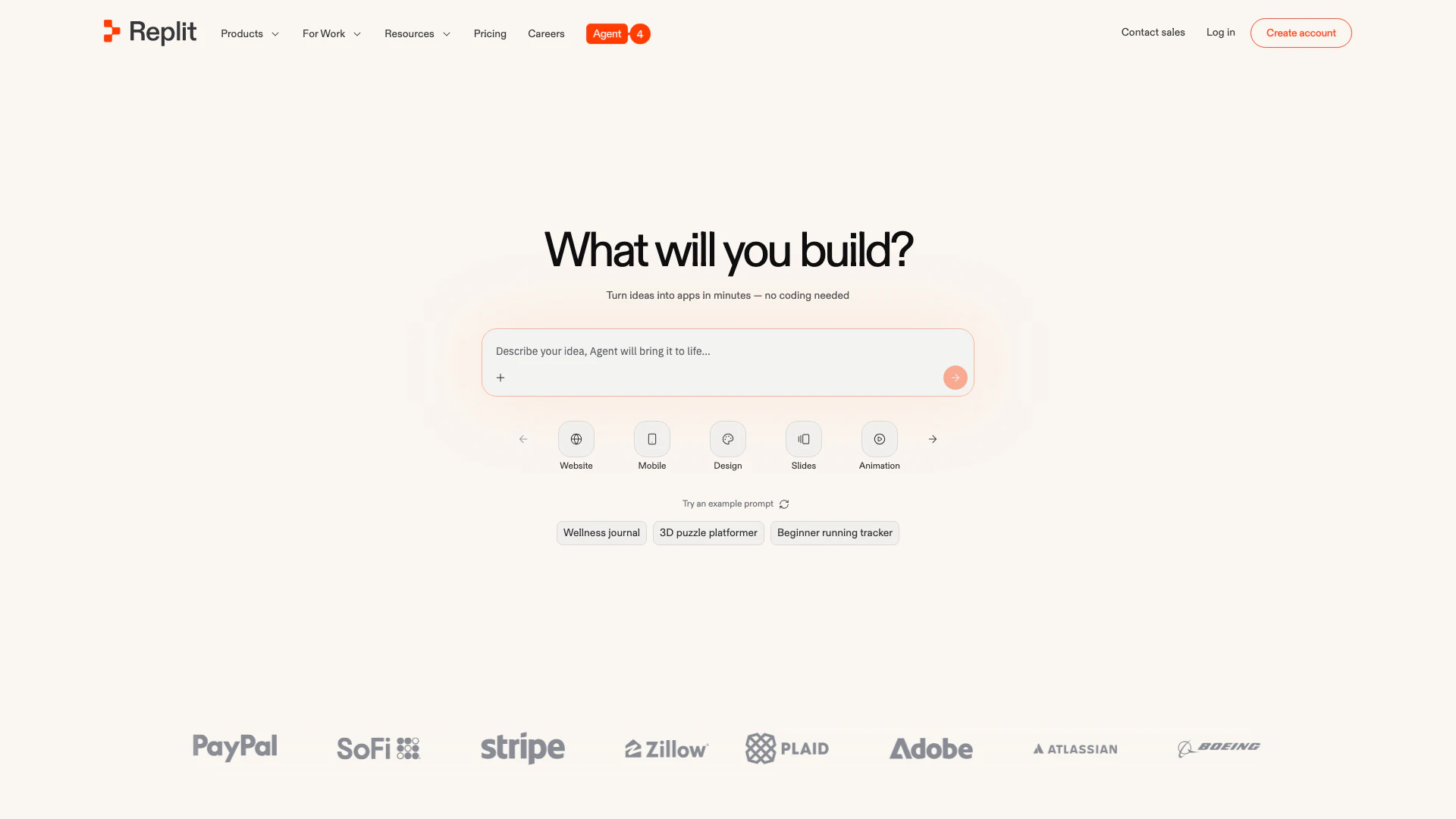
Replit screenshot

Replit

Collaborate to build and deploy software effortlessly with AI.

Website
Free Trial
💼Work🎨Creativity
Developer ToolsAi Developer ToolsAI Development ToolsSaaS Development Tools
  • Developer Tools
  • Ai Developer Tools
  • AI Development Tools
  • SaaS Development Tools
Use tool
11.6M
Direct60.82%
Search32.13%
Referrals5.70%
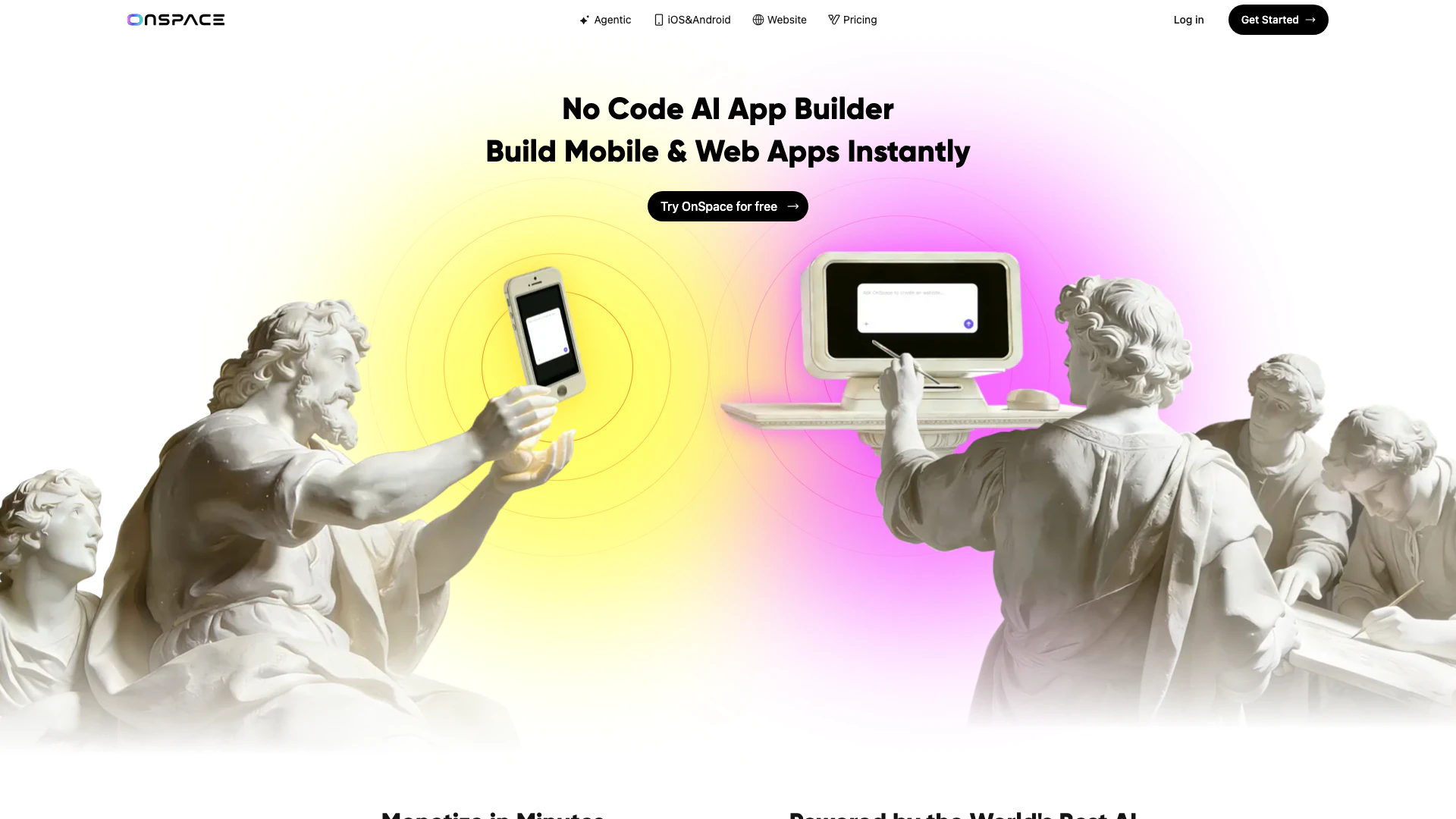
Onspaceai screenshot

Onspaceai

Create AI apps effortlessly without coding.

Website
Free
💼Work🎨Creativity
Developer ToolsAI Development ToolsLow Code Ai Development PlatformsAI Cloud Computing Platforms
  • Developer Tools
  • AI Development Tools
  • Low Code Ai Development Platforms
  • AI Cloud Computing Platforms
Use tool
387.9K
Direct54.18%
Search26.35%
Referrals12.62%
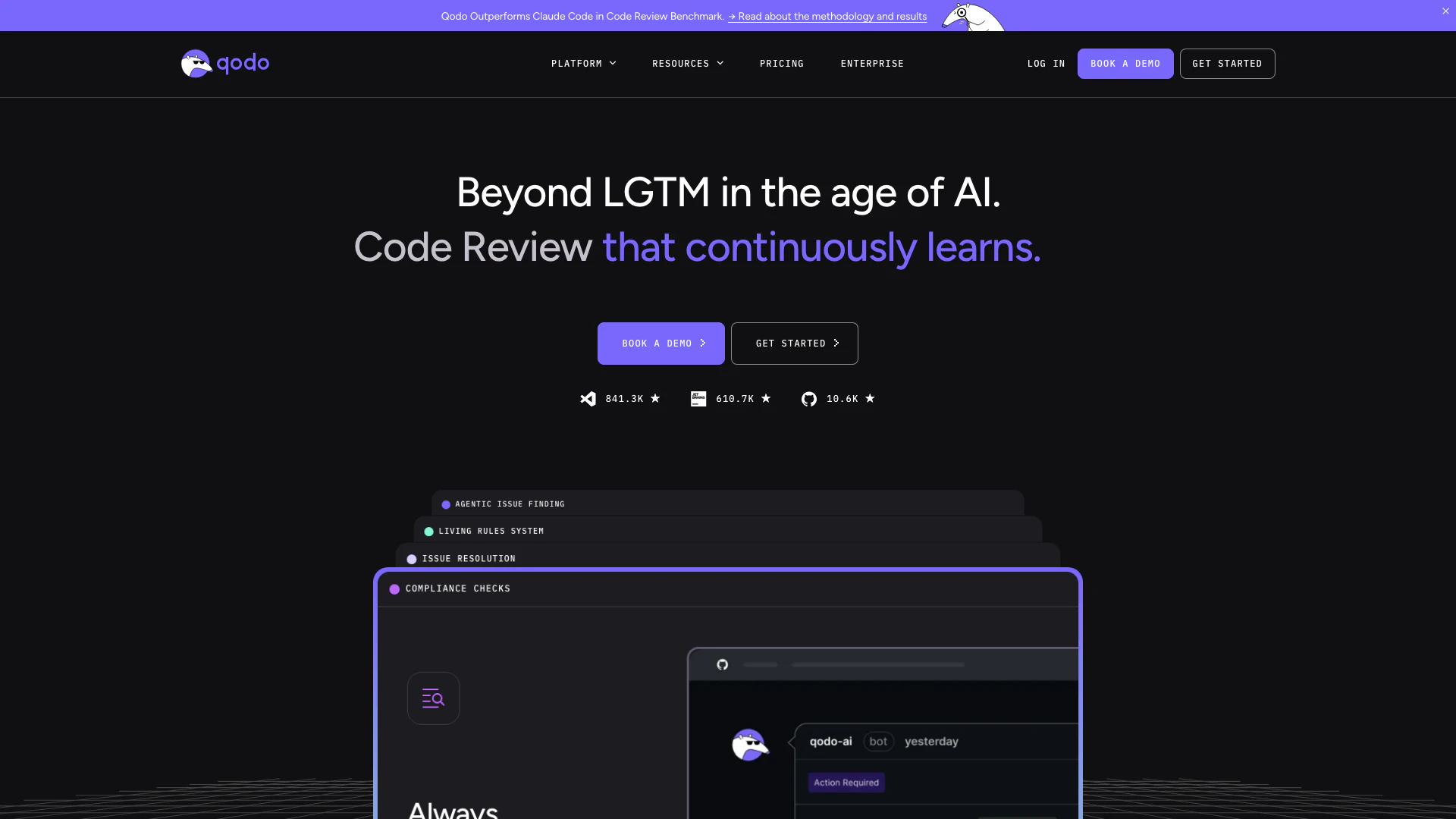
Codiumai screenshot

Codiumai

Qodo is an AI-driven code review tool that enhances code quality and speeds up development.

Website
Freemium
💼Work🎨Creativity
Developer ToolsAi Code ReviewAi Developer ToolsAI Coding Assistants
  • Developer Tools
  • Ai Code Review
  • Ai Developer Tools
  • AI Coding Assistants
Use tool
389.5K
Search51.95%
Direct37.86%
Referrals6.94%

Also used for

App Development Collaboration Tools33Developer Productivity Tools181Developer Utilities Suite2SQL AI Tools9AI SEO Content Generator9Startup AI Assistant14AI Store Management3AI Coding Assistants137AI Development Tools421Ai Model Fine Tuning Tools37Low Code Ai Development Platforms110AI Training Resource Management6Test Management Tools22Quality Assurance Tools57AI Personalization Tools6
Uncircle logo
UncircleFreemium
Get deal

Uncircle Comments (0)

Your rating

?
0/2000

No comments yet

Be the first to share your thoughts!

Uncircle Prompts (0)

Prompts And Results

Add your own prompts and outputs to help others understand how to use this AI.

🚀0
🚀0