

Uluch




What is Uluch?
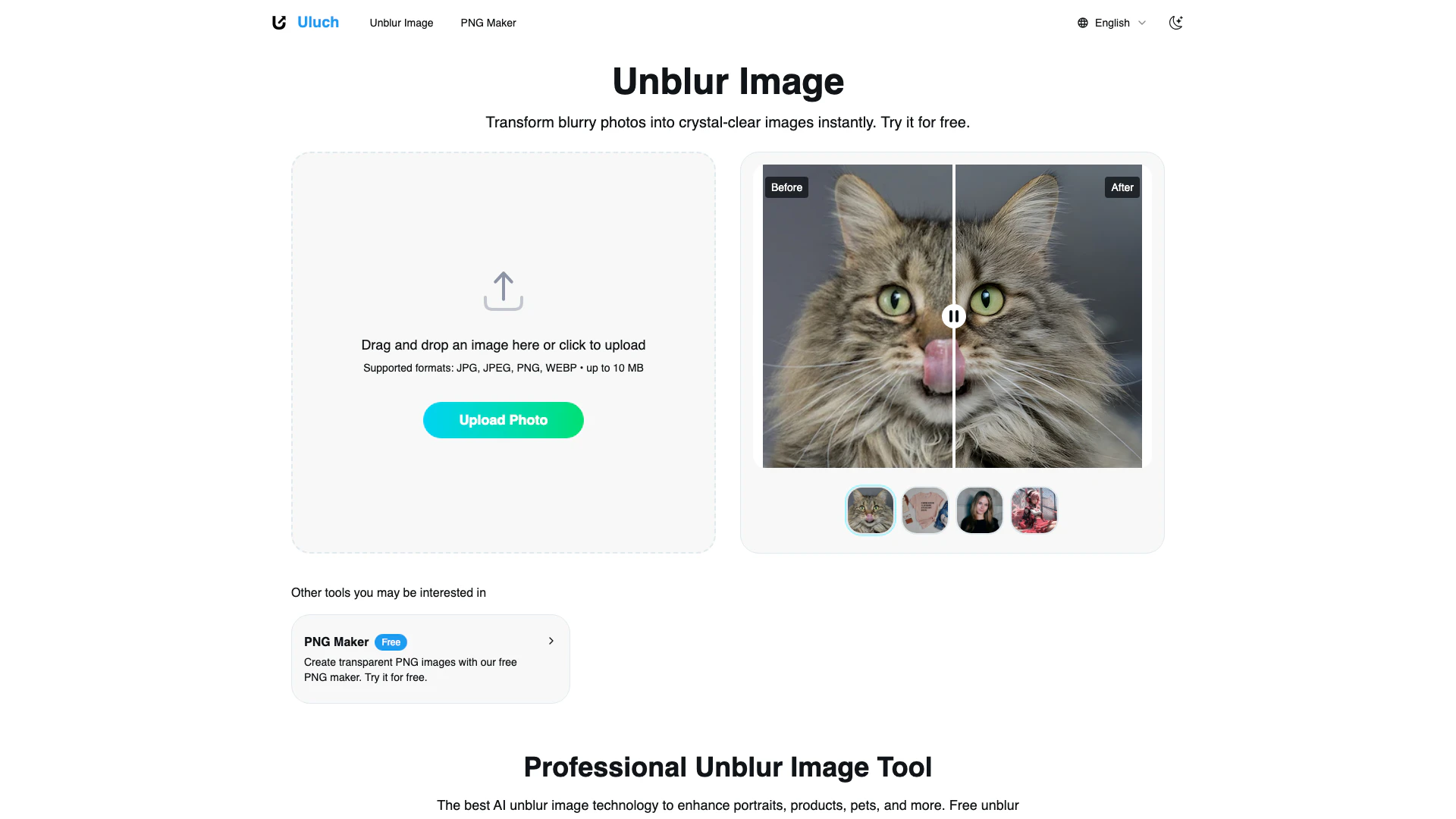
Uluch is a powerful AI-driven tool designed to unblur images for free, providing users with the ability to enhance the clarity of their photos and restore sharp details in just seconds. Targeted primarily at photographers, Uluch leverages advanced technology to transform blurry images into crystal-clear visuals, making it an essential tool for anyone looking to improve their photo quality effortlessly.
How to use Uluch?
- Visit the Uluch website at https://uluch.com/.
- Click on the 'Unblur Image' option to access the unblur tool.
- Drag and drop your blurry image into the designated area or click to upload the file from your device (supported formats include JPG, JPEG, PNG, and WEBP, up to 10 MB).
- Wait for the AI to process the image and enhance its clarity.
- Download the improved image once the processing is complete.
What are the main features of Uluch?
- AI-powered[1] unblurring technology[2] for instant results.
- Supports multiple image formats including JPG, JPEG, PNG, and WEBP.
- User-friendly interface[3] allowing for easy drag-and-drop[4] functionality.
- Fast processing[5] times with no complex steps required.
- Specialized enhancements for portraits, product photos, pet images, and group photos.
- Free to use with high-quality output suitable for professional applications.
Who is Uluch for?
Uluch is designed for a diverse range of users, including professional photographers, content creators, marketers, and everyday individuals looking to enhance their personal photos. It is particularly beneficial for those who frequently deal with blurry images, such as wedding photographers needing to salvage important moments, bloggers enhancing travel photos, and pet owners wanting to capture clear images of their beloved animals. Additionally, it serves marketers and designers who require sharp visuals for promotional materials.
What are the use cases of Uluch?
- Restoring clarity to wedding photos that turned out blurry due to poor lighting conditions.
- Enhancing product images for e-commerce to boost sales and customer confidence.
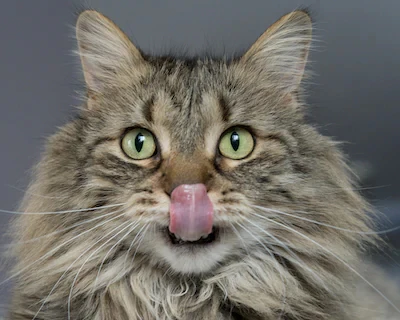
- Improving pet photos to capture sharp details of fur and expressions.
- Fixing group photos taken during family events or corporate gatherings.
- Creating professional-looking avatars for social media profiles from previously blurry selfies.
Product Images



Uluch Pros and Cons
Pros
- Instant Image Enhancement: Transform blurry photos into crystal-clear images in seconds, making it ideal for quick fixes.
- User-Friendly Interface: The drag-and-drop feature allows for easy uploads, catering to users of all skill levels.
- Versatile Applications: Suitable for various types of images including portraits, products, pets, and marketing materials.
Cons
No cons data detected for this tool
Uluch Pricing
Free PNG Maker
Create transparent PNG images with our free PNG maker. Try it for free.
For the latest pricing, please visit this link: https://uluch.com/
Prices are subject to change. Please visit the official website for the most up-to-date pricing information.
Analytics of Uluch
Uluch Website Traffic Analysis
Visits Over Time
Traffic Sources
Nov 2025 - Dec 2025 Worldwide Desktop Only
- Search: 46.84%
- Direct: 32.49%
- Referrals: 12.66%
- Social: 5.65%
- Paid Referrals: 1.10%
- Mail: 0.17%
Top Keywords
| Keyword | Volume | CPC | Estimated Value |
|---|---|---|---|
| png maker | 122.00K | $0.31 | $0.00 |
| png creator | 11.61K | $0.54 | $0.00 |
| png maker free | 4.36K | $0.71 | $0.00 |
| free png maker | 3.75K | $0.61 | $0.00 |
| png maker online | 2.10K | $0.27 | $0.00 |
Uluch Reviews
This AI unblur image tool saved my entire wedding shoot! When several key moments turned out blurry due to poor lighting, I thought they were lost forever. The unblur image results were incredible - crystal-clear photos that my clients absolutely loved. This unblur image technology is a game-changer for professional photographers.
As a travel blogger, I often photograph in challenging conditions. This unblur image tool has become indispensable for my workflow. Now I can unblur image files from my phone and make them professional for my blog and social media. The AI unblur image quality is outstanding!
Digitizing old family photographs often results in blurry scans. This AI unblur image technology brought decades of memories back to life. The unblur image enhancement is remarkable - now you can actually see facial expressions clearly! Best free unblur image tool I've ever used.
For more reviews, visit this link: https://uluch.com/#reviews




