

Turbostarter





What is Turbostarter?
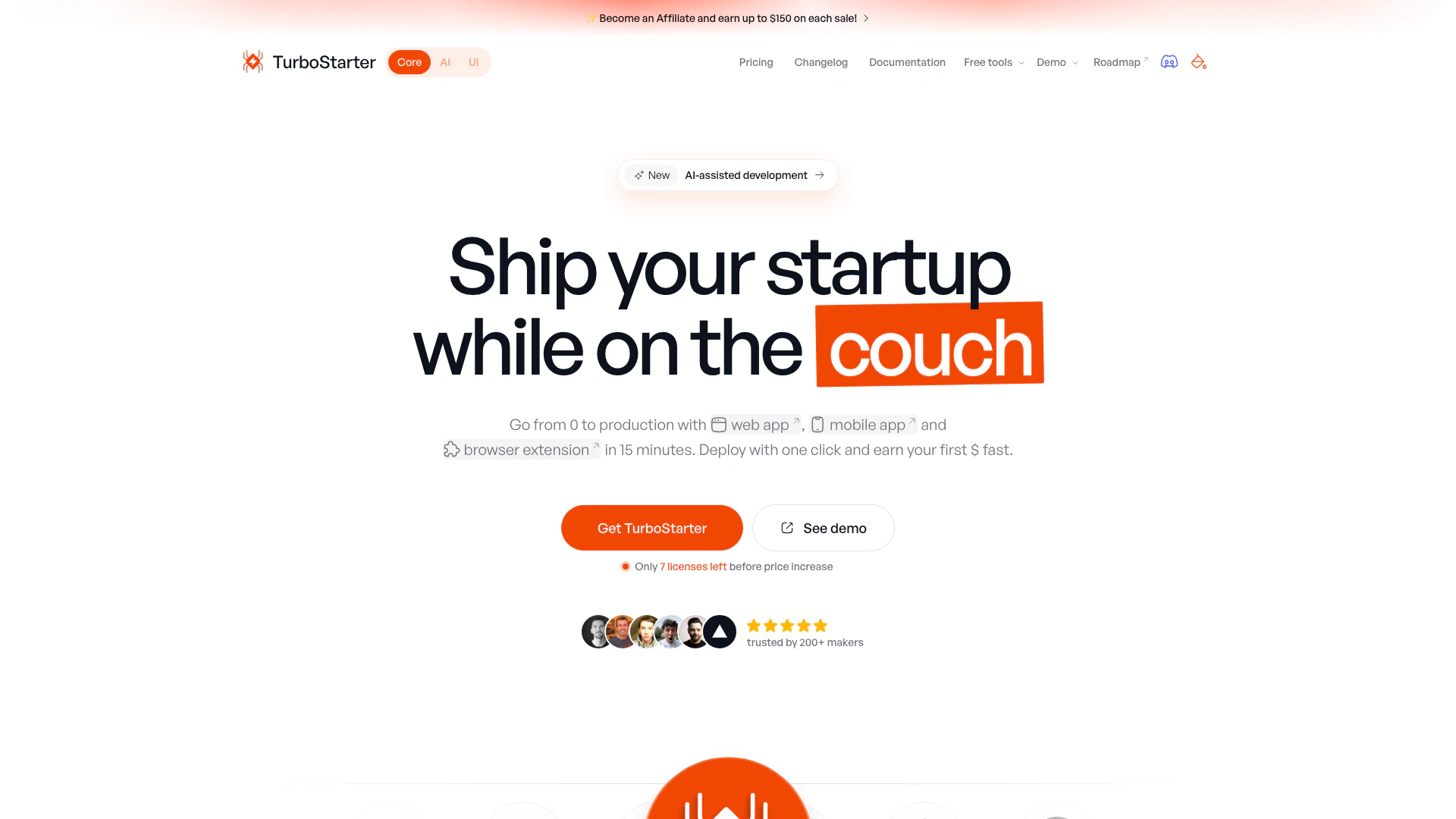
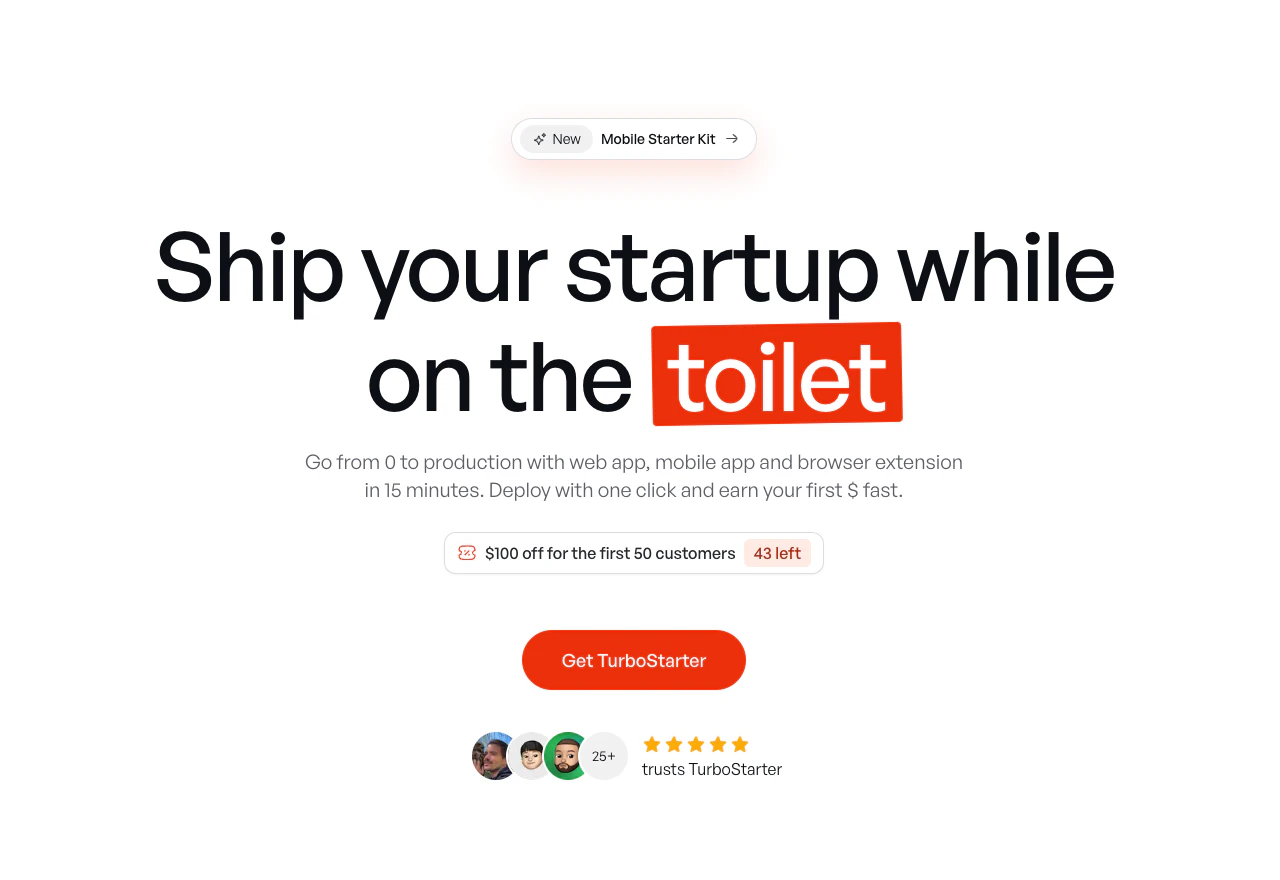
Turbostarter is a comprehensive starter kit designed for developers looking to launch production-ready applications quickly. It supports Next.js[1] for web applications, React Native[2] (Expo[3]) for mobile apps, and WXT[4] (Vite[5]) for browser extensions. This all-in-one solution allows users to create and deploy their web, mobile, and browser extension projects with a single click, significantly reducing development time and effort. With Turbostarter, developers can focus on building their business instead of getting bogged down in setup and configuration.
How to use Turbostarter?
- Purchase the Kit: Visit the Turbostarter website and select the desired license to purchase.
- Download the Starter Kit: After purchasing, download the starter kit, which includes all the necessary boilerplates and documentation.
- Set Up Your Environment: Follow the installation instructions provided in the documentation to set up your development environment for web, mobile, and browser extension projects.
- Customize Your Application: Use the provided boilerplates to customize your application according to your specific needs, leveraging the built-in features.
- Deploy Your Application: Once your app is ready, use the one-click deployment feature to publish it to your target platforms.
What are the main features of Turbostarter?
- Cross-Platform Development: Build web, mobile, and browser extension applications from a single codebase.
- One-Click Deployment: Launch your applications with a single command, eliminating manual deployment processes.
- Internationalization: Built-in support for multi-language capabilities to reach a global audience.
- Comprehensive Authentication: Includes email/password, magic link, social login, and two-factor authentication options.
- Billing Integration: Simplifies handling of one-time and recurring payments with popular providers.
- Multi-Platform Flow: Allows seamless user experience across web, mobile, and browser extension applications.
Who is Turbostarter for?
Turbostarter is ideal for developers and entrepreneurs looking to quickly launch SaaS[6] products without the hassle of extensive setup. It caters to both technical and non-technical users who want to create web applications, mobile apps, or browser extensions efficiently. This tool is particularly beneficial for startups, freelancers, and teams who need a robust foundation to build upon, enabling them to focus on their unique business logic and user experience.
What are the use cases of Turbostarter?
- Launching a SaaS Product: Use Turbostarter to quickly develop and deploy a SaaS application across multiple platforms.
- Creating a Mobile App: Leverage the React Native (Expo) boilerplate to build and launch a mobile application in record time.
- Developing Browser Extensions: Utilize the WXT (Vite) boilerplate to create and distribute a browser extension that enhances user productivity.
Product Images
Turbostarter Pros and Cons
Pros
- Cross-Platform Development: Build web, mobile, and browser extension applications simultaneously using a unified codebase, streamlining the development process.
- One-Click Deployment: Easily publish all your applications with a single command, eliminating the need for manual deployment steps.
- Built-in Internationalization: Reach a global audience with built-in multi-language support, allowing for easy localization of your applications.
- Comprehensive Authentication Features: Includes a complete authentication flow with options for email/password, social login, and two-factor authentication, enhancing security.
Cons
No cons data detected for this tool
Turbostarter Pricing
Starter
Download the codebase only and start building with limited workflow at the lowest price.
Pro
All features, ongoing updates, lifetime access and many more to help you ship faster.
Team
Get your team up to speed with the full suite of features and ongoing updates.
For the latest pricing, please visit this link: https://www.turbostarter.dev/#pricing
Prices are subject to change. Please visit the official website for the most up-to-date pricing information.
Analytics of Turbostarter
Turbostarter Website Traffic Analysis
Visits Over Time
Traffic Sources
Nov 2025 - Jan 2026 Worldwide Desktop Only
- Search: 37.48%
- Direct: 34.90%
- Social: 14.67%
- Referrals: 10.78%
- Paid Referrals: 1.48%
- Mail: 0.16%
Top Keywords
| Keyword | Volume | CPC | Estimated Value |
|---|---|---|---|
| turborepo how to create package | 0 | $0.00 | $60.00 |
| turbostarter dev reddit | 180 | $0.00 | $70.00 |
| turbostarter | 160 | $0.00 | $130.00 |
| better auth ecommerce website template | 150 | $0.00 | $100.00 |
| private discords for indie hackers | 130 | $0.00 | $130.00 |
Turbostarter Reviews
I have to say, the approach to product/system design has really impressed me. It's truly become a gold standard that I look up to. Keep it up!
The best starter on the market, don't overthink it. Worth every penny. Just buy it!
TurboStarter sped up my coding process. Being affordable and packed with features, it was the difference between idea and execution.
For more reviews, visit this link: https://turbostarter.dev/#testimonials





Turbostarter Social Listening
MiniMax H3 视频生成速度飙升!Turbo LoRA...
【更多资源】▶https://bittly.cc/lingd...
Турбостартер - подготовка к за...
Продолжается борьба с мелочевк...
MiniMax H3 Turbo 全流程指南:四步采样,2分...
只需 4 步采样,2 分钟左右 就能出一段自带音效和对白 5...
Unlock to view 13 social media results.