

Texture Lab



What is Texture Lab?
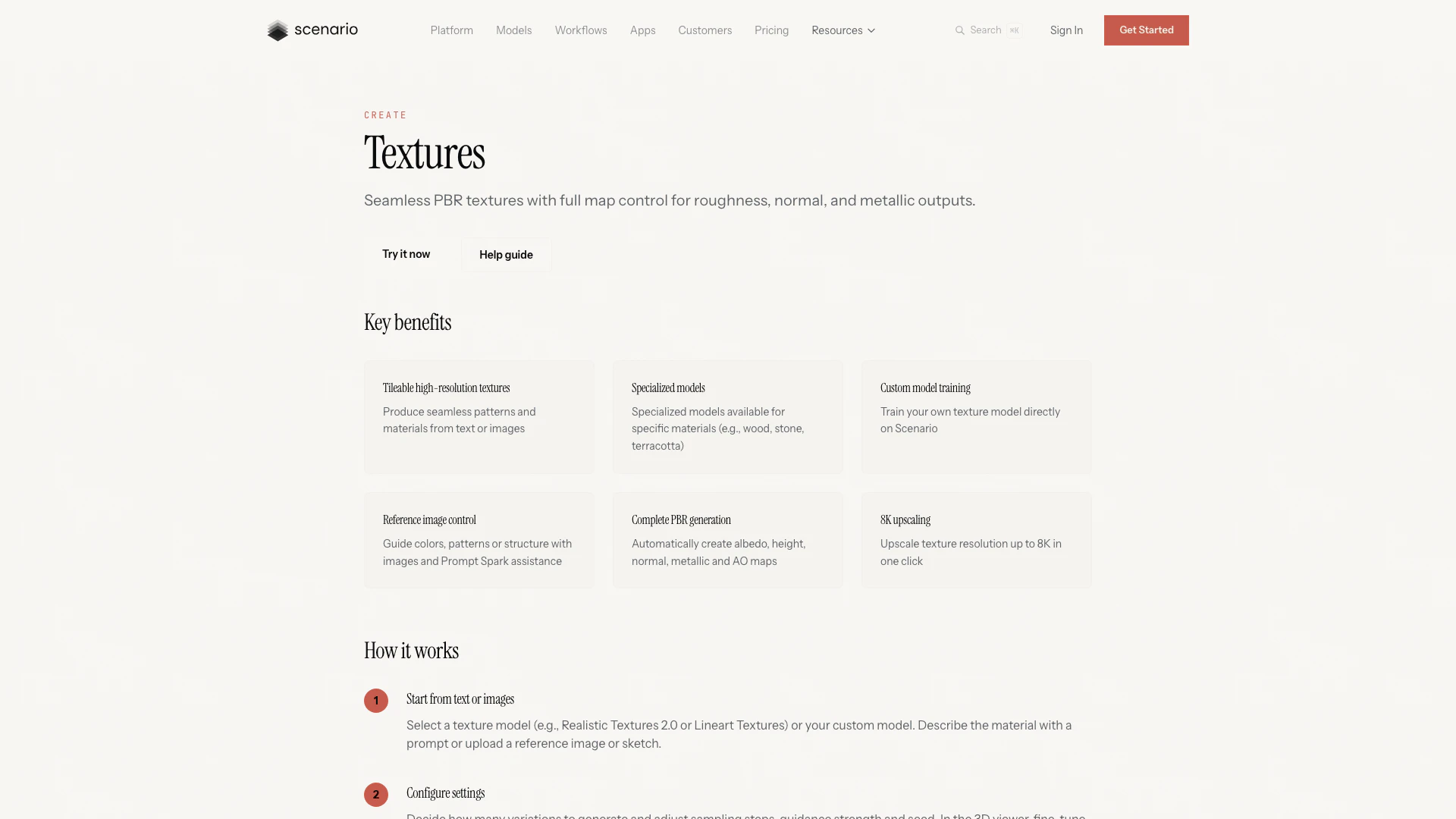
Texture Lab is an advanced AI-powered tool designed to generate seamless PBR (Physically Based Rendering) textures from text or images. It offers users complete control over essential texture maps, including roughness, normal, and metallic outputs. With Texture Lab, creators can effortlessly produce high-quality, production-ready materials suitable for various 3D projects, including games, architecture, and AR/VR applications. This tool is part of Scenario's suite, focusing on enhancing the workflow of texture generation and enabling artists to create visually stunning assets.
How to use Texture Lab?
- Start from text or images: Select a texture model (e.g., Realistic Textures 2.0 or your custom model) and describe the material using a prompt or upload a reference image.
- Configure settings: Decide on the number of variations to generate and adjust settings such as sampling steps, guidance strength, and seed. Fine-tune display settings in the 3D viewer, including tiling and material properties.
- Generate & preview: Click to create the base albedo map and preview it on a 3D object in the viewer. Use Prompt Spark to refine your prompts.
- Produce PBR maps & upscale: Generate full PBR sets—height, normal, metallic, and ambient occlusion maps—with one command. Use the Enhance tool for upscaling textures up to 4×.
- Export & integrate: Download your textures and maps or utilize Scenario's Unity integration to import them directly into your projects.
What are the main features of Texture Lab?
- Tileable high-resolution textures: Generate seamless patterns and materials from text or images.
- Specialized models: Access models tailored for specific materials like wood, stone, and terracotta.
- Custom model training: Train your own texture model directly within the platform.
- Reference image control: Utilize images to guide colors, patterns, or structures, assisted by Prompt Spark.
- Complete PBR generation: Automatically create albedo, height, normal, metallic, and ambient occlusion maps.
- 8K upscaling: Upscale texture resolution to 8K with a single click.
Who is Texture Lab for?
Texture Lab is designed for 3D artists, game developers, architects, and designers who require high-quality textures for their projects. It is particularly beneficial for those working in game environment design, architectural visualization, and AR/VR experiences. The tool caters to both professionals and hobbyists looking to enhance their workflow by providing seamless, customizable textures that can be integrated directly into various applications.
What are the use cases of Texture Lab?
- Game environment design: Create seamless, tileable textures with complete PBR material maps for immersive 3D game worlds.
- Architecture & visualization: Generate photorealistic material surfaces for building renders, interior design, and construction planning.
- AR/VR experiences: Produce high-resolution, seamless textures optimized for virtual and augmented reality applications.
Product Images
Texture Lab Pros and Cons
Pros
- Seamless Texture Generation: Generate seamless PBR textures from text or images, ensuring high-quality and tileable materials for 3D projects.
- Full Control Over Texture Maps: Users can fully control roughness, normal, and metallic maps, allowing for precise adjustments to meet specific project needs.
- High-Resolution Upscaling: Easily upscale textures to 8K resolution with a single click, enhancing detail and quality for professional use.
Cons
No cons data detected for this tool
Texture Lab Pricing
Starter
Designed for casual creators who love to explore AI. Includes 1,500 monthly credits, standard compute rate, single user workspace, access to 65+ core AI models, private generations, community support (Discord), and 50 GB storage.
Pro
For demanding creators who need high performance or custom models. Includes everything in Starter, plus 5,000 monthly credits, priority queue, unlimited relaxed generations, train custom models, access to 30+ advanced models, ticket support, and 500 GB storage.
Max
For small to mid-sized teams scaling together. Includes everything in Pro, plus 10,000 monthly credits, workspace for up to 25 users, team collaboration tools, training custom editing models, standard monitoring dashboards, high-priority queue, priority ticket support, and 1 TB storage (+1 TB per seat).
Enterprise
For organizations running AI at scale. Tied to your needs with custom pricing. Includes annual billing, minimum 10 users, enterprise SSO, SOC2, governance, dedicated account team + Slack support, advanced dashboards, audit trail, enterprise add-ons, custom integrations, and 10 TB storage (+1 TB per seat).
For the latest pricing, please visit this link: https://www.scenario.com/pricing
Prices are subject to change. Please visit the official website for the most up-to-date pricing information.
Analytics of Texture Lab
Texture Lab Website Traffic Analysis
Visits Over Time
Traffic Sources
Dec 2025 - Feb 2026 Worldwide Desktop Only
- Search: 45.15%
- Direct: 41.88%
- Referrals: 8.56%
- Social: 3.56%
- Paid Referrals: 0.74%
- Mail: 0.11%
Top Keywords
| Keyword | Volume | CPC | Estimated Value |
|---|---|---|---|
| scenario.com image review | 0 | $0.00 | $450.00 |
| scenario | 74.71K | $0.25 | $12360.00 |
| scenerio | 7.98K | $0.28 | $650.00 |
| scenario ai | 3.34K | $0.92 | $3710.00 |
| microphone usage description | 350 | $0.00 | $670.00 |




Texture Lab Social Listening
TEXTURE LAB – a portable granu...
This is the new Liven TEXTURE ...
Full Tutorial - SONICWARE Live...
If you'd like to support the c...
LIVEN Texture Lab | Granular S...
This is preset sounds 01-05. G...
Unlock to view 32 social media results.