

Tantl
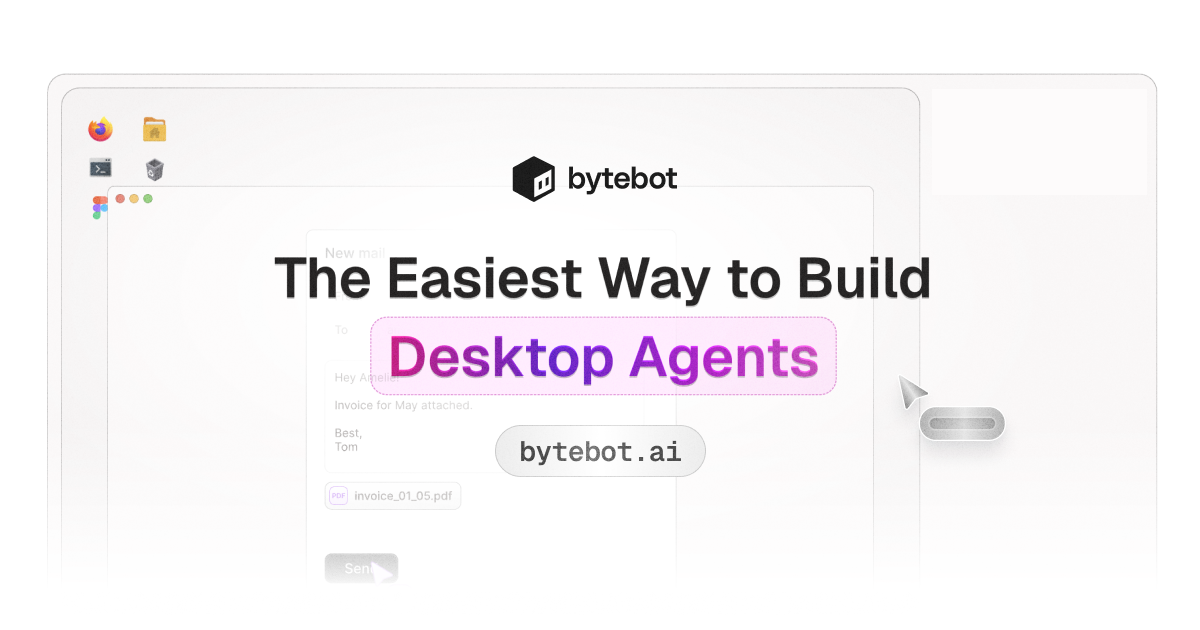





What is Tantl?
Tantl, also known as Bytebot, is an innovative open-source AI desktop agent designed to automate complex workflows on a personal computer. Unlike traditional automation tools that require extensive setup and scripting, Tantl operates like a virtual employee, mimicking human actions such as clicking, typing, and navigating applications. This makes it universally compatible with any software, allowing users to execute tasks through simple natural language commands. With its ability to run in a containerized Linux desktop environment, Tantl can seamlessly integrate with various applications and complete multi-step workflows efficiently.
How to use Tantl?
- Clone the Repository: Start by cloning the Tantl repository from GitHub to your local machine.
- Add Your API Key: Insert your AI provider API key (from options like Anthropic Claude, OpenAI, or Google Gemini) into the configuration file.
- Run the Docker Command: Execute the Docker compose command to start the Tantl environment.
- Access the Interface: Open your browser and go to `http://localhost:9992` to access the Tantl interface.
- Input Commands: Begin automating tasks by typing natural language commands, such as 'Log into the vendor portal and download this month's invoices.'
What are the main features of Tantl?
- Complete Desktop Environment: Tantl operates within a full Linux desktop, allowing it to use any installed application.
- Natural Language Processing: Users can give commands in plain English, and Tantl interprets and executes them effectively.
- Multi-Application Workflows: Automate tasks across various applications, integrating seamlessly into existing workflows.
- Fine-Grained Control: Execute actions with pinpoint accuracy, including mouse movements, keystrokes, and screen interactions.
- Secure Authentication: Supports password managers like Bitwarden for secure logins, including two-factor authentication handling.
- Open Source and Portable: Can be run locally or deployed on cloud services like AWS, GCP, or Azure.
Who is Tantl for?
Tantl is ideal for businesses and individuals looking to streamline their desktop workflows through automation. It caters to a diverse audience, including software developers, financial analysts, HR professionals, and technical researchers. Whether you need to automate repetitive tasks, manage secure logins, or conduct technical research, Tantl provides a versatile solution that eliminates the need for coding skills, making it accessible to users of all technical backgrounds.
What are the use cases of Tantl?
- Handling Secure Logins with 2FA: Tantl can navigate websites, fill in credentials, and manage two-factor authentication to ensure secure access.
- Automating Development Workflows: Developers can use Tantl to scaffold applications, install dependencies, and verify changes on local servers without manual intervention.
- Technical Research and Summarization: Tantl autonomously gathers and summarizes technical documents, transforming complex information into easy-to-read reports.
Tantl Pros and Cons
Pros
- Open Source and Cost-Free: Bytebot is completely free and open source under the Apache 2.0 license, meaning there are no licensing fees or subscription costs, only API fees for the chosen AI provider.
- Versatile Automation Capabilities: Bytebot can handle virtually any computer task assigned to a human operator, including financial operations, document processing, web automation, and more.
- User-Friendly Natural Language Processing: Users can issue commands in plain English, making it easy to use without any coding skills required.
- Robust Security Features: Being self-hosted ensures data security, as it does not leave the user's infrastructure, maintaining full control over data and security policies.
- Seamless Integration with Existing Tools: Bytebot can complement existing automation setups and integrates well with various other automation tools.
Cons
No cons data detected for this tool
Analytics of Tantl
Tantl Website Traffic Analysis
Visits Over Time
Traffic Sources
Oct 2025 - Dec 2025 Worldwide Desktop Only
- Direct: 52.35%
- Search: 21.64%
- Referrals: 16.63%
- Social: 7.99%
- Paid Referrals: 1.11%
- Mail: 0.09%
Top Keywords
| Keyword | Volume | CPC | Estimated Value |
|---|---|---|---|
| bytebot | 2.10K | $2.04 | $700.00 |
| bytebot os | 510 | $0.00 | $150.00 |
| bytebot control other docker containers | 270 | $0.00 | $220.00 |
| desktop operating ai | 140 | $0.00 | $90.00 |
| bytebout | 100 | $0.00 | $100.00 |





Tantl Social Listening
【二一】超越 Notion,挑战 AI 工作流的极限!最强大...
Tana 是一款完全突破我想象的大纲笔记软件,拥有当前最灵活...
Tanstack AI is HERE! Type-Safe...
It's finally here: TanStack AI...
How I automated my TanStack AI...
In this video, I break down th...
Unlock to view 3 social media results.