
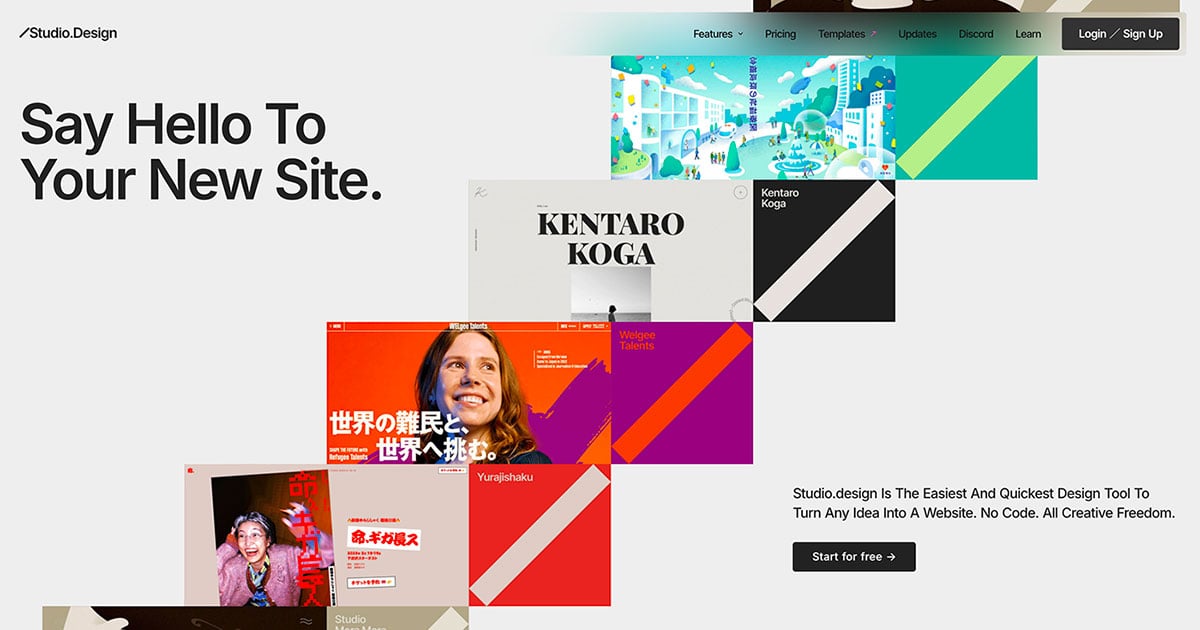
Studio
What is Studio?
Studio is an innovative web design tool that empowers users to effortlessly create stunning portfolio websites, landing pages, and more, all without the need for coding. It offers a user-friendly interface that combines creativity with functionality, allowing individuals and businesses to showcase their work and ideas beautifully. With Studio, you can enjoy complete creative freedom to design your online presence exactly as you envision it.
How to use Studio?
- Visit the Studio website at https://studio.design/.
- Sign up for an account or log in if you already have one.
- Choose a template or start from scratch to create your design.
- Utilize the drag-and-drop interface to add elements like images, text, and buttons.
- Customize your design with various styling options to match your brand.
- Preview your design to ensure it meets your expectations.
- Publish your website to make it live on the internet.
What are the main features of Studio?
- No coding required, making it accessible for everyone.
- Drag-and-drop interface for easy design manipulation.
- A variety of customizable templates to kickstart your project.
- Responsive design capabilities to ensure your website looks great on all devices.
- Integration options for various media and content types.
- SEO-friendly features to help improve your site's visibility.
Who is Studio for?
Studio is designed for a wide range of users, including freelancers, small business owners, creatives, and anyone looking to establish an online presence. It caters especially to individuals who may not have technical skills but wish to create professional-looking websites. Whether you are a photographer wanting to showcase your portfolio, a designer needing a landing page, or a small business seeking to attract customers, Studio provides the tools necessary to achieve your goals.
What are the use cases of Studio?
- Creating a personal portfolio to display creative work and attract potential clients.
- Designing landing pages for marketing campaigns to capture leads and promote products.
- Building small business websites to provide information and services to customers.
- Developing event pages to promote and manage registrations for workshops or conferences.
- Launching blogs or online journals to share insights and engage with an audience.
Studio Pros and Cons
Pros
- User-friendly Design Tool: Studio.Design is described as the easiest and quickest design tool for creating websites without coding, allowing for creative freedom.
- Powerful Features: The tool offers powerful features such as real-time collaborative editing and the ability to publish designs as live websites with a single click.
- Easy Integration with Figma: Users can bring over their existing designs from Figma easily, with automatic breakpoint generation.
- SEO Optimization: The platform facilitates easy SEO optimization by allowing tailored content for search engines and auto-generating sitemaps.
Cons
No cons data detected for this tool
Analytics of Studio
Studio Website Traffic Analysis
Visits Over Time
Traffic Sources
Oct 2025 - Dec 2025 Worldwide Desktop Only
- Direct: 50.88%
- Search: 44.18%
- Referrals: 3.97%
- Social: 0.51%
- Paid Referrals: 0.39%
- Mail: 0.07%
Top Keywords
| Keyword | Volume | CPC | Estimated Value |
|---|---|---|---|
| studio | 295.26K | $0.64 | $120730.00 |
| スタジオ | 15.09K | $0.87 | $8130.00 |
| studio テンプレート | 12.42K | $2.13 | $10410.00 |
| studio ログイン | 10.75K | $0.00 | $10150.00 |
| studio site | 3.87K | $1.88 | $3140.00 |





Studio Social Listening
Life Changing Chords Trick | F...
Join Here 👉 https://MixElite....
Suno Studio Tutorial: A Comple...
Start creating in Suno Studio ...
Create with Flow | How to use ...
Built with and for creatives, ...
Unlock to view 38 social media results.