Stripereport





What is Stripereport?
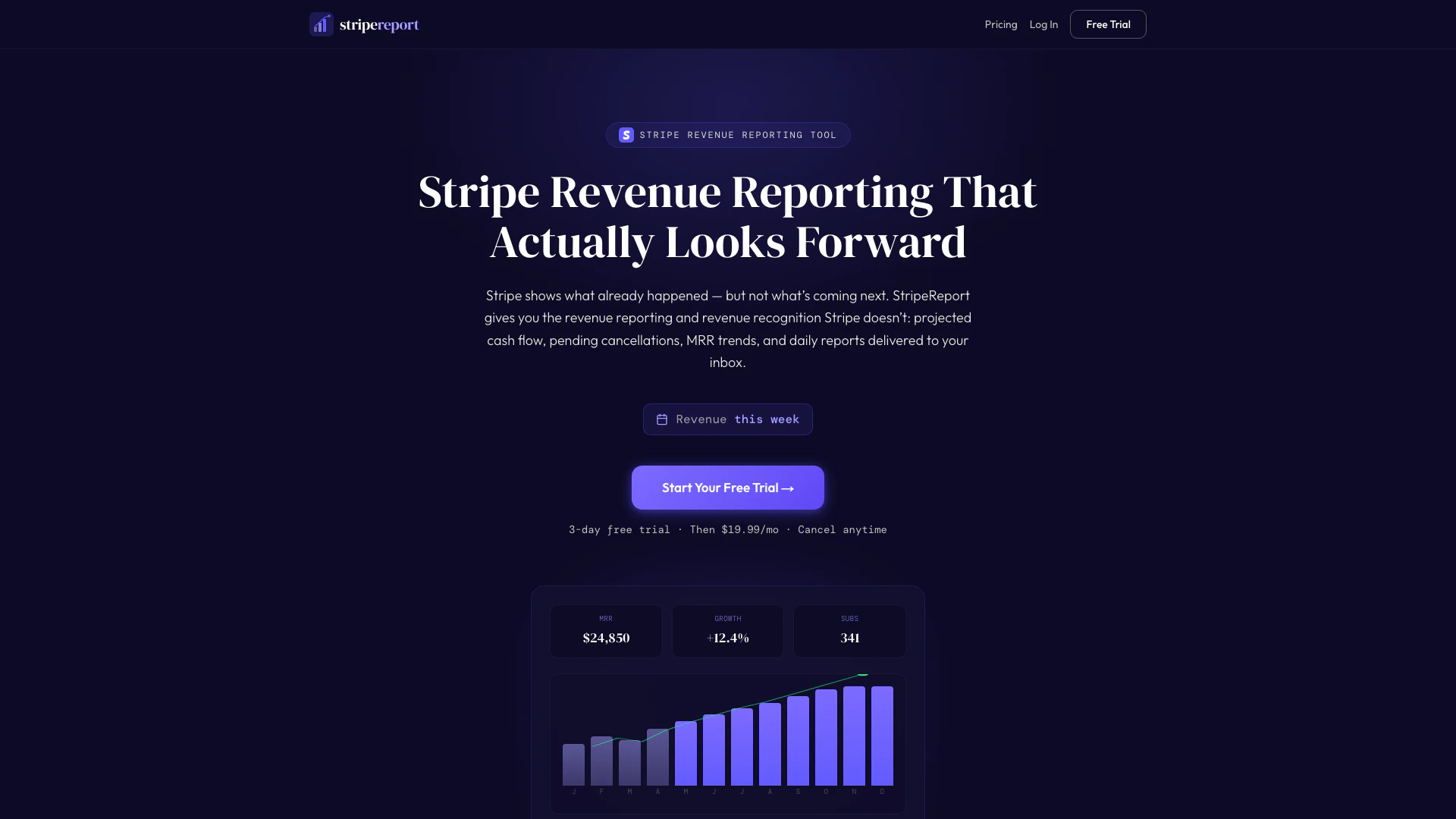
Stripereport is a comprehensive revenue reporting and recognition tool specifically designed for businesses that utilize Stripe for their subscription services. It simplifies the process of tracking projected revenue, Monthly Recurring Revenue (MRR) trends, churn analytics, and cash flow forecasts. By addressing the limitations of Stripe's built-in revenue reporting, Stripereport provides users with actionable insights into their subscription metrics, allowing businesses to make informed decisions and enhance their financial planning.
How to use Stripereport?
- Create your account: Sign up using your email or Google account, which takes just 10 seconds.
- Start your free trial: Enjoy a 3-day free trial, after which it costs $19.99/month, with the option to cancel anytime.
- Connect Stripe: Follow the provided link to create a read-only Stripe API key with pre-selected permissions, then paste the key into Stripereport.
- Access your dashboard: Your dashboard will populate instantly with revenue forecasts, pending cancellations, and health scores, giving you immediate insights into your subscription metrics.
What are the main features of Stripereport?
- Revenue Forecasting: Provides forward-looking reports based on actual subscription renewal dates, allowing businesses to project revenue by day, week, month, or quarter.
- Health Score: Offers a score from 0 to 100 that measures the overall health of your subscription business, factoring in churn, growth, and revenue.
- Cancellation Alerts: Sends immediate notifications when customers cancel or are past due, helping businesses address potential revenue loss proactively.
- Shareable Reports: Enables the generation of branded report snapshots for sharing with co-founders, investors, or team members.
- Scenario Planner: Allows users to model potential future revenue by adjusting growth rates, churn rates, and pricing based on real data.
Who is Stripereport for?
Stripereport is ideal for businesses that rely on Stripe for managing subscriptions, including SaaS companies, e-commerce platforms, and any organization with recurring revenue models. It caters to entrepreneurs, financial analysts, and subscription managers who need in-depth insights into their revenue streams and customer behavior. By providing essential metrics and forecasts, Stripereport helps users make informed decisions to optimize their subscription strategies and reduce churn.
What are the use cases of Stripereport?
- Revenue Management: Businesses can use Stripereport to track and forecast their Monthly Recurring Revenue (MRR), helping them understand their financial health and make data-driven decisions.
- Churn Analysis: Users can identify customers with pending cancellations and analyze churn trends, allowing them to implement retention strategies before losing significant revenue.
- Financial Planning: The tool assists businesses in projecting future revenue based on current active subscriptions, enabling better budgeting and resource allocation for upcoming months or quarters.
Stripereport Pros and Cons
Pros
- Comprehensive Revenue Forecasting: Provides detailed revenue forecasting by day, week, month, or quarter based on actual subscription renewal dates, helping businesses plan effectively.
- Cancellation Alerts: Notifies users immediately when customers cancel or are past due, allowing proactive measures to prevent revenue loss.
- Health Score Monitoring: Offers a health score from 0 to 100 that measures subscription business health across churn, growth, and revenue, aiding in performance assessment.
Cons
No cons data detected for this tool
Stripereport Pricing
Free Trial
Try everything free for 3 days. Full access during your 3-day trial — no limitations. Cancel before your trial ends and pay nothing.
Beta Pricing
$19.99/month after the free trial ends, then $49/month after beta.
For the latest pricing, please visit this link: https://www.stripereport.com/onboarding/signup
Prices are subject to change. Please visit the official website for the most up-to-date pricing information.