Spoteek





What is Spoteek?
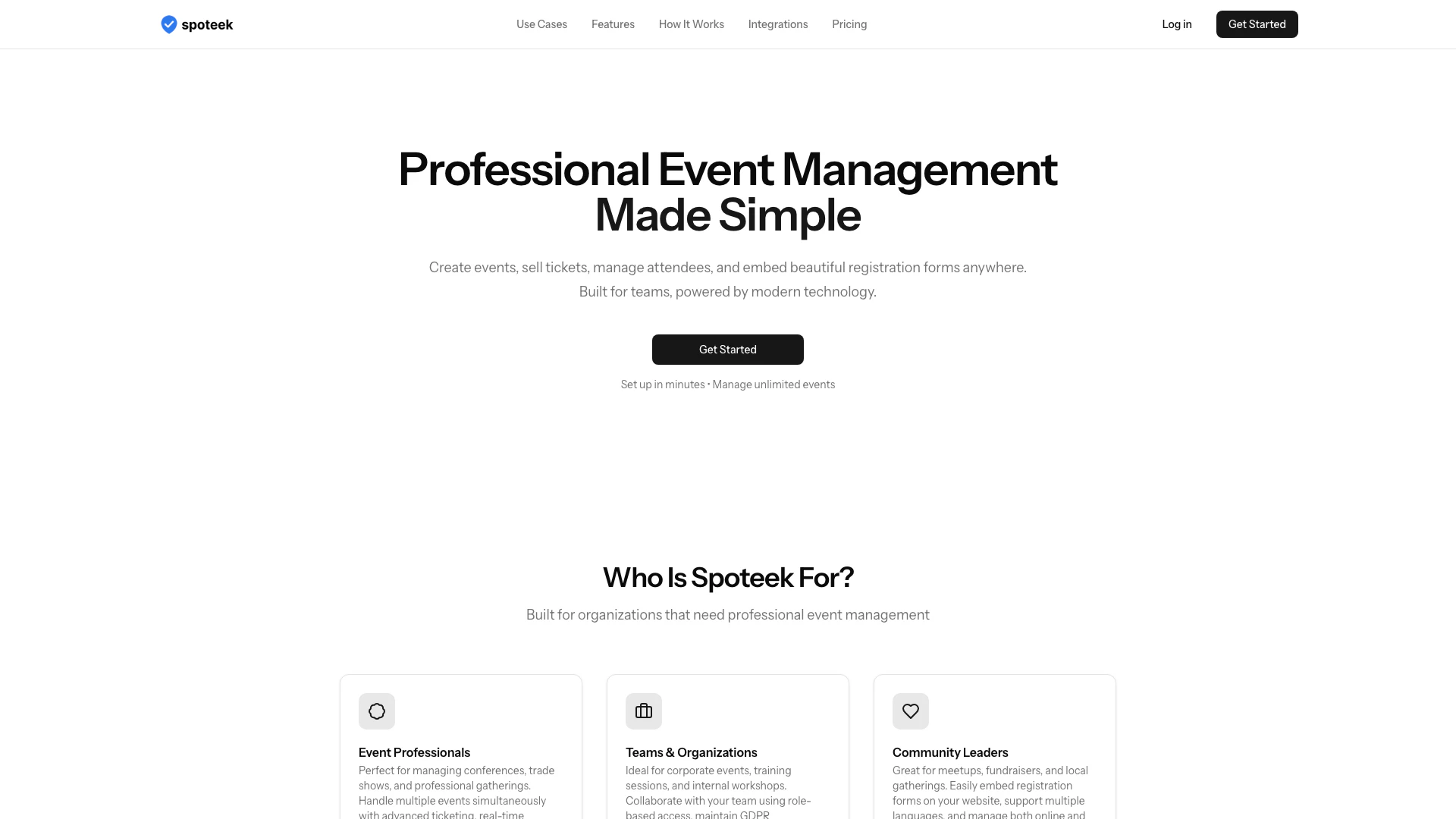
Spoteek is a professional event management[1] platform designed to simplify the process of creating and managing events. It allows users to create events, sell tickets, manage attendees, and embed registration forms seamlessly into websites. With a focus on teams and organizations, Spoteek leverages modern technology to provide features such as real-time analytics, automated check-in systems, and customizable registration options, all aimed at enhancing the event management experience.
How to use Spoteek?
- Create Your Event: Start by using the guided wizard to set up your event, including ticket options, custom fields, and email notifications.
- Share or Embed: Once your event is created, you can either share the event link or embed the registration form directly onto your website using a simple JavaScript code.
- Manage & Analyze: After your event is live, track registrations in real-time, communicate with attendees, and export your data for further analysis.
What are the main features of Spoteek?
- Professional Ticketing System[2]: Manage multiple ticket types with real-time availability and smooth check-in processes.
- Automated Communication Tools: Send automated email confirmations and integrate with calendars like Google, Outlook, and Apple.
- Seamless Integration: Easily embed registration forms on your website with a simple JavaScript code while ensuring GDPR compliance.
- Team Collaboration: Collaborate effectively with role-based access and utilize a real-time analytics dashboard to make data-driven decisions.
Who is Spoteek for?
Spoteek is tailored for a diverse range of users including event professionals, teams, organizations, and community leaders. Event professionals can manage conferences and trade shows, while corporate teams can streamline internal events and training sessions. Community leaders can utilize Spoteek for local meetups and fundraisers, benefiting from features that support both online and walk-in registrations.
What are the use cases of Spoteek?
- Conferences and Trade Shows: Manage large-scale events with advanced ticketing and real-time analytics.
- Corporate Events: Organize training sessions and workshops with team collaboration tools and GDPR compliance.
- Community Gatherings: Facilitate local meetups and fundraisers with easy registration forms and multi-language support.
Spoteek Pros and Cons
Pros
- Easy Event Setup: Create your first event in under 5 minutes with a guided setup wizard, making it accessible for users of all skill levels.
- Comprehensive Ticketing System: Manage unlimited events with a professional ticketing system that includes real-time availability updates and multiple ticket types.
- Team Collaboration Features: Facilitate teamwork with role-based access, allowing multiple team members to collaborate effectively on event management.
- Powerful Analytics: Utilize real-time analytics dashboards to track registrations and make data-driven decisions for future events.
Cons
No cons data detected for this tool
Spoteek Pricing
Pro Plan
Everything you need to manage professional events. Unlimited events, unlimited attendees, unlimited team members, custom fields, export attendees, email notifications, newsletter integration, embed on your website, multi-language support.
For the latest pricing, please visit this link: https://spoteek.com/
Prices are subject to change. Please visit the official website for the most up-to-date pricing information.