Speaklyai



What is SpeaklyAI?
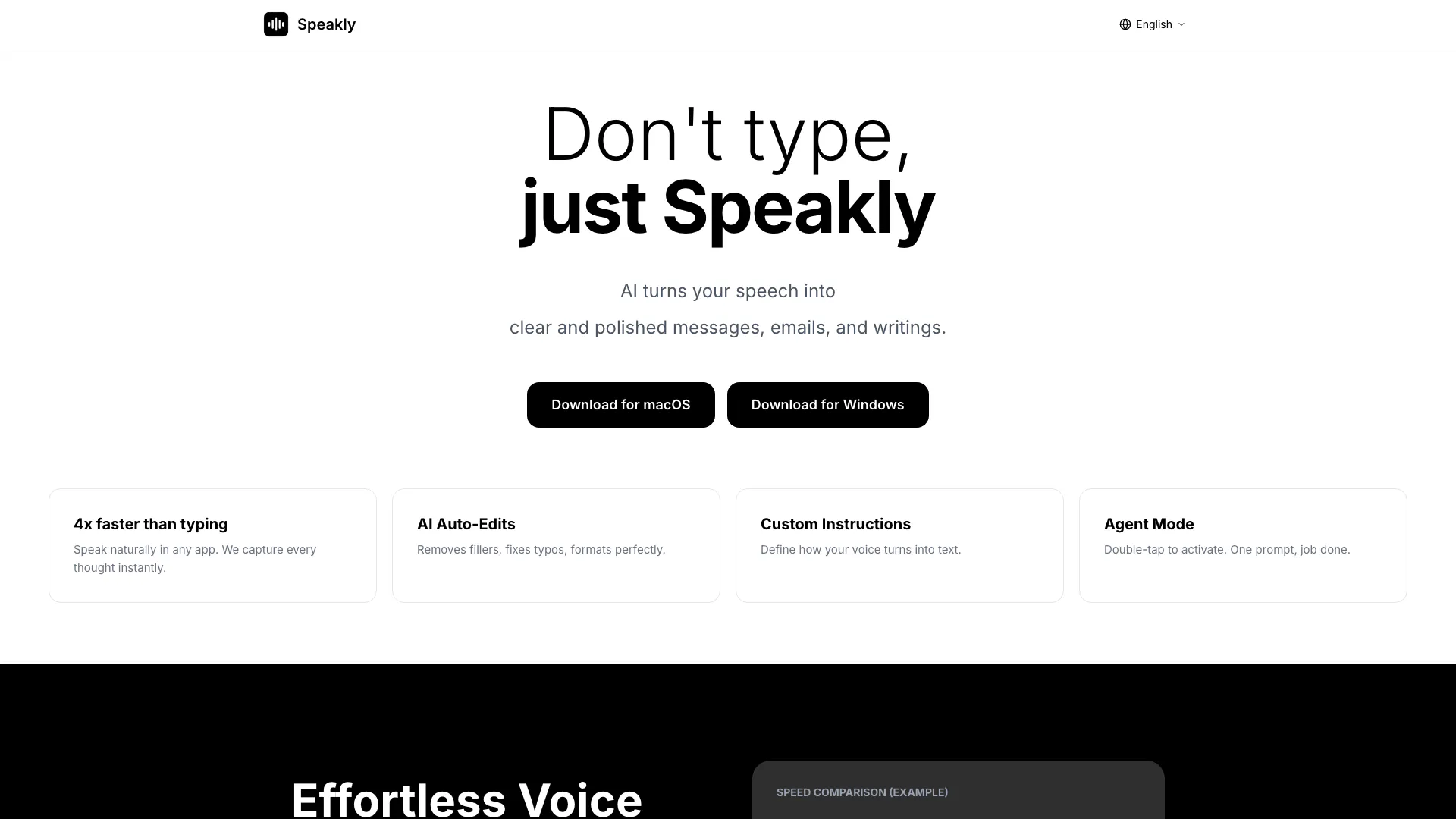
SpeaklyAI is an innovative voice-to-text[1] tool that transforms your spoken words into clear and polished messages, emails, and writings. It leverages advanced AI technology to enhance productivity by allowing users to speak naturally in any application, capturing thoughts instantly and converting them into written text. With features such as AI auto-edits[2], custom voice instructions, and support for over 100 languages, SpeaklyAI offers a seamless and efficient way to communicate without the need for typing.
How to use SpeaklyAI?
- Download and install SpeaklyAI on your macOS or Windows device.
- Open any application where you want to use SpeaklyAI, such as email, Slack, or a document editor.
- Activate SpeaklyAI by double-tapping the designated shortcut or using the command prompt.
- Start speaking naturally; SpeaklyAI will capture your speech and convert it into text, auto-editing for clarity and removing fillers.
- Use custom instructions[3] to define how your voice translates into text for more personalized results.
What are the main features of SpeaklyAI?
- AI Auto-Edits: Automatically removes filler words like 'um' and 'uh', corrects typos, and formats text for clarity.
- Custom Instructions: Allows users to define how their voice should be converted into text, enhancing personalization.
- Agent Mode: A quick activation mode that enables users to complete tasks with a single prompt.
- Multi-Language Support: Speak in over 100 languages with automatic detection and zero configuration required.
- Works Everywhere: Compatible with more than 100 applications, allowing seamless integration into daily workflows.
Who is SpeaklyAI for?
SpeaklyAI is designed for professionals, students, and anyone who needs to communicate effectively without the constraints of typing. It is particularly beneficial for individuals who frequently write emails, reports, or need to manage tasks through voice commands. Additionally, it serves those who work in multilingual environments, enabling them to speak and write in various languages effortlessly.
What are the use cases of SpeaklyAI?
- Email Composition: Quickly draft emails by speaking instead of typing, enhancing productivity.
- Task Management: Use voice commands to create and manage to-do lists or reminders in task management apps.
- Meeting Preparation: Prepare notes or reports for meetings by speaking naturally, allowing for faster content creation.
Product Images


Speaklyai Pros and Cons
Pros
- Fast Speech-to-Text Conversion: SpeaklyAI converts speech to text 4x faster than typing, allowing users to communicate their thoughts instantly.
- AI Auto-Editing Features: The tool automatically removes filler words, fixes typos, and formats text, ensuring clear and polished messages.
- Customizable Voice Instructions: Users can define how their voice is converted to text, allowing for personalized speech recognition.
Cons
No cons data detected for this tool