Snapfiddleai





What is Snapfiddleai?
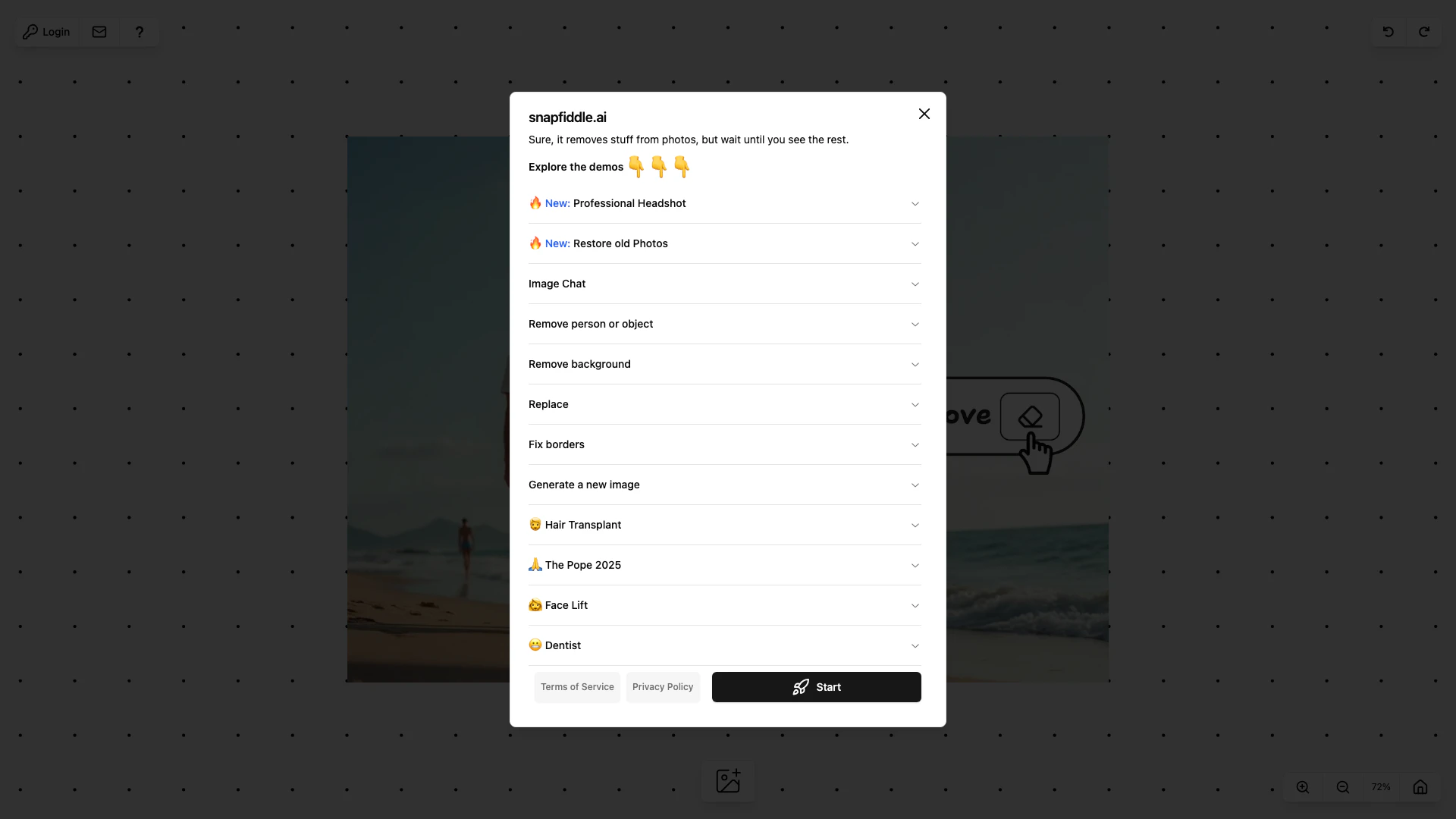
Snapfiddleai is a user-friendly image editing[1] tool designed to simplify the process of modifying images. With Snapfiddleai, users can easily remove and replace people and objects within their images, merge multiple images through intelligent cropping, and repair damaged or incomplete photos. Its intuitive interface makes it accessible for both beginners and experienced users, providing powerful editing capabilities without the complexity often found in traditional image editing software.
How to use Snapfiddleai?
- Visit the Snapfiddleai website and upload the image you want to edit.
- Use the removal tool to select and delete people or objects from your image.
- If needed, utilize the replacement feature to add new elements into your image.
- To merge images, upload additional photos and use the smart cropping[3] tool to combine them seamlessly.
- For repairs, select the areas that need fixing and apply the repair tool[4] to restore your image.
What are the main features of Snapfiddleai?
- Image Modification[2]: Effortlessly remove and replace unwanted people and objects in your images.
- Smart Cropping: Merge images intelligently by cropping them in a way that maintains composition and quality.
- Repair Tool: Fix damaged or incomplete images with a user-friendly repair feature.
- User-Friendly Interface[5]: Designed for ease of use, making it accessible for all skill levels.
- Desktop Optimization[6]: Best experience on desktop with full feature availability.
Who is Snapfiddleai for?
Snapfiddleai is ideal for photographers, graphic designers, and casual users who need a straightforward image editing solution. It caters to those looking to enhance their images quickly without the steep learning curve of more complex editing software. Whether you are a professional needing to edit images for a portfolio or a hobbyist wanting to modify personal photos, Snapfiddleai provides the necessary tools to achieve your editing goals.
What are the use cases of Snapfiddleai?
- Photo Restoration: Repair old or damaged photographs to restore their original quality.
- Creative Editing: Remove distractions from images, such as unwanted people or objects, to enhance visual storytelling.
- Social Media Content: Create engaging posts by merging images creatively for platforms like Instagram and Facebook.
- Professional Portfolios: Edit and refine images for photographers and designers to showcase their work effectively.
- Personal Projects: Enhance personal photos for albums or gifts by modifying and improving image quality.
Snapfiddleai Pros and Cons
Pros
- User-Friendly Interface: Snapfiddleai offers a simplistic image editing interface, making it easy for users to modify images without complex tools.
- Advanced Editing Features: The tool allows users to remove and replace people and objects in images, providing advanced editing capabilities.
- Smart Cropping and Merging: Snapfiddleai includes smart cropping features that help users merge images seamlessly, enhancing creativity.
Cons
No cons data detected for this tool