
Sketchto



What is Sketchto?
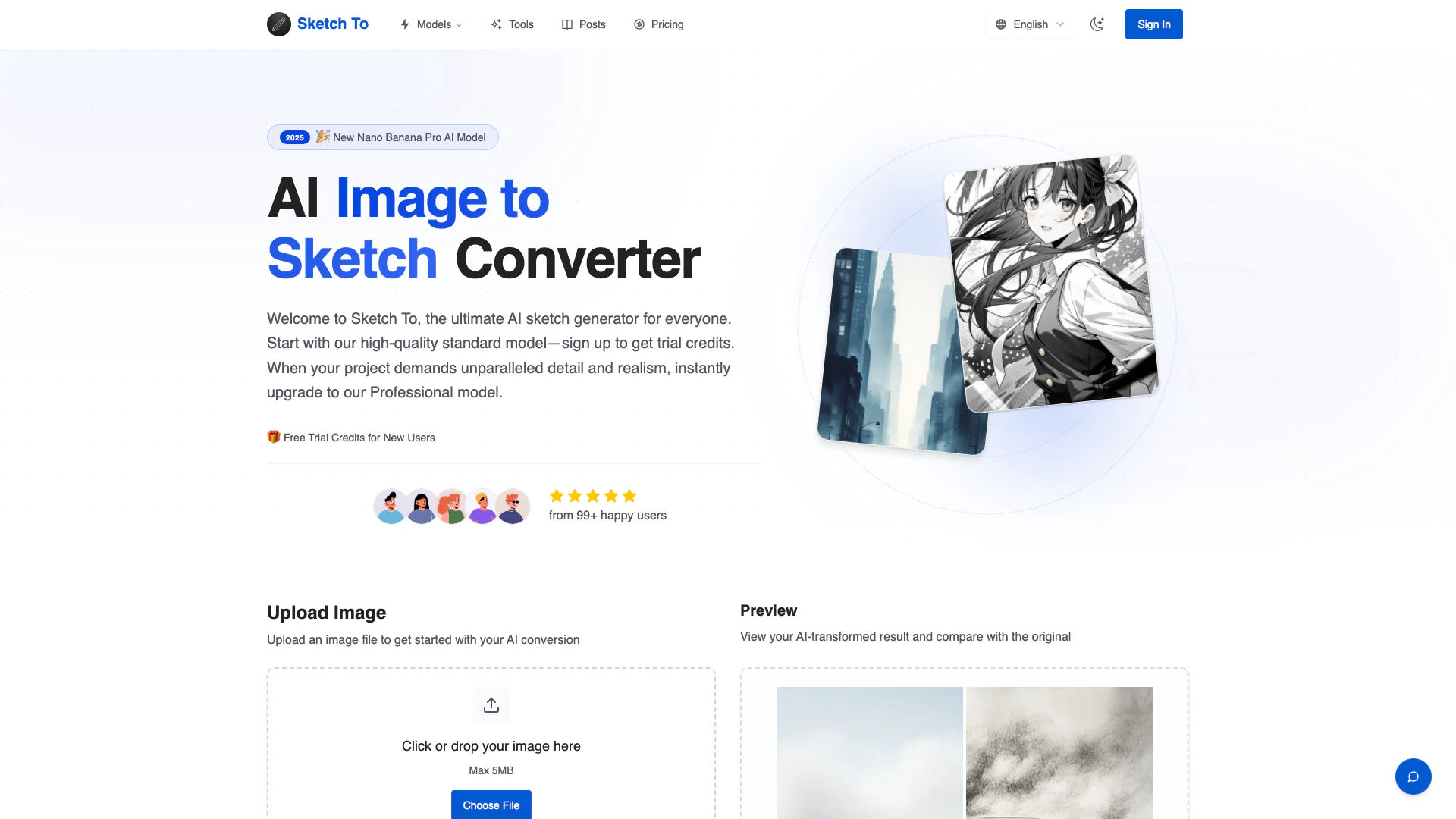
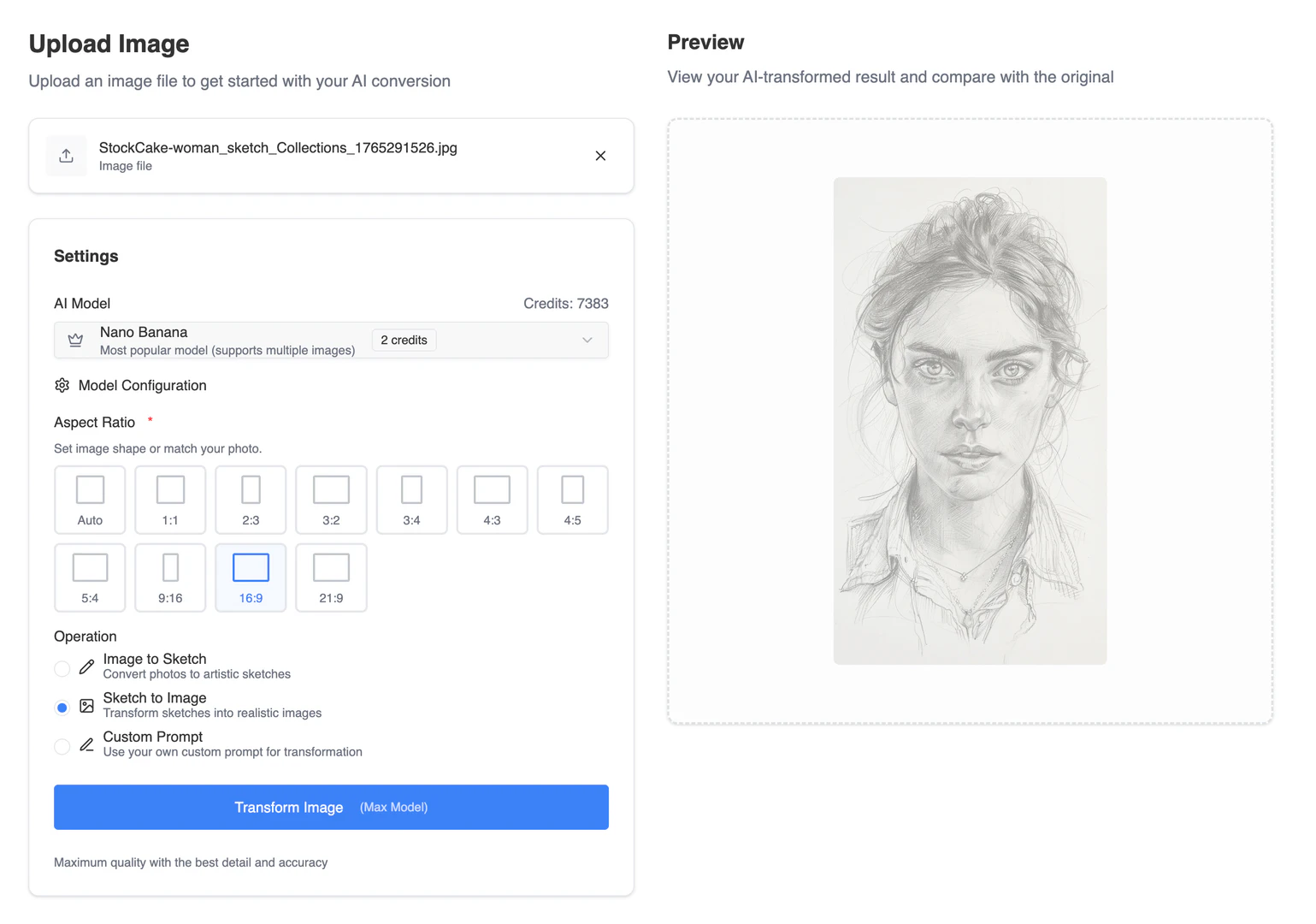
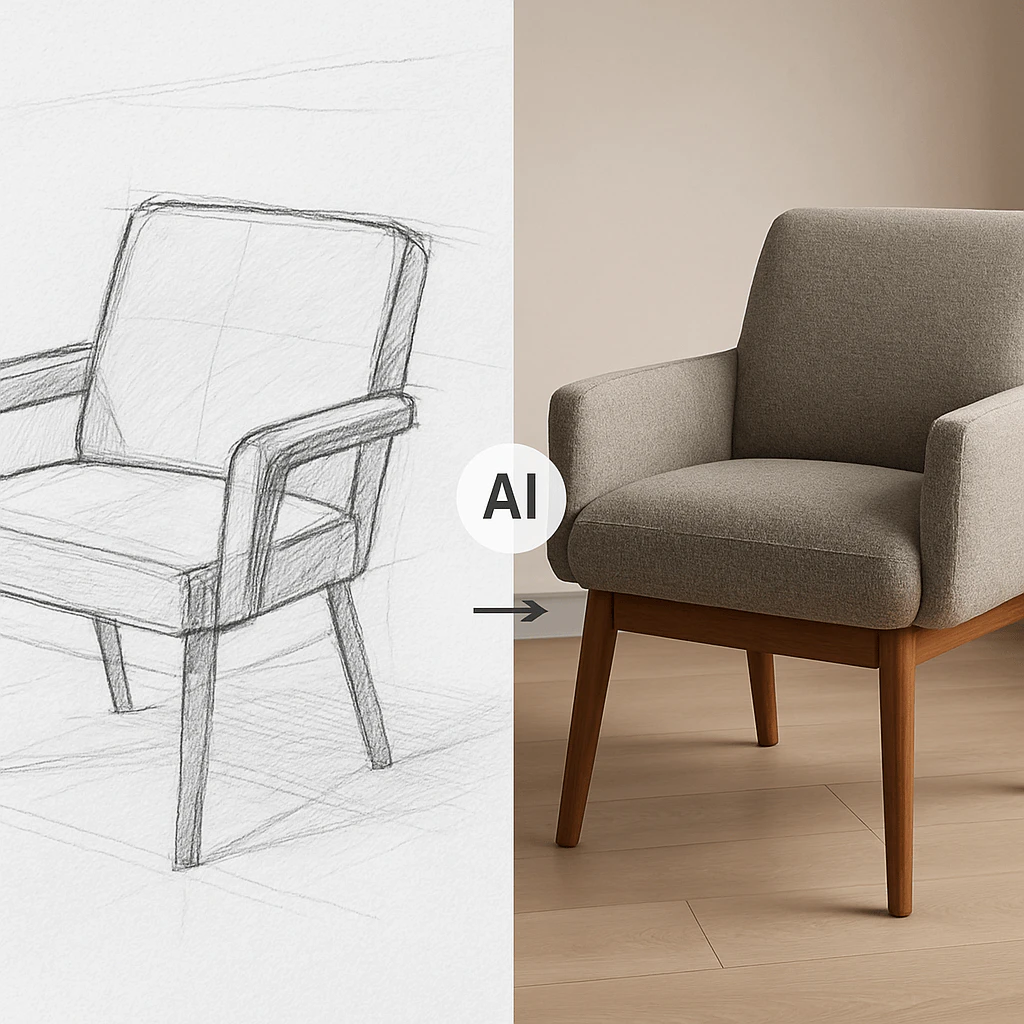
Sketchto is a powerful AI tool designed to convert images into artistic sketches and vice versa. Utilizing advanced AI technology, Sketchto provides both a free standard model for everyday users and a professional model for those seeking higher quality and detail. The tool is accessible online, allowing users to upload images and receive instant sketch transformations. Ideal for artists, designers, and hobbyists, Sketchto is versatile enough to handle various creative projects, from social media graphics to professional artwork.
How to use Sketchto?
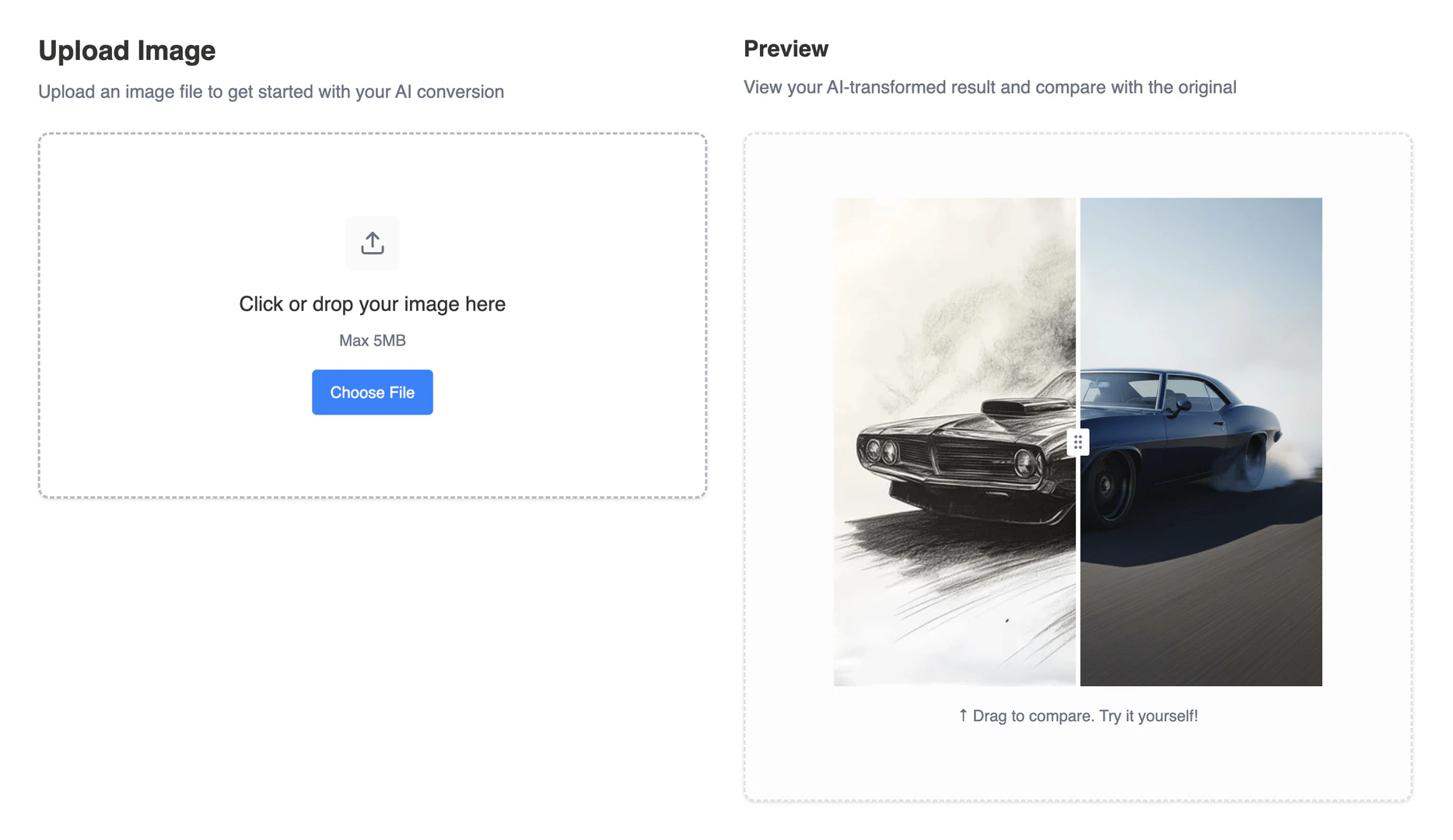
- Upload Your File: Drag and drop your photo or sketch file onto the canvas. Sketchto supports multiple image formats with a maximum file size of 5MB.
- Choose Your Style & Model: Select your desired artistic style. The Standard Model is selected by default, using 1 credit per conversion. For ultimate quality, opt for the Professional Model.
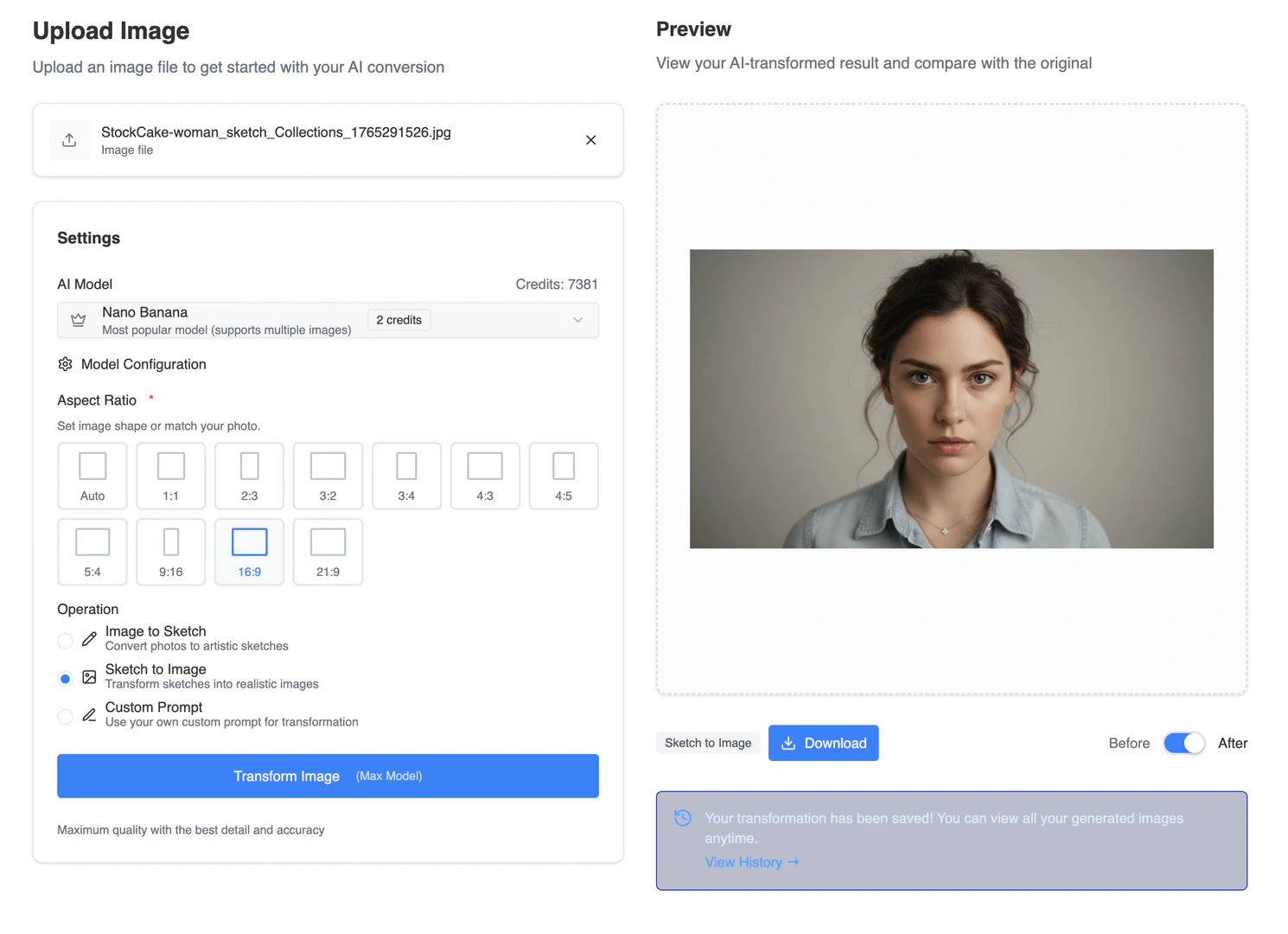
- Generate & Download: Click 'Generate'. Sketchto will process your request instantly, allowing you to preview the result and download your new creation in high resolution.
What are the main features of Sketchto?
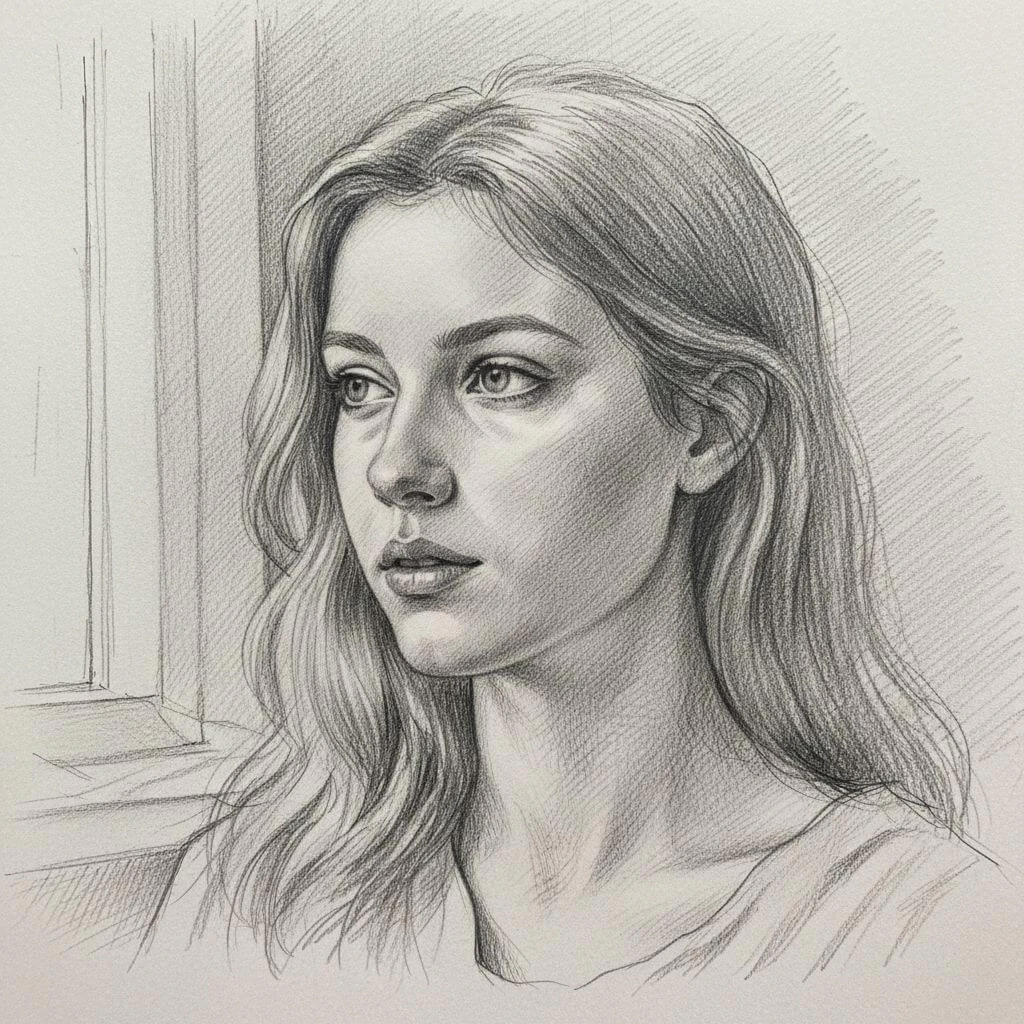
- Image to Sketch Conversion: Convert photos into artistic pencil sketches using advanced AI technology.
- Sketch to Image AI: Transform sketches into realistic images with high detail using the Pro model.
- Trial Credits Model: New users receive trial credits to explore the standard model's features.
- Professional Quality: Upgrade to the Pro model for commercial use with superior detail and realism.
- Instant Processing: Get results in seconds with powerful cloud-based AI processing.
- High Resolution Output: Download creations in high resolution suitable for print.
Who is Sketchto for?
Sketchto is designed for a diverse range of users including artists, designers, content creators, and hobbyists. Whether you are looking to enhance your social media posts, create unique artwork for personal projects, or require high-quality sketches for professional use, Sketchto caters to all. The standard model is perfect for casual users, while the professional model is tailored for those needing detailed and realistic outputs for commercial purposes.
What are the use cases of Sketchto?
- Social Media Content Creation: Use Sketchto to convert images into eye-catching sketches for posts and stories.
- Artistic Projects: Artists can leverage Sketchto to create unique sketches from their photos or original artworks.
- Educational Purposes: Students can utilize the tool for projects that require artistic representations of their subjects.
Product Images

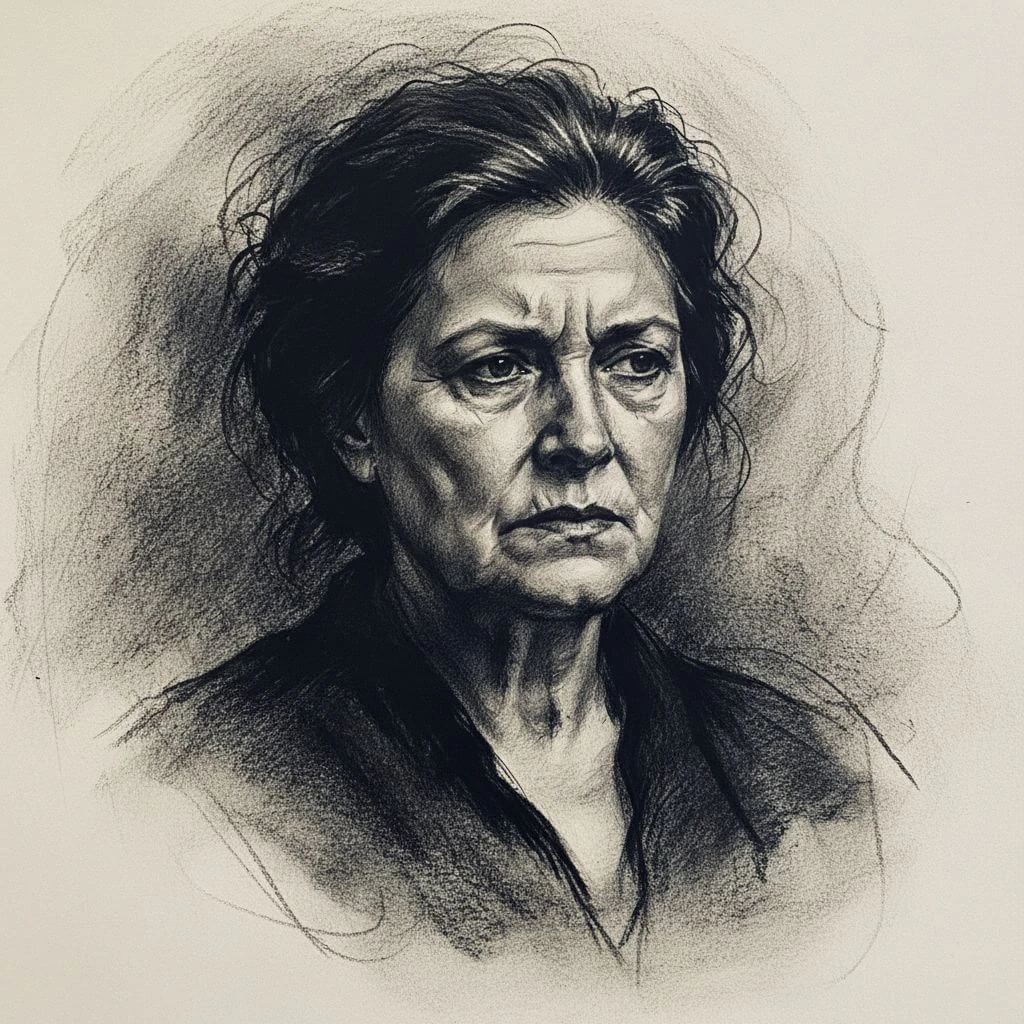
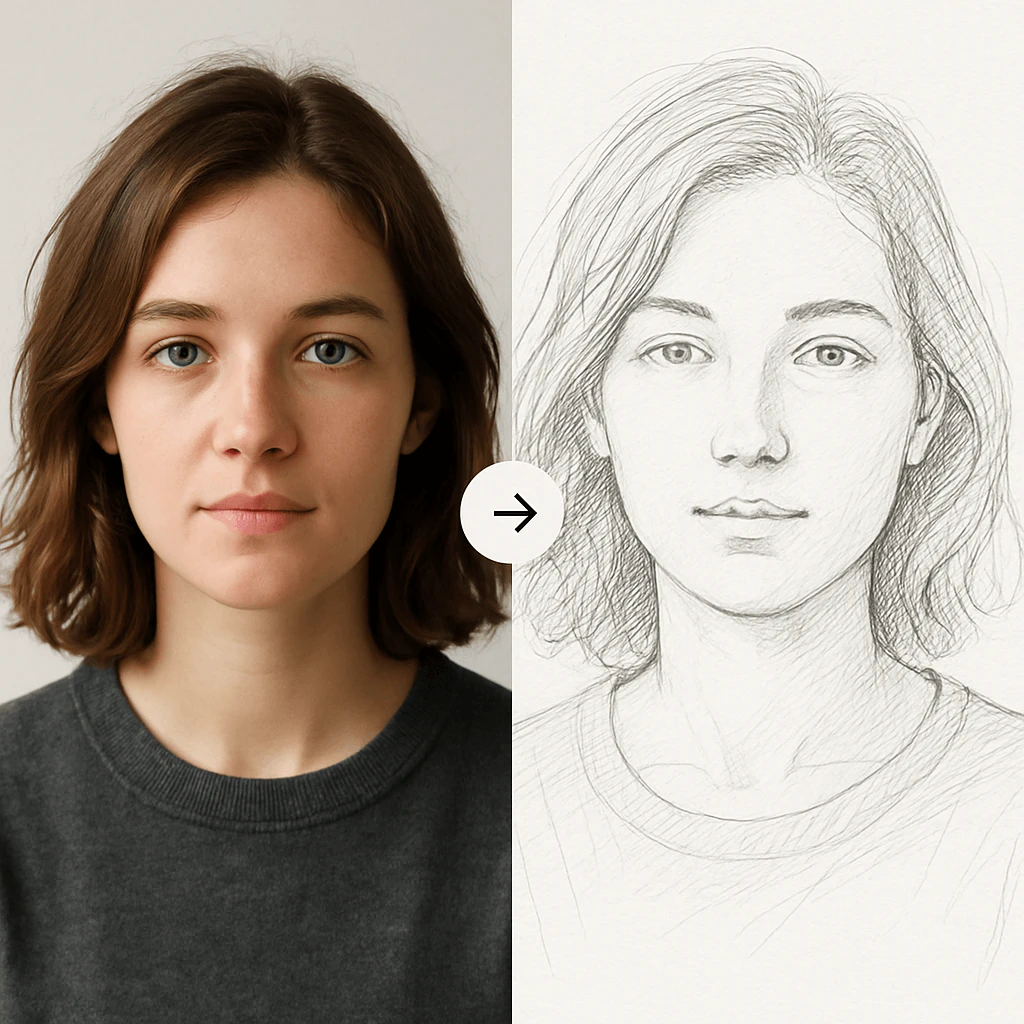
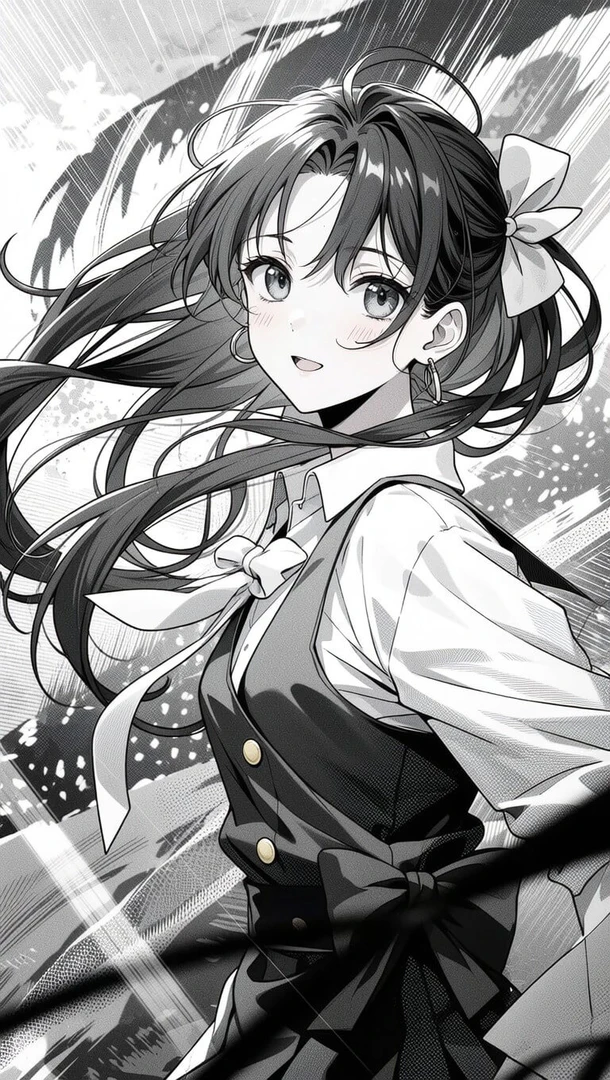
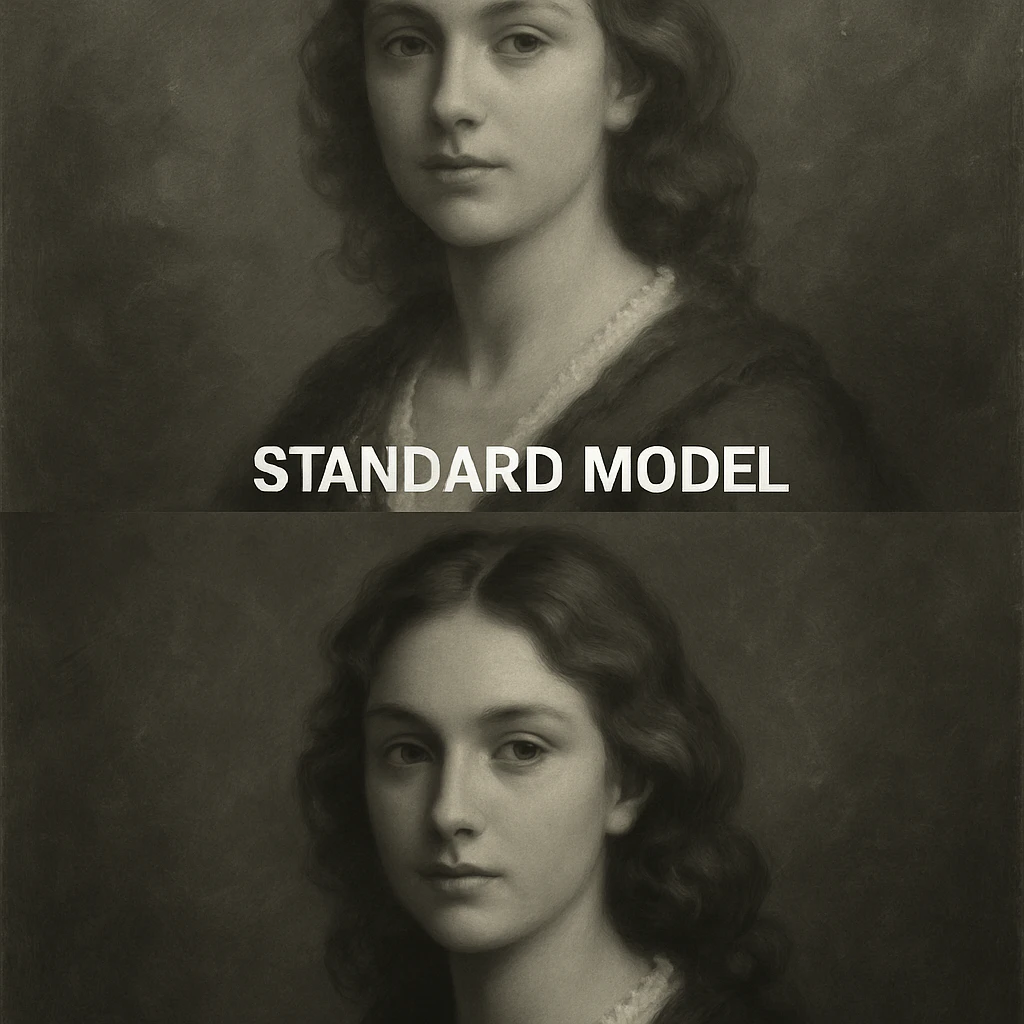
Sketchto Pros and Cons
Pros
- Instant Image Conversion: Sketchto allows users to instantly convert images to sketches using advanced AI technology, making it quick and efficient for creative projects.
- Multiple Artistic Styles: The tool offers various sketch styles including pencil, charcoal, ink, and watercolor, catering to different artistic preferences.
- Free Trial Credits: New users can start with free trial credits, enabling them to explore the features without initial investment.
Cons
No cons data detected for this tool
Sketchto Pricing
Basic
Perfect for personal use and casual creators. 2400 credits (≈ 1200 images / year). Includes own your creations, access to Standard Generation, image history saved, and standard quality download.
Pro
For power users and professionals. 9600 credits (≈ 4800 images / year). Everything in Basic, plus commercial license included, priority support, 4x more credits, and priority email support.
For the latest pricing, please visit this link: https://www.sketchto.com/pricing
Prices are subject to change. Please visit the official website for the most up-to-date pricing information.
Analytics of Sketchto
Sketchto Website Traffic Analysis
Visits Over Time
Traffic Sources
Oct 2025 - Dec 2025 Worldwide Desktop Only
- Search: 63.44%
- Referrals: 28.87%
- Direct: 5.05%
- Social: 1.96%
- Paid Referrals: 0.50%
- Mail: 0.05%
Top Keywords
| Keyword | Volume | CPC | Estimated Value |
|---|---|---|---|
| 线稿转图像 | 0 | $0.00 | $90.00 |
| 人脸生成 | 0 | $0.00 | $10.00 |
| uncrop | 8.47K | $0.15 | $0.00 |
| image to sketch | 8.05K | $0.40 | $120.00 |
| sketchto | 40 | $0.00 | $30.00 |
Sketchto Reviews
The image to sketch tool is amazing! I use it all the time for my blog posts. It's fast, easy, and the quality is fantastic. The trial credits helped me get started.
I upgraded to the Pro model for my design work, and the difference is night and day. The sketch to realistic image ai feature is unbelievably powerful and worth every penny.
As a student, finding a quality online image to sketch converter is a lifesaver. Sketch To's standard model with trial credits is powerful enough for all my coursework and projects.
For more reviews, visit this link: https://www.sketchto.com/#testimonials



