Shutout


What is Shutout?
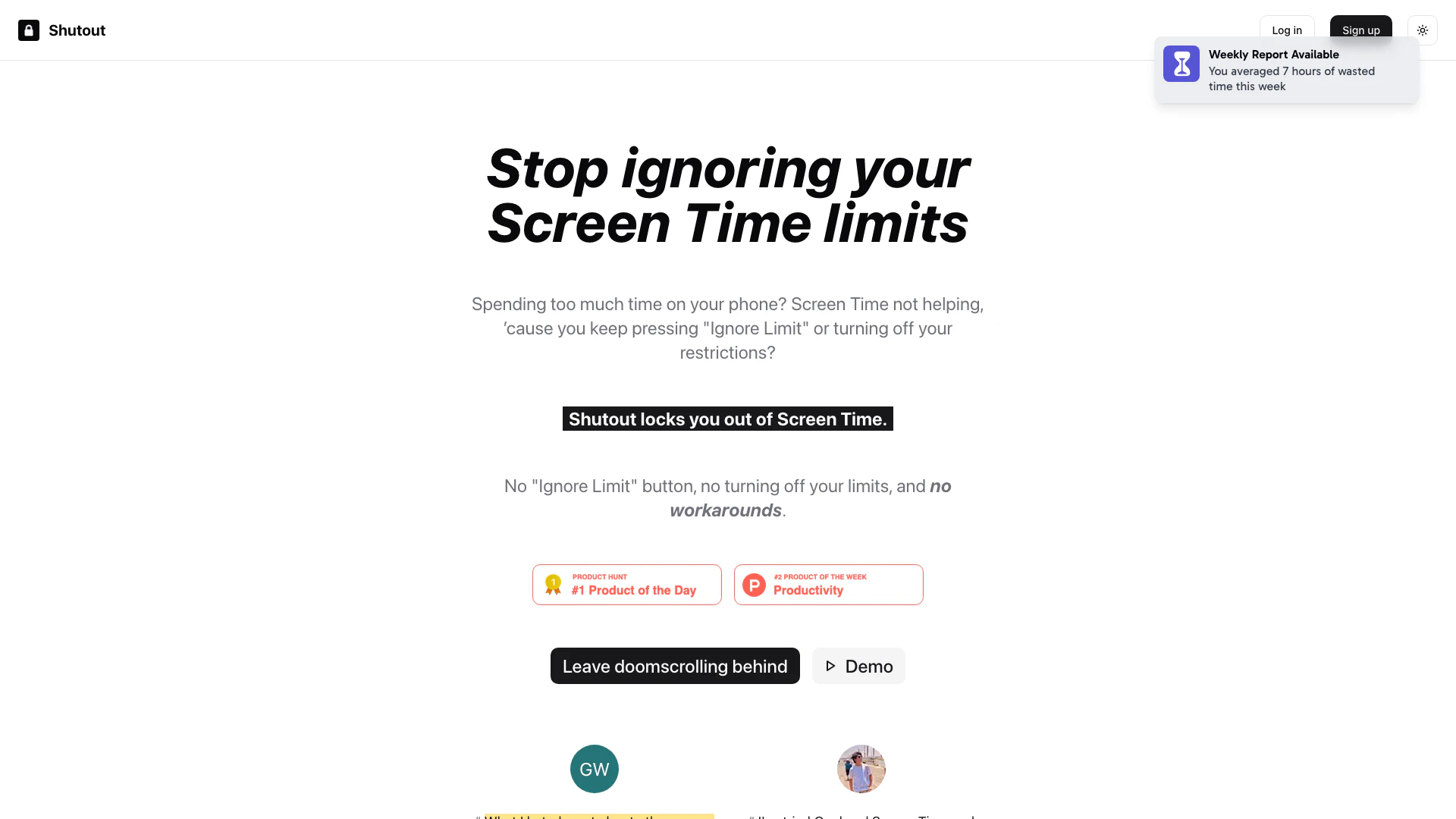
Shutout is a unique mobile application designed to help users manage their screen time effectively. Unlike traditional screen time management[1] tools that allow users to bypass restrictions easily, Shutout locks users out of their screen time limits, eliminating the temptation to ignore them. By setting up a complicated password and disabling the 'Forgot Password' feature, Shutout ensures that users cannot easily revert to their old habits of excessive phone usage. This tool is particularly valuable for those who struggle with self-control regarding screen time, making it a reliable solution for improving productivity and mental well-being[3].
How to use Shutout?
- Download and install Shutout from the App Store.
- Set up your Screen Time settings as you normally would.
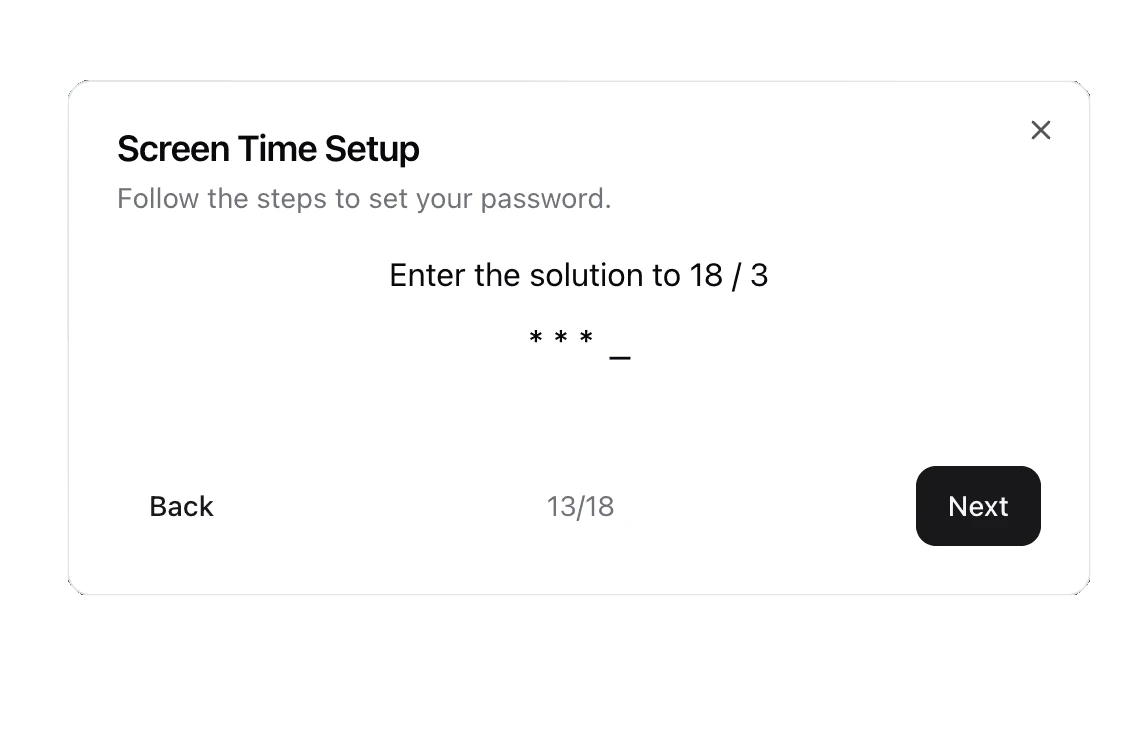
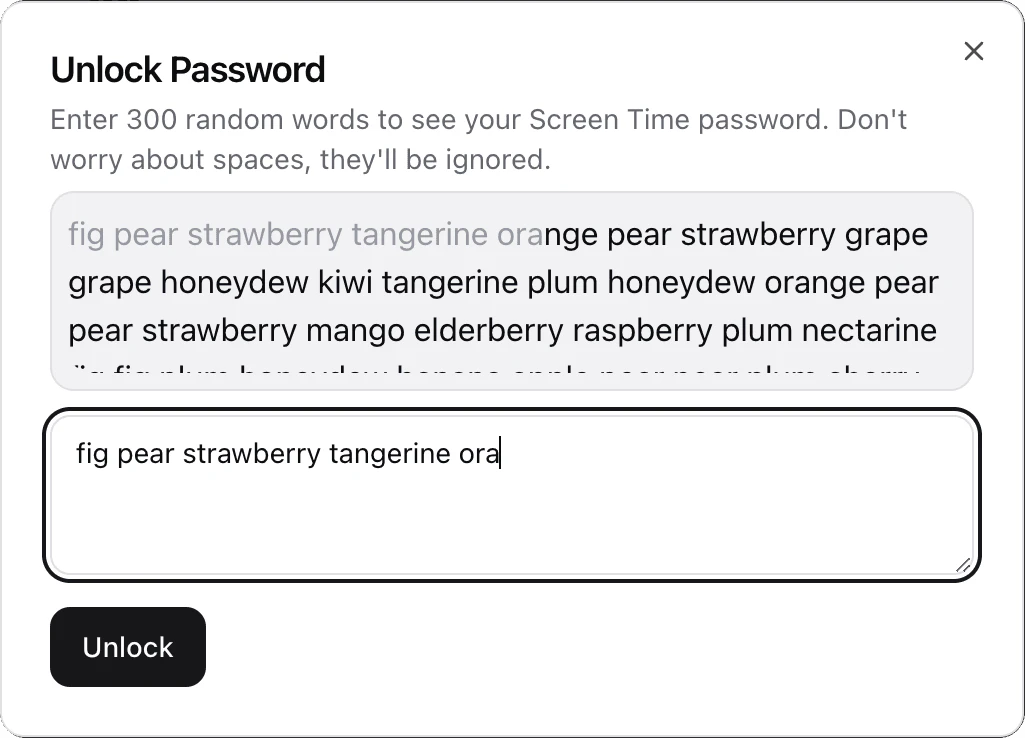
- Open Shutout and follow the instructions to create a complex password[2] for your Screen Time settings. This will involve entering random text in a confusing way so that you do not remember it.
- Shutout will save this password securely without displaying it to you, preventing you from easily accessing Screen Time.
- To access your Screen Time settings, you will need to go through the tedious process of entering the random text again, making it difficult to bypass your limits.
What are the main features of Shutout?
- Locks users out of Screen Time limits without an 'Ignore Limit' button.
- Creates a complex password setup that is hard to remember.
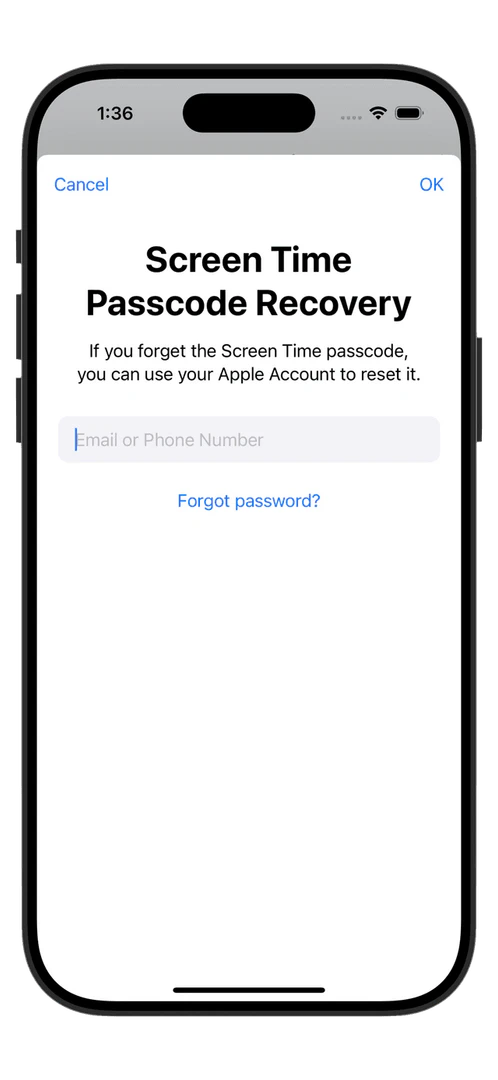
- Disables the 'Forgot Password' feature to prevent bypassing limits.
- Offers a unique integration with Apple's Screen Time for enhanced control.
- Affordable subscription options[4]: $4.99 per month, $14.99 per year, or a one-time fee of $19.99.
Who is Shutout for?
Shutout is designed for individuals who struggle with managing their screen time and find it challenging to stick to limits set by traditional apps. It is particularly beneficial for students, professionals, and anyone looking to reduce their screen time to improve productivity and mental health. The app is ideal for those who have previously tried other screen time management tools but found them too easy to bypass.
What are the use cases of Shutout?
- Helping students focus on their studies by limiting distractions from social media and gaming apps.
- Assisting professionals in maintaining productivity during work hours by restricting access to time-wasting applications.
- Supporting individuals in developing healthier screen time habits by making it difficult to bypass set limits.
Product Images


Shutout Pros and Cons
Pros
- Effective Lockout Mechanism: Shutout effectively locks users out of Screen Time settings, preventing any bypassing of restrictions, which enhances adherence to screen time limits.
- No Workarounds Available: The tool disables the 'Forgot Password' feature and creates a dummy Apple ID for recovery, ensuring users cannot easily reset their Screen Time password.
- User-Friendly Setup Process: Shutout's setup process involves entering a complex password, making it difficult for users to remember, thus reinforcing the lockout.
Cons
No cons data detected for this tool
Shutout Pricing
Screen Time + Shutout
No 'Ignore Limit' Button, No workarounds (thanks to Screen Time), and no reliance on willpower.
For the latest pricing, please visit this link: https://www.shutout.app/
Prices are subject to change. Please visit the official website for the most up-to-date pricing information.
Shutout Reviews
What I hated most about other screen time apps was how easy they were to turn off. With Shutout, that's no longer a problem. I finally have something that actually works!
I've tried Opal and Screen Time and none of them seem to work, I can always turn them off easily—Shutout is the only solution that's worked for me, since you can't turn it off. I've used Shutout for a week and I've already seen a huge improvement in my day-to-day and work.
I don't rely on YouTube for entertainment anymore.
For more reviews, visit this link: https://www.shutout.app/#testimonials