Screensnap
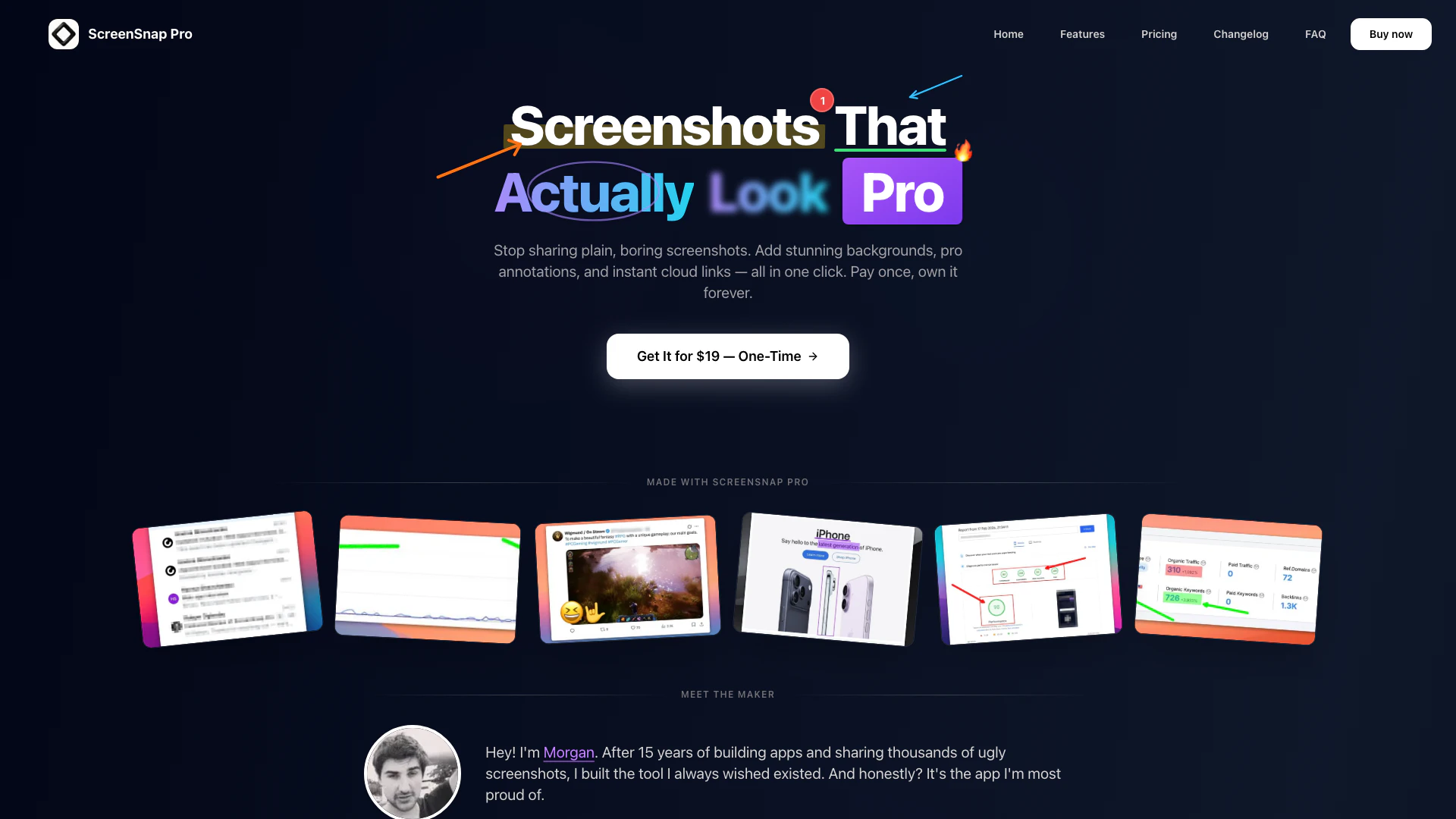




What is ScreenSnap?
ScreenSnap Pro is an advanced screenshot tool[1] designed to elevate the quality of your screen captures. Unlike traditional screenshot applications that provide plain images, ScreenSnap Pro allows users to enhance their screenshots with stunning backgrounds[2], professional annotations, and instant cloud sharing capabilities. With a one-time purchase model and no subscription fees, it offers users lifetime access to its features, making it an ideal choice for professionals who need to create visually appealing and informative screenshots quickly.
How to use ScreenSnap?
- Download and install ScreenSnap Pro from the official website.
- Launch the application and select the area of your screen you wish to capture.
- Choose from over 160 stunning backgrounds to enhance your screenshot.
- Use the 11 available annotation tools to add arrows, text, and shapes to your screenshot.
- Once satisfied, click the capture button to take your screenshot.
- Share your screenshot instantly using the provided cloud link or save it to your device.
What are the main features of ScreenSnap?
- Stunning Backgrounds: Choose from over 160 gradients to make your screenshots stand out.
- Pro Annotations[3]: Utilize 11 different annotation tools, including arrows, text, and emojis, to highlight important areas.
- Instant Cloud Links[5]: Share your screenshots quickly with just a click, no downloads required.
- GIF Recording[4]: Record your screen actions as GIFs for easy sharing.
- Quick Access Overlay: Access your screenshots instantly for editing and sharing without interrupting your workflow.
- Text Extraction (OCR): Copy text from images and PDFs directly from your screenshots.
Who is ScreenSnap for?
ScreenSnap Pro is designed for professionals such as developers, designers, marketers, and content creators who require high-quality screenshots for their work. It is ideal for anyone who needs to communicate visually, whether for tutorials, presentations, or social media content. The tool caters to those who value aesthetics and functionality in their screen captures, making it perfect for users who frequently share visual information.
What are the use cases of ScreenSnap?
- Creating tutorial content: Use ScreenSnap Pro to capture and annotate screenshots for instructional materials.
- Sharing updates with teams: Quickly share annotated screenshots in team communication tools like Slack or email.
- Marketing materials: Enhance product images for social media posts or promotional materials with beautiful backgrounds and clear annotations.
Product Images
Screensnap Pros and Cons
Pros
- Stunning Backgrounds: Choose from over 160 beautiful gradient backgrounds to enhance your screenshots, making them visually appealing and memorable.
- Pro Annotation Tools: Utilize 11 different annotation tools including arrows, shapes, and emojis to clearly communicate your message in screenshots.
- One-Time Purchase: Pay once for lifetime access without any subscriptions, ensuring you own the software forever with no hidden fees.
- Instant Cloud Sharing: Easily share your screenshots with instant cloud links, allowing for quick distribution without the need for downloads.
Cons
No cons data detected for this tool
Screensnap Pricing
ScreenSnap Pro
One payment. Yours forever. Use it on two Macs. Includes 2 licenses, forever updates, cloud image sharing, beautiful designed backgrounds, all annotation tools, no watermark, GIF recording, screen recording, and text recognition (OCR).
For the latest pricing, please visit this link: https://www.screensnap.pro/pricing
Prices are subject to change. Please visit the official website for the most up-to-date pricing information.
Analytics of Screensnap
Screensnap Website Traffic Analysis
Visits Over Time
Traffic Sources
Nov 2025 - Jan 2026 Worldwide Desktop Only
- Direct: 72.67%
- Search: 18.18%
- Referrals: 6.04%
- Social: 1.65%
- Paid Referrals: 0.88%
- Mail: 0.09%
Top Keywords
| Keyword | Volume | CPC | Estimated Value |
|---|---|---|---|
| screenshot pro | 460 | $0.00 | $0.00 |
| screenshots pro | 420 | $0.00 | $0.00 |
| clean shot x vs rewind? | 210 | $0.00 | $0.00 |
| andysnap | 200 | $0.00 | $0.00 |
| cleanshot app mac cheap | 50 | $0.00 | $20.00 |
Screensnap Reviews
ScreenSnap Pro replaced three different apps in my workflow. The backgrounds are gorgeous, annotations are fast, and cloud sharing just works.
For more reviews, visit this link: https://www.screensnap.pro/#review-video