Scalebrowser





What is Scalebrowser?
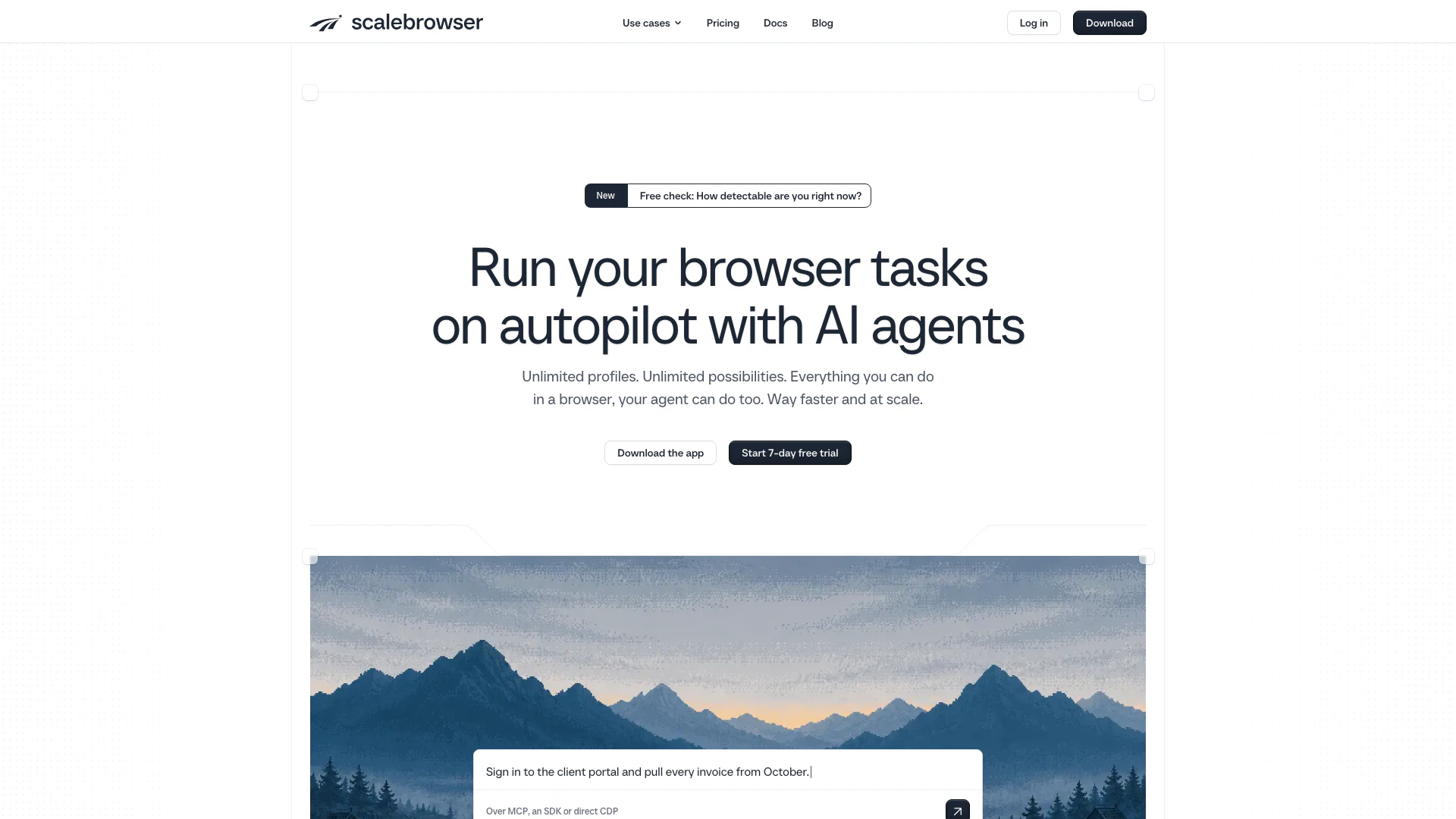
Scalebrowser is a specialized browser designed for managing multiple agents with unique identities. Each agent operates within its own isolated environment, ensuring that cookies, logins, and other data do not overlap. This tool is particularly valuable for users who require persistent identities for tasks such as automation, account management, and testing. Scalebrowser mimics human behavior, effectively handling challenges like captchas, making it a powerful solution for both individuals and businesses looking to streamline their online operations.
How to use Scalebrowser?
- Download and Install Scalebrowser: Visit the official website at [scalebrowser.net](https://scalebrowser.net/) and download the application. Follow the installation instructions to set it up on your device.
- Create Profiles: Once installed, open Scalebrowser and create isolated profiles for each agent. Each profile will have its own login credentials, cookies, and settings, ensuring a persistent identity.
- Log In and Configure Agents: Use the stored logins feature to securely input your credentials. Set up two-factor authentication (2FA) if necessary, and customize each agent's settings according to your needs.
- Run Your Agents: Start your agents to perform tasks. Scalebrowser allows them to operate independently, handling captchas and ensuring they behave like human users.
- Monitor Performance: Utilize the run trail feature to track each agent's actions and outcomes, making adjustments as needed.
What are the main features of Scalebrowser?
- Persistent Identity: Each agent maintains a consistent identity across sessions, allowing for seamless interactions with websites.
- Isolated Profiles: Scalebrowser provides unique environments for each profile, ensuring that cookies and logins do not overlap.
- Stored Logins: Passwords are encrypted and automatically entered into forms, enhancing security and ease of use.
- Captcha Handling: Agents can effectively solve various types of captchas, mimicking human behavior.
- Engine Updates: Automatic updates for the browser engine ensure you always have the latest features and security improvements.
- Run Trail: This feature logs every action taken by an agent, providing transparency and ease of debugging.
Who is Scalebrowser for?
Scalebrowser is designed for a diverse range of users, including digital marketers, social media managers, software developers, and automation specialists. It is particularly useful for anyone who needs to manage multiple online identities or accounts simultaneously without the risk of data overlap. Additionally, businesses that rely on automation for repetitive tasks will find Scalebrowser invaluable, as it allows for efficient task execution while maintaining security and privacy.
What are the use cases of Scalebrowser?
- Managing Multiple Accounts: Scalebrowser is ideal for users who need to manage several accounts across different platforms, such as social media or online services.
- Automation Tasks: Businesses can use Scalebrowser to automate repetitive tasks that require user authentication, improving efficiency.
- Testing and Development: Developers can use isolated profiles to test applications or websites in various environments without interference from other sessions.
Scalebrowser Pros and Cons
Pros
- Isolated Browser Profiles: Each agent operates in its own isolated browser environment, ensuring that logins, cookies, and other data do not interfere with one another.
- Persistent Identity: The persistent identity feature allows agents to maintain the same identity across sessions, making it easier to manage logins and interactions.
- Automated Captcha Handling: Scalebrowser supports automated handling of captchas, allowing agents to complete human-like interactions without manual input.
Cons
- Technical Knowledge Required: Users may need to have a certain level of technical knowledge to effectively utilize all features of Scalebrowser.
- Platform Compatibility Issues: Scalebrowser may have compatibility limitations with certain operating systems or browsers, which could restrict its usage.
- Hardware Dependency: The performance may vary based on the user's hardware specifications, potentially affecting the experience.