

Runcomfy




What is Runcomfy?
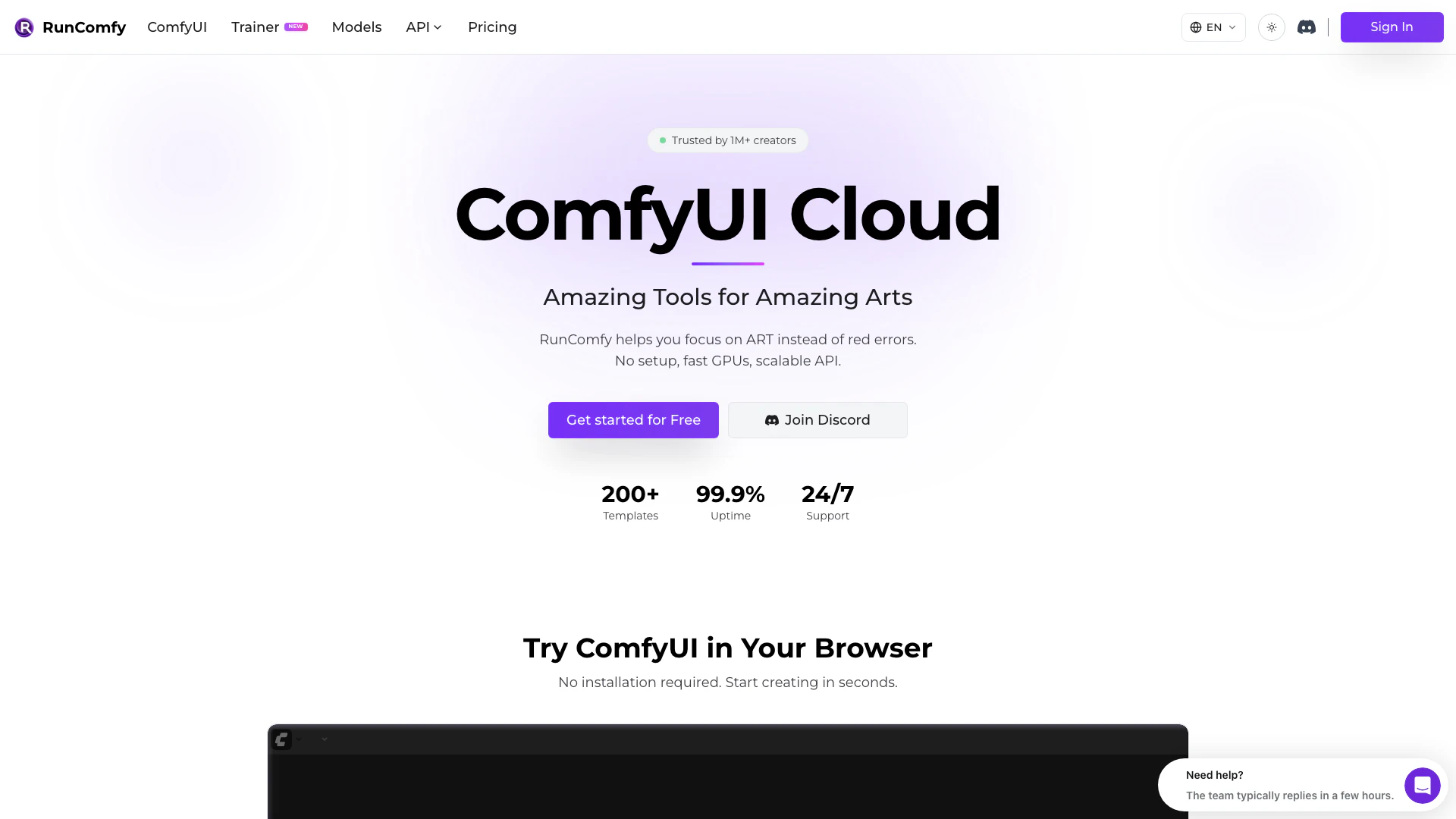
Runcomfy is a cloud-based platform that allows users to launch ComfyUI workflows without any setup. It provides access to fast GPUs for running ComfyUI applications and offers a scalable API that adapts to user demand. The tool is designed to help creative artists focus on their art rather than technical setup issues, providing a seamless experience for generating stunning visuals and artistic content.
How to use Runcomfy?
- Visit the Runcomfy website at https://www.runcomfy.com/ and sign up for a free account.
- Choose from over 200 ready-to-run templates that suit your artistic needs.
- Launch ComfyUI directly in the cloud, allowing you to run workflows instantly without any local setup.
- Utilize the provided fast GPUs to process your workflows efficiently.
- If needed, deploy your workflows as a production API that automatically scales based on traffic.
What are the main features of Runcomfy?
- No setup required: Quickly launch ComfyUI workflows in the cloud.
- Fast GPUs: Access high-performance GPUs for rapid processing.
- Scalable API: Deploy workflows that auto-scale with demand.
- 200+ templates: Choose from a wide range of pre-configured workflows.
- 99.9% uptime: Enjoy reliable access to your workflows.
- 24/7 support: Get assistance whenever you need it.
- Download models from Civitai and Hugging Face: Access models quickly and efficiently.
- Install nodes freely with ComfyUI-Manager: Manage multiple ComfyUI environments effortlessly.
Who is Runcomfy for?
Runcomfy is ideal for creative artists, designers, and developers who want to leverage the power of ComfyUI without the hassle of setup and configuration. It caters to professionals in fields such as graphic design, video production, and digital art, enabling them to focus on their creative processes. Additionally, educators and students in creative disciplines can benefit from its ease of use and extensive resources, making it a valuable tool for learning and experimentation.
What are the use cases of Runcomfy?
- Creating stunning visuals: Artists can use Runcomfy to generate images, animations, and videos using advanced AI workflows.
- Rapid prototyping: Developers can quickly build and test workflows for their projects without needing extensive technical knowledge.
- Collaborative projects: Teams can share their workflows and setups easily, allowing for seamless collaboration on creative tasks.
Runcomfy Pros and Cons
Pros
- No Setup Required: RunComfy allows users to launch ComfyUI in the cloud without any setup, enabling immediate access to workflows.
- Fast GPU Performance: The platform utilizes fast GPUs, allowing for efficient processing of ComfyUI workflows, which enhances user experience.
- Scalable API: RunComfy provides a Serverless API that automatically scales with demand, making it suitable for production environments.
Cons
No cons data detected for this tool




