

Riverside





What is Riverside?
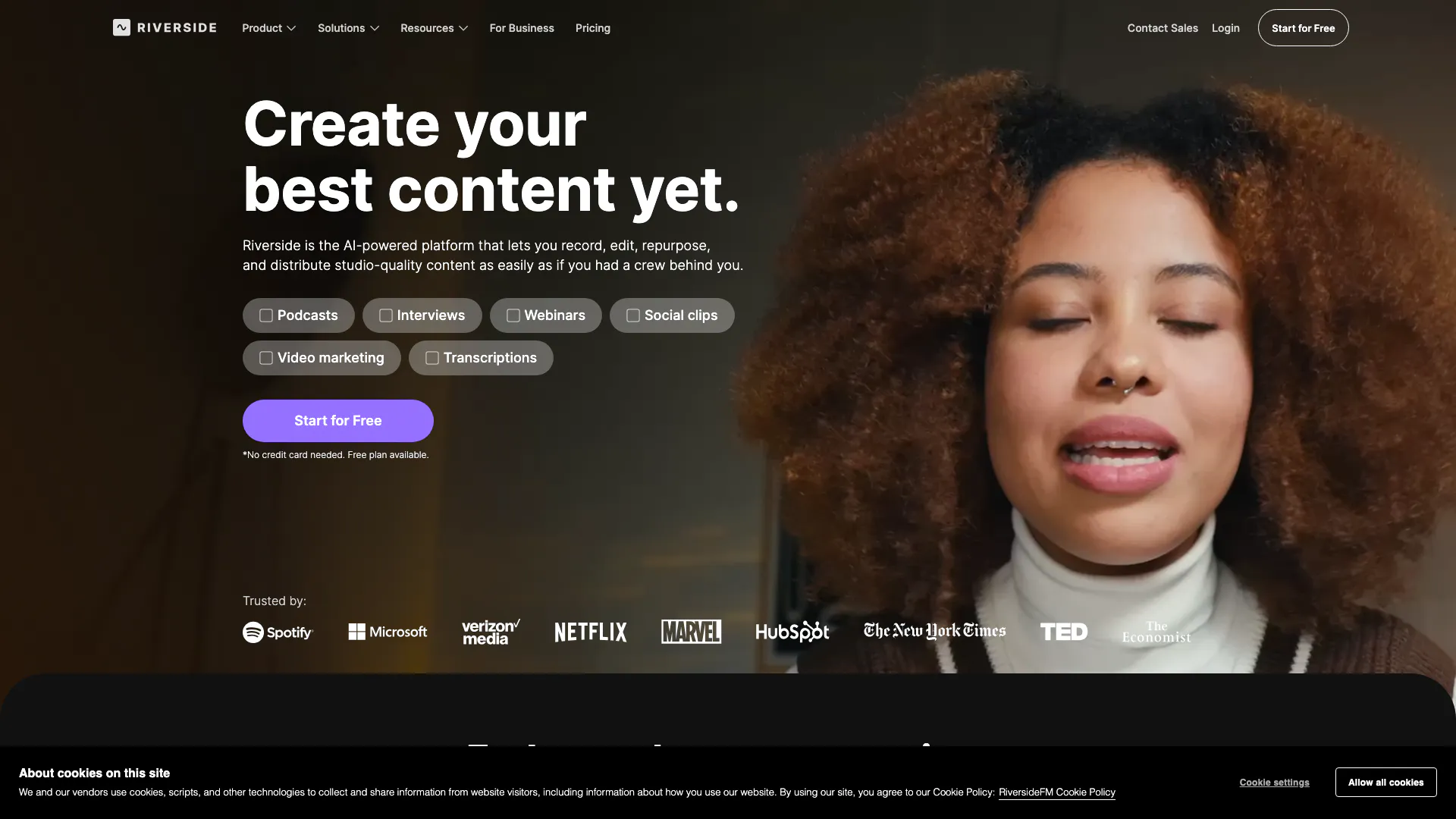
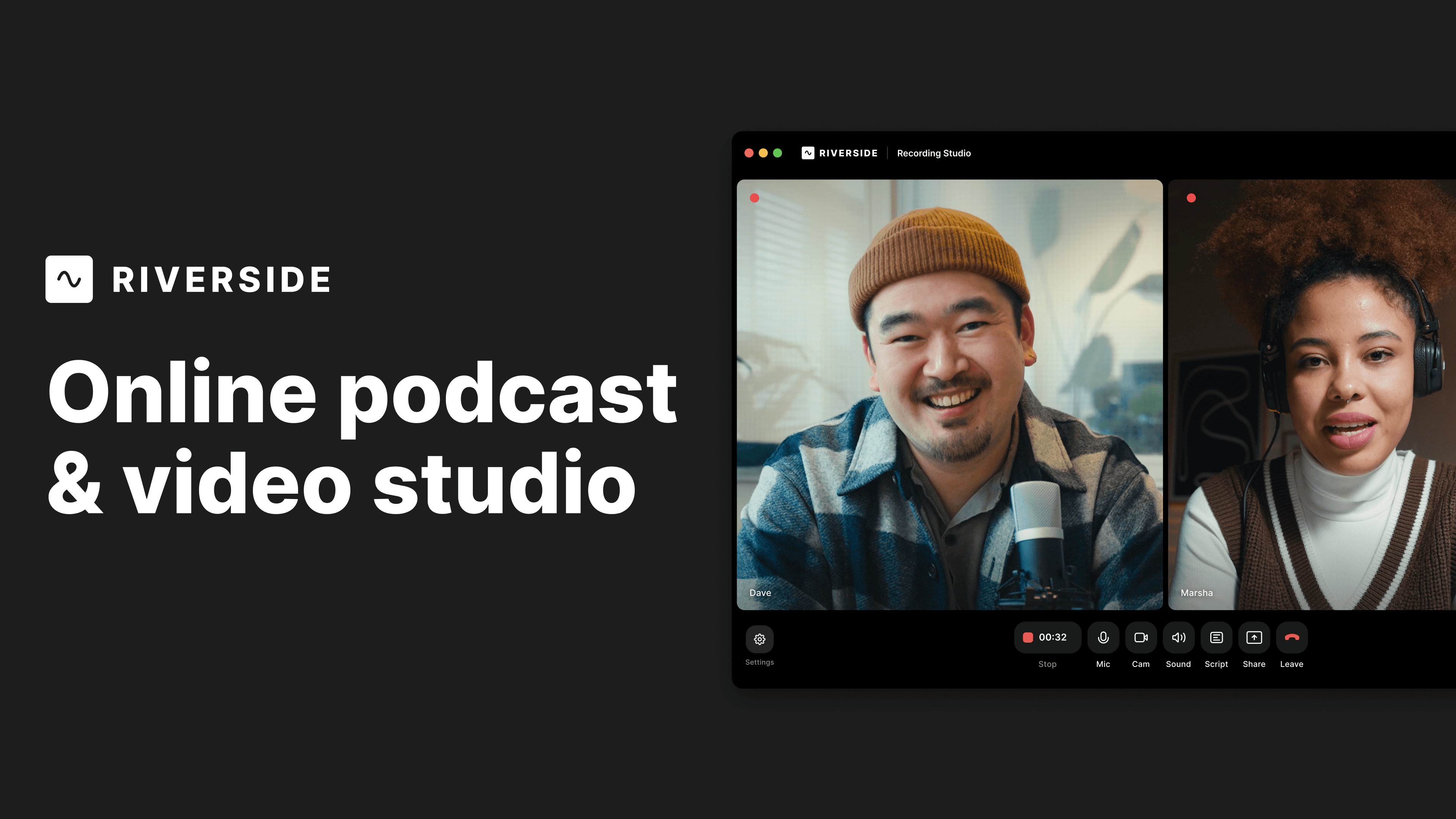
Riverside is an innovative online studio[1] designed for high-quality podcast and video recording and editing. Leveraging the power of AI, Riverside enhances human conversations, making it easier for creators to produce professional content. Users can get started for free, allowing them to explore its features without any upfront commitment. This platform is particularly well-suited for podcasters, video marketers, and content creators looking to streamline their production process and achieve studio-level quality.
How to use Riverside?
- Sign up for a free account on the Riverside website.
- Create a new project by selecting whether you want to record a podcast, video, or live stream.
- Invite guests to join your session by sharing a link generated by Riverside.
- Start recording your session, ensuring you have the necessary audio and video settings configured.
- After recording, use the AI-powered[2] editing tools to refine your content, including features like Magic Clips[3] and automatic transcription[4].
- Publish your content directly to platforms like YouTube or export it for further use.
What are the main features of Riverside?
- High-Quality Recording[5]: Capture 4K video[6] and uncompressed audio, ensuring studio-level quality.
- AI Editing Tools: Utilize AI-driven features such as Magic Clips, transcriptions, and automatic show notes to streamline editing.
- Live Streaming: Broadcast in full HD to multiple platforms simultaneously.
- Multi-Track Recording: Record separate audio and video tracks for enhanced editing flexibility.
- Podcast Hosting: Host and publish podcasts with built-in analytics and audience insights.
Who is Riverside for?
Riverside is ideal for a diverse range of users including podcasters, video marketers, and content creators who seek to produce high-quality audio and video content. It caters to both beginners and experienced professionals looking to enhance their production capabilities. Additionally, businesses conducting webinars or virtual conferences can leverage Riverside's features for effective communication and audience engagement.
What are the use cases of Riverside?
- Podcast Creation: Record and edit engaging podcasts with professional sound quality.
- Video Marketing: Produce promotional videos and social media clips that resonate with audiences.
- Webinars: Host live webinars with interactive features, reaching a wider audience.
- Training and Development: Create educational content for corporate training programs.
- Virtual Conferences: Facilitate large-scale virtual events with high-quality streaming and audience interaction.
Riverside Video

Riverside Pros and Cons
Pros
- High-Quality Recording: Riverside allows users to record 4K video and uncompressed audio, ensuring studio-level quality for podcasts and videos.
- AI-Powered Editing: The platform features AI-driven tools for editing, including a text-based video editor that simplifies the editing process.
- Multi-Track Recording: Users can record multiple tracks separately, which provides flexibility in post-production and enhances audio quality.
- Live Streaming Capabilities: Riverside supports live streaming in full HD, allowing users to engage with their audience in real-time.
Cons
No cons data detected for this tool
Analytics of Riverside
Riverside Website Traffic Analysis
Visits Over Time
Traffic Sources
Oct 2025 - Dec 2025 Worldwide Desktop Only
- Direct: 61.96%
- Search: 30.92%
- Referrals: 3.99%
- Social: 2.50%
- Paid Referrals: 0.57%
- Mail: 0.06%
Top Keywords
| Keyword | Volume | CPC | Estimated Value |
|---|---|---|---|
| descript | 419.16K | $0.79 | $11450.00 |
| riverside | 179.90K | $1.02 | $92540.00 |
| streamyard | 170.51K | $0.88 | $8910.00 |
| riverside fm | 20.90K | $1.63 | $14260.00 |
| riverside transcription | 9.42K | $2.10 | $7290.00 |



Riverside Social Listening
Riverside.fm Tutorial for Begi...
In our Riverside.fm tutorial, ...
This Webinar Software Does EVE...
Check out Riverside here 👉 ht...
Riverside.fm Tutorial for Begi...
Wondering if you should use Ri...
Unlock to view 59 social media results.