
Rightai





What is RightAI?
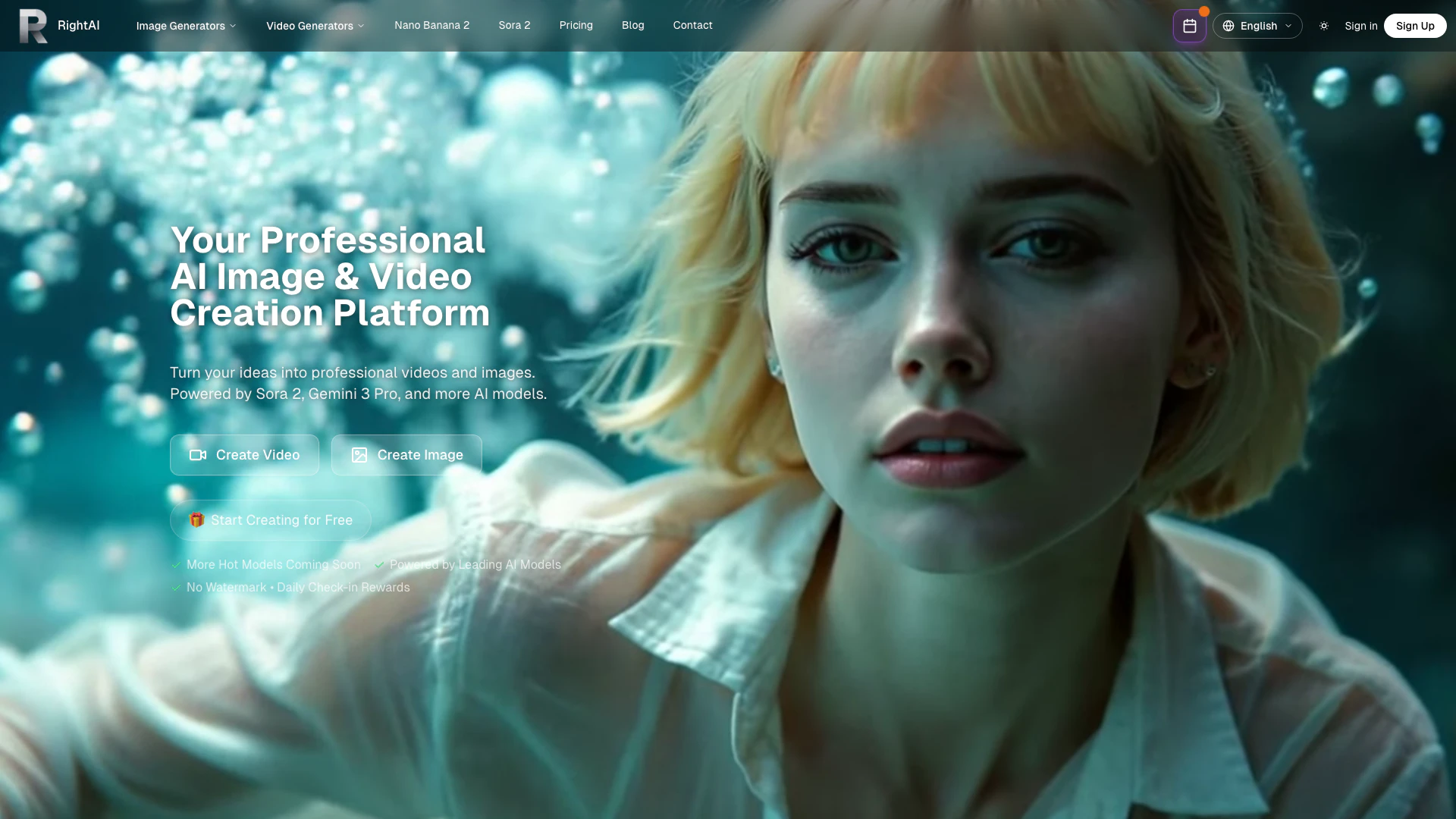
RightAI is a professional AI video and image generator that allows users to create stunning videos and images from text prompts or existing images. This innovative tool leverages cutting-edge AI technology to transform your ideas into high-quality visual content without any watermarks, making it an ideal solution for creators looking to enhance their projects with professional-grade visuals.
How to use RightAI?
- Visit the RightAI website at https://rightai.io/.
- Sign in or create a free account to access the tools.
- Choose whether you want to generate a video or an image.
- Enter your text prompt or upload an image to guide the AI in creating your content.
- Adjust any settings or parameters as needed to customize your output.
- Click the 'Generate' button and wait for the AI to create your video or image.
- Review the generated content and download it for your use.
What are the main features of RightAI?
- High-quality video and image generation from text prompts or images.
- No watermarks on generated content.
- Support for multiple AI models for diverse video and image creation.
- Flexible duration options for videos, ranging from a few seconds to longer formats.
- Advanced prompt understanding for precise image generation.
- Fast generation speeds for quick content creation.
Who is RightAI for?
RightAI is designed for content creators, marketers, social media managers, and anyone in need of high-quality visual content. Whether you are a small business owner looking to enhance your marketing materials, a social media influencer wanting to create engaging posts, or a filmmaker seeking quick video prototypes, RightAI provides the tools necessary to bring your creative visions to life.
What are the use cases of RightAI?
- Creating promotional videos for products or services to enhance marketing efforts.
- Generating social media graphics and videos for engaging posts on platforms like Instagram and Facebook.
- Developing visual content for presentations, websites, or blogs to improve audience engagement.
- Producing quick video prototypes or storyboards for film and video projects.
- Crafting unique images for artistic projects or illustrations.
Rightai Pros and Cons
Pros
- High-Quality Output: RightAI generates professional-quality videos and images, ensuring high-resolution outputs suitable for various creative projects.
- Flexible Video Durations: Users can create videos ranging from 3 to 15 seconds, allowing for flexibility in content creation and storytelling.
- No Watermark: The generated content is free of watermarks, making it ideal for professional use and sharing without branding limitations.
Cons
No cons data detected for this tool





