

Rexcut





What is RexCut?
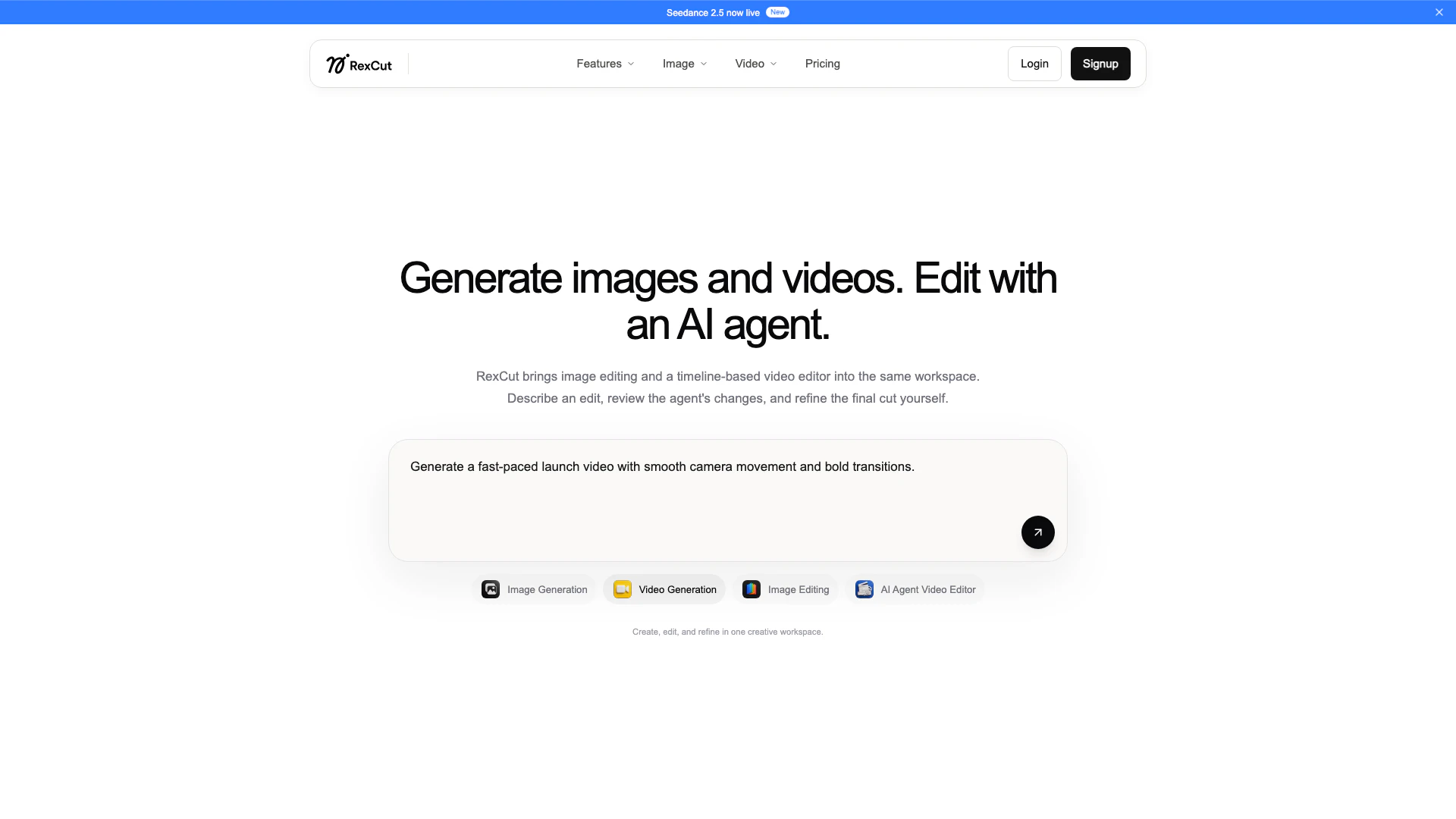
RexCut is an innovative AI-powered tool designed for creating, editing, and scaling image, video, and voice content. By combining image editing and a timeline-based video editor within a single workspace, RexCut allows users to efficiently produce high-quality visual content. Its AI agent assists in making edits based on user descriptions, making the content creation process both intuitive and efficient. Whether you are crafting marketing materials or social media posts, RexCut streamlines the creative workflow, empowering users to bring their ideas to life effortlessly.
How to use RexCut?
- Sign up for a RexCut account on the official website.
- Choose between image or video creation options based on your project needs.
- Use the intuitive interface to describe your desired edits or creations.
- Review the changes made by the AI agent and provide feedback as needed.
- Refine your content until you achieve the desired final cut.
- Export your completed images or videos directly from the platform.
What are the main features of RexCut?
- Comprehensive image and video generation capabilities.
- Advanced AI agent for editing and refining content.
- Timeline-based video editor for seamless editing.
- Ability to create cinematic quality images and videos with ease.
- User-friendly interface that allows for straightforward content creation and editing.
Who is RexCut for?
RexCut is ideal for marketers, content creators, social media managers, educators, and anyone who needs to produce high-quality visual content quickly and efficiently. Its user-friendly design makes it accessible for both beginners and experienced professionals looking to enhance their content creation capabilities. Whether you are a small business owner seeking to elevate your marketing efforts or an educator aiming to create engaging instructional materials, RexCut provides the tools necessary to succeed in today’s visually-driven digital landscape.
What are the use cases of RexCut?
- Marketing campaigns: Create eye-catching images and videos for product promotions.
- Social media content: Generate engaging visuals tailored for platforms like Instagram and Facebook.
- Educational content: Produce informative videos and graphics for online courses or tutorials.
Rexcut Video

Rexcut Pros and Cons
Pros
- Integrated Media Generation: RexCut allows users to generate images and videos seamlessly within the same platform.
- AI-Assisted Editing: The AI agent assists in editing, allowing users to describe edits and refine the final output.
- Timeline-Based Video Editing: RexCut provides a timeline-based video editor, enhancing the video editing experience.
Cons
- Learning Curve: Users may require some familiarity with AI tools to fully utilize RexCut's features.
- Device Compatibility: RexCut may have limitations on supported devices or operating systems.





