Remotex

What is RemoteX?
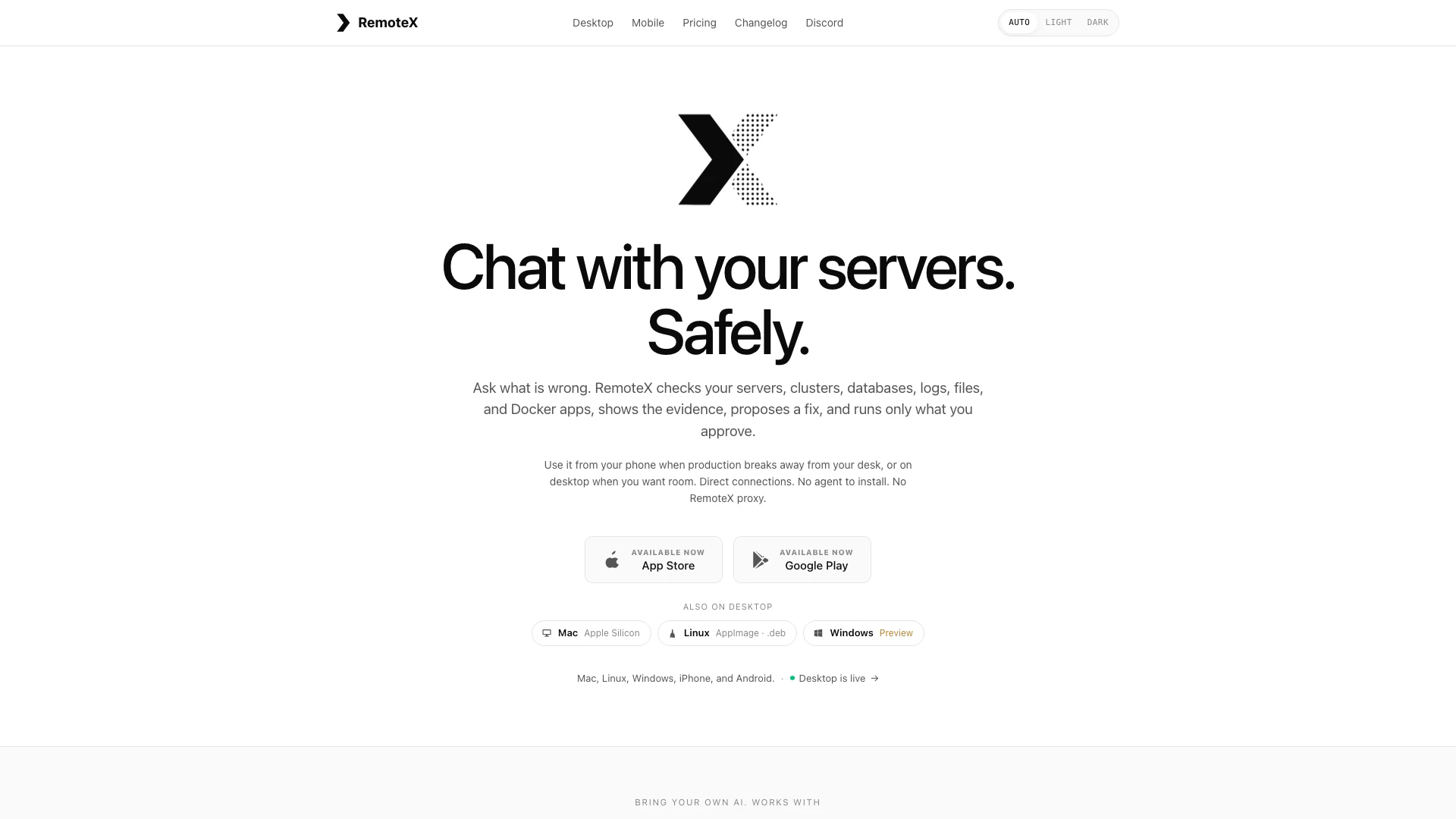
RemoteX is a powerful AI-driven tool designed to streamline the investigation and resolution of production issues across various infrastructures. It consolidates the processes of checking servers, clusters, databases, logs, files, and Docker applications into a single, cohesive workspace accessible from both desktop and mobile devices. With RemoteX, users can efficiently monitor server health, execute commands, and verify outcomes, all while maintaining control over the actions taken, thereby enhancing operational efficiency and reducing the complexity of multi-platform management.
How to use RemoteX?
- Install RemoteX: Download and install the RemoteX application on your device from the official website or app store.
- Connect to Infrastructure: Add your SSH servers, Docker hosts, Kubernetes clusters, and databases directly within the app, ensuring your credentials are securely stored.
- Initiate an Investigation: Describe the issue you are facing in plain language, or attach relevant files for context.
- Run Read-Only Checks: Allow RemoteX to perform diagnostics autonomously, displaying the results in real-time.
- Approve Changes: Review any proposed state-changing actions, which require your explicit approval before execution.
- Verify Results: After changes are made, check the system's status to confirm the effectiveness of the fix.
What are the main features of RemoteX?
- Single Workspace: Consolidates multiple tools for server management, monitoring, and troubleshooting into one interface.
- Real-Time Diagnostics: Performs read-only checks and displays command outputs instantly.
- Approval Workflow: Requires user approval for any state-changing commands, ensuring safety and control.
- Multi-Server Context: Allows simultaneous management of multiple servers and infrastructure components within the same thread.
- AI-Powered Alerts: Sends notifications for specific conditions and suggests fixes based on predefined rules.
- Secure Credential Management: Stores SSH keys and credentials locally in the OS secure store, eliminating the need for a proxy.
Who is RemoteX for?
RemoteX is designed for DevOps professionals, system administrators, and IT teams who require efficient management of complex infrastructures. It is ideal for users who need to troubleshoot production issues across multiple environments, including cloud services, on-premises servers, and containerized applications. Whether working from a desktop or mobile device, RemoteX is suited for anyone looking to streamline their operational workflows and enhance their incident response capabilities.
What are the use cases of RemoteX?
- Incident Response: Quickly diagnose and resolve production issues by investigating logs, metrics, and server health in real-time.
- Infrastructure Management: Manage and monitor multiple servers and services from a single interface, reducing the need for context switching.
- Database Queries: Execute and analyze database queries directly within the application, facilitating immediate data retrieval and troubleshooting.
Remotex Pros and Cons
Pros
- Unified Investigation Workspace: RemoteX consolidates multiple investigation tools into a single interface, allowing users to manage servers, databases, and logs without switching contexts.
- Direct Connection Without Proxies: RemoteX connects directly to infrastructure without the need for a proxy, ensuring faster response times and enhanced security for sensitive data.
- Approval-Based Changes: Every state-changing command requires user approval, adding a layer of security and control over operations performed on the servers.
Cons
No cons data detected for this tool
Remotex Pricing
Free Plan
Free forever for the full AI agent on one server.
Pro Plan
Pro unlocks unlimited servers, snippets, playbooks, and rules, plus AI-prompted authoring (describe an alert or workflow in plain English) and encrypted backups with credentials.
For the latest pricing, please visit this link: https://remotex.dev/pricing
Prices are subject to change. Please visit the official website for the most up-to-date pricing information.