Quickcv





What is QuickCV?
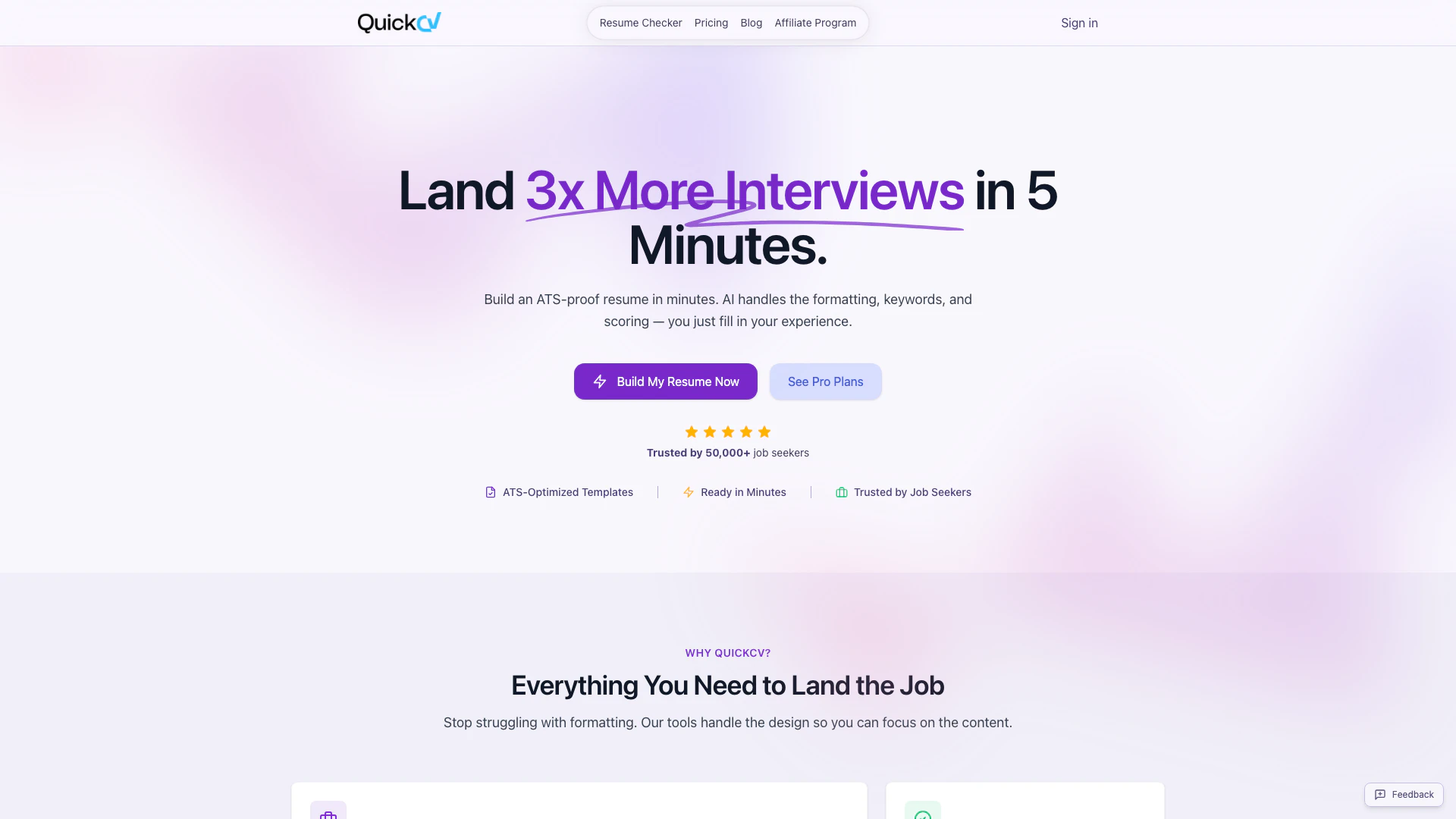
QuickCV is a powerful online resume builder[1] designed to help job seekers create ATS-optimized[2] resumes in just minutes. Utilizing advanced AI technology, QuickCV streamlines the resume creation process by handling formatting, keyword optimization, and scoring, allowing users to focus on filling in their experiences. With a variety of expert-designed templates, QuickCV aims to enhance the visibility of resumes in applicant tracking systems (ATS), making it easier for candidates to land interviews. Trusted by over 50,000 job seekers worldwide, QuickCV not only simplifies the resume-building process but also empowers users to present their qualifications effectively.
How to use QuickCV?
- Visit the QuickCV website at https://quickcv.io/ and click on 'Try Free - No Sign Up' to start using the resume builder.
- Choose a template that fits your professional style and click to customize it.
- Fill in your personal information, work experience, education, and skills in the provided fields. You can also import data directly from LinkedIn to save time.
- Utilize the AI-powered suggestions[3] to enhance your resume content, ensuring your achievements are highlighted effectively.
- Preview your resume in real-time to see how changes affect the layout and content.
- Once satisfied, export your resume in your desired format (PDF or Word) and apply for jobs!
What are the main features of QuickCV?
- ATS-Optimized Templates: Professionally designed templates that enhance the chances of passing ATS screenings.
- AI-Powered Content Suggestions: Intelligent suggestions to improve wording and impact of your achievements.
- LinkedIn Import[4]: Easily import your LinkedIn profile information to create a resume quickly.
- Live Preview: Instant visual feedback on your resume as you make changes.
- Multiple Export Options: Export your resume in various formats, including PDF and Word.
- Free and Pro Plans: Access to basic features for free, with advanced features available in the Pro plan.
Who is QuickCV for?
QuickCV is designed for job seekers at various stages of their careers, including recent graduates looking to create their first professional resume, experienced professionals aiming to enhance their existing resumes, and individuals transitioning to new fields. The tool is particularly beneficial for those who struggle with resume formatting and content optimization, as well as for anyone who wants to save time in the resume creation process. Whether you are applying for corporate jobs, freelance positions, or internships, QuickCV provides the tools necessary to craft an impactful resume.
What are the use cases of QuickCV?
- Recent Graduates: Quickly create a polished resume to apply for entry-level positions and internships.
- Career Changers: Design a resume that highlights transferable skills and relevant experiences for a new industry.
- Professionals Seeking Promotions: Update and enhance resumes to reflect new achievements and roles when applying for promotions.
Product Images


Quickcv Pros and Cons
Pros
- ATS-Optimized Templates: QuickCV offers templates designed to be ATS-friendly, ensuring resumes pass through automated screening systems.
- AI-Powered Features: The tool utilizes AI to assist with formatting, keyword optimization, and content suggestions, making resume creation easier.
- Quick Resume Creation: Users can create professional resumes in minutes, significantly reducing the time spent on formatting and design.
Cons
No cons data detected for this tool
Quickcv Pricing
Free Plan
The Free plan allows you to create one resume with access to all basic features, including Word export.
Pro Plan
The Pro plan unlocks unlimited resumes, premium templates, advanced AI-powered tools, PDF export, website creation, and priority support.
For the latest pricing, please visit this link: https://quickcv.io/pricing
Prices are subject to change. Please visit the official website for the most up-to-date pricing information.
Analytics of Quickcv
Quickcv Website Traffic Analysis
Visits Over Time
Traffic Sources
Dec 2025 - Jan 2026 Worldwide Desktop Only
- Search: 76.14%
- Direct: 14.07%
- Referrals: 6.13%
- Social: 2.24%
- Paid Referrals: 0.87%
- Mail: 0.10%
Top Keywords
| Keyword | Volume | CPC | Estimated Value |
|---|---|---|---|
| ats score | 94.16K | $0.15 | $0.00 |
| ai resume checker | 7.56K | $1.91 | $0.00 |
| resume analyzer | 3.53K | $0.86 | $0.00 |
| cv io | 1.35K | $1.01 | $0.00 |
| quickcv | 350 | $0.00 | $160.00 |
Quickcv Reviews
I’m really impressed by the AI content writing and analysis feature; it’s a game changer for people who struggle with crafting the perfect resume.
The AI suggestions helped me rephrase my achievements in a much more impactful way. I finally started getting calls for the roles I actually wanted.
As a recent grad, I struggled to make my resume stand out. The templates gave me a professional edge and helped me land my first corporate job.
For more reviews, visit this link: https://quickcv.io/#reviews