Qentrah





What is Qentrah?
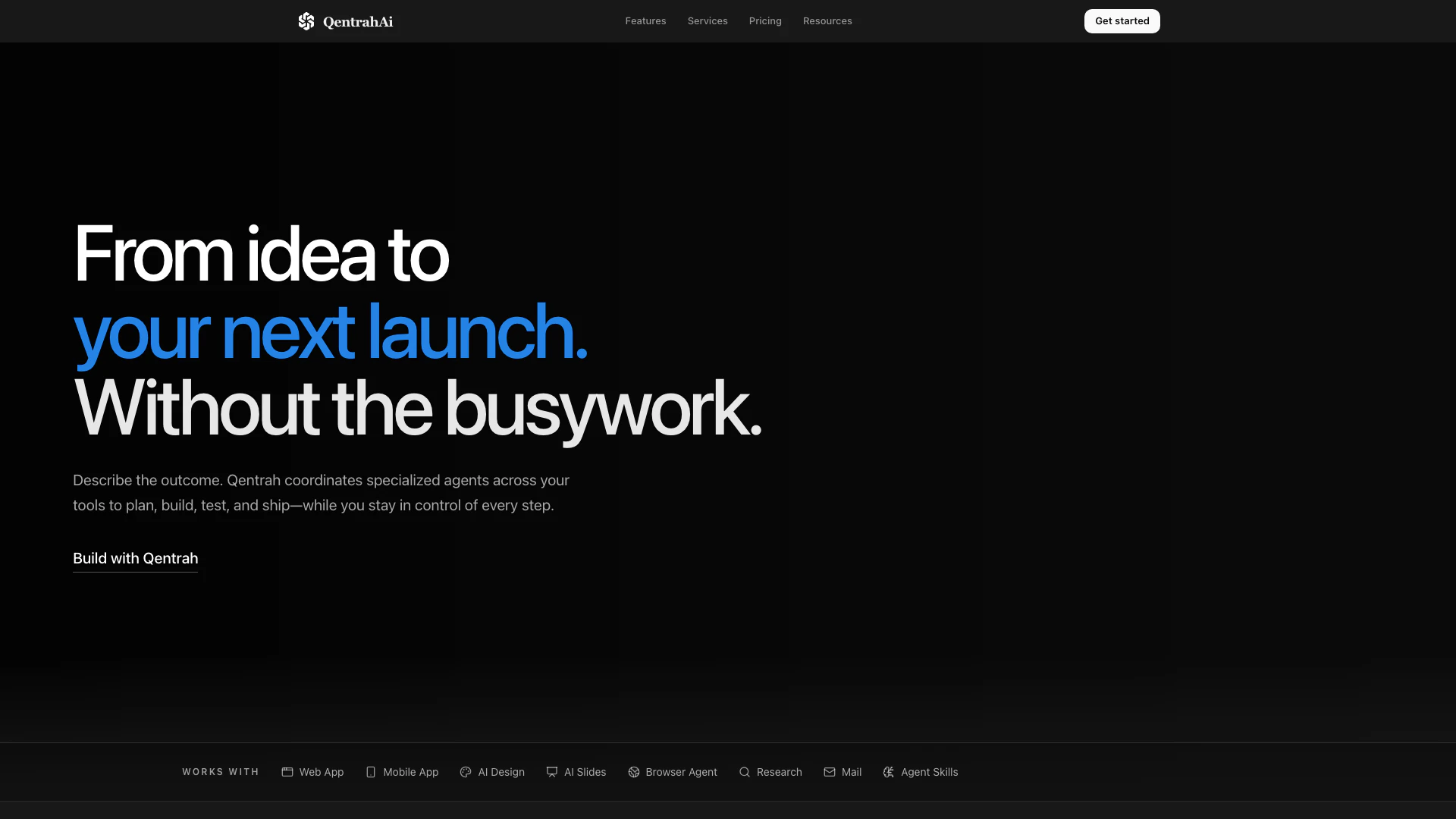
Qentrah is an innovative AI-driven tool designed to transform clear requests into functional software solutions. By leveraging intelligent automation, Qentrah connects seamlessly with various tools to plan, execute, and verify tasks, enabling users to streamline their software development processes. This platform is particularly focused on creating production-grade interfaces and applications, making it a valuable asset for teams looking to enhance their engineering capabilities.
How to use Qentrah?
- Sign up for an account on the Qentrah website and log in to your dashboard.
- Clearly define your software requirements or requests using natural language.
- Select the specific tools and integrations you wish to connect with Qentrah.
- Utilize the AI agent to generate the necessary code, workflows, or interfaces based on your requests.
- Review and verify the generated outputs, making adjustments as needed before deployment.
What are the main features of Qentrah?
- Intelligent UI generation that creates pixel-perfect landing pages.
- Ability to architect comprehensive applications with scalable backends and robust APIs.
- Automation of manual processes into intelligent workflows that can be triggered on demand or scheduled.
- Seamless context synthesis across platforms for flawless execution of tasks.
- Consolidation of the entire development lifecycle into a single, intelligent workspace.
Who is Qentrah for?
Qentrah is designed for software development teams, project managers, and businesses seeking to enhance their engineering processes through automation and intelligent design. It caters to both small startups and large enterprises that require efficient software solutions and seamless integration of their existing tools. Additionally, Qentrah is suitable for professionals looking to streamline their workflows and improve productivity in application development.
What are the use cases of Qentrah?
- Rapid development of landing pages for marketing campaigns, allowing teams to quickly respond to market demands.
- Building and deploying enterprise-grade applications with complex backend requirements.
- Automating repetitive tasks and processes to improve operational efficiency across various departments.
Qentrah Pros and Cons
Pros
- Intelligent UI Generation: Qentrah can instantly create pixel-perfect landing pages from natural language inputs, ensuring high performance and user engagement.
- Comprehensive Application Architecture: The tool allows users to deploy scalable backends, robust APIs, and complex database schemas, providing enterprise-grade code ready for production.
- Workflow Automation: Qentrah transforms manual processes into intelligent workflows, enabling users to trigger automations on demand or schedule them precisely.
Cons
No cons data detected for this tool