

Pullflow




What is Pullflow?
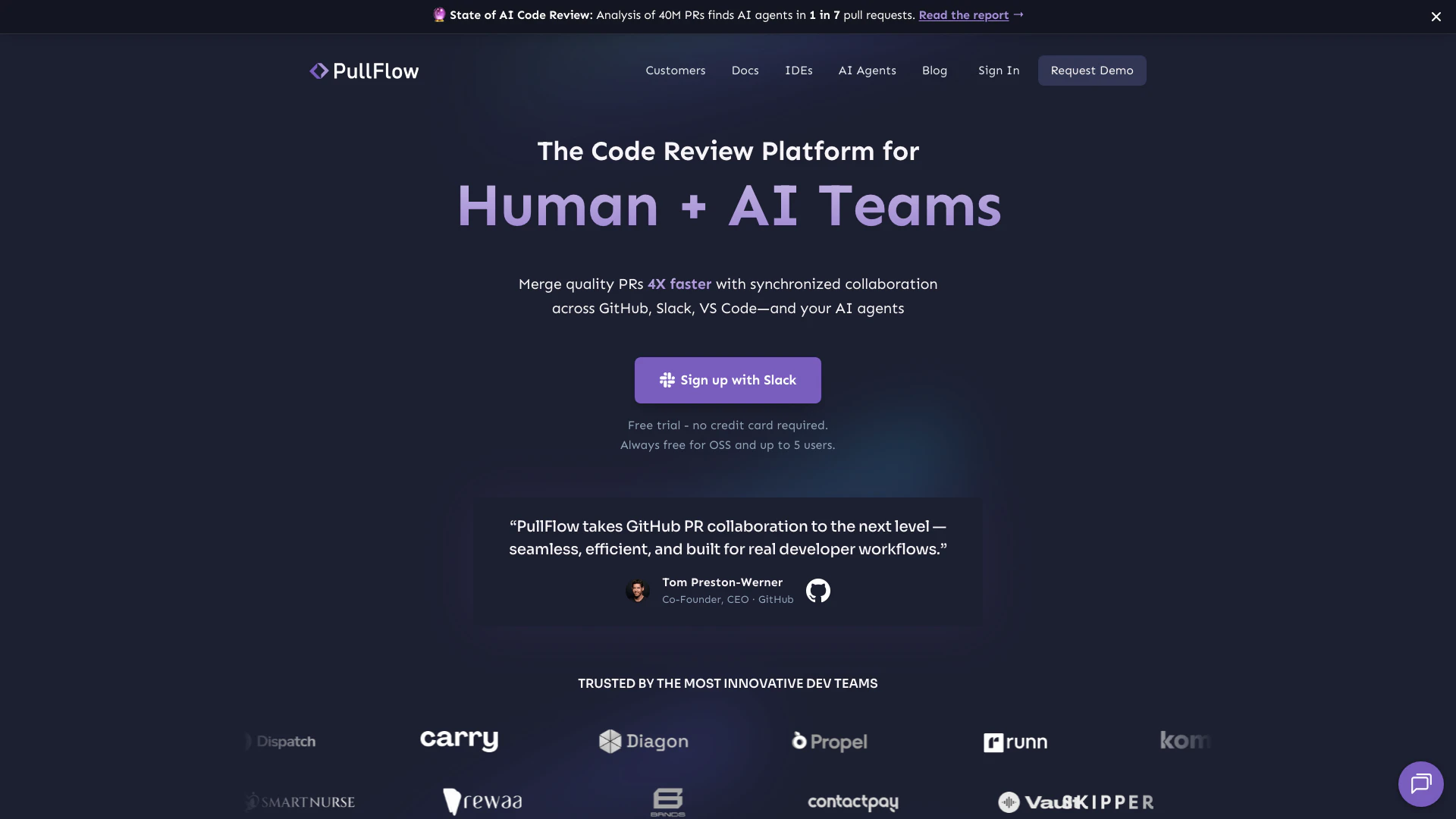
Pullflow is an innovative code review[2] platform designed to accelerate the process of merging quality pull requests[1] (PRs) by synchronizing conversations between developers, systems, and AI across popular tools like GitHub[5], Slack, and VS Code. This tool enhances collaboration by allowing teams to work seamlessly, enabling them to review and merge code four times faster than traditional methods. Pullflow integrates human and AI capabilities to streamline the code review process, making it more efficient and less distracting.
How to use Pullflow?
- Sign Up: Go to the Pullflow website and sign up using your Slack account to enable integration with your existing tools.
- Integrate Tools: Connect your GitHub and Slack accounts within Pullflow to synchronize your pull request activity and notifications.
- Start Reviewing: Use the Pullflow interface to view PRs assigned to you. Engage in discussions and take actions directly from Slack or VS Code without switching contexts.
- Utilize AI Agents: Leverage the built-in AI agents available in Pullflow to assist with coding questions and review comments, providing context and best practices.
What are the main features of Pullflow?
- Synchronized Conversations[3]: Engage in real-time discussions across GitHub, Slack, and VS Code, ensuring that all team members are aligned.
- AI Integration[4]: Utilize AI agents like GitHub Copilot and others for contextual assistance during code reviews, enhancing decision-making.
- At-a-Glance PR View: Quickly see PRs that require your attention, allowing you to jump into conversations and take action without delay.
- CI/CD Integration: Stay updated with continuous integration and deployment processes, consolidating all information in one view.
- Chat Ops Functionality: Perform quick actions through chat commands in Slack or keyboard shortcuts in your IDE, simplifying the review process.
Who is Pullflow for?
Pullflow is tailored for software development teams of all sizes, including startups, small dev teams, and large enterprises. It is particularly beneficial for teams that rely heavily on GitHub for code management and Slack for communication. Developers, team leads, and project managers who seek to enhance their code review processes and improve collaboration will find Pullflow invaluable. Additionally, organizations that utilize AI for coding assistance will benefit from Pullflow's integration with various AI agents.
What are the use cases of Pullflow?
- Accelerated Code Reviews: Teams can leverage Pullflow to reduce the time taken for code reviews, allowing for quicker deployment cycles.
- Enhanced Collaboration: By synchronizing conversations across tools, developers can maintain focus and reduce context switching, improving overall productivity.
- AI-Assisted Coding: Developers can use Pullflow's AI features to get real-time suggestions and explanations, enhancing code quality and team knowledge sharing.
Product Images

Pullflow Pros and Cons
Pros
- Faster Code Reviews: PullFlow enables teams to merge quality pull requests 4X faster by synchronizing conversations across GitHub, Slack, and VS Code.
- Seamless Integration: Integrates effortlessly with popular tools like GitHub, Slack, and VS Code, allowing for a smooth workflow without context switching.
- AI Assistance: Utilizes AI agents to assist in code review discussions, providing contextual help and best practices directly within the PR threads.
Cons
No cons data detected for this tool
Pullflow Pricing
Free
For open source projects, startups, and small dev teams. Unlimited public repos, Public users unlimited, Unlimited private repo, 5 private-repo users.
Team
For growing teams requiring standard features. Unlimited paid users, Unlimited repos, Standard features, Email support.
Enterprise
For enterprises requiring custom infrastructure and workflow. Private cloud & on-premise, Audit & access control, Single-sign on, and more.
For the latest pricing, please visit this link: https://pullflow.com/
Prices are subject to change. Please visit the official website for the most up-to-date pricing information.
Analytics of Pullflow
Pullflow Website Traffic Analysis
Visits Over Time
Traffic Sources
Nov 2025 - Jan 2026 Worldwide Desktop Only
- Search: 40.37%
- Direct: 38.94%
- Referrals: 12.62%
- Social: 6.58%
- Paid Referrals: 1.12%
- Mail: 0.10%
Top Keywords
| Keyword | Volume | CPC | Estimated Value |
|---|---|---|---|
| host openai server | 0 | $0.00 | $190.00 |
| coderabbit vs copilot | 310 | $0.00 | $110.00 |
| where does gpt oss store files | 150 | $0.00 | $140.00 |
| copilot code revewi vs coderabbit | 80 | $0.00 | $80.00 |
| bun deno comparison | 70 | $0.00 | $70.00 |
Pullflow Reviews
PullFlow has dramatically reduced our notification noise. I now only get notified on PRs that specifically require my attention.
I can directly correlate PullFlow to our improved system reliability. By transforming our code review process, we've been able to prevent outages that would have happened otherwise.
PullFlow is a fantastic productivity booster for us. It magically keeps GitHub and Slack in sync in a way that makes you forget that these are two distinct services. Everything works beautifully.
For more reviews, visit this link: https://pullflow.com/#customers





