

Pixo
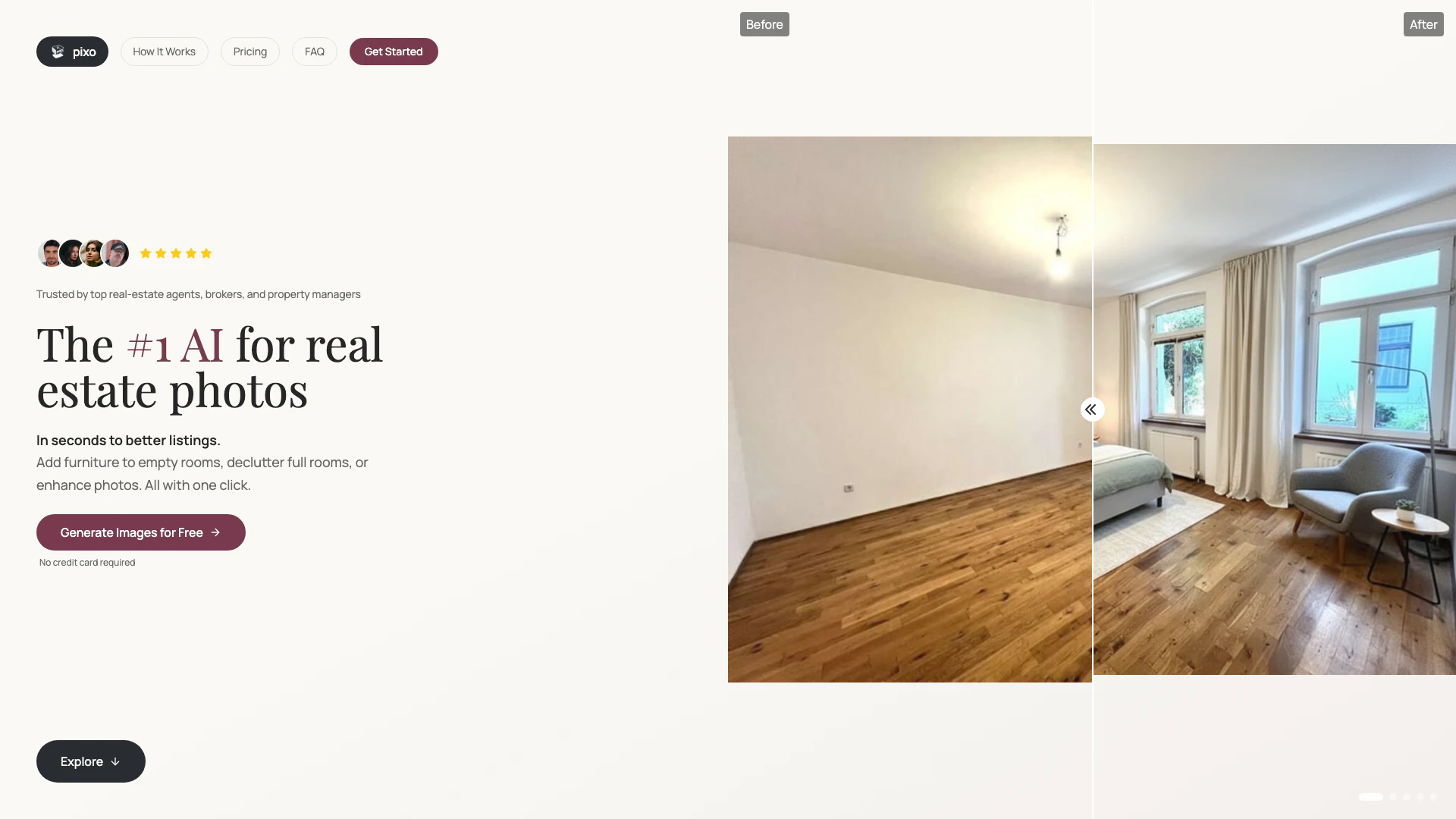





What is Pixo?
Pixo is an advanced AI-powered tool designed for real estate professionals, enabling fast image enhancement[2] and ultra-high-resolution virtual staging[3]. It allows users to generate stunning visuals that help properties sell faster, eliminating the need for photographers, designers, or lengthy turnaround times. With Pixo, users can easily stage rooms, declutter spaces, and enhance property images in just seconds, making it an essential tool for real estate agents, property managers, and interior designers.
How to use Pixo?
- Upload a few listing photos: Take a photo of any room or upload existing property images. 2. Let the AI stage your rooms: Select your style preferences, and the AI will transform your spaces into beautifully staged images. 3. Download your staged images: Get the final visuals in seconds, ready for your listings.
What are the main features of Pixo?
- AI Staging[1]: Instantly stage any room in multiple styles without scheduling movers.
- Declutter & Clean: Remove mess, fix scuffs, and brighten interiors to present spaces at their best.
- Remodel Concepts: Preview finishes, layouts, and materials before making commitments.
- Fast Turnaround[5]: Achieve results in seconds rather than days, keeping listings fresh.
- Photorealistic Output[4]: Generate high-quality renders that look authentic, enhancing engagement.
- Increase Conversions: Better visuals lead to more clicks, showings, and offers.
Who is Pixo for?
Pixo is tailored for professionals in the real estate sector, including real estate agents and brokerages looking to stage listings quickly and effectively. It is also ideal for Airbnb and short-term rental hosts aiming to make their properties stand out in search results. Additionally, property managers and landlords can utilize Pixo to fill vacancies faster with compelling visuals, while interior designers and developers can visualize concepts before making purchases.
What are the use cases of Pixo?
- Real estate agents can quickly enhance property listings, leading to faster sales.
- Airbnb hosts can create attractive visuals that improve visibility and booking rates.
- Property managers can utilize Pixo to showcase available units effectively, reducing vacancy times.
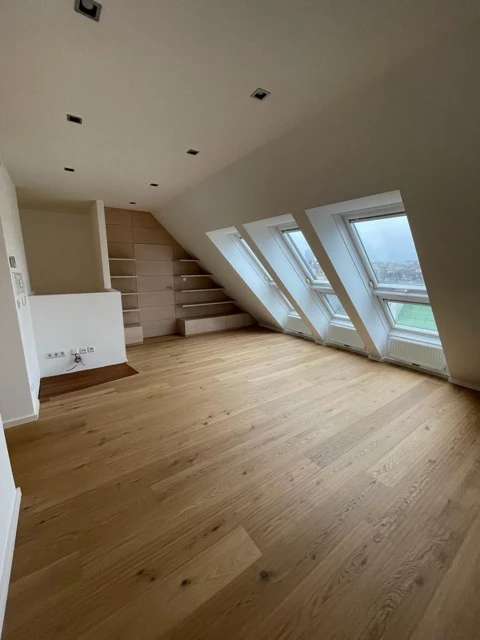
Product Images

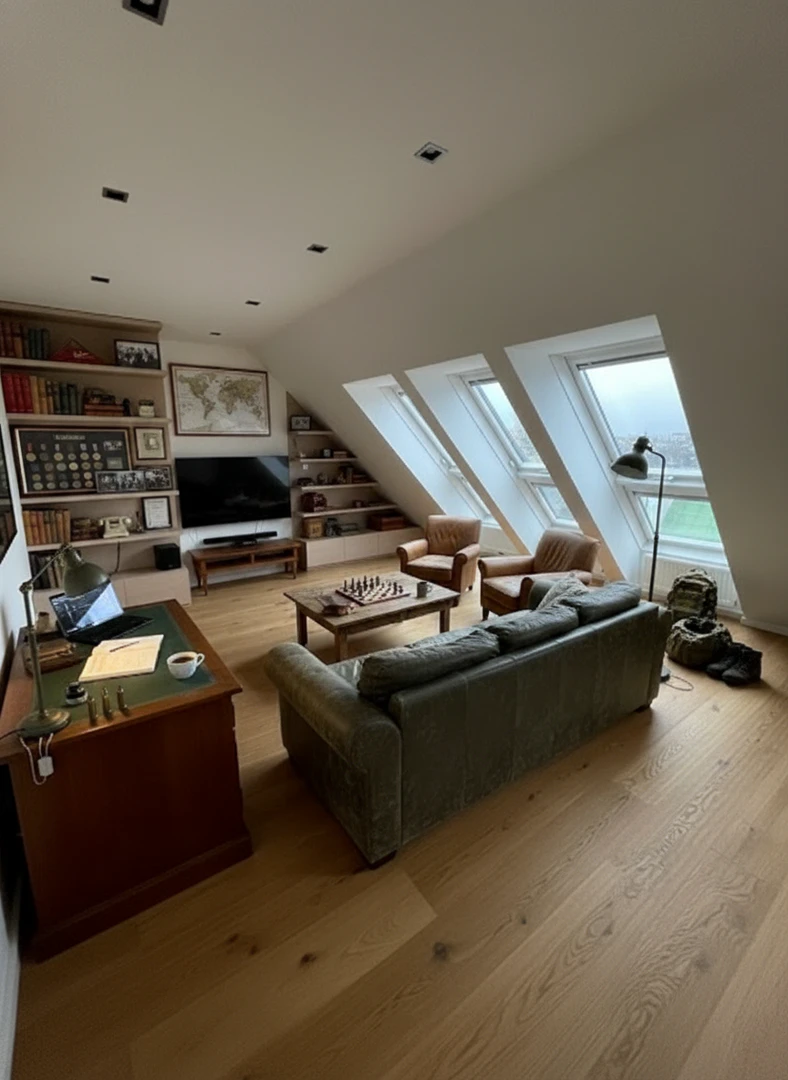


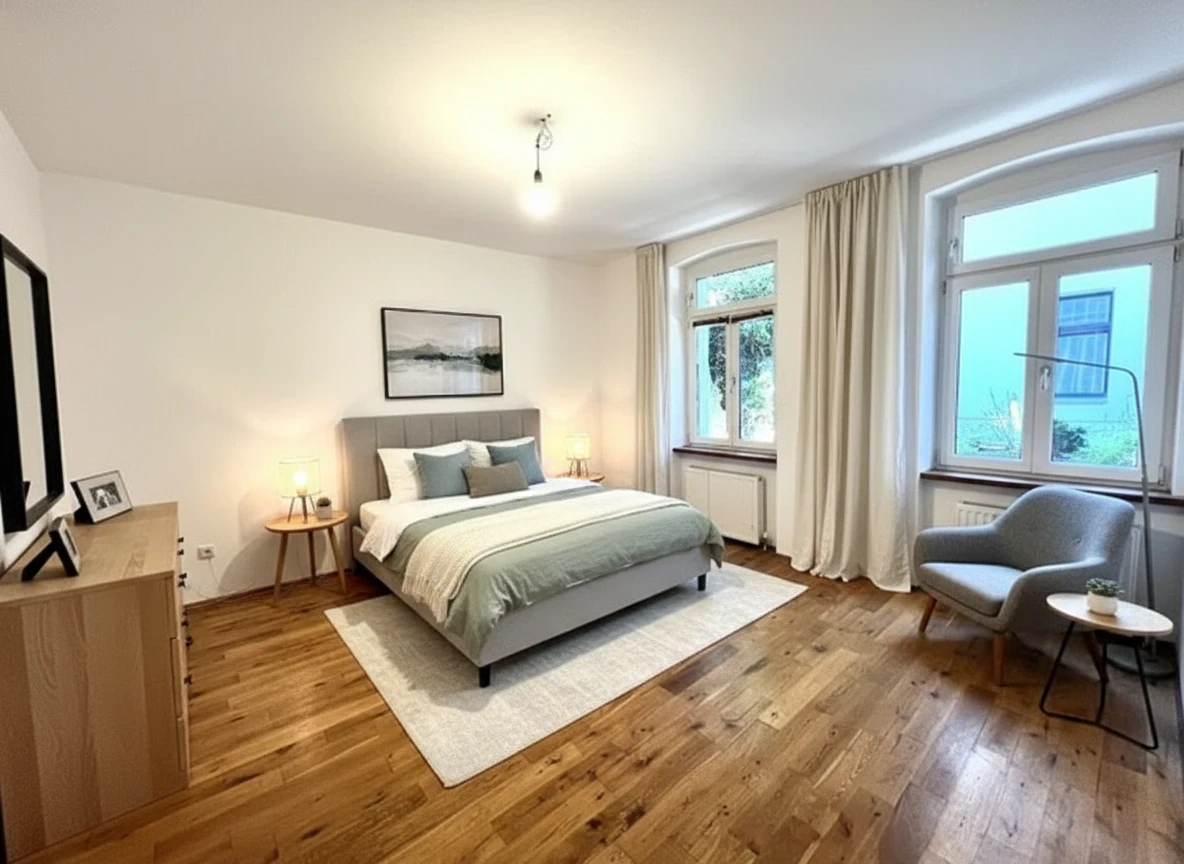
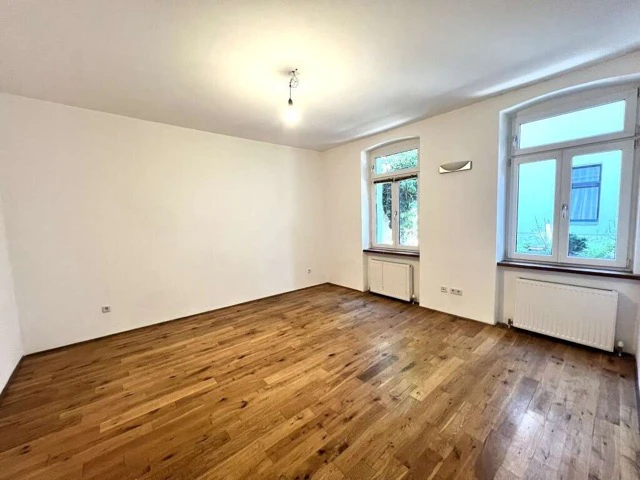
Pixo Pros and Cons
Pros
- Fast Image Enhancement: Pixo enables rapid image enhancement, allowing users to generate high-quality visuals in seconds, significantly speeding up the listing process.
- Cost-Effective Solution: The tool offers a pricing model that is 100x cheaper than traditional staging methods, making it accessible for real estate professionals.
- User-Friendly Workflow: With a simple three-step process, users can upload photos, let the AI stage the rooms, and download the results quickly, enhancing user experience.
Cons
No cons data detected for this tool
Pixo Pricing
Starter
Perfect for light users and first-timers. 15 credits per month, Standard model (1K resolution), Commercial license, Email support.
Growth
For regular agents needing higher quality output. 40 credits per month, Pro model access (up to 2K), High-Res output, Priority queue.
Pro
For power users and designers who need maximum control. 100 credits per month, Full Pro model (1K/2K/4K), Thinking mode & Multi-ref input, Google Search grounding, 2 team seats.
Business
For teams and brokerages requiring volume. 250 credits per month, All Pro features, 5 team seats, SLA support.
For the latest pricing, please visit this link: https://pixo.works/#pricing
Prices are subject to change. Please visit the official website for the most up-to-date pricing information.





