

Pixlio




What is Pixlio?
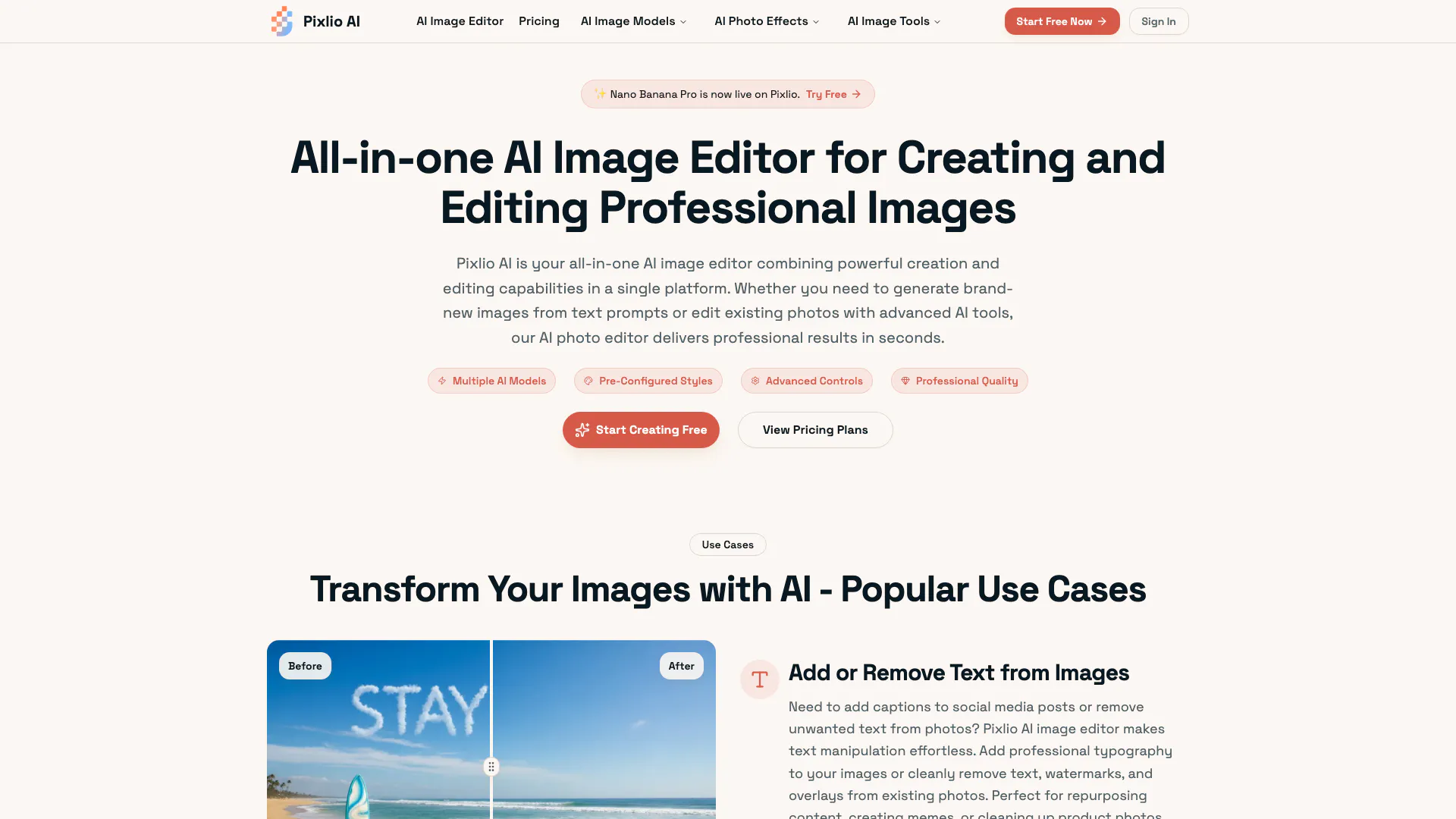
Pixlio is an all-in-one AI image editor[1] that combines powerful creation and editing capabilities into a single platform. It utilizes advanced AI models like Nano Banana[2], Nano Banana Pro, and Seedream 4.5[3] to enable users to edit, generate, and transform images for various use cases. Whether you're looking to create new visuals from text prompts or enhance existing photos, Pixlio delivers professional results quickly and efficiently. This versatile tool is designed for creators, marketers, and businesses looking to streamline their visual content workflow.
How to use Pixlio?
- Sign Up & Get Free Credits: Create your Pixlio AI account in seconds and receive complimentary credits to explore both creation and editing features. No credit card is required to start using our comprehensive AI image editor platform.
- Create or Edit: Choose your workflow: Generate new images from text prompts using our powerful AI models, or upload existing photos to edit with intelligent AI tools. Select from pre-configured styles, adjust settings, or use advanced AI photo editor features.
- Download & Use: Export your images in your preferred format (PNG, JPG) and resolution. All images created or edited with paid credits come with commercial usage rights, making them ready for immediate use in projects, marketing, products, or portfolios.
What are the main features of Pixlio?
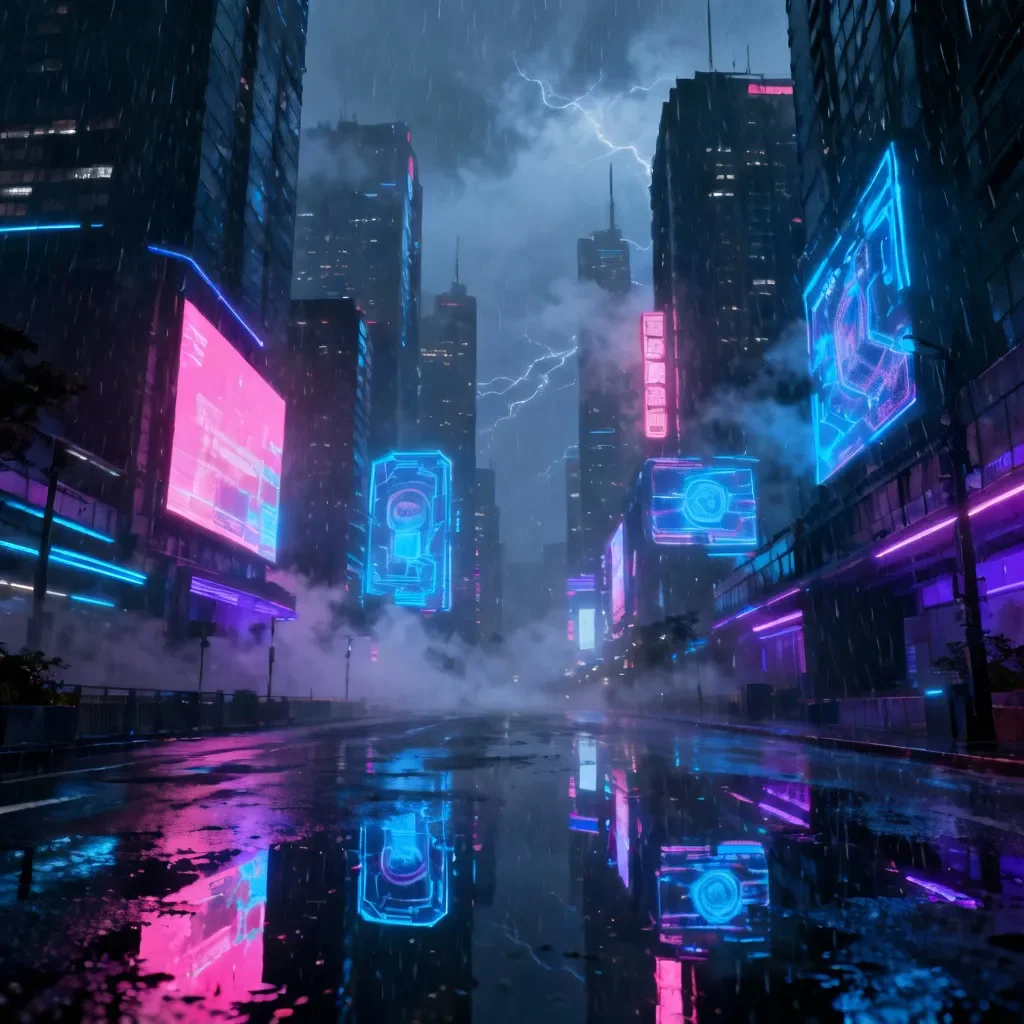
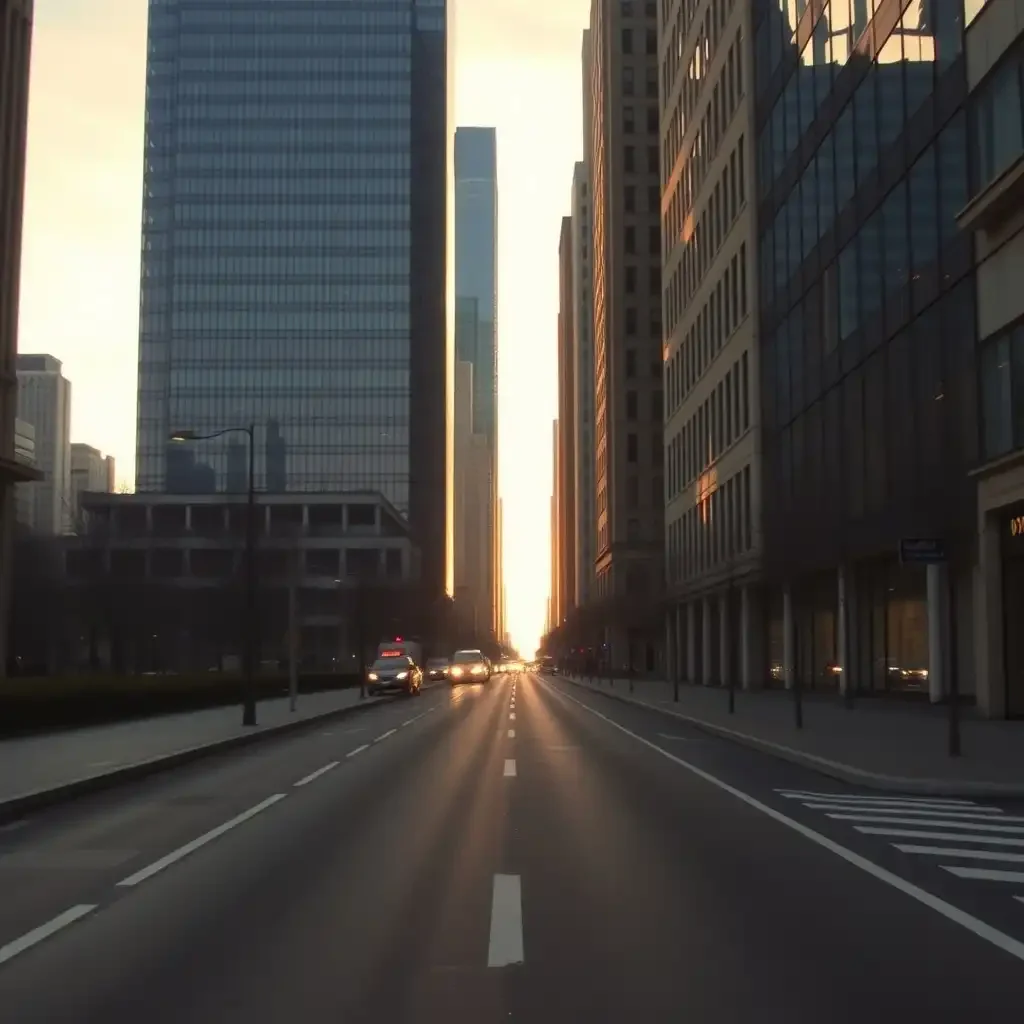
- AI Image Generation[4]: Create original images from text descriptions using advanced models like Flux and Seedream v4.
- Intelligent Photo Editing[5]: Edit existing images with AI-powered tools for background removal, object manipulation, and quality enhancement.
- Professional Styles & Presets: Generate images in various professional styles including photorealistic, anime, and fine art.
- Advanced Customization: Control every detail with custom prompts, aspect ratios, and multiple output formats.
- High-Resolution Outputs: Export images suitable for print and commercial use, maintaining exceptional quality.
- Fast Processing: Most operations complete in under 20 seconds, ensuring a smooth user experience.
Who is Pixlio for?
Pixlio is designed for a diverse range of users, including creators, marketers, and businesses looking to enhance their visual content. It caters to individuals who need to generate original images or edit existing photos quickly and efficiently. Whether you're a social media manager needing engaging graphics, an e-commerce seller creating product images, or a marketer producing campaign visuals, Pixlio provides the tools necessary to meet your creative needs.
What are the use cases of Pixlio?
- Social Media Graphics: Easily add or remove text and manipulate images to create eye-catching posts for platforms like Instagram and Facebook.
- E-commerce Product Images: Generate high-quality product photos with professional backgrounds to enhance online listings and drive sales.
- Marketing Campaigns: Create custom graphics for ads, blog posts, and promotional materials, ensuring consistency with brand guidelines.
Product Images





Pixlio Pros and Cons
Pros
- All-in-One AI Image Editor: Pixlio combines image creation and editing in a single platform, allowing users to generate new images from text prompts and edit existing photos seamlessly.
- Advanced AI Models: Utilizes cutting-edge AI models like Nano Banana and Seedream 4.5 for high-quality image generation and intelligent editing.
- User-Friendly Interface: Designed for ease of use, Pixlio requires no professional training, enabling users to achieve professional results quickly with intuitive controls.
- High-Resolution Outputs: Exports images in high resolution suitable for print and commercial use, ensuring quality and detail are maintained.
- Fast Processing Speed: Most operations are completed in under 20 seconds, allowing for a smooth and efficient editing experience.
Cons
No cons data detected for this tool
Pixlio Pricing
Basic
Value for individuals 750 credits per month All upcoming AI editing tools All AI art styles No watermark 6-month storage Manage all creations in one place Commercial use Cancel anytime Email support
Pro
Value for professionals 2,000 credits per month All upcoming AI editing tools All AI art styles No watermark 1 year storage Manage all creations in one place Unlimited image-to-prompt & describer tools Pro-tier AI models in select tools Commercial use Cancel anytime Priority email support
Max
Value for heavy users 5,500 credits per month All upcoming AI editing tools All AI art styles No watermark 1 year storage Manage all creations in one place Unlimited image-to-prompt & describer tools Pro-tier AI models in select tools Commercial use Cancel anytime Top priority email support
For the latest pricing, please visit this link: https://pixlio.net/pricing
Prices are subject to change. Please visit the official website for the most up-to-date pricing information.



