

Pixelora



What is Pixelora?
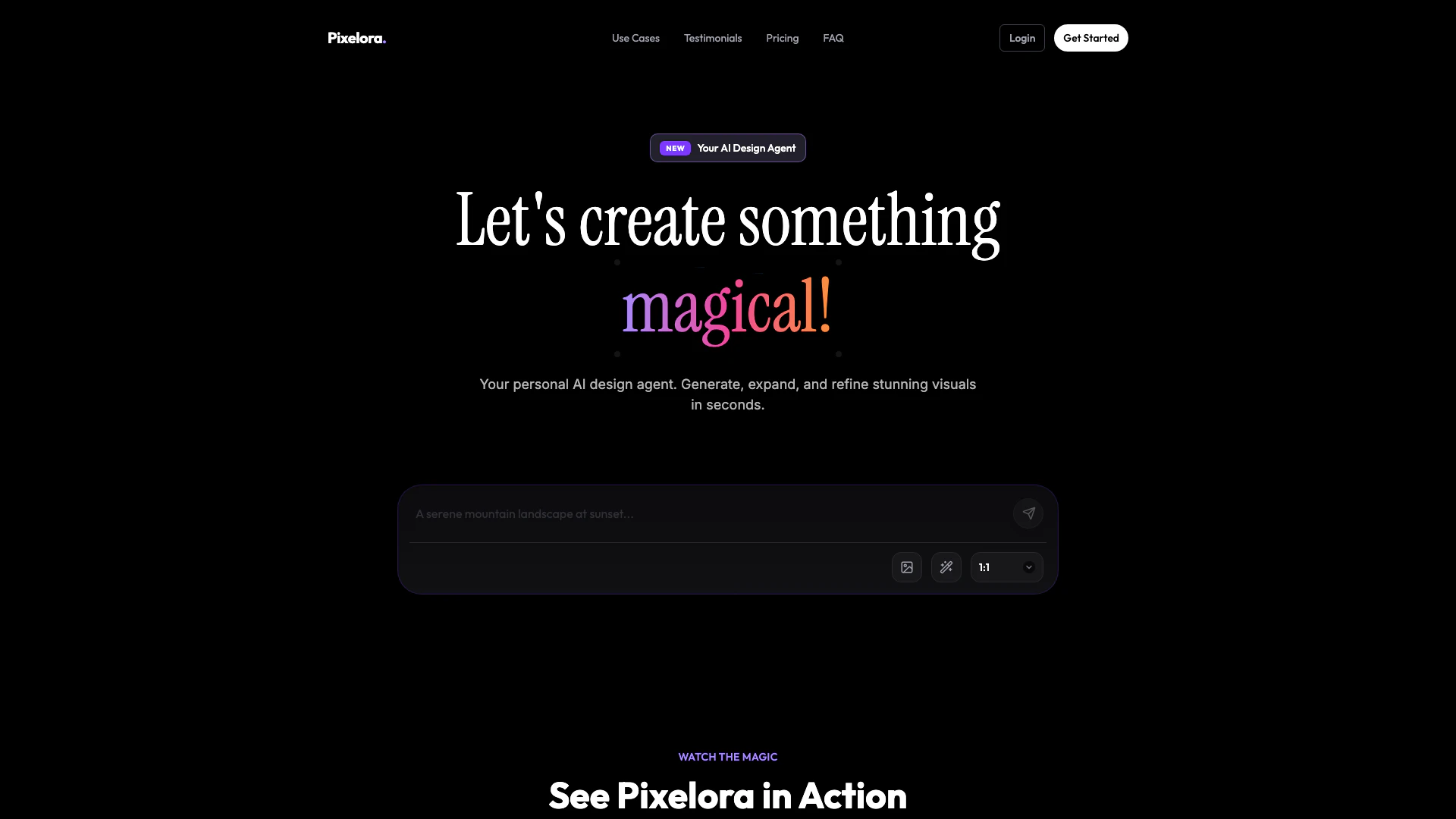
Pixelora is an innovative AI-powered[1] design tool that provides users with an infinite canvas[2] for generating, expanding, and refining stunning visuals. Tailored for designers, marketers, and content creators, Pixelora enables users to create high-quality images[4] quickly and efficiently. With its intuitive interface and advanced AI capabilities, Pixelora stands out as a versatile tool that transforms creative workflows, allowing users to produce exceptional visual content in a matter of seconds.
How to use Pixelora?
- Sign Up: Visit the Pixelora website and create an account to start using the tool.
- Choose Your Canvas: Select the type of project you want to work on, whether it's for social media, marketing, or personal projects.
- Generate Visuals: Utilize the AI features to generate stunning visuals by inputting prompts or selecting templates.
- Refine and Expand: Use the infinite canvas feature to expand on your designs, making adjustments and refinements as needed.
- Export Your Work: Once satisfied with your creation, export the images in your desired format for use in your projects.
What are the main features of Pixelora?
- Infinite AI Canvas: Create and expand visuals without limitations.
- AI-Powered Generation: Quickly generate high-quality images using advanced AI algorithms.
- User-Friendly Interface[3]: Intuitive design that simplifies the creative process.
- Diverse Use Cases: Perfect for graphic designers, marketers, content creators, and more.
- High-Quality Outputs: Produce professional-grade visuals suitable for various applications.
- Export Options: Easily export your creations in multiple formats.
Who is Pixelora for?
Pixelora is designed for a wide range of users including graphic designers, marketers, content creators, social media managers, and anyone in need of high-quality visual content. Whether you're a freelancer, part of a small team, or a large agency, Pixelora provides the tools necessary to enhance your creative workflow and produce stunning visuals quickly and efficiently.
What are the use cases of Pixelora?
- Content Creation: Generate eye-catching thumbnails, channel art, and promotional graphics for social media.
- Graphic Design: Create mockups and production-ready visuals for various design projects.
- Marketing Campaigns: Design ad creatives and campaign assets that effectively capture audience attention.
- Interior Design: Visualize and present interior spaces with customized styles and aesthetics.
- Product Photography: Generate high-quality product images without the need for a photoshoot.
Product Images





Pixelora Pros and Cons
Pros
- Infinite AI Canvas: Pixelora offers an infinite AI canvas that allows users to generate, expand, and refine visuals seamlessly, enhancing creative possibilities.
- Versatile Use Cases: Designed for various creators, Pixelora caters to content creators, graphic designers, marketers, and more, making it a versatile tool for different industries.
- High-Quality Visuals: The tool generates stunning visuals with high quality, rivaling professional stock photos, which is essential for marketing and design projects.
Cons
No cons data detected for this tool
Pixelora Pricing
Free
Testing and casual use * 25 credits/day * ~150 images/month * No watermarks * Share canvas * Export images
Hobby
Individual hobby creators * 600 monthly credits * 25 credits/day * ~270 images/month * No watermarks * Share canvas * Export images
Creator
Regular content creators * 1,800 monthly credits * 50 credits/day * ~660 images/month * No watermarks * Share canvas * Export images
Agency
Small teams and agencies * 4,500 monthly credits * 100 credits/day * ~1,500 images/month * No watermarks * Share canvas * Export images
For the latest pricing, please visit this link: https://pixelora.art/#pricing
Prices are subject to change. Please visit the official website for the most up-to-date pricing information.
Analytics of Pixelora
Pixelora Website Traffic Analysis
Visits Over Time
Traffic Sources
Jan 2026 - Jan 2026 Worldwide Desktop Only
- Direct: 43.21%
- Search: 37.91%
- Referrals: 13.40%
- Paid Referrals: 2.00%
- Social: 1.94%
- Mail: 0.11%
Pixelora Reviews
Pixelora has completely transformed my workflow. The AI understands my prompts perfectly.
The quality of images I get from this tool is unmatched. It's a game changer for my projects.
I love the new features! The control I have over the output is exactly what I needed.
For more reviews, visit this link: https://pixelora.art/#testimonials





