
Pikodee
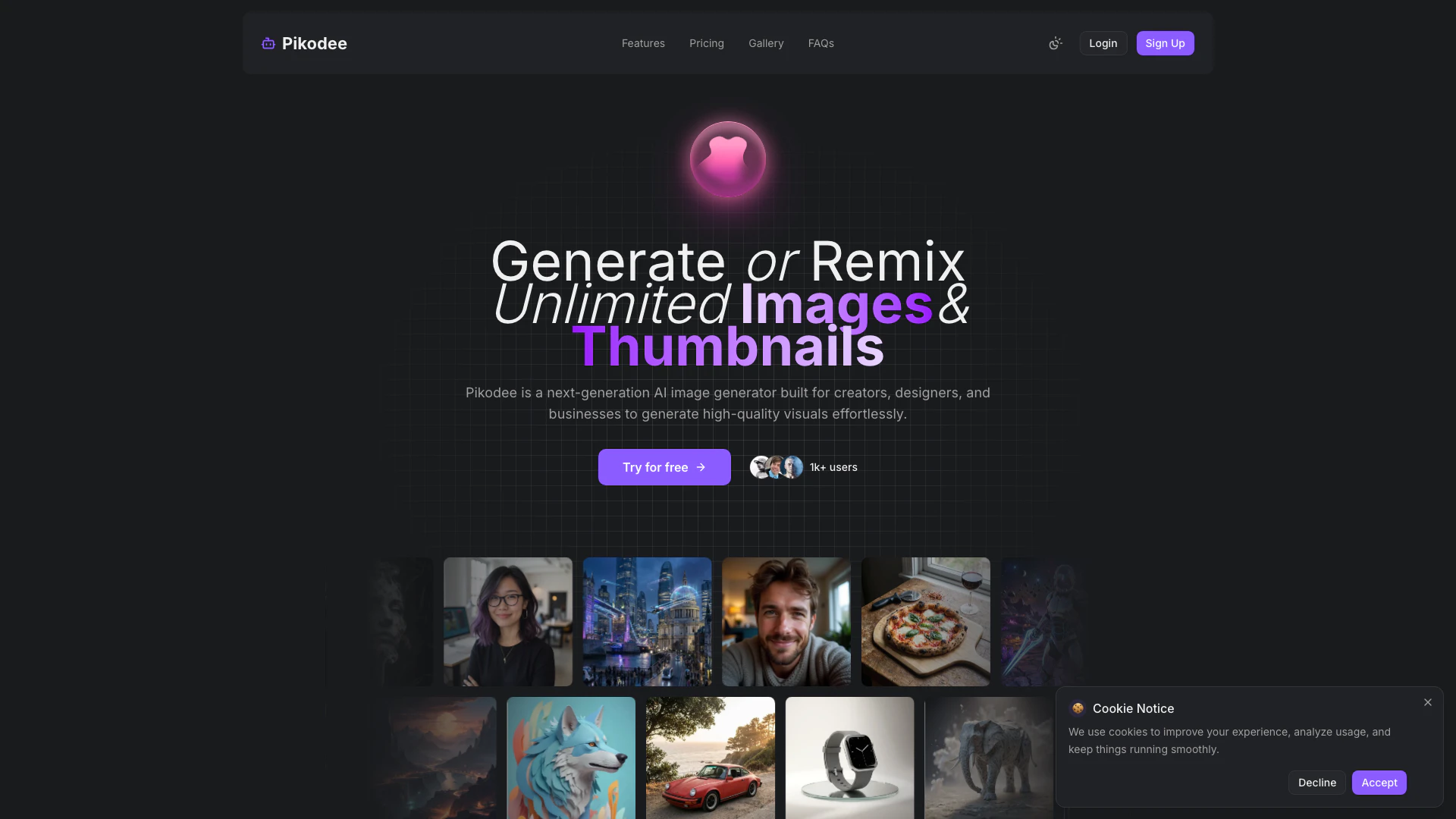



What is Pikodee?
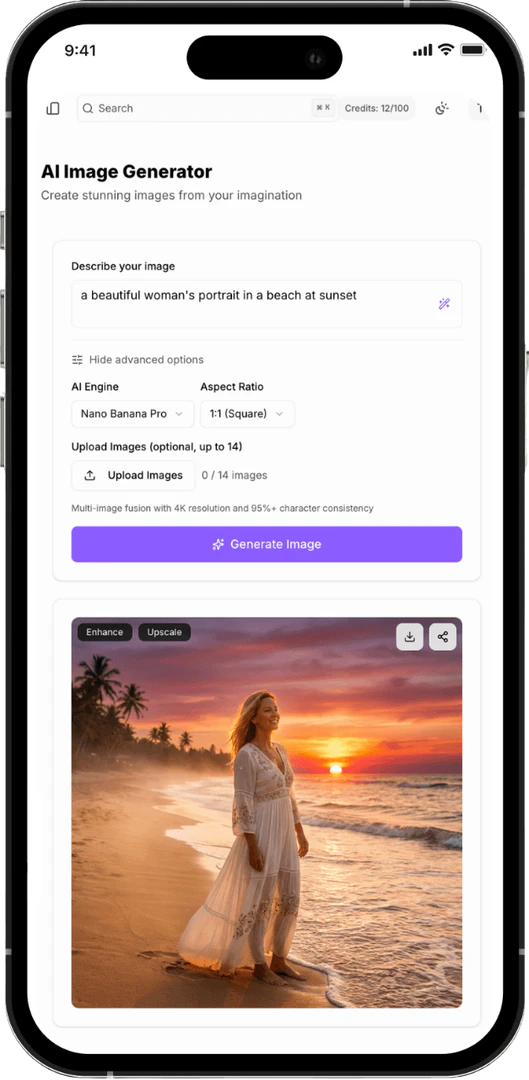
Pikodee is an advanced AI Image Generator[1] designed to empower creators, designers, and businesses by allowing them to generate high-quality images effortlessly. This innovative platform provides users with the ability to create any type of image from simple text prompts[3], making it ideal for various visual needs. Whether you're looking to produce stunning graphics for social media, marketing materials, or personal projects, Pikodee offers a seamless and intuitive experience that caters to both novice and experienced users.
How to use Pikodee?
- Visit the Pikodee website and log in or sign up for an account.
- Select the 'AI Image Generator' option from the homepage.
- Write a descriptive text prompt to guide the image creation[2], such as 'A serene mountain landscape at sunrise.'
- Click the 'Generate' button to create your image.
- Once satisfied, download or favorite your generated image using the options provided.
- Experiment with different settings and prompts to refine and enhance your images.
What are the main features of Pikodee?
- AI Image Generation: Create high-quality images from text prompts in seconds.
- Image & Prompt Library: Access and manage your latest image generations and prompts.
- Image Enhancer: Automatically improve image quality for a more professional look.
- Thumbnail Creator: Generate optimized thumbnails for YouTube and social media effortlessly.
- Image Fusion: Blend multiple images to create unique visual results.
- Upscaler: Increase image resolution without losing quality, ensuring sharp and detailed outputs.
Who is Pikodee for?
Pikodee is tailored for a diverse range of users including creators, designers, marketers, and businesses looking for an efficient way to generate images. It is particularly beneficial for those who need quick visual content for social media, marketing campaigns, or design projects without the need for extensive design skills. Whether you are a content creator, a small business owner, or part of a larger marketing team, Pikodee provides tools that streamline the image creation process.
What are the use cases of Pikodee?
- Social Media Content Creation: Quickly generate eye-catching visuals for posts and ads.
- Marketing Materials: Create professional graphics for brochures, flyers, and promotional content.
- Product Mockups: Design realistic product visuals and marketing images for e-commerce.
- Creative Experiments: Explore different artistic styles and concepts by remixing images.
- Thumbnail Generation: Produce engaging thumbnails for YouTube videos to boost click-through rates.
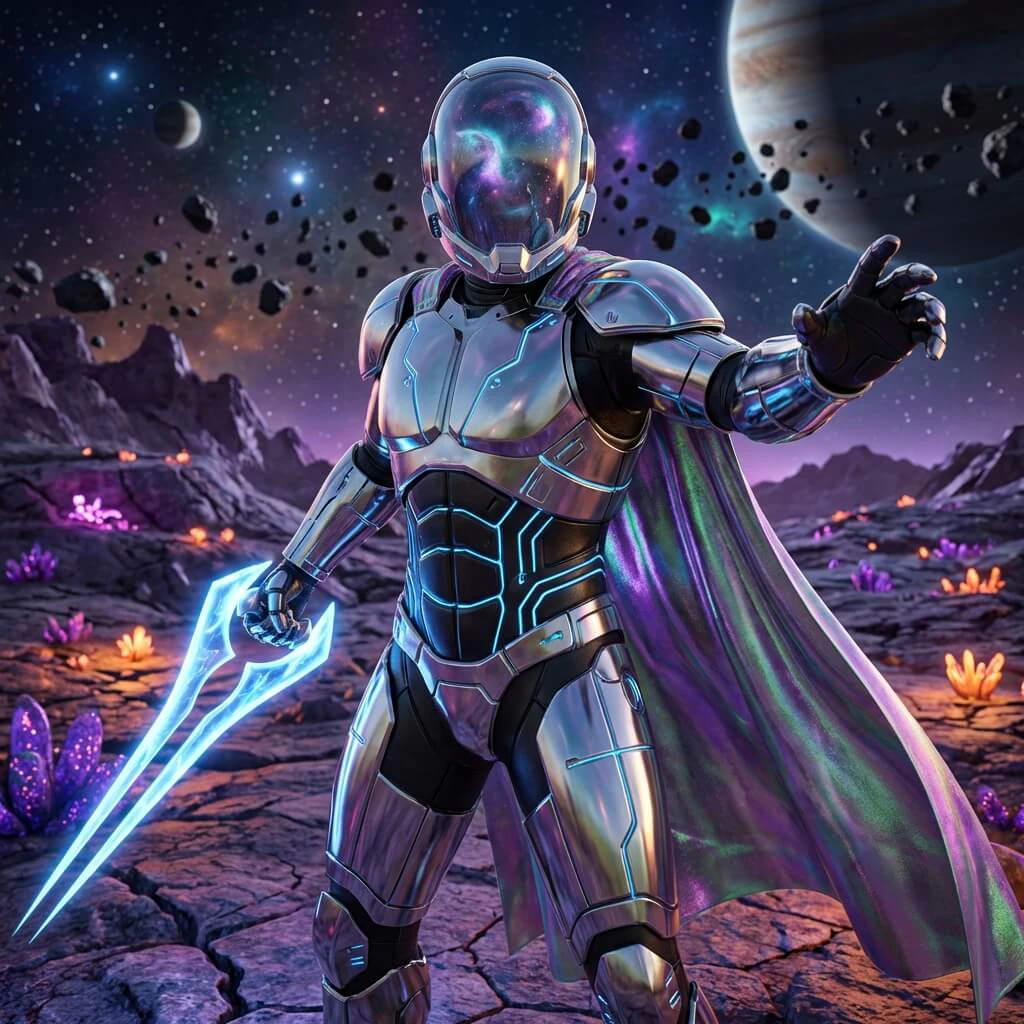
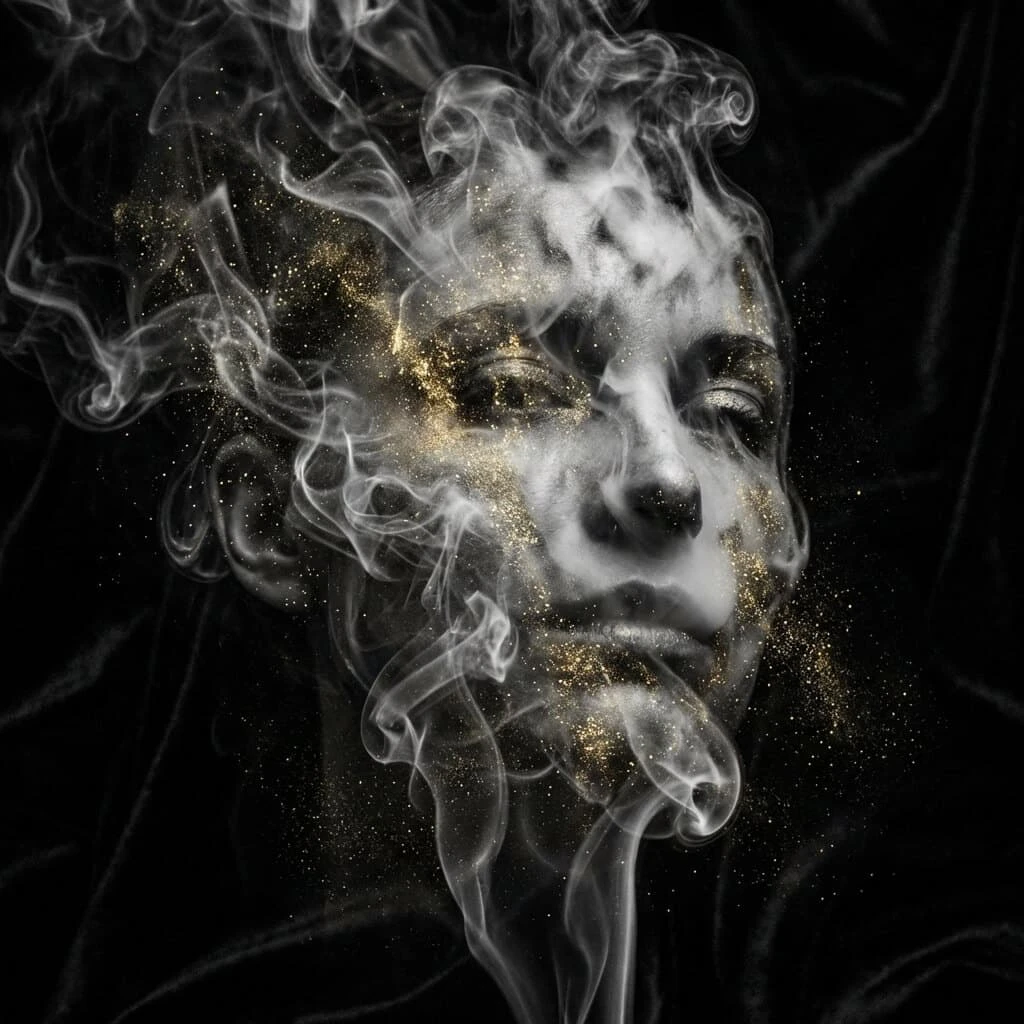
Product Images


Pikodee Pros and Cons
Pros
- Unlimited Image Generation: Pikodee allows users to generate or remix unlimited images and thumbnails, making it ideal for creators and businesses.
- User-Friendly Interface: The platform features a streamlined interface that simplifies the image creation process, requiring no design skills.
- Diverse Features: Includes various tools such as an AI Thumbnail Creator, Image Enhancer, and Image Fusion, catering to different creative needs.
Cons
No cons data detected for this tool
Pikodee Pricing
Free
Perfect for trying Pikodee. 3 Credits/day, AI Image Generator, Prompt Enhancer.
Pro
For creators who use Pikodee regularly. 3000 Credits/month, Up to 3000 images/month, Multi-Model Support, AI Image Generator, AI Thumbnail Creator, AI Image Enhancer, AI Image Upscaler, AI Image Mixer, Multi-image Generation (up to 4), Image history & management, Priority queue, Image Ownership, No Watermarks Outputs, Commercial usage rights.
Unlimited
For power users and professionals. UNLIMITED credits, Multi-Model Support, AI Image Generator, AI Thumbnail Creator, AI Image Enhancer, AI Image Upscaler, AI Image Mixer, Multi-image Generation (up to 4), Image history & management, Priority queue, Image Ownership, No Watermarks Outputs, Commercial usage rights, Fastest generation speed, Early access to new tools, Premium support.
For the latest pricing, please visit this link: https://www.pikodee.com/#pricing
Prices are subject to change. Please visit the official website for the most up-to-date pricing information.
Pikodee Reviews
I use Pikodee almost daily for quick visuals. Way faster than opening Photoshop for simple ideas.
The thumbnail creator alone is worth it. My YouTube CTR actually went up after switching.
Mixing images is insanely fun. I’ve created concepts I’d never even think of before.
For more reviews, visit this link: https://www.pikodee.com/#reviews