Picspot
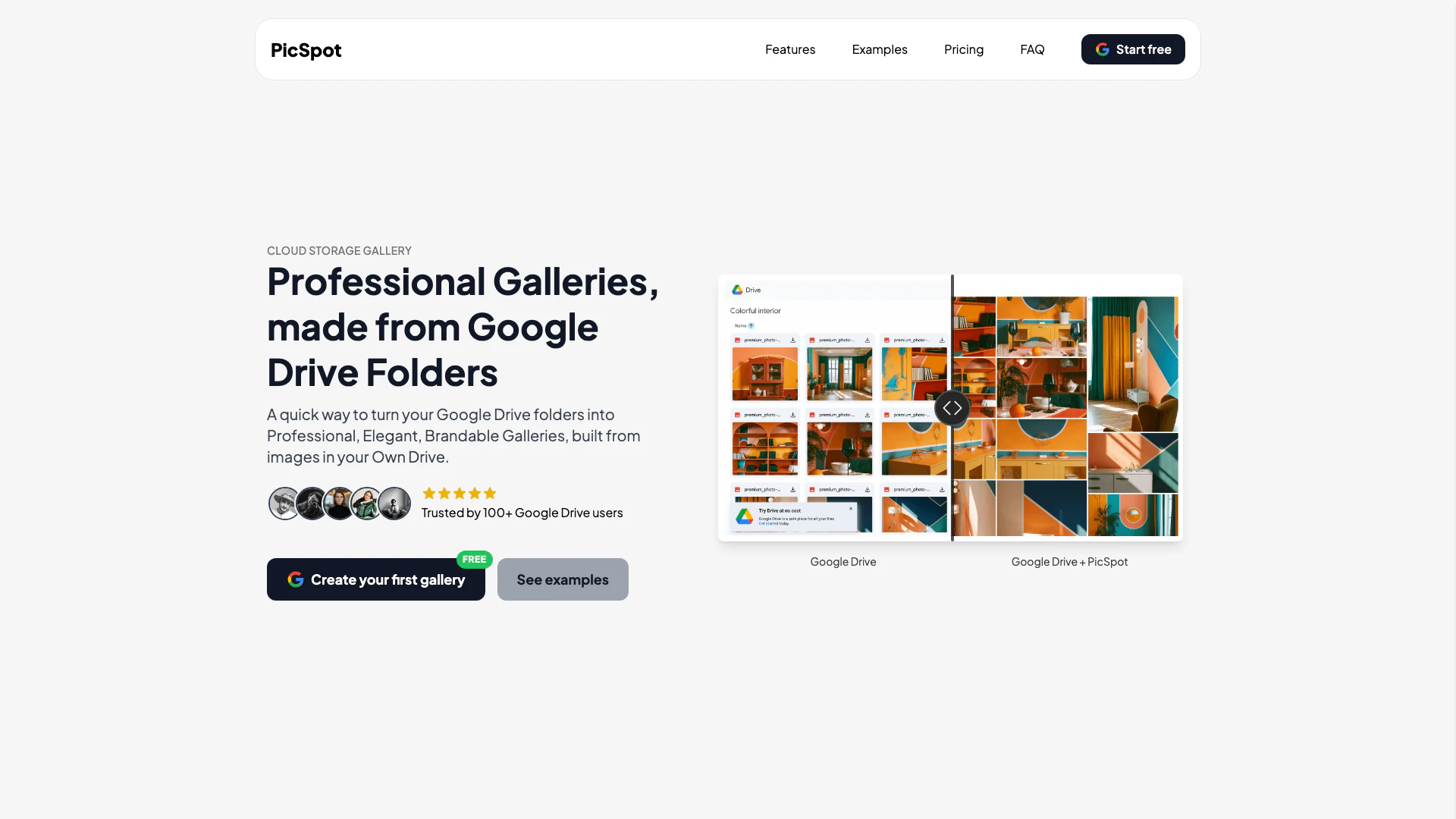





What is Picspot?
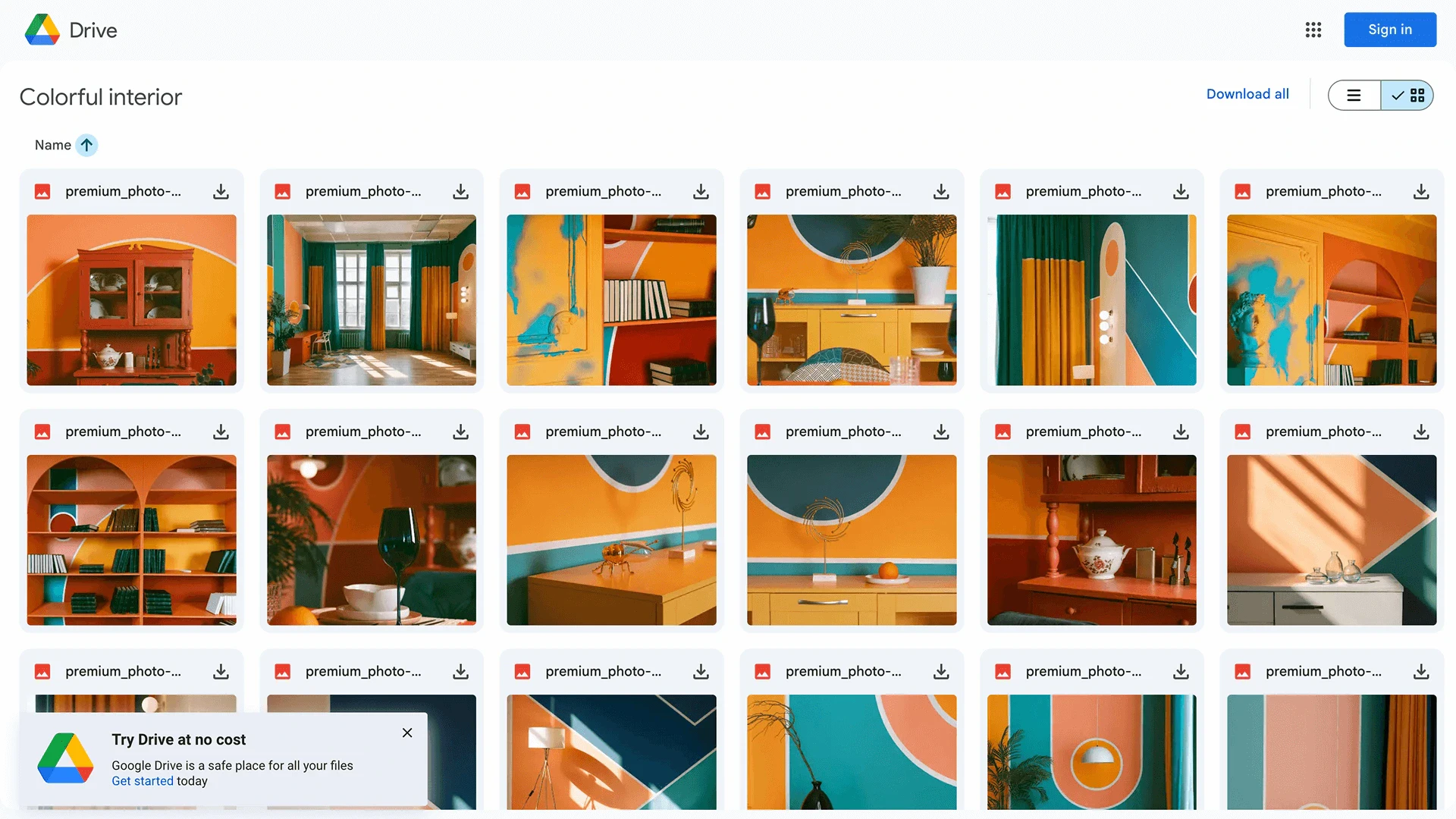
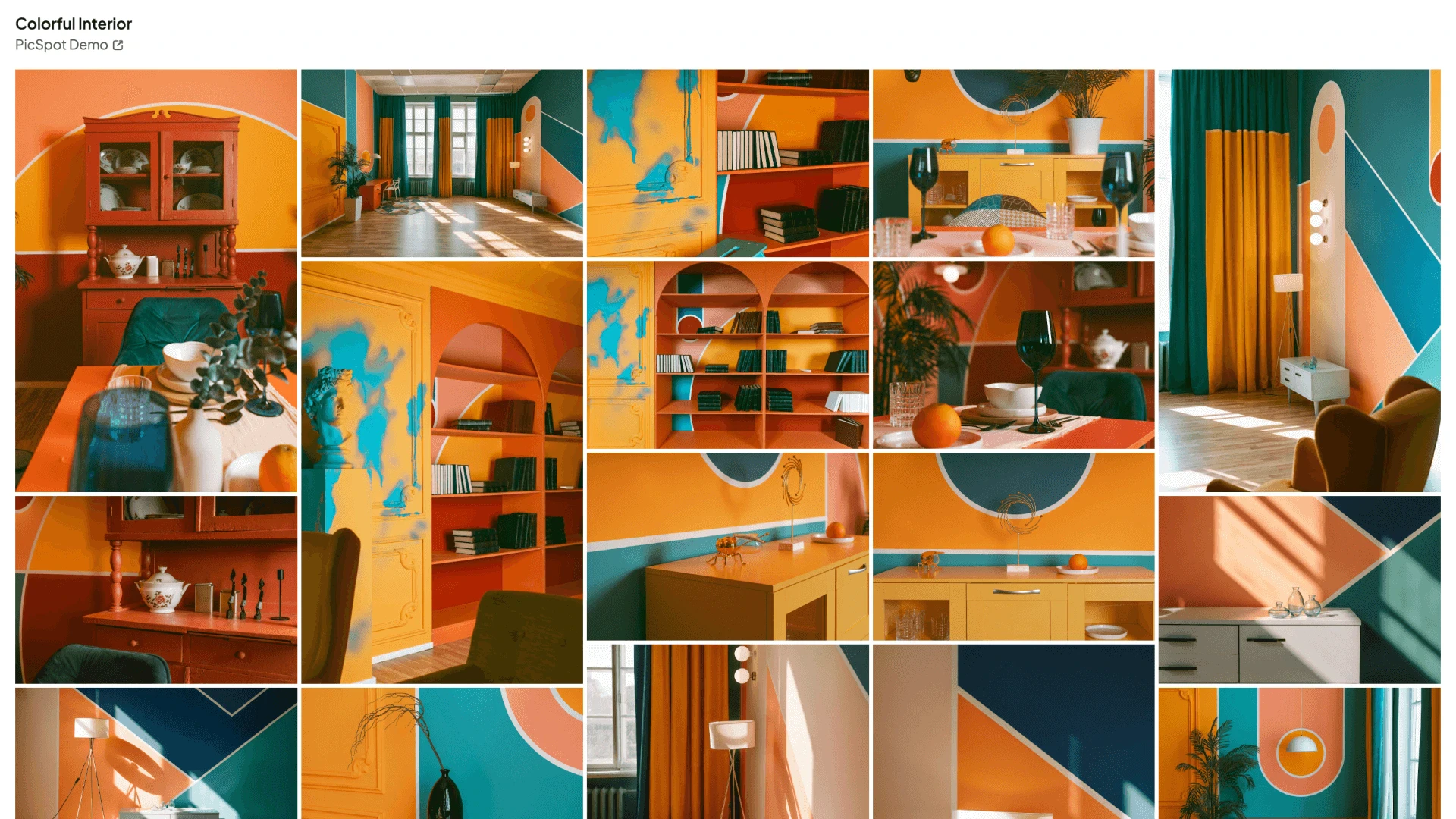
Picspot is an innovative tool that transforms your Google Drive[1] folders into professional, elegant, and brandable galleries[2]. It allows users to create visually appealing galleries directly from images stored in their Google Drive, enhancing the way they share and present their visual content. With Picspot, you can easily convert your existing storage into a seamless gallery solution, making it perfect for photographers, artists, and anyone looking to showcase their images in a more engaging and stylish manner.
How to use Picspot?
- Upload your images to your own Google Drive.
- Create your Picspot gallery by selecting custom images and giving it a title.
- Use your Picspot link to share your stunning and professional gallery with others.
What are the main features of Picspot?
- Professional Presentation[3]: Transforms Drive folders into sleek, branded galleries.
- Beautiful Gallery Layout[5]: Showcases images with a stunning, customer-friendly design.
- Custom Branding[4]: Allows users to add their name and link in the gallery header.
- Enhanced Privacy: Protects galleries with password options.
- Fast and Efficient: Optimized for seamless loading and navigation.
- Analytics Tracking: Provides insights on gallery opens and viewer activity.
Who is Picspot for?
Picspot is designed for photographers, artists, marketers, and anyone who wants to present their images in a professional manner. It caters to individuals and businesses looking to enhance their branding and engage their audience through visually appealing galleries. Whether you are a freelancer wanting to showcase your portfolio or a business needing to present products, Picspot provides a user-friendly solution to turn your Google Drive images into stunning galleries.
What are the use cases of Picspot?
- Portfolio Display: Photographers can use Picspot to create an online portfolio that showcases their best work in a professional manner.
- Event Galleries: Event organizers can create galleries from images taken at events, allowing attendees to view and share memories easily.
- Product Showcases: Businesses can create branded galleries to display products, making it easier for customers to browse and engage with their offerings.
Product Images
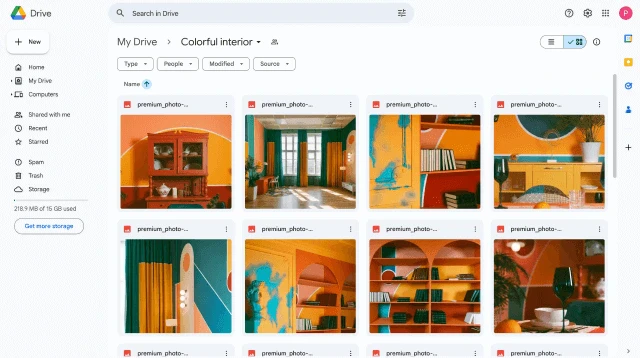
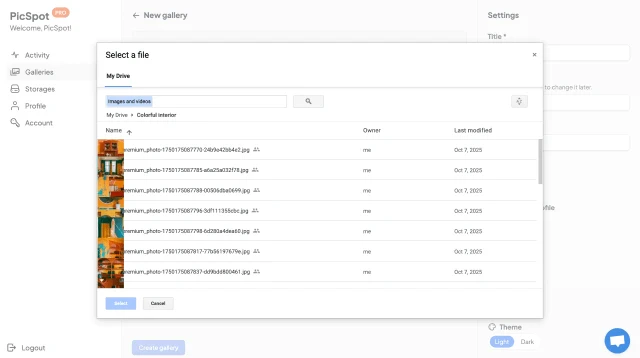
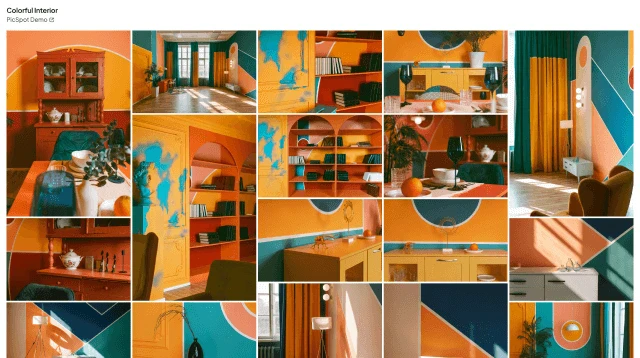
Picspot Pros and Cons
Pros
- Professional Gallery Presentation: PicSpot transforms Google Drive folders into sleek, branded galleries, enhancing the visual appeal of your images.
- User-Friendly Setup: The tool allows users to create galleries in just three simple steps without any coding skills required.
- Enhanced Privacy Features: PicSpot provides options for password protection and secure image hosting directly from Google Drive.
Cons
No cons data detected for this tool
Picspot Pricing
Free Plan
Get started with no costs. 1 Google Drive link and browse 1 Google Drive storage. Beautiful gallery layout, unlimited galleries, mid quality images, branded galleries, public profile, and PicSpot branding.
Pro Plan
Pro features for a fair price. Everything from the free package, plus 12 must-have features including high quality images, image download, collect likes, password protection, expiring galleries, HD video support, detailed stats, control privacy, customize galleries, custom domain, remove PicSpot branding, and priority support.
For the latest pricing, please visit this link: https://picspot.co/pricing
Prices are subject to change. Please visit the official website for the most up-to-date pricing information.