Pdf-translator
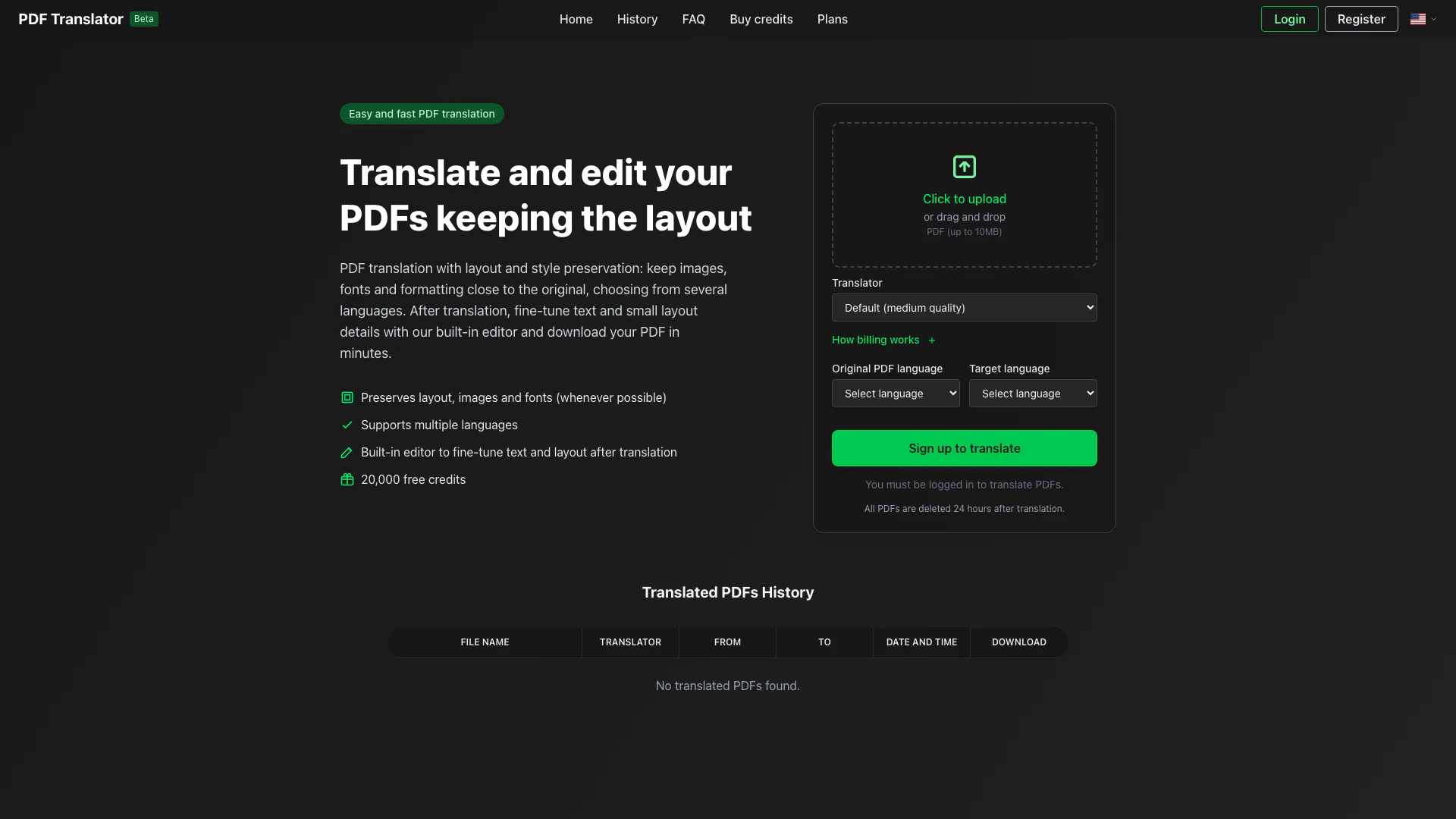




What is PDF Translator?
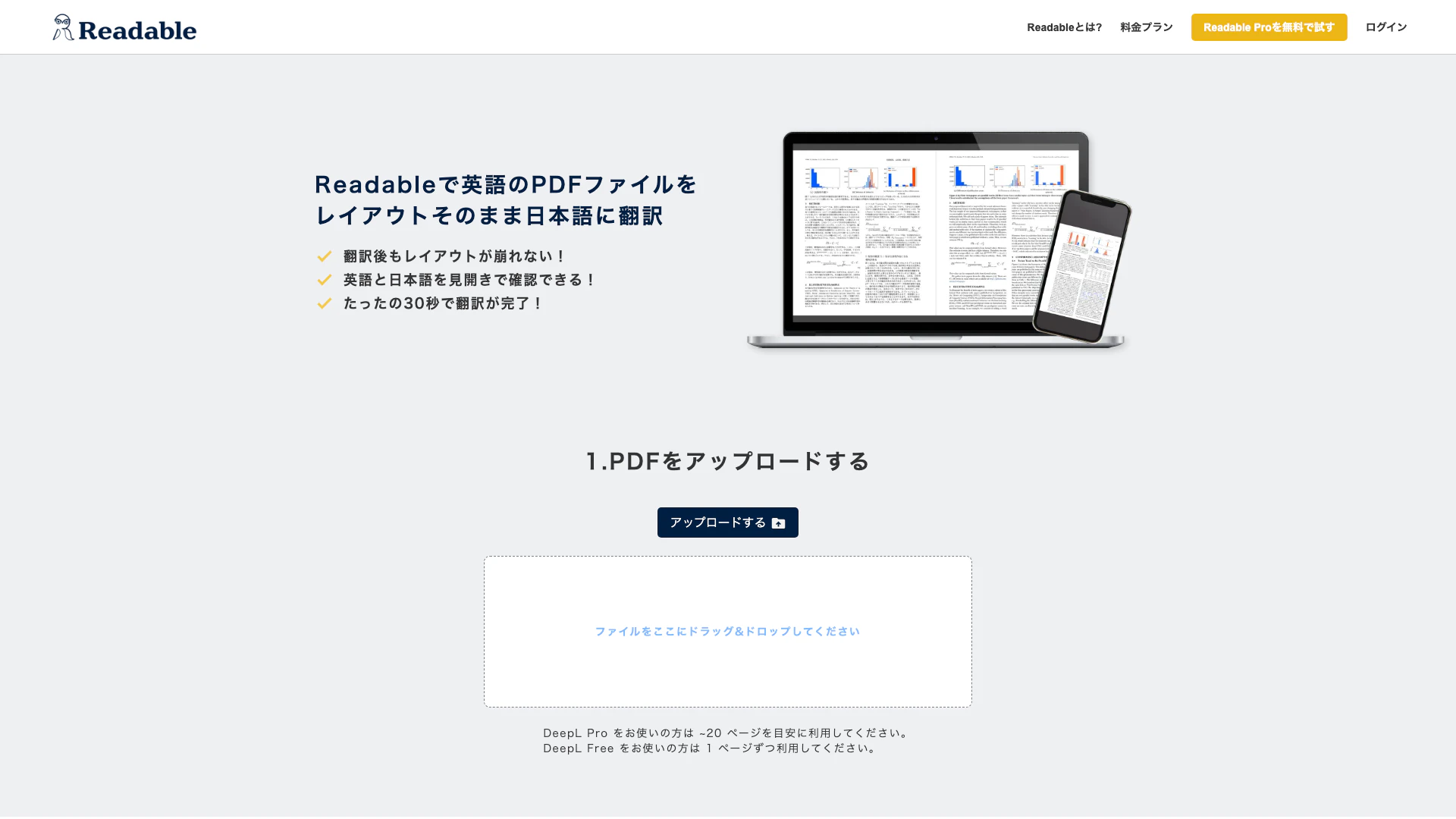
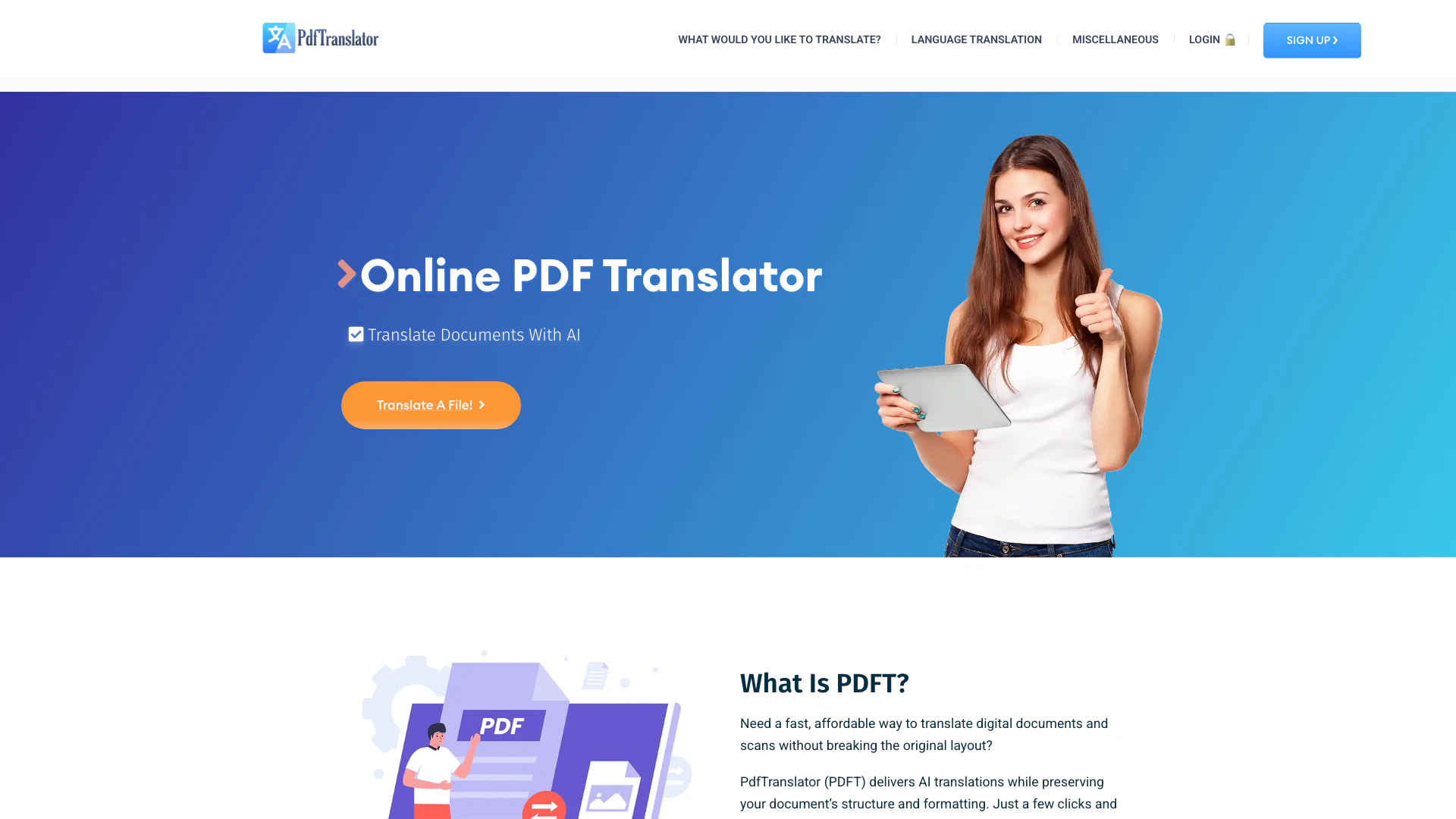
PDF Translator is an innovative online tool designed for easy and fast translation of PDF documents while preserving their original layout and formatting. This tool allows users to translate PDFs into multiple languages without losing the integrity of the document's design, including images, fonts, and other formatting elements. With a user-friendly interface[6], PDF Translator enables individuals and businesses to quickly translate important documents, ensuring that the translated content maintains the same professional appearance as the original. Additionally, users can fine-tune text and layout details using the built-in editor[4], making it a comprehensive solution for PDF translation[1] needs.
How to use PDF Translator?
- Visit the PDF Translator website and log in to your account.
- Click on the 'Click to upload' button or drag and drop your PDF file (up to 10MB).
- Select the original language of your PDF and the target language for translation.
- Choose the translation quality: Default (medium quality) or PRO (high quality) for subscribers.
- After uploading, the translation process will begin. You can leave the page while it processes.
- Once the translation is complete, you can fine-tune the text and layout using the built-in editor.
- Download your translated PDF, which will be available for 24 hours before deletion.
What are the main features of PDF Translator?
- Layout Preservation[2]: Maintains the original layout, images, and fonts during translation.
- Multi-Language Support[3]: Offers translation between various languages, accommodating diverse user needs.
- Built-in Editor: Allows users to edit and fine-tune the translated text and layout details.
- Fast Processing[5]: Translates PDFs quickly, enabling users to download their documents in minutes.
- User-Friendly Interface: Simple and intuitive design that makes PDF translation accessible to all users.
Who is PDF Translator for?
PDF Translator is ideal for a wide range of users, including students, professionals, and businesses that require accurate translations of PDF documents. It is particularly useful for individuals who need to translate academic papers, business reports, or legal documents while maintaining their original formatting. Additionally, the tool serves multilingual teams and global companies looking to communicate effectively across language barriers, ensuring that all members have access to translated materials without compromising on quality.
What are the use cases of PDF Translator?
- Academic Translation: Translating research papers or dissertations for international publication or collaboration.
- Business Documentation: Converting company reports, proposals, or contracts into different languages for global outreach.
- Legal Document Translation: Ensuring legal documents are accurately translated while preserving critical formatting for court submissions.
Pdf-translator Pros and Cons
Pros
- Layout Preservation: Maintains the original layout, images, and fonts during translation, ensuring the document looks similar to the source.
- Built-in Editor: Offers a built-in editor for fine-tuning text and layout details after translation, enhancing user control.
- Multiple Language Support: Supports translation between various languages, making it versatile for global users.
- Free Credits: Offers 20,000 free credits to start translating PDFs, making it accessible for new users.
Cons
No cons data detected for this tool
Pdf-translator Pricing
Bronze Plan
150,000 credits / month. PRO translator included. +10% discount on additional credit packs.
Silver Plan
400,000 credits / month. PRO translator included. +25% discount on additional credit packs.
Gold Plan
1,000,000 credits / month. PRO translator included. +50% discount on additional credit packs.
For the latest pricing, please visit this link: https://pdf-translator.app/en/plans
Prices are subject to change. Please visit the official website for the most up-to-date pricing information.
Analytics of Pdf-translator
Pdf-translator Website Traffic Analysis
Visits Over Time
Traffic Sources
Nov 2025 - Jan 2026 Worldwide Desktop Only
- Search: 42.86%
- Direct: 35.80%
- Referrals: 13.66%
- Social: 4.44%
- Paid Referrals: 1.64%
- Mail: 0.22%