Payping
What is Payping?
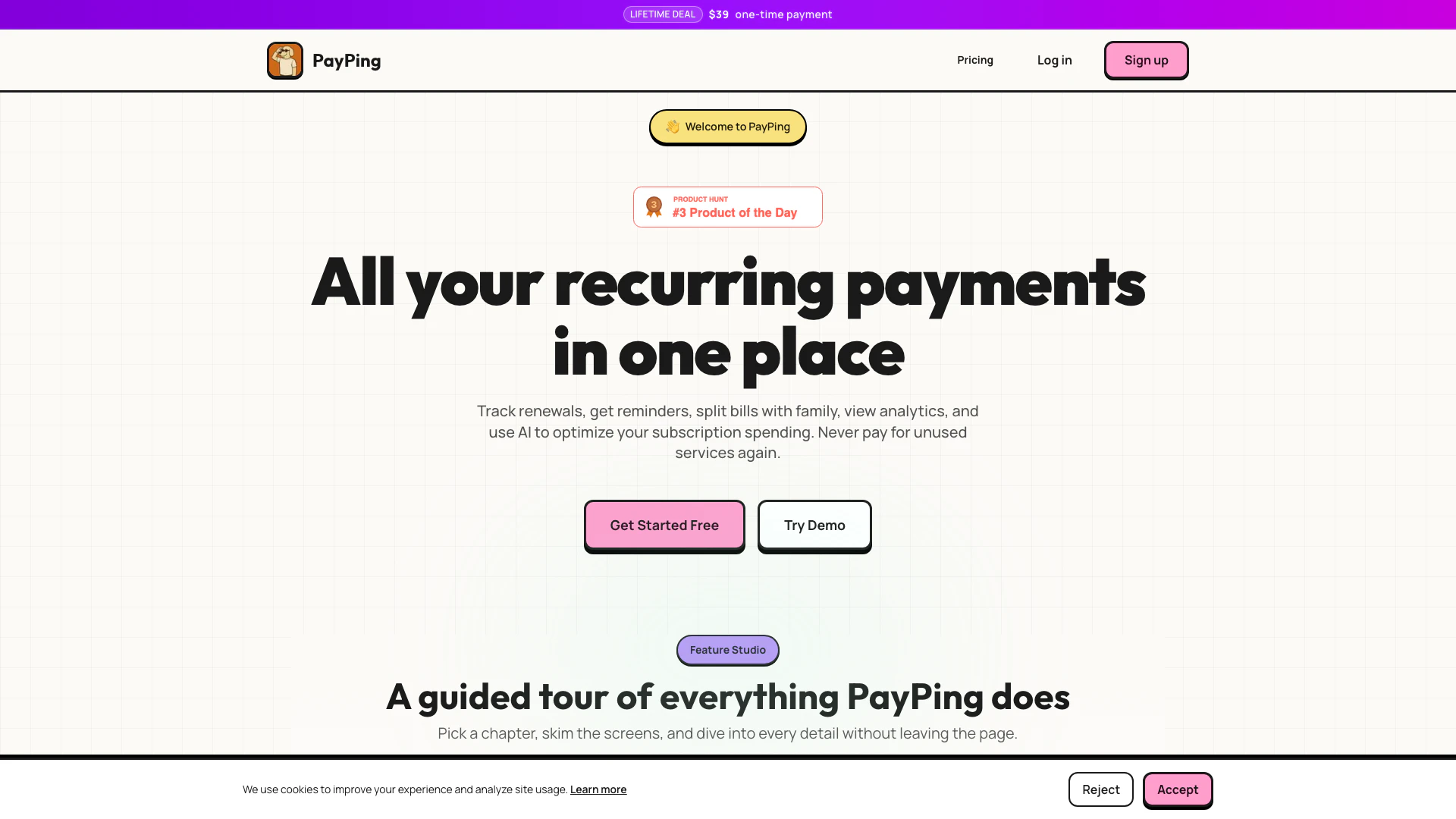
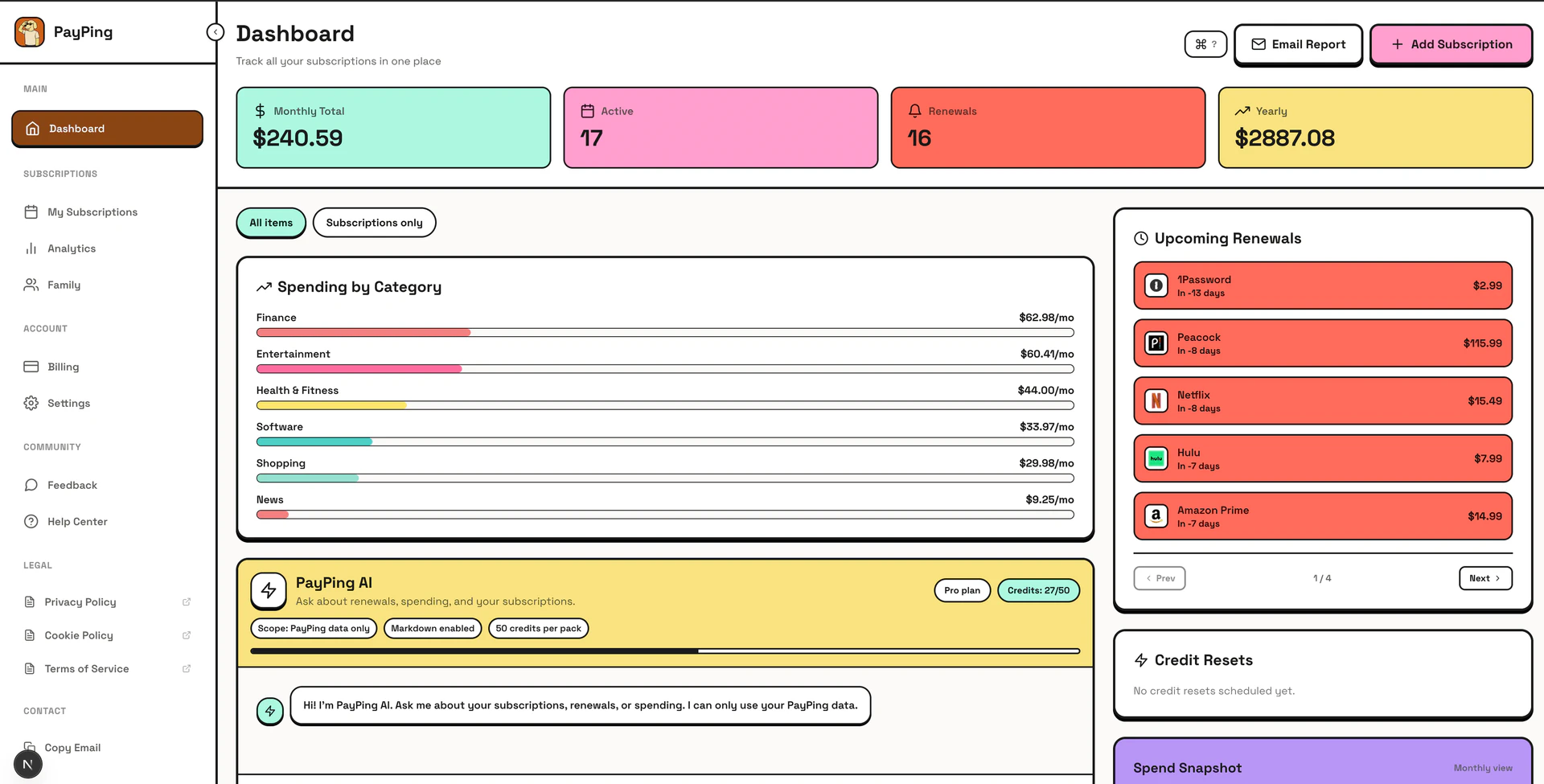
Payping is a comprehensive subscription management[1] tool designed to help users manage all their subscriptions in one place. It allows users to track renewals, receive reminders, split bills with family members, and analyze their spending patterns to optimize subscription costs. With Payping, you can avoid unexpected charges and ensure you are not paying for unused services. The platform integrates AI capabilities to provide insights into your subscription habits, making it easier to manage finances and save money.
How to use Payping?
- Sign Up: Visit the Payping website and create an account by clicking on 'Get Started Free'.
- Add Subscriptions: You can manually add your subscriptions or import them directly from your email. Payping scans for subscription confirmations and receipts to automatically populate your dashboard.
- Set Up Reminders: Customize renewal reminders[2] to alert you before a subscription renews, helping you avoid unexpected charges.
- Split Bills: If you share subscriptions with family, use the bill splitting[3] feature to manage costs easily. You can create shared links for family members to add their subscriptions.
- Analyze Spending: Utilize the analytics dashboard to view spending trends, renewal calendars, and AI-driven insights to optimize your subscription expenses.
What are the main features of Payping?
- Subscription Tracking: Keep all your subscriptions organized in one dashboard.
- Renewal Reminders: Get notified before any subscription renews to avoid surprise charges.
- Bill Splitting: Easily split subscription costs with family members and manage who pays what.
- Spending Analytics[4]: Access detailed analytics on your subscription spending, including trends and cost breakdowns.
- AI Optimization[5]: Utilize AI to analyze your subscription habits and identify potential savings.
Who is Payping for?
Payping is ideal for anyone managing multiple subscriptions, including individuals and families who subscribe to various services such as streaming platforms, software applications, and membership programs. It caters to users who want to maintain control over their recurring payments and ensure they are not overspending on unused services. The tool is particularly beneficial for those looking to optimize their subscription spending and manage household costs effectively.
What are the use cases of Payping?
- Managing Streaming Services: Users can track multiple streaming subscriptions (like Netflix, Hulu, etc.) and avoid paying for services they no longer use.
- Household Bill Splitting: Families can share costs for services like gym memberships or family plans, making it easier to manage household expenses.
- Subscription Optimization: Individuals can analyze their subscription spending over time to identify unnecessary expenses and optimize their budget accordingly.
Product Images

Payping Pros and Cons
Pros
- Comprehensive Subscription Management: Payping allows users to manage all their subscriptions in one place, tracking renewals and providing reminders to avoid missed payments.
- AI-Powered Analytics: The tool offers AI-driven insights and analytics to help users optimize their subscription spending and identify unused services.
- Bill Splitting Features: Payping supports splitting subscription costs with family members, making it easy to manage shared expenses.
Cons
No cons data detected for this tool
Payping Pricing
Free
Perfect for getting started. Track up to 3 subscriptions, dashboard overview, renewal reminders, basic analytics (treemap only), AI chat (10 credits).
Pro
Everything you need to master your subscriptions. Unlimited subscriptions, dashboard overview, renewal reminders, advanced analytics (all visualizations), bill splitting (up to 6 members), receipt uploads & management, email auto-import (ingest alias), email reports, data export (CSV, PDF), AI chat (50 credits per pack), budget tracker, pro-only categories, priority support, early access to features.
For the latest pricing, please visit this link: https://payping.space/pricing
Prices are subject to change. Please visit the official website for the most up-to-date pricing information.
Analytics of Payping
Payping Website Traffic Analysis
Visits Over Time
Top Keywords
| Keyword | Volume | CPC | Estimated Value |
|---|---|---|---|
| payping | 530 | $0.00 | $70.00 |