

Pandanpc




What is Pandanpc?
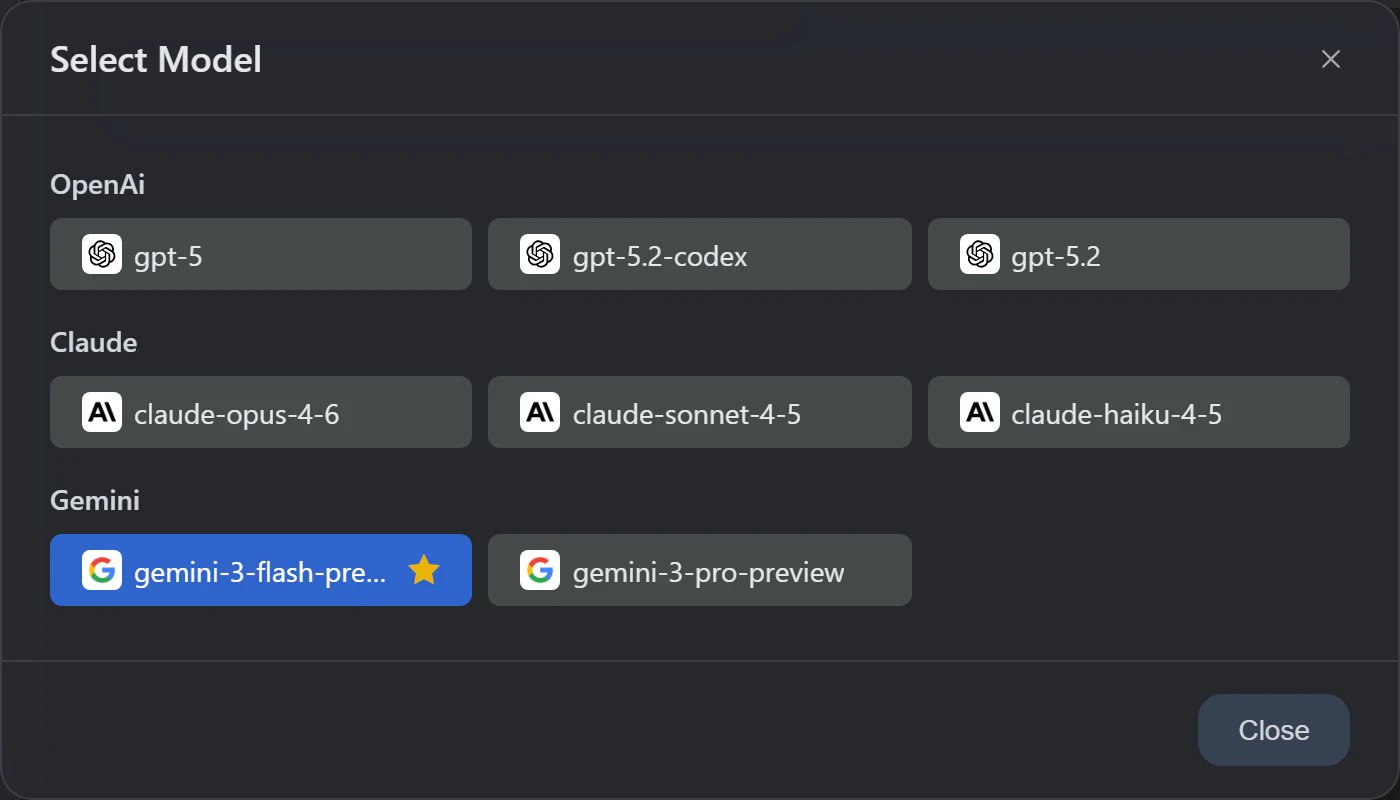
Pandanpc is an advanced AI productivity tool that integrates multiple top-tier AI models, including GPT-5[1], Claude Opus 4.6[2], Gemini 3 Pro[3], and DeepSeek[4]. It allows users to seamlessly switch between these models within a single interface, enhancing the user experience by enabling real-time comparisons of answer quality. Designed for cross-platform compatibility, it operates on Windows, macOS, and Linux without the need for an API key. Pandanpc not only serves as a chat tool but also features built-in AI notes[5], an SSH terminal, and custom provider integration, making it a comprehensive solution for users seeking to leverage AI capabilities in their workflows.
How to use Pandanpc?
- Download and install Pandanpc from the official website.
- Launch the application and create an account or log in.
- Choose your preferred AI model from the integrated options, such as GPT-5, Claude, or Gemini.
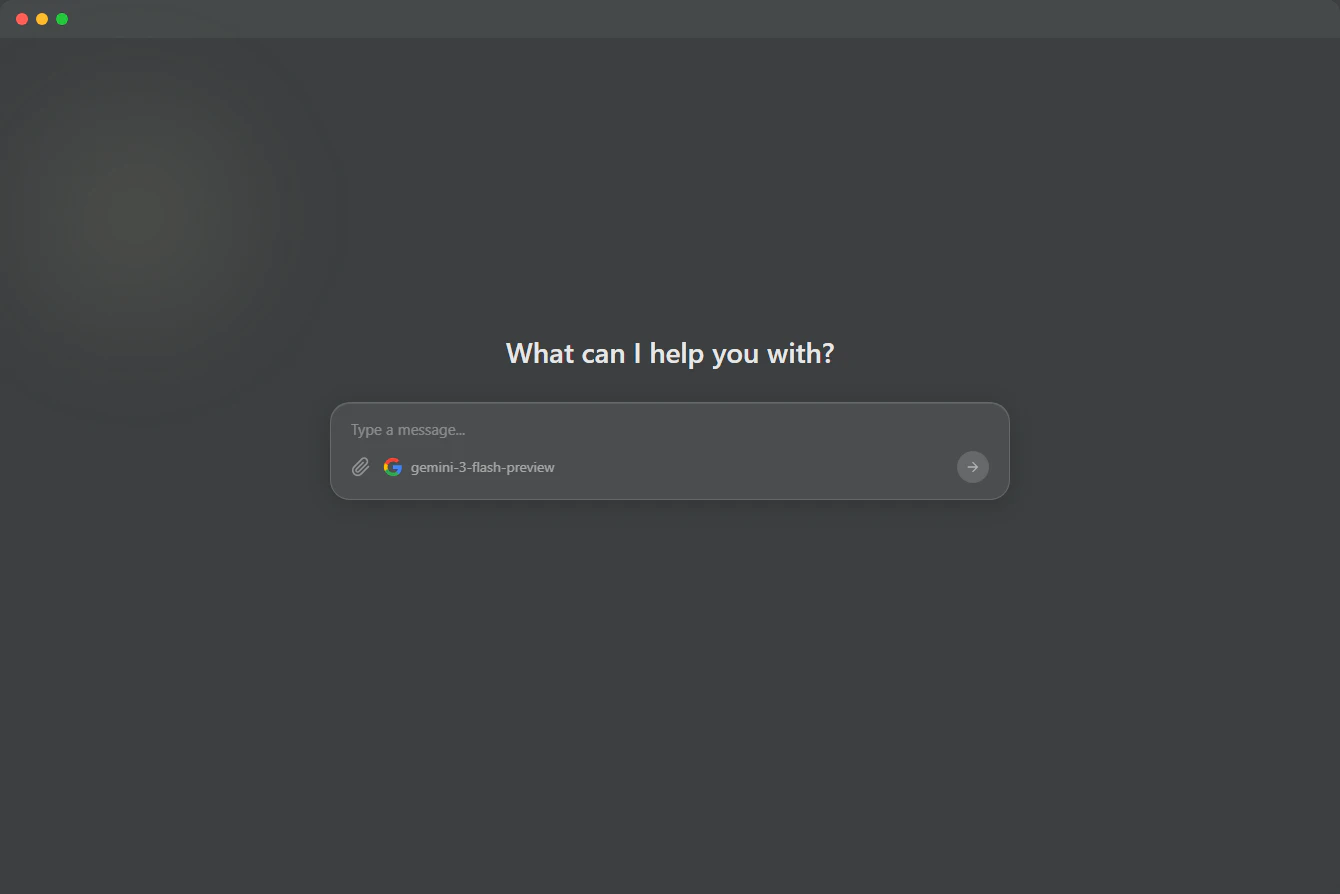
- Utilize the chat interface to interact with the AI, switching models with a single click as needed.
- Capture AI-generated notes using the built-in WYSIWYG editor, and manage your knowledge base effectively.
What are the main features of Pandanpc?
- Multi-model AI chat interface for switching between various AI models.
- Real-time streaming responses and multi-modal interaction capabilities.
- Built-in SSH terminal for connecting to remote servers.
- Rich text notes editor for capturing and managing information.
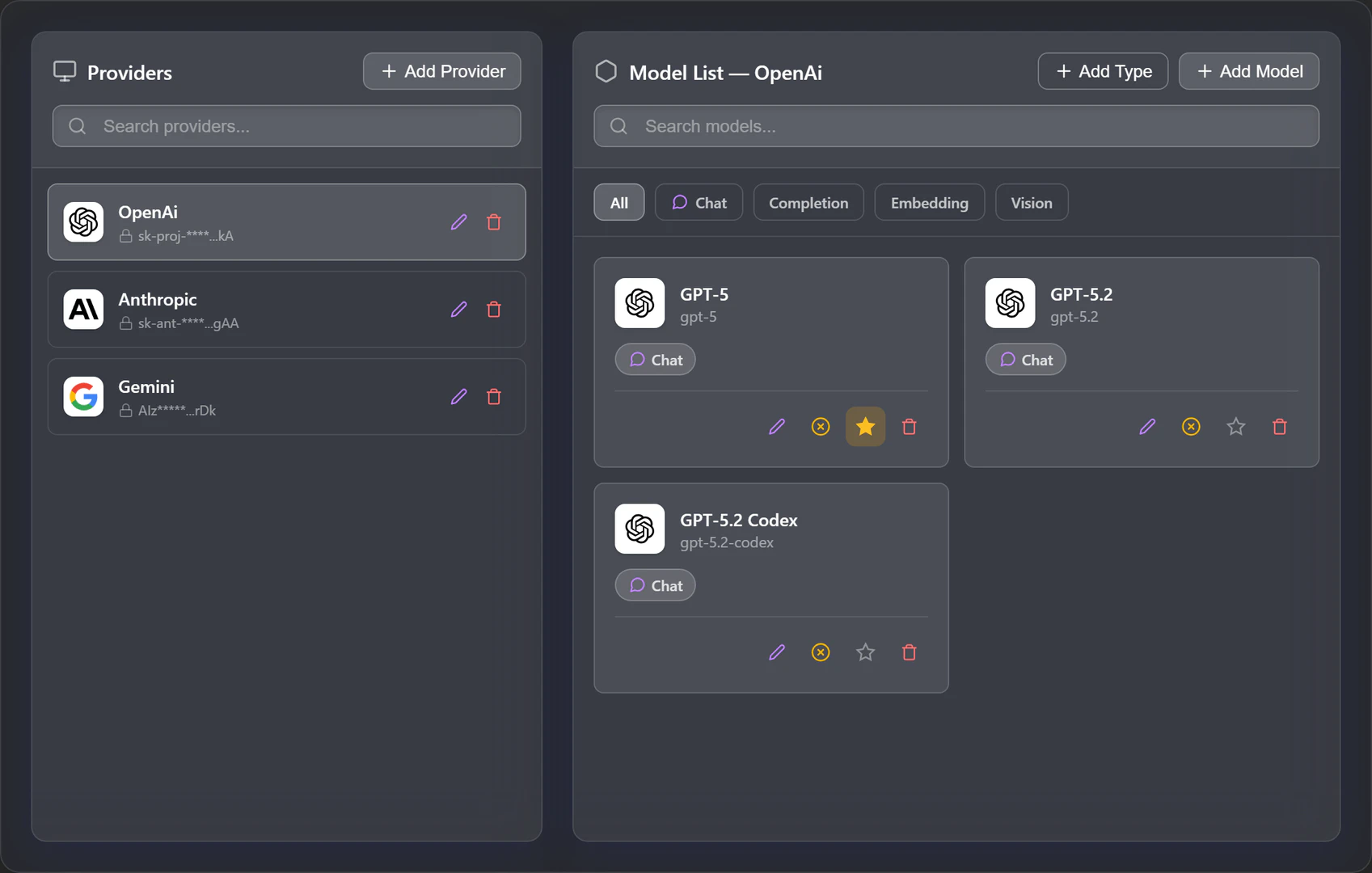
- Custom provider integration allowing users to add additional AI models.
Who is Pandanpc for?
Pandanpc is designed for a diverse range of users, including developers, researchers, and professionals who require advanced AI capabilities in their daily tasks. It caters to those looking for a versatile tool to enhance productivity through AI-powered interactions and knowledge management. Whether you are coding, conducting research, or simply need a powerful assistant for various tasks, Pandanpc provides the necessary tools and flexibility.
What are the use cases of Pandanpc?
- Software Development: Use Pandanpc to assist in coding tasks, leveraging AI for code suggestions and debugging.
- Research and Data Analysis: Switch between AI models to analyze data and generate insights, capturing findings in the built-in notes.
- Knowledge Management: Create and manage a personal knowledge base with AI-generated notes, enabling easy retrieval of information.
Product Images
Pandanpc Pros and Cons
Pros
- Multi-Model Integration: Pandanpc allows users to switch between multiple AI models like GPT-5, Claude, and Gemini seamlessly, enhancing flexibility in AI interactions.
- Built-in SSH Terminal: The tool features a built-in SSH terminal, enabling users to connect to remote servers directly from the application, streamlining workflows.
- Rich Note-Taking Features: Pandanpc includes a WYSIWYG editor for rich text notes, allowing users to save AI conversations and organize knowledge effectively.
Cons
No cons data detected for this tool





