

Open Voice Os


What is Open Voice OS?
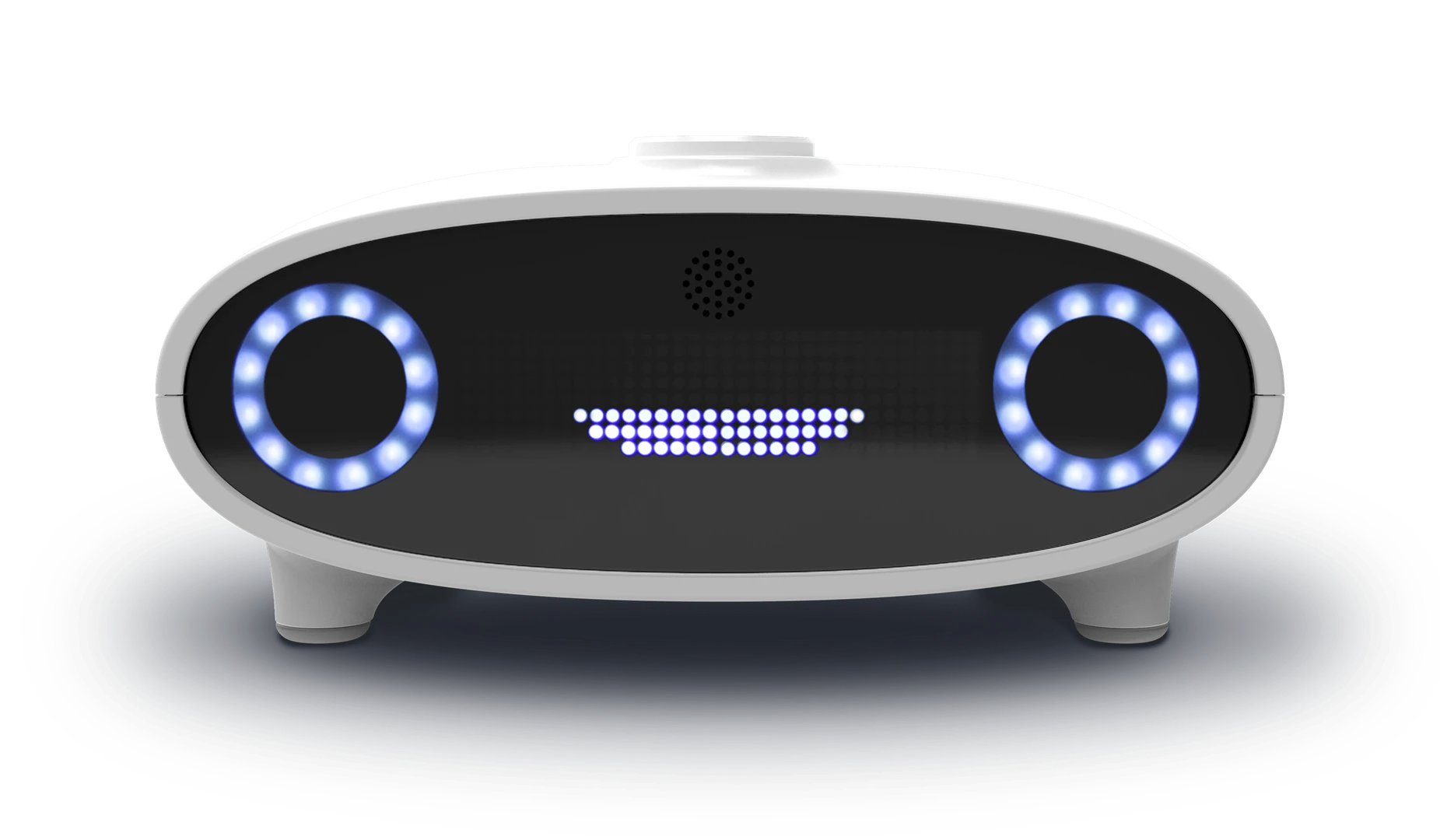
Open Voice OS is a community-driven, open-source voice AI platform designed to create custom voice-controlled interfaces across various devices. It emphasizes natural language processing (NLP), a customizable user interface, and a strong focus on privacy and security. Developed by a global community of developers from diverse Linux and free and open-source software (FOSS) backgrounds, Open Voice OS provides an open platform for creating innovative voice assistance technology. It supports a wide range of hardware, including Raspberry Pi and other embedded systems, making it accessible for DIY enthusiasts and developers alike.
How to use Open Voice OS?
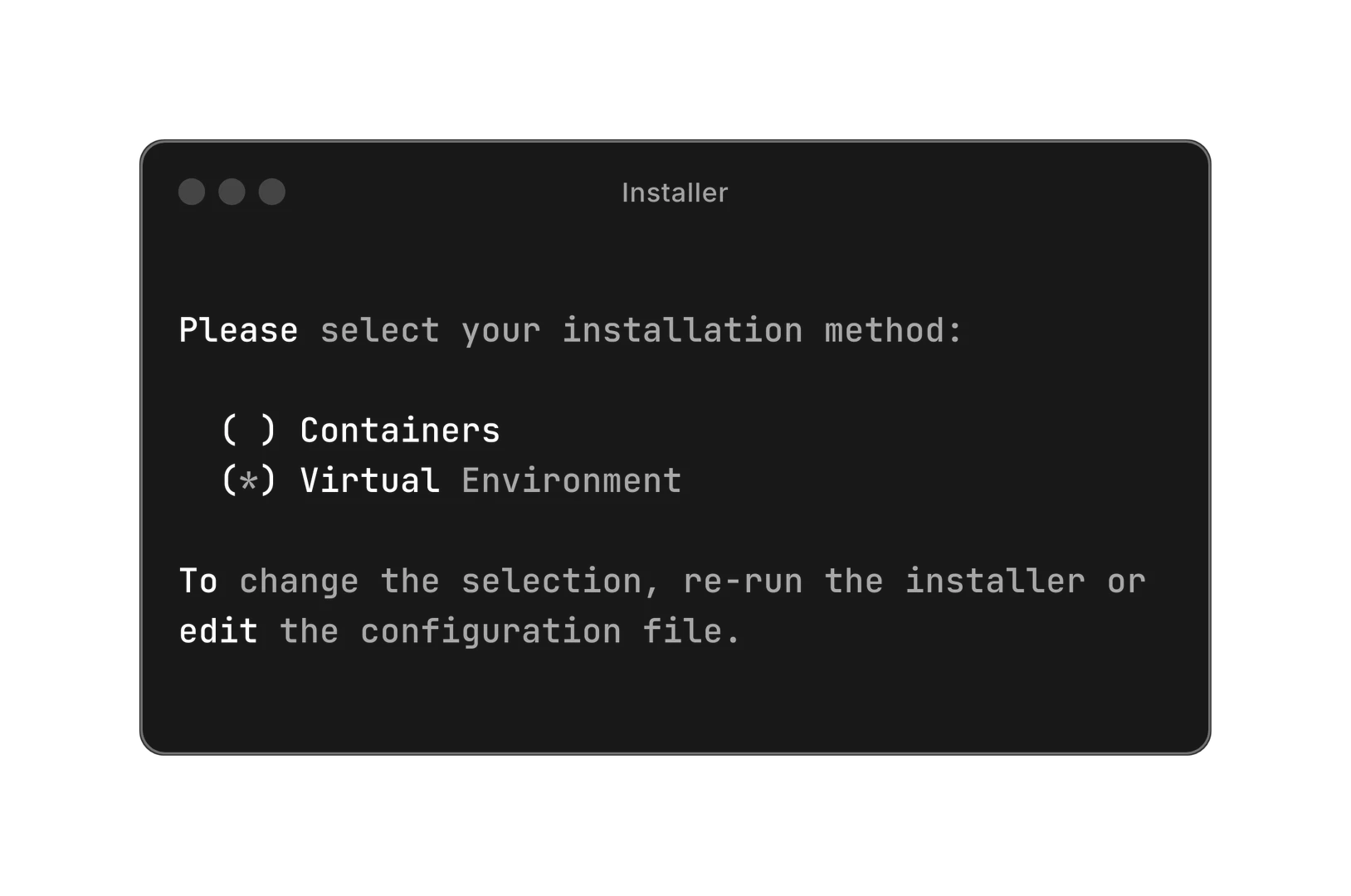
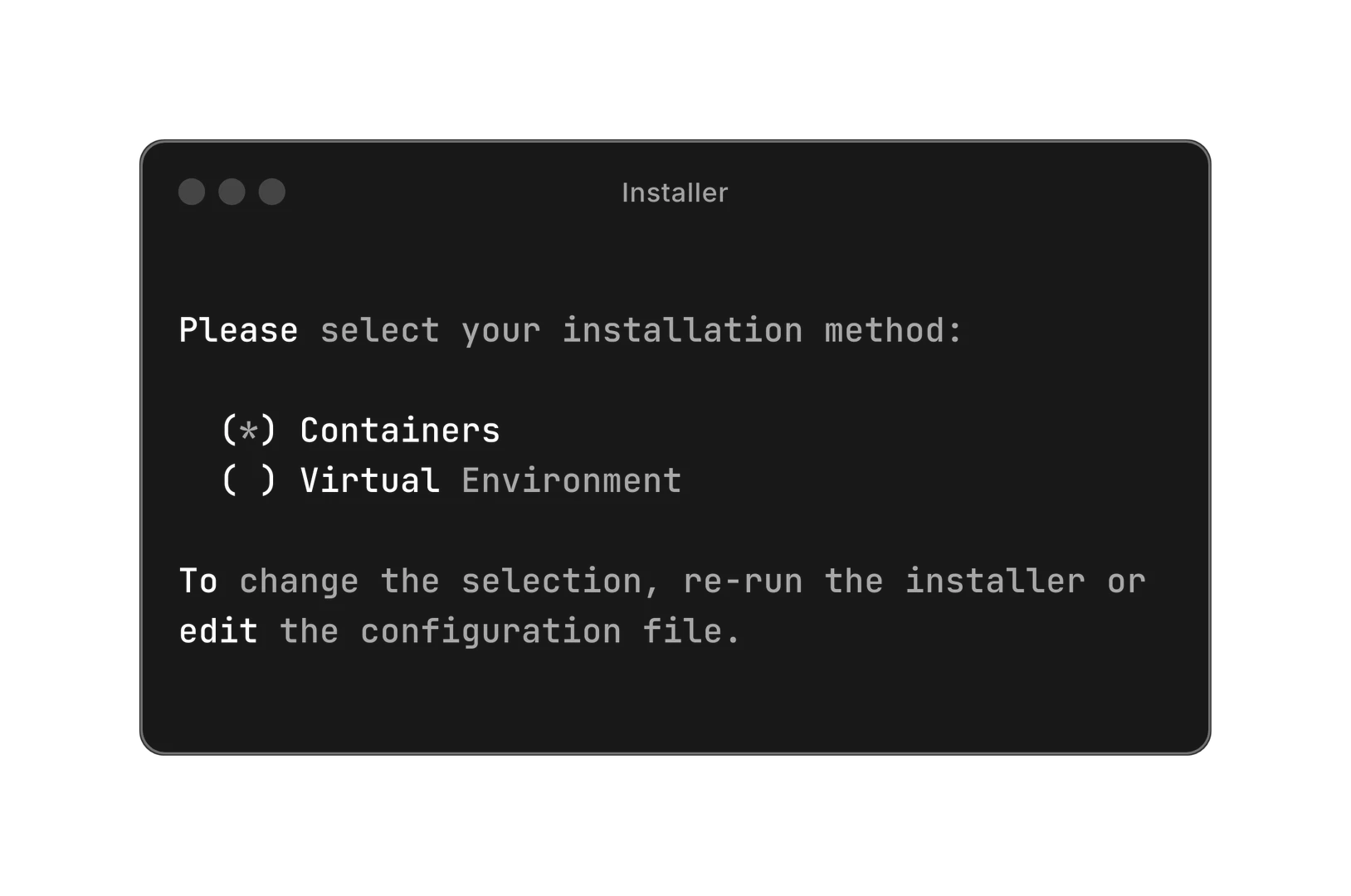
To get started with Open Voice OS, follow these steps: 1. Choose your installation method: You can install Open Voice OS using either Docker or Python. 2. For Docker installation, run the following command in your terminal: `sh -c "curl -s https://raw.githubusercontent.com/OpenVoiceOS/ovos-installer/main/installer.sh -o installer.sh && chmod +x installer.sh && sudo ./installer.sh && rm installer.sh"` 3. If you prefer Python, set up a Python virtual environment and follow the instructions provided in the documentation for installation.
What are the main features of Open Voice OS?
Open Voice OS offers a variety of powerful features, including: - Customizable Wake Words: Users can create personalized wake words for their voice assistant. - Smart Home Integration: Control various smart home devices seamlessly. - Media Playback: Play music, podcasts, and radio through voice commands. - Question and Answer Capability: Get instant answers to queries using voice commands. - Timers and Reminders: Set reminders and timers using simple voice instructions. - Skill Marketplace: Extend functionality by accessing community-developed skills or creating your own.
Who is Open Voice OS for?
Open Voice OS is designed for a wide range of users, including: - Developers: Those interested in creating or customizing voice-controlled applications can leverage the open-source nature of Open Voice OS. - DIY Enthusiasts: Individuals who enjoy building their own smart devices and voice assistants will find Open Voice OS an excellent platform for experimentation. - Businesses: Organizations looking to integrate voice technology into their products can utilize Open Voice OS for custom solutions. - Educators and Students: Those involved in teaching or learning about voice technology and AI can benefit from the resources and community support available.
What are the use cases of Open Voice OS?
Open Voice OS can be applied in various scenarios, including: 1. Creating a Custom Smart Speaker: Build your own smart speaker with personalized features and capabilities. 2. Home Automation: Use voice commands to control lights, thermostats, and other smart home devices. 3. Educational Projects: Implement Open Voice OS in educational settings to teach students about AI and voice technology.
Product Images
Open Voice Os Pros and Cons
Pros
- Community-Driven Development: Open Voice OS is powered by a global community of developers, ensuring continuous improvement and innovation in voice AI technology.
- Multi-Platform Support: It can be installed on various hardware platforms, including Raspberry Pi and Linux desktops, making it versatile for different users.
- Customizable Voice Assistant: Users can create a personalized voice assistant with customizable wake words and extend functionality through community-developed skills.
Cons
No cons data detected for this tool
Analytics of Open Voice Os
Open Voice Os Website Traffic Analysis
Visits Over Time
Traffic Sources
Dec 2025 - Feb 2026 Worldwide Desktop Only
- Search: 47.37%
- Direct: 33.07%
- Referrals: 12.64%
- Social: 4.53%
- Paid Referrals: 1.83%
- Mail: 0.14%
Top Keywords
| Keyword | Volume | CPC | Estimated Value |
|---|---|---|---|
| voice os | 6.39K | $0.00 | $200.00 |
| openvoice | 3.92K | $2.75 | $110.00 |
| openvoiceos | 490 | $3.36 | $450.00 |
| open voice os | 410 | $0.00 | $260.00 |
| linux voice assistant systemd | 130 | $0.00 | $130.00 |


Open Voice Os Social Listening
This AI Is 100% Open Source! #...
These scientists made somethin...
ChatTTS 最强文本转语音!一键本地安装,100%成功!...
【更多资源】▶https://bittly.cc/lingd...
打造你的專屬 AI 助理!OpenClaw 安裝全攻略:自動...
進階教學看這片:https://youtu.be/5boIQ...
Unlock to view 37 social media results.