Onepilotapp
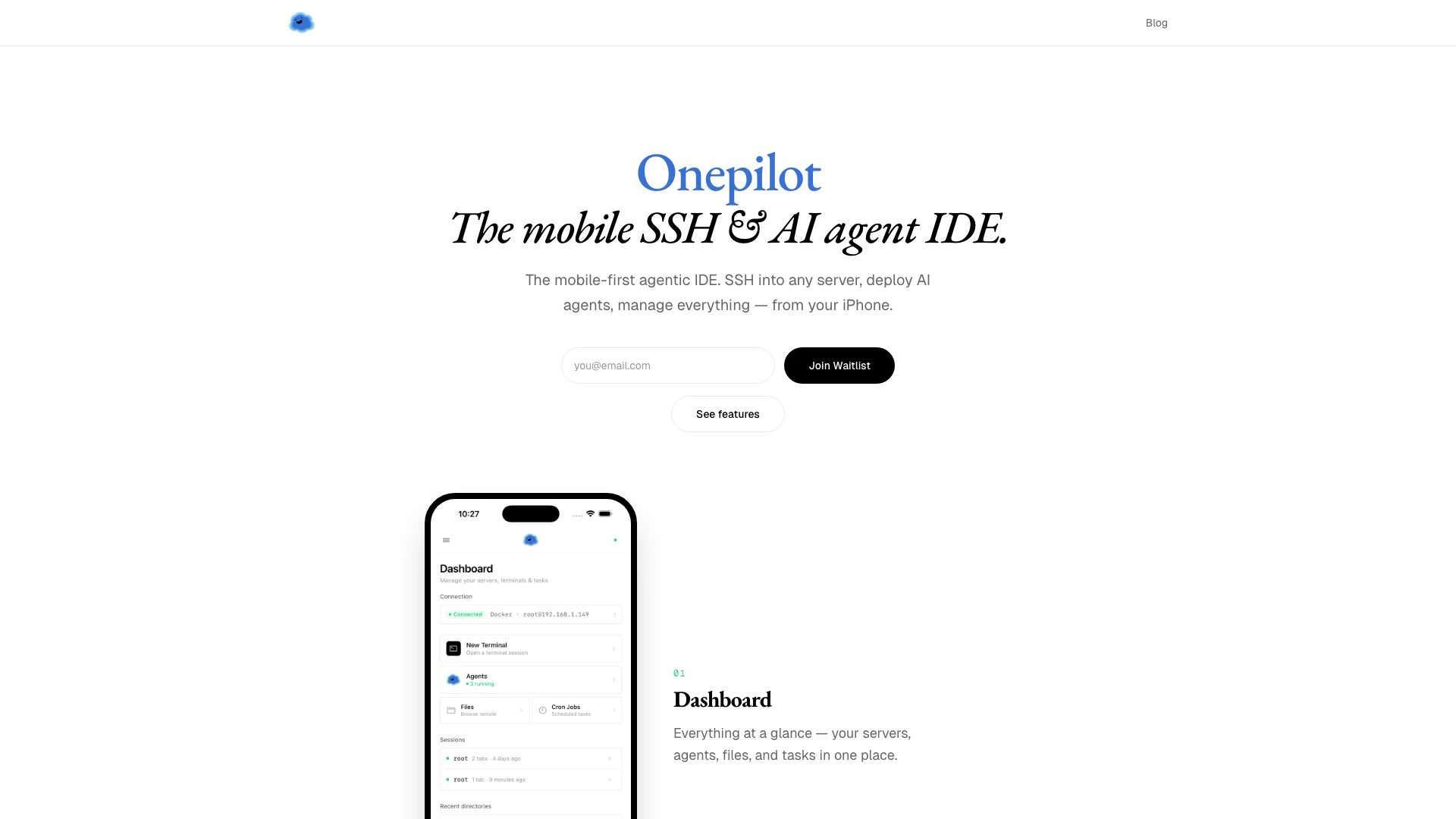




What is Onepilotapp?
Onepilotapp is a mobile-first agentic Integrated Development Environment (IDE) specifically designed for iPhone users. It allows developers to SSH into any server, deploy AI agents, and manage files and Git repositories directly from their mobile devices. With a focus on providing a complete development experience, Onepilotapp combines the functionality of a terminal, file browser, and Git integration, all tailored for touch interaction, making it a powerful tool for developers on the go.
How to use Onepilotapp?
- Connect: Use the SSH protocol to add any server by entering its address (ssh://). Onepilotapp supports both password and key authentication, and it automatically detects the operating system, shell, and environment of the server.
- Deploy: Use the command 'openclaw deploy' to set up AI agents. The app provides a guided wizard to help you choose your preferred large language model (LLM) provider, messaging channels, and personality for the agent.
- Control: Utilize the full terminal, file browser, Git integration, and cron job management features to manage everything from your device. This includes overseeing your agents and servers according to your rules.
What are the main features of Onepilotapp?
- Full Terminal: Experience a real terminal with complete VT100/xterm support, resizing capabilities, and clipboard functionality, designed for mobile use.
- File Browser: Browse, view, and edit remote files with syntax highlighting for over 20 programming languages, enabling a native IDE experience.
- Git Integration: Manage your Git workflow from your device, including viewing diffs, browsing commit history, staging changes, and managing branches.
- AI Agent Deployment: Deploy AI agents using a user-friendly wizard, selecting from various LLM providers and customizing agent personalities without manual configuration.
- Cron Job Manager: Create, edit, and monitor scheduled tasks, supporting user crontab and custom expressions.
- Soul Designer: Customize your agent's personality by defining core truths, boundaries, communication styles, and memory behaviors.
Who is Onepilotapp for?
Onepilotapp is designed for mobile developers, system administrators, and tech enthusiasts who require a robust development environment on their iPhone. It caters to those who frequently work on remote servers and need to manage files, deploy AI agents, and execute Git commands while on the move. Its mobile-first approach makes it ideal for users who prefer a touch interface and want to maintain productivity without being tethered to a desktop.
What are the use cases of Onepilotapp?
- Remote Server Management: Developers can SSH into their servers to perform necessary updates, manage files, and execute commands from anywhere.
- AI Agent Deployment: Users can quickly deploy AI agents for various applications, selecting from multiple LLM providers and customizing their functionalities in real-time.
- Collaborative Development: Teams can utilize Onepilotapp to manage Git repositories, allowing for seamless collaboration on projects directly from their mobile devices.
Onepilotapp Pros and Cons
Pros
- Mobile-First Design: Onepilot is designed specifically for mobile devices, providing a user-friendly interface tailored for iPhone users.
- Complete IDE Features: Unlike traditional SSH clients, Onepilot offers a full integrated development environment, including terminal access, file management, and Git support.
- Free to Start: Users can begin using Onepilot without any initial costs, making it accessible for everyone.
Cons
No cons data detected for this tool