
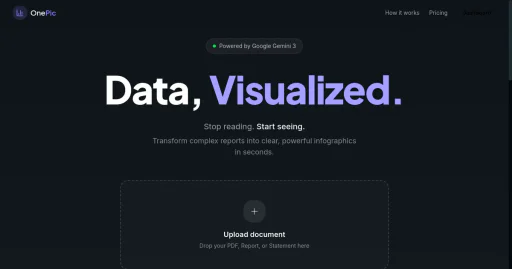
Onepicai
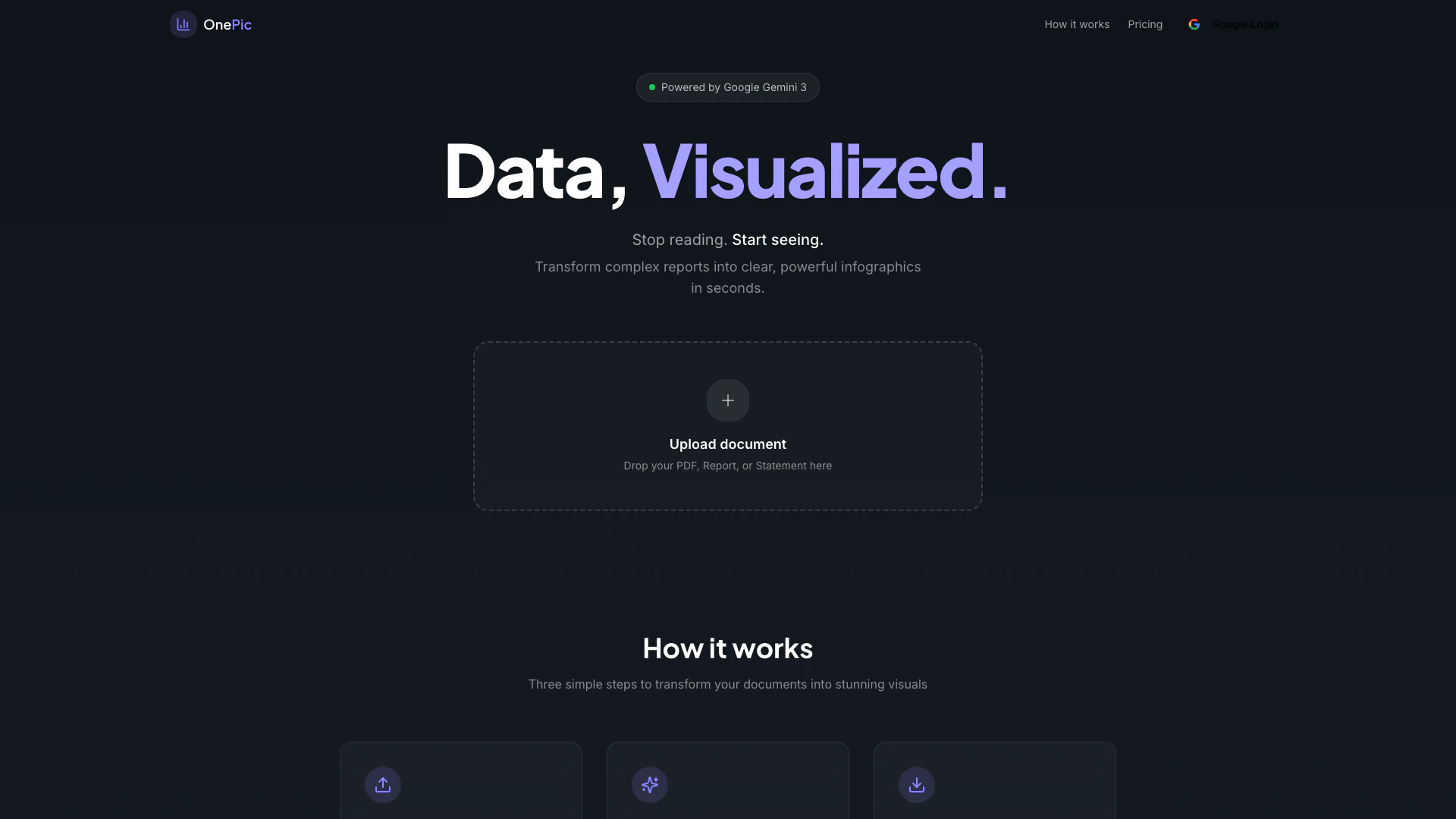





What is Onepicai?
Onepicai is an innovative AI-powered tool designed to transform complex documents into visually appealing infographics and charts. By leveraging advanced technology, including Google Gemini 3, Onepicai simplifies the process of data visualization, allowing users to convert financial reports, research papers, and other text-based documents into clear and engaging visuals within seconds. Its core value lies in making data more accessible and understandable, enabling professionals to communicate insights effectively.
How to use Onepicai?
To use Onepicai, follow these simple steps: 1. Upload your document: Drag and drop your PDF, Word document, or text file into the designated area on the Onepicai interface. 2. Analyze the content: The AI will automatically analyze the uploaded document, extracting key insights, identifying patterns, and understanding its structure. 3. Visualize the data: Once the analysis is complete, Onepicai generates stunning infographics, posters, and charts that effectively communicate your data.
What are the main features of Onepicai?
Onepicai offers a range of powerful features to enhance your data visualization experience: - Multi-format Support: Compatible with various document formats including PDF, Word, and TXT. - AI-Powered Analysis: Provides a deep understanding of the document's structure for accurate insights. - Smart Visualization: Automatically generates charts and infographics tailored to your data. - Easy Download: Allows users to export visuals in high-resolution formats for professional use. - Social Sharing: Enables direct sharing of visuals to platforms like X and others. - Progress Tracking: Offers real-time updates on the status of your document analysis and visualization.
Who is Onepicai for?
Onepicai is designed for professionals across various industries who need to present data in a clear and engaging manner. This includes business analysts, marketers, educators, and researchers who often work with complex reports and require effective visual communication tools to enhance understanding and engagement. Whether you are preparing a financial report, a research paper, or any data-driven document, Onepicai provides the necessary tools to transform your content into compelling visuals.
What are the use cases of Onepicai?
Onepicai can be utilized in various scenarios, including: 1. Financial Reporting: Transforming intricate financial statements into easy-to-understand infographics that highlight key metrics and trends. 2. Research Presentations: Converting research papers into visually appealing posters that summarize findings for conferences or educational purposes. 3. Marketing Materials: Creating engaging charts and infographics for marketing campaigns that effectively communicate product benefits and market insights.
Onepicai Pros and Cons
Pros
- AI-Powered Analysis: OnePic utilizes AI powered by Google Gemini 3 to extract key insights and understand document structures, enhancing the analysis process.
- Multi-Format Support: Supports various formats including PDF, Word, and TXT, allowing users to upload a wide range of documents for visualization.
- Smart Visualization: Automatically generates infographics, posters, and charts, making it easy to create visually appealing representations of data.
Cons
No cons data detected for this tool
Onepicai Pricing
Free
Get started with basic features * 5 documents per month * 3 visualizations per document * Basic AI analysis * Standard image quality
Pro
For professionals who need more * Unlimited documents * Unlimited visualizations * Advanced AI analysis * High-resolution images * Priority processing * Share to social media
Enterprise
For teams and organizations * Everything in Pro * Team collaboration * Custom branding * API access * Dedicated support * SSO integration
For the latest pricing, please visit this link: https://onepic.ai/pricing
Prices are subject to change. Please visit the official website for the most up-to-date pricing information.





