Morphrai


What is Morphrai?
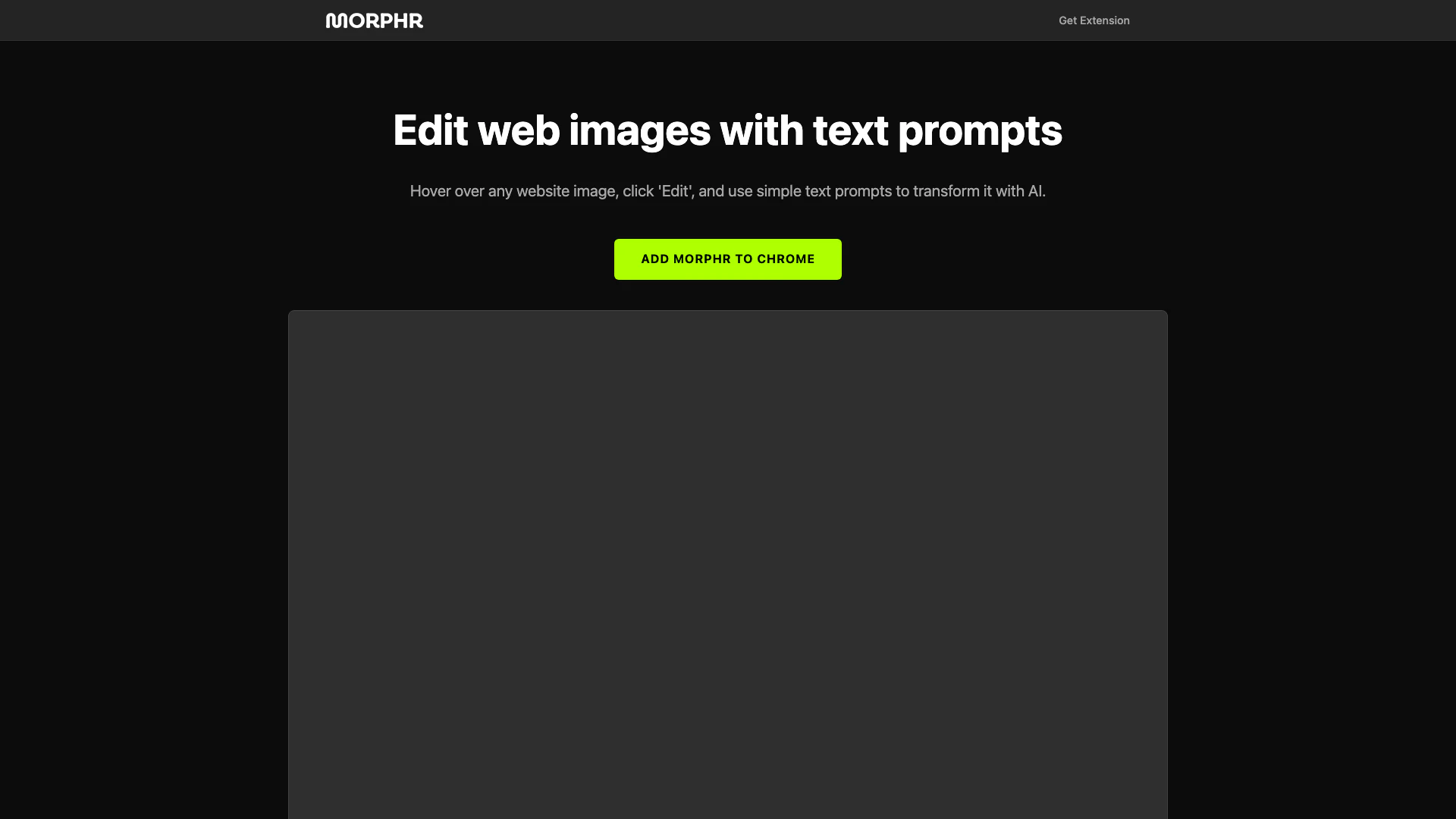
Morphrai is an innovative AI-powered tool designed to enhance web images through simple text prompts. It enables users to edit images directly on websites by hovering over any image and clicking 'Edit'. This tool leverages advanced AI technology to transform images according to user-defined textual instructions, making image editing accessible and intuitive for everyone. Morphrai is particularly useful for content creators, marketers, and anyone looking to customize web visuals quickly and efficiently.
How to use Morphrai?
- Install the Morphrai extension from the Chrome Web Store.
- Navigate to any website containing images you wish to edit.
- Hover over the image you want to modify and click on the 'Edit' button that appears.
- Enter your desired text prompts to describe how you want to transform the image.
- Review the AI-generated modifications and apply them as needed.
What are the main features of Morphrai?
- AI-powered image transformation using text prompts.
- Simple user interface for easy editing.
- Instant edits directly on web images without needing to download them.
- Compatibility with various websites for seamless integration.
Who is Morphrai for?
Morphrai is ideal for a wide range of users, including digital marketers looking to enhance visual content, graphic designers needing quick edits, educators wanting to create engaging materials, and social media managers aiming to customize images for posts. Essentially, anyone who interacts with web images and desires a straightforward editing solution can benefit from Morphrai.
What are the use cases of Morphrai?
- Modifying product images on e-commerce sites to better fit branding.
- Creating custom visuals for social media posts by editing existing images.
- Enhancing educational materials by transforming images found online to suit specific teaching needs.
Product Images

Morphrai Pros and Cons
Pros
- AI-Powered Image Editing: Morphr allows users to edit web images using AI-driven text prompts, making image transformation intuitive and accessible.
- User-Friendly Interface: The tool features a simple interface where users can easily hover over images and click to edit, enhancing the user experience.
- Chrome Extension Availability: Morphr is available as a Chrome extension, allowing users to edit images directly within their browser without needing additional software.
Cons
No cons data detected for this tool